Day 44
Network Management Approaches
network-management-approaches
At a glance
Merged automation intro, data formats, REST, SDN into management approaches + IaC. Automation intro: reduce human error with repeatable playbooks/APIs — idempotency and source-of-truth habits. JSON, XML, YAML: structured data for APIs and automation. Know objects/arrays, indentation, and when each appears. REST APIs: HTTP verbs, status codes, resources, and idempotent GET/PUT patterns used by network controllers. SDN: separate control/data planes, controllers, and northbound/southbound interfaces — intent meets underlay reality. Maps to CCNA v2.0 objective(s) 5.3.
Deep chapter
Long-form companion reading (original prose).
Network Management Approaches — consolidated study day
This day merges former Days 59, 60, 61, 62 into one CCNA v2.0-aligned segment.
Read straight through; use the practice hub (subnetting / CLI) to drill the verbs Troubleshoot, Diagnose, Configure, and Interpret.
From former Day 59
Source material retained from the previous Day 59 chapter for continuity.
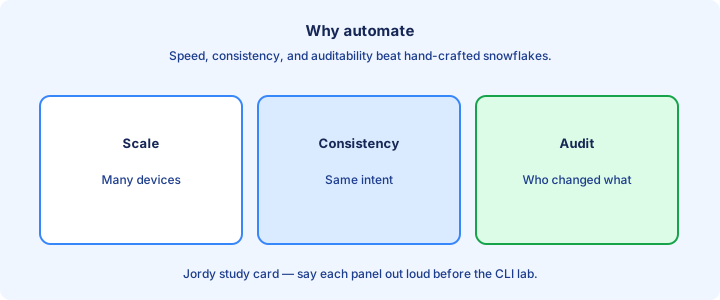
Why automate
Network automation uses software to configure, verify, and document devices instead of relying only on manual CLI paste sessions. Scale is the driver: fifty identical access switches should not mean fifty chances to mistype a VLAN or forget `ntp server` on one closet.
Automation shortens change windows and creates an audit trail when playbooks or pipelines live in Git with reviewed diffs. The goal is consistent intent applied reliably—same AAA, banner, and SNMP everywhere—not cleverness for its own sake.
CCNA-level automation is conceptual plus light tooling awareness: APIs, data formats, controllers, and config tools such as Ansible. You still must read CLI output; automation wraps that knowledge rather than replacing troubleshooting skill. Start with inventory and compliance before mass pushes.
Exam trap: automation is not “no network engineers.” It is engineers encoding standards so machines repeat them without Friday-night drift.
Repeatability
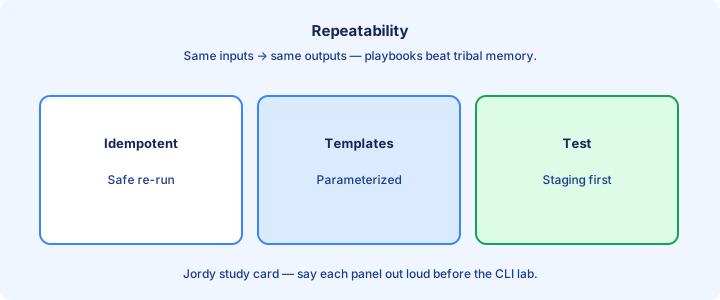
Repeatability means the same inputs produce the same device state. A playbook that always sets NTP, AAA, and the login banner the same way beats tribal memory of “how we usually build access closets.”
Idempotent tools aim to push desired state without breaking boxes that are already correct. Re-running a good playbook should be safe and report “changed=0” when nothing drifted. That property is why Ansible and Terraform appear on exams.
Store variables—hostname, management IP, VLAN lists—outside raw commands so one template serves many sites. Inventory plus templates is the core pattern you will see again with Ansible YAML and controller policies. Measure drift by re-running and reading changed counts.
Exam trap: a one-off paste of CLI into Notepad is not repeatable automation even if it worked once on a single lab router.
Human error
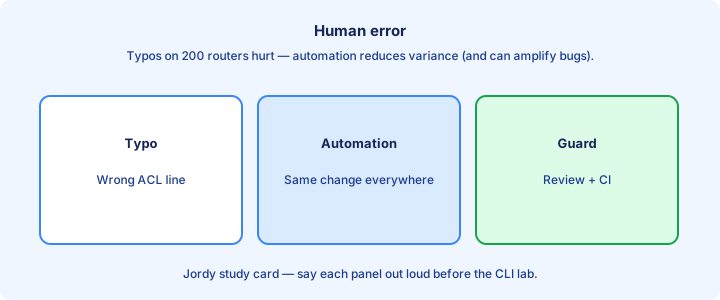
Humans typo ACL lines, paste into the wrong terminal window, and forget `write memory` or `copy running-config startup-config`. Automation reduces those classes of error when templates are peer-reviewed—but a bad template can damage every device in the inventory in minutes.
Guardrails matter: dry-run or check mode, pull-request review, limited credentials, and staged rollouts (pilot closet first). Treat automation credentials as privileged production access equal to enable-secret holders.
Keep break-glass manual access. When the automation host points at the wrong VRF or pushes a deny-any ACL, you still need console or out-of-band management to recover. Automation without OOB is a single point of failure. Canary the first batch before touching cores.
Exam trap: “automation eliminates human error” is false. It changes the blast radius of human error from one box to the whole fleet.
DevOps culture glance
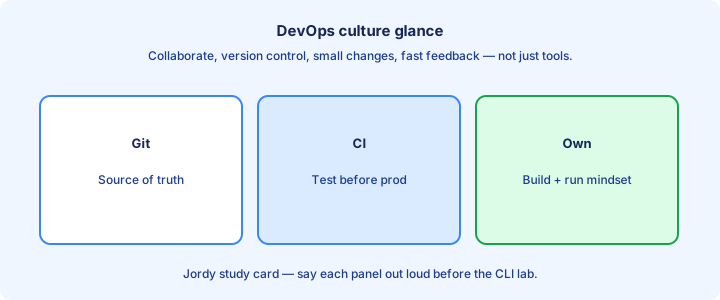
DevOps culture for networks means versioned changes, collaboration between net and software teams, and faster feedback loops—CI tests, peer review, and small batches. It is culture plus tooling, not a Cisco feature you enable with a CLI keyword.
NetDevOps applies those habits to routers and controllers: infrastructure as code, automated validation, and pipelines that lint playbooks before production. CCNA asks you to recognize the vocabulary and benefits, not to operate Kubernetes clusters.
Start habits early even as a student: put lab configs in Git, write a short README for your VLAN standard, and review a friend’s playbook. Culture scales down to solo study the same way it scales up to a NOC. Small batches make rollback realistic under pressure.
Exam trap: DevOps is not a synonym for Ansible. Ansible can exist without DevOps culture; DevOps can use many tools including scripts and controllers.
API first
API-first platforms expose programmatic interfaces as a primary control path—not an afterthought bolted behind a GUI-only product. Controllers and modern IOS-XE with RESTCONF and NETCONF invite software clients to read and write structured state.
APIs return structured data (JSON or XML) you can parse reliably, unlike scraping `show ip interface brief` text that breaks when columns shift. That shift is why data formats get their own CCNA study day.
Prefer vendor-supported APIs over Expect/SSH screen scraping when both exist. Scrapers break when login banners or paging change; YANG models and REST contracts are versioned interfaces you can test against. Prefer vendor APIs over brittle screen scraping.
Exam trap: API-first does not forbid CLI. CLI remains essential for troubleshooting; APIs shine for bulk inventory, compliance, and integration with ticketing systems.
Model driven
Model-driven programmability uses YANG models (and similar schemas) to describe configuration and operational state. NETCONF with XML and RESTCONF with JSON ride those models so clients know valid leaves, types, and hierarchies.
Compared with free-form CLI, models constrain what you can set and make validation possible before commit. Controllers also expose higher-level intent models on top of per-device trees so you push policy once instead of fifty CLI dialects.
CCNA depth: know the names YANG, NETCONF, RESTCONF, and that models enable structured automation. Deep quizzes on individual YANG leaves belong to DevNet and professional-level tracks. Validate leaves against the model before commit.
Exam trap: model-driven is not “no IP.” Devices still route and switch; models structure how software reads and writes their configuration and state.
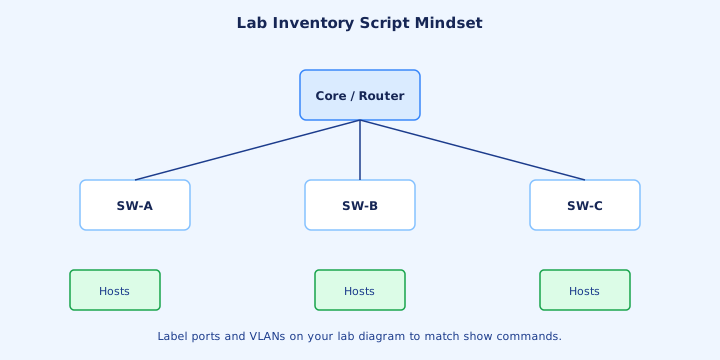
Lab: inventory script mindset
Lab mindset: build an inventory list (hosts, management IPs, roles), authenticate, pull facts (`show version` via a CLI library or a REST/RESTCONF call), and write results to CSV or JSON. That tiny pipeline teaches the automation loop: connect → collect → store → compare.
Do not start by rewriting the entire campus fabric. Inventory and compliance checks—Is NTP set? Is SSH v2 only? Is the banner present?—deliver value with low risk and build trust with operators.
Version the script in Git. Run it twice on an unchanged lab; the second run should show the same facts unless something drifted. That is your first taste of drift detection against a source of truth. Timestamp every collection so stale data is obvious.
Exam trap: inventory without authentication planning fails in real networks. Decide how credentials will be vaulted before you write the first connect() call.
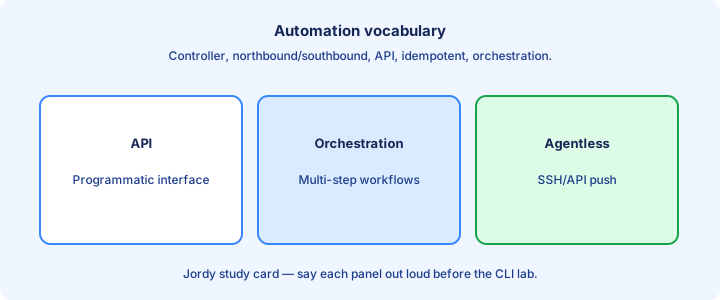
Exam vocabulary
Must-know terms: automation, orchestration, API, NETCONF, RESTCONF, YANG, JSON, XML, YAML, Ansible, Puppet, Chef, Terraform, controller, and intent. Match definitions on flashcards; do not memorize every CLI of each tool.
Orchestration often means coordinating multiple automated steps or systems; automation can be a single task such as pushing a banner. Controllers centralize policy; agent or agentless tools push or pull configuration onto nodes.
When a stem contrasts tools, latch onto agent versus agentless, push versus pull, and configuration management versus provisioning IaC—the themes that Day 63 develops in detail. Pair each term with one concrete artifact you have seen.
Exam trap: vocabulary questions are free points if you drilled flashcards; do not overthink exotic product marketing names that are not on the official topic list.
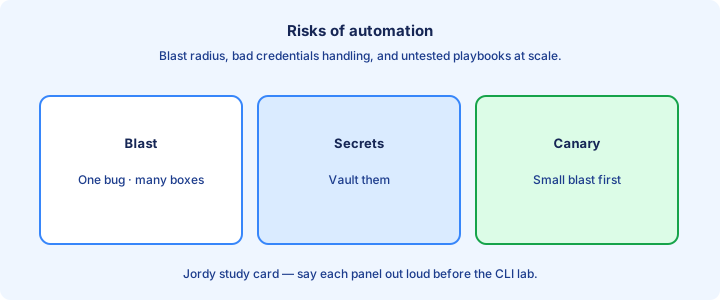
Risks of automation
Key risks: mass misconfiguration from one bad template, leaked secrets committed to Git, untested playbooks aimed at production, and dependency on a single automation host or CI runner. Mitigate with review, secret vaults, staging inventories, and least-privilege accounts.
Another risk is skill atrophy—engineers who cannot manually recover when APIs fail or the controller is down. Keep deliberate lab time on CLI fundamentals alongside pipelines so break-glass remains real.
Change freezes still apply. Automating a bad routing change faster is not progress. Pipelines should include validation and diff review steps, not only a blind push job that prints green. Blast radius and leaked secrets dominate exam risk answers.
Exam trap: the “risk of automation” answer is often blast radius or secrets exposure—not merely “slower troubleshooting” as a vague complaint.
Source of truth
A source of truth (SoT) is the authoritative dataset for intent—IPAM, a Git repo of variables, or a controller inventory. Devices should converge toward that truth instead of inventing snowflake configurations that nobody can rebuild.
Conflicts arise when engineers also change CLI ad hoc outside the pipeline. Either reverse-sync carefully into SoT or forbid unmanaged drift. Pick a written policy; mixed modes create ghost settings that only appear during outages.
For CCNA, recognize why SoT matters: automation reads SoT and applies it. Without SoT, you only have scripts chasing unknown running state and hoping the last paste was correct. Running config is state; intent may live in Git or IPAM.
Exam trap: the running configuration is operational state, not necessarily the source of truth. Intent may live in Git, IPAM, or a controller while the device merely reflects the last successful apply.
CI glance
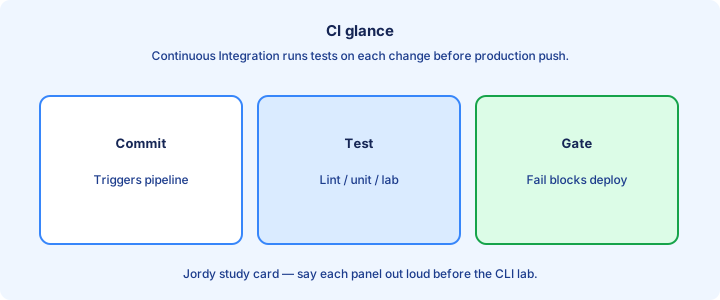
CI (continuous integration) runs automated tests when code changes—syntax-check playbooks, lint templates, maybe spin a virtual lab. CD may deploy onward into staging or production. Network CI often stops at validate plus staged apply with a human gate.
Even a simple Git hook that runs `ansible-playbook --syntax-check site.yml` catches breakages before midnight. CI is a feedback accelerator for automation artifacts, not a special Cisco appliance you rack.
Exams may mention CI/CD only lightly; know that automation artifacts belong in version control with automated checks so broken YAML never becomes a production push. Fail pipelines on secret scans before merge.
Exam trap: CI does not mean the network deploys itself without approval. Gates, reviews, and change windows still belong in the pipeline.
Checklist
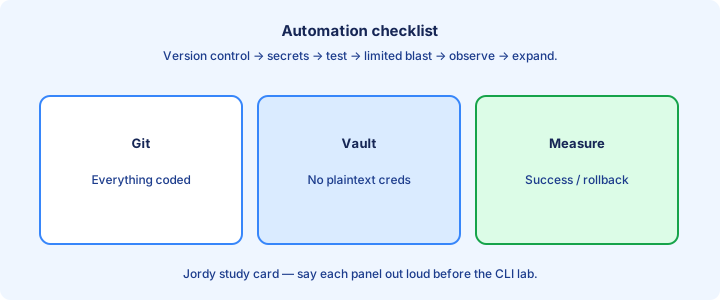
Automation readiness checklist: standards documented, inventory exists, credentials vaulted, tool chosen for the job, dry-run available, rollback thought through, and OOB access intact for recovery.
Learning checklist: comfortable with CCNA CLI basics, can read JSON and YAML, understands REST verbs and status codes at a glance, and can explain Ansible versus Terraform in one sentence each.
Safety checklist: peer review on playbooks that touch ACLs or routing, staged pilot hosts before campus-wide runs, and monitoring for unexpected config diffs after automated applies. Name owners for vault restore and cluster patching.
Exam trap: a checklist without rollback is incomplete. Always know how to undo an automated push before you schedule the window.
Skills path
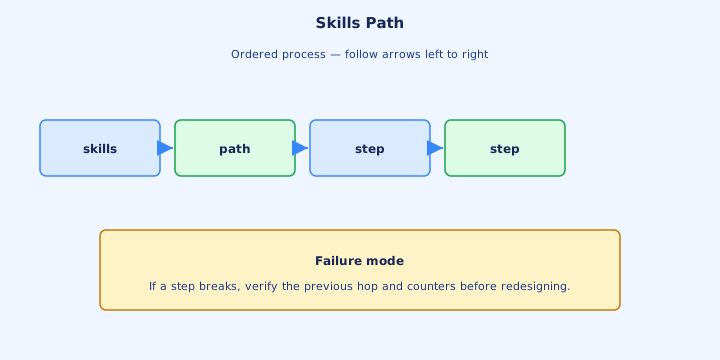
Skills path that works: solid CCNA CLI → Python or Ansible basics → data formats → REST → controller APIs → infrastructure as code. Skip the temptation to install five tools shallowly before you can parse a JSON interface list.
Practice on always-on labs: configure NTP via Ansible, query an interface via RESTCONF, store inventory in YAML. Tiny repeated labs beat hoarding unfinished tutorials you never run twice.
Read Cisco DevNet Associate topics that align with CCNA automation bullets. The overlap is intentional—DevNet goes deeper on YANG and pipelines when you are ready after 200-301. Parse JSON fluently before chasing extra tool logos.
Exam trap: you do not need to be a software engineer for 200-301, but you must speak the automation vocabulary fluently and map tools to agentless/push versus agent/pull models.
Capstone intro
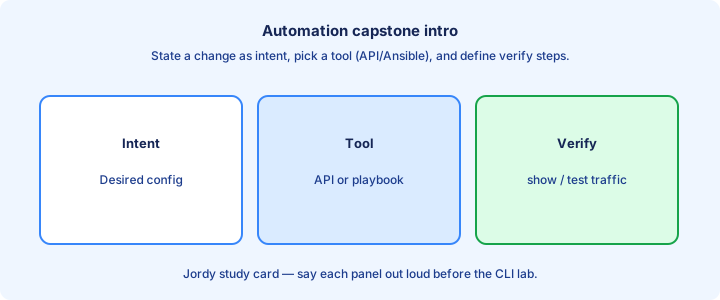
Capstone intro: state a boring standard—SSH v2 only, NTP servers X and Y, login banner Z. Encode it as data in YAML or JSON. Apply it to two lab devices with a tool or script. Diff before and after. That is automation value in one afternoon.
Write the same standard as a human checklist, then notice how the machine version is less ambiguous. Ambiguity in “set NTP somehow” is where outages hide when three engineers interpret the note differently.
Next topics unpack the encodings and protocols that make this scalable: JSON/XML/YAML, REST APIs, SDN controllers, and configuration tools that sit on top of those foundations. Verify device state, not only a green pipeline icon.
Exam trap: capstone success is verified state on the devices—matching `show` output—not a green Jenkins icon alone with no proof on the wire.
From former Day 60
Source material retained from the previous Day 60 chapter for continuity.
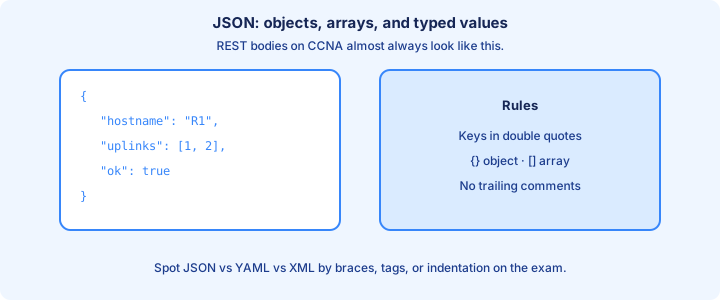
JSON structure
JSON stores data as objects `{}`, arrays `[]`, strings, numbers, booleans, and `null`. Object keys are strings in double quotes. It is the default body format for many REST and RESTCONF APIs on modern Cisco platforms and controllers.
Nesting mirrors hierarchy: an interface object may contain `name`, `enabled`, and an `ipv4` child object with address and mask. Arrays list peers, VLANs, or AP names. Types matter—`"10"` is not the number `10` when a YANG model expects an integer VLAN ID. Name one verification show, API status, or design check that proves the point.
No comments are allowed in pure JSON, and trailing commas after the last array or object member are illegal. Those two rules cause endless beginner parse errors when people paste loosely from Python dicts or JavaScript objects.
Exam trap: JSON uses double quotes for strings and keys. Single quotes are not valid JSON even though they work in some scripting languages.
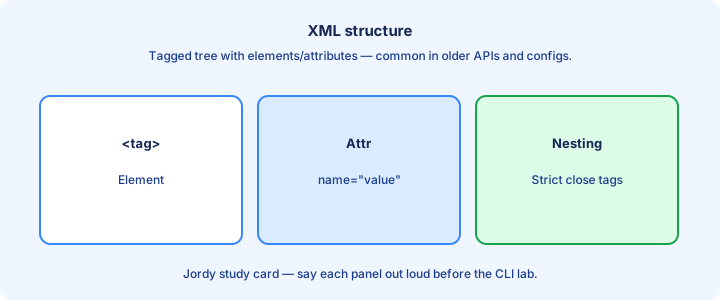
XML structure
XML uses tagged elements such as `<interface>...</interface>` that can nest deeply and carry attributes inside the start tag. NETCONF traditionally exchanges XML encoded according to YANG models for config and state.
Every start tag needs a matching end tag, or you use a self-closing form like `<enabled/>`. Namespaces appear in real NETCONF payloads and look noisy on the page—exams often show simplified trees without the full `xmlns` clutter. Name one verification show, API status, or design check that proves the point.
XML is more verbose than JSON, yet explicit about structure. Tools parse either encoding; your CCNA job is recognition, hierarchy navigation, and telling attributes apart from child elements.
Exam trap: XML attributes are not child elements. `<if name="Gi1/0/1">` differs from putting `<name>Gi1/0/1</name>` as a nested element inside the parent.
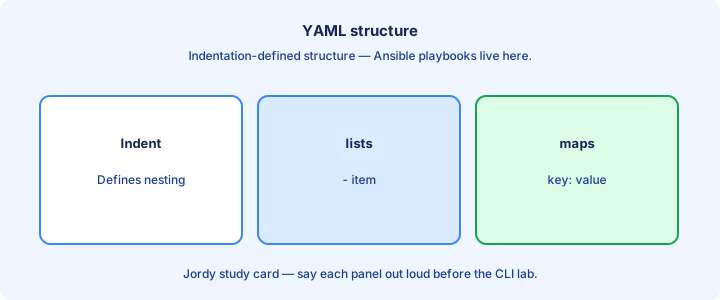
YAML structure
YAML is indentation-sensitive and human-friendly for Ansible inventories, group_vars, and playbooks. Maps use `key: value` pairs; lists use `- item` entries. Strings often need no quotes unless they look like booleans or special characters.
Whitespace is structure—two spaces per level is common; tabs are trouble across editors. Nesting depth shows parent/child relationships like JSON objects without braces. Comments start with `#`, which is a relief compared with JSON’s no-comment rule. Name one verification show, API status, or design check that proves the point.
YAML can embed JSON-like structures and multi-line strings for banners or templates. Stick to simple maps and lists for CCNA. Anchors and aliases exist in the spec but rarely matter on 200-301 stems.
Exam trap: changing indentation changes meaning. A misaligned list item becomes a sibling key and breaks the playbook before any SSH session starts.
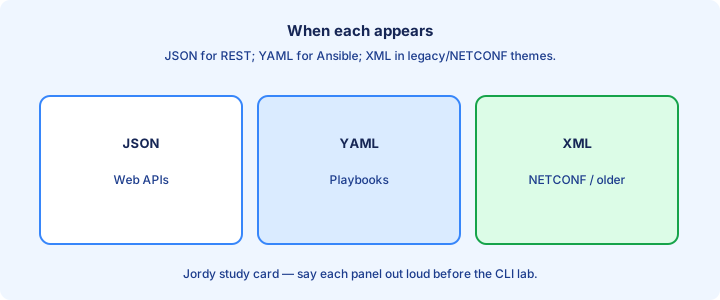
When each appears
Expect JSON in REST and RESTCONF responses and in many controller APIs (Catalyst Center, Meraki). Expect XML in classic NETCONF RPCs and some older management APIs. Expect YAML in Ansible playbooks, inventories, and many declarative ops examples.
A single workflow might translate among them: a YAML playbook variable becomes a module argument that builds a JSON API body. You rarely hand-write all three for one change, but you must read all three on exam exhibits. Name one verification show, API status, or design check that proves the point.
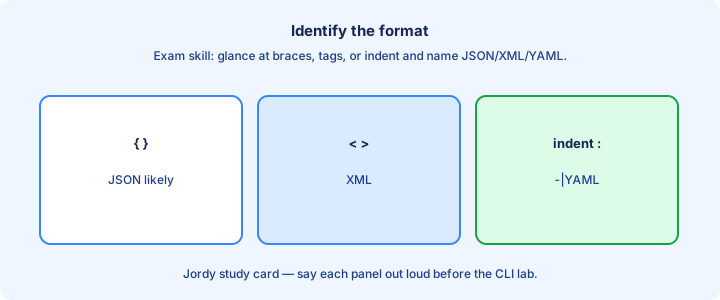
Quick visual ID: curly braces and quoted keys → JSON; angle-bracket tags → XML; indentation with dashes → YAML. Train your eye until the outer shape is instant recognition.
Exam trap: the transport (HTTP versus SSH) is separate from the payload encoding. RESTCONF can carry JSON or XML depending on `Accept` and `Content-Type` headers.
Parsing pitfalls
Common pitfalls: trailing commas in JSON, unquoted YAML values like `on`/`off`/`yes` becoming booleans, XML entity surprises in banners, and wrong `Content-Type` headers so the server picks the wrong decoder for your body.
Character encoding issues (UTF-8 versus legacy code pages) corrupt descriptions and banners. Stick to UTF-8 end to end. Huge controller payloads may need streaming parsers in real ops—rare on CCNA, but it explains why tools exist beyond Notepad. Name one verification show, API status, or design check that proves the point.
When a tool says “cannot parse,” bisect locally first: validate JSON with a linter, check YAML indentation, or run an XML well-formedness check. Do not first blame routing to the API host when the file never parsed on disk.
Exam trap: a “valid looking” YAML value `yes` may become boolean true instead of the string you intended for a hostname flag or feature toggle.
White space YAML
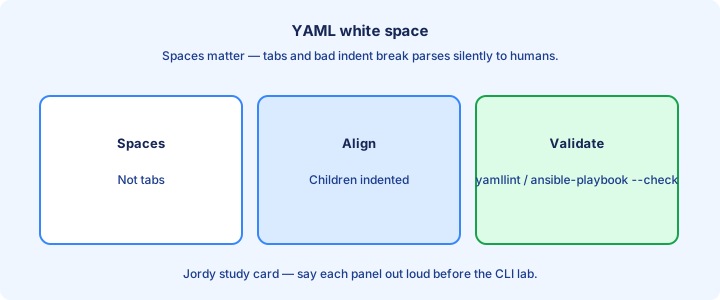
In YAML, whitespace is semantic. Children indent under parents with a consistent step. List dashes align at the same column for siblings. Mixing tabs and spaces is a classic failure mode on Windows editors that insert tabs quietly.
Configure your editor to show whitespace and to insert spaces on Tab. Copy/paste from chat apps and email often wrecks indentation. Re-indent carefully after every paste into a playbook. Name one verification show, API status, or design check that proves the point.
Nested lists of maps—common under playbook `tasks:`—need both the list dash and the map keys indented correctly. One space off and Ansible errors on parse before it ever attempts SSH to the switch.
Exam trap: if Ansible fails instantly with a YAML parse error, fix indentation and structure before you check device credentials or reachability.
Attributes vs elements
In XML, attributes decorate a start tag; elements hold nested content or text. APIs and YANG-to-XML mappings pick conventions; config leaves usually appear as elements, while attributes sometimes carry metadata such as operation hints.
Do not invent attribute placement on the exam—read what the snippet shows. Transforming XML to JSON often maps attributes to special keys (for example `@name`) depending on the library, which can confuse beginners comparing two views of the same data. Name one verification show, API status, or design check that proves the point.
JSON has no attributes—only nested objects and arrays. That is one reason many operators find RESTCONF JSON cleaner to skim than verbose NETCONF XML with namespaces.
Exam trap: asking whether something is an attribute or a child element is a reading question—look at the snippet punctuation, not at what you wish the API used.
Lab read samples
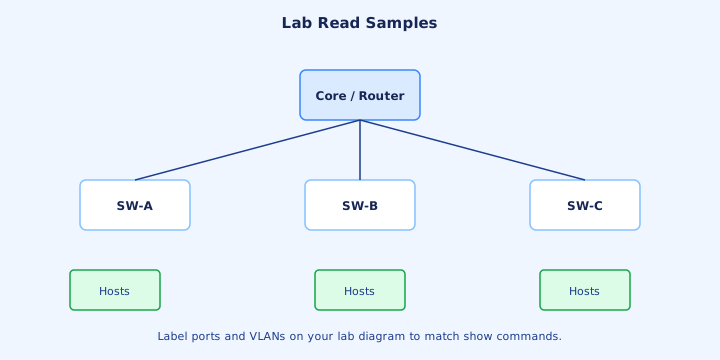
Lab drill: take a tiny interface record in JSON (`name`, `enabled`, `ipv4`), rewrite it as YAML, then as simplified XML. Say each field aloud as you convert. This translation drill builds exam speed for “which format is this?” stems.
Next, break each sample on purpose—a trailing comma in JSON, a bad indent in YAML, a missing end tag in XML—and watch validators fail. Knowing failure signatures saves time when a playbook or API client refuses to start. Name one verification show, API status, or design check that proves the point.
Finally, use `python -m json.tool` on a file, or a YAML checker on your lab PC, to validate before you push. Habit beats heroic debugging after a failed change window.
Exam trap: you will not get a full IDE on the exam—train your eye to spot braces, tags, and indentation, not only your favorite plugin.
Exam identify format
Identification cues: `{` and `}` with quoted keys → JSON; `<tag>` pairs → XML; indentation plus `-` list markers → YAML. Comments with `#` strongly suggest YAML (or source code), not pure JSON.
Booleans `true`/`false` appear in JSON and YAML; XML often stores text inside tags until a schema types it. Unquoted numbers are native in JSON/YAML; XML text nodes are strings until the model says otherwise. Name one verification show, API status, or design check that proves the point.
Practice with three flashcards daily until recognition is instant. Format-ID questions are high-frequency, low-effort points if you do not overthink embedded strings.
Exam trap: a JSON string that contains angle brackets in a description field is still JSON—look at the outer structure, not at text buried inside quotes.
Tools jq glance
`jq` is a CLI JSON processor: pipe an API response and select fields, for example `jq .hostname` or nested paths like `jq '.interfaces[] | .name'`. It turns bulky JSON into answers you can read in a terminal.
You do not need deep `jq` mastery for CCNA, but recognizing “parse JSON with a tool” as a valid ops step matters. Python’s `json` module fills the same role inside scripts and inventory collectors.
XML has `xmllint`; YAML has `yq` and similar utilities. Same idea across encodings: structured query beats eyeballing megabytes of pretty-printed text for one VLAN ID.
Exam trap: `jq` does not speak YAML natively unless you convert first. Match the tool to the encoding you actually received.
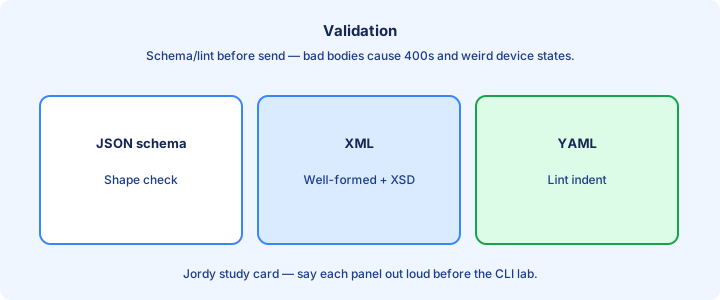
Validation
Validate before you push: JSON Schema or YANG model validation, `ansible-playbook --syntax-check`, and dry-runs against a lab inventory. Invalid encoding never becomes valid device configuration no matter how confident the operator feels.
HTTP `Content-Type` headers such as `application/json` or `application/yang-data+json` must match the body. Mismatches yield 415 Unsupported Media Type or opaque parse errors on the server.
When validators pass but devices still reject the change, the problem moved to semantics—wrong leaf, wrong type, or authorization—not commas and braces. Escalate layers deliberately instead of rewriting the whole payload.
Exam trap: “it looks fine in the editor” is not validation. Run a parser or schema check before you treat the document as ready.
Checklist
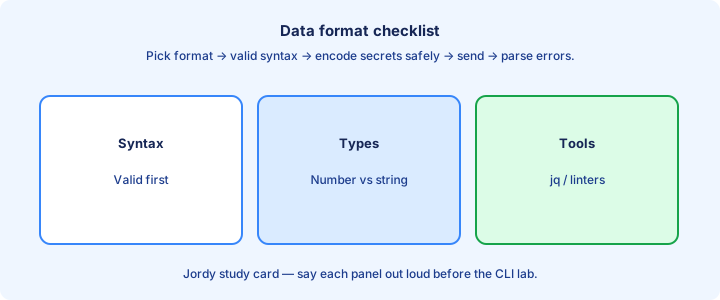
Format checklist: identify the encoding, validate that it parses, confirm types (string versus number versus boolean), confirm lists versus single objects, and match `Content-Type` / `Accept` for REST calls.
YAML checklist: spaces not tabs, consistent indent width, intentional booleans versus quoted strings, and comments only where YAML allows them.
XML checklist: matched tags, understood namespaces if the exhibit shows them, and attributes versus elements read from the actual punctuation.
Exam trap: skipping type checks causes subtle API 400 errors—VLAN `"10"` versus `10` is a favorite foot-gun on model-driven interfaces.
With REST bodies
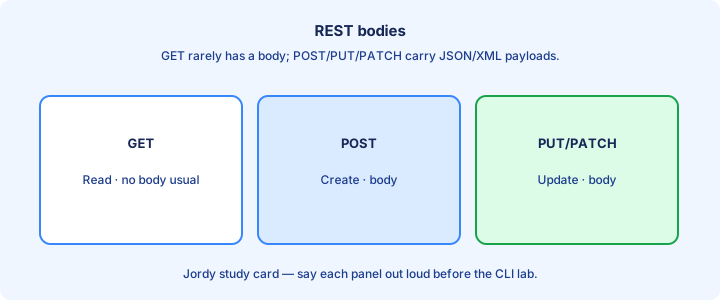
REST calls carry bodies—commonly JSON—describing the resource you create or change. GET responses return JSON (or XML) documents you parse for operational state. The next REST-focused study assumes you can already read those bodies without panic.
Headers declare `Accept` and `Content-Type`. Authorization headers travel beside the body. A perfect JSON body still fails with 401 if the token or basic-auth header is missing, expired, or mistyped.
Keep learning examples small: PATCH one interface description as a tiny JSON object. Huge multi-thousand-line documents obscure the lesson about verbs, codes, and fields.
Exam trap: body encoding problems present as 400-class errors; auth problems as 401 or 403—different fixes, so read the status code before rewriting the JSON.
Capstone data
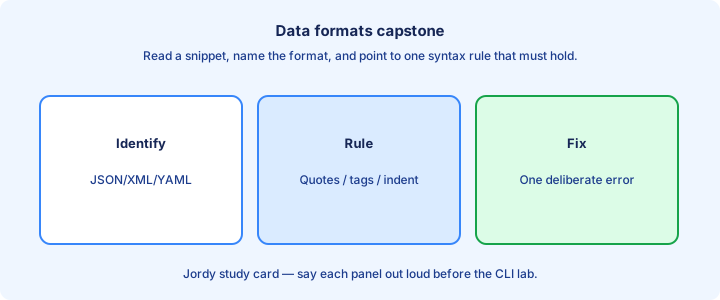
Capstone: given a VLAN list with IDs and names, express it correctly in JSON, YAML, and simplified XML. Validate each rendering. Then explain which tool ecosystem prefers which form—REST, NETCONF, or Ansible.
Stretch goal: feed the JSON into a mental REST PUT—method, URL path, headers, body. Feed the YAML into a two-line Ansible vars file mental model under `vlans:`. Connect encoding to the tool that consumes it.
If you can convert fluently among the three formats, REST, SDN, and config-tool topics become vocabulary on top of comfort instead of a wall of scary punctuation.
Exam trap: the data-format capstone is recognition plus conversion, not writing a full YANG module or custom XML schema from scratch.
From former Day 61
Source material retained from the previous Day 61 chapter for continuity.
REST constraints
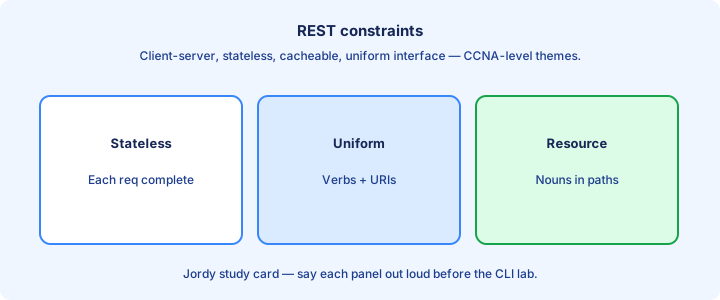
REST is an architectural style for APIs: resources identified by URLs, manipulation via representations (often JSON), a uniform interface based on HTTP verbs, and stateless requests—each call carries the authentication it needs.
You do not need every academic constraint memorized for 200-301. Focus on client/server over HTTP(S), resource-oriented URLs, JSON or XML bodies, and standard status codes. Controllers and IOS-XE expose REST and RESTCONF this way. Name one verification show, API status, or design check that proves the point. Keep Layer-2/3 and AAA assumptions explicit when symptoms look wireless-only.
Statelessness means the server does not rely on hidden conversational memory for the API call itself. Tokens, API keys, or cookies are still passed explicitly on each request according to the platform’s design.
Exam trap: REST is not a Cisco forwarding protocol like CAPWAP or OSPF. It is how many modern management and controller APIs are shaped.
HTTP verbs
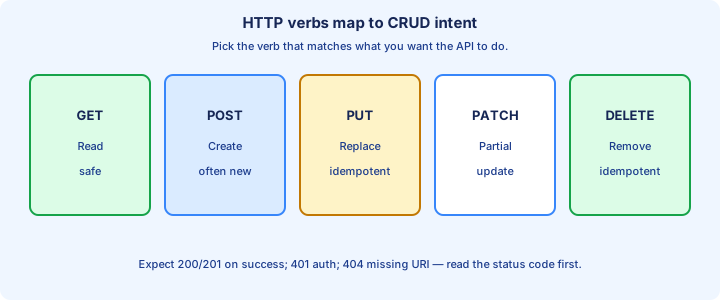
Common verbs: GET reads a resource, POST creates, PUT replaces, PATCH partially updates, and DELETE removes. GET is safe/read-only in intent; mutating verbs change configuration or inventory state.
RESTCONF maps similarly onto YANG data paths. A GET on an interface path returns config and/or state; a PATCH may change a single leaf such as description without rewriting the entire interface object. Name one verification show, API status, or design check that proves the point. Keep Layer-2/3 and AAA assumptions explicit when symptoms look wireless-only.
Practice tools include `curl -X GET` with headers, Postman collections, or Python `requests`. Always prefer HTTPS toward real controllers. Plain HTTP may appear only in isolated lab sandboxes.
Exam trap: GET should not change configuration. If a vendor misuses GET for actions, that is bad design—exams still teach the standard verb meanings.
Status codes
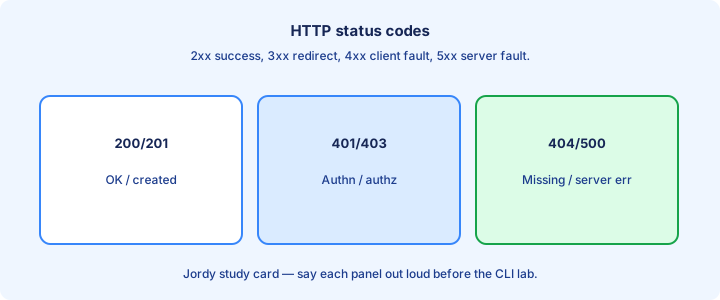
Memorize the frequent codes: 200 OK, 201 Created, 204 No Content, 400 Bad Request, 401 Unauthorized, 403 Forbidden, 404 Not Found, 409 Conflict, and 500 server error. Read the code before you dig into the body.
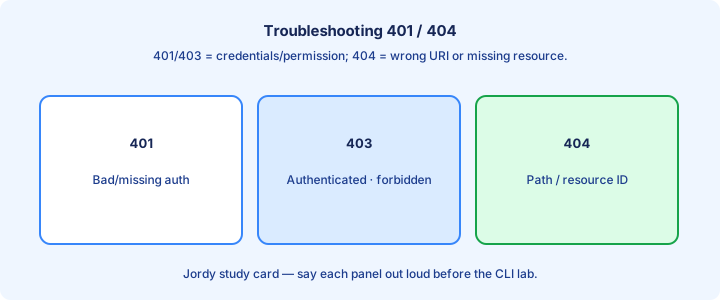
401 means authenticate or re-authenticate; 403 means the identity is known but not allowed. 404 means wrong URL, base path, or resource ID. 400 often means malformed JSON or a value the model rejects. Name one verification show, API status, or design check that proves the point. Keep Layer-2/3 and AAA assumptions explicit when symptoms look wireless-only.
Automation should branch on status codes, not only on thrown exceptions. Retrying 401 without refreshing a token loops forever; retrying 500 with backoff may be reasonable for transient controller faults.
Exam trap: 401 versus 404 are favorite contrasts—fix authentication first for 401, fix the path or ID for 404.
CRUD mapping
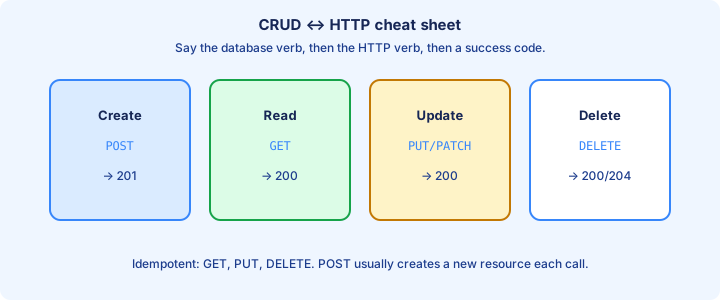
CRUD maps to REST roughly as Create → POST, Read → GET, Update → PUT or PATCH, Delete → DELETE. Exam questions love this mapping table and will ask you to pick the verb for a described action.
PUT often replaces an entire resource representation; PATCH edits selected fields. If a product’s docs disagree slightly, read them for real labs—exams stick to the rough mapping above. Name one verification show, API status, or design check that proves the point. Keep Layer-2/3 and AAA assumptions explicit when symptoms look wireless-only.
Concrete example: create a local user (POST), fetch the user (GET), change a password or role (PATCH), remove the user (DELETE). The same pattern applies to VLANs, SSIDs, or policies on a controller.
Exam trap: CRUD is the application idea; HTTP verbs are the transport operations—connect them explicitly in your answer instead of naming only one side.
Auth tokens glance
APIs authenticate with tokens, HTTP basic auth, or API keys—often after a login POST returns a token you send as `Authorization: Bearer <token>` or a vendor header such as `X-Auth-Token`.
Tokens expire. Scripts must refresh or re-login instead of caching forever. Never commit tokens to Git. Prefer short-lived tokens, HTTPS only, and rotation when people leave the team. Name one verification show, API status, or design check that proves the point.
Device or controller accounts used for API access should be least privilege and audited. A shared “automation” superuser without MFA or IP allow lists is an ops risk discussion, not a convenience feature.
Exam trap: a correct URL with no auth header yields 401—not 404. Do not rebuild the path until authentication headers are proven.
Idempotency
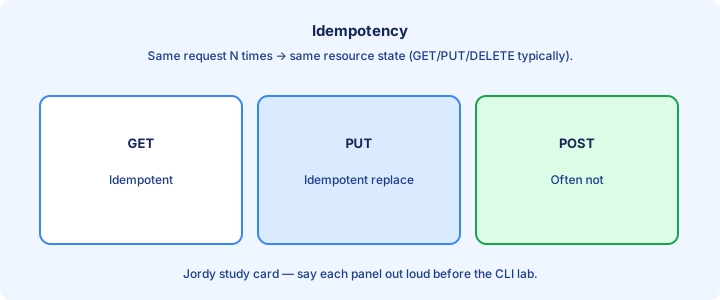
Idempotent means repeating the same request leaves the resource in the same final state. GET, PUT, and DELETE are typically idempotent; POST often is not, because each POST may create another item.
Why it matters: automation retries after timeouts or dropped responses. Retrying a non-idempotent POST might create duplicate VLANs or users; retrying PUT with the same desired body should converge safely. Name one verification show, API status, or design check that proves the point.
Design APIs and playbooks with idempotency in mind—declare desired state rather than “run this create command once.” That theme returns strongly with Ansible modules and Terraform plans.
Exam trap: idempotent does not mean harmless in every sense. DELETE is idempotent on repeats, but it is still destructive the first time it succeeds.
Lab call a read API
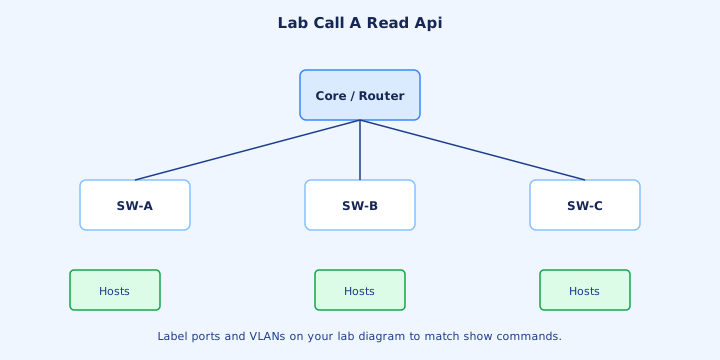
Lab: obtain a token, `GET` a safe resource such as system info or an interface list, pretty-print the JSON, and identify two fields you care about. Use DevNet sandboxes or a local CML/controller lab if you have one.
Record the full request as a study artifact: method, URL, headers (minus secrets), status code, and a trimmed body. That note becomes your revision sheet for verbs and codes. Name one verification show, API status, or design check that proves the point.
Then intentionally call a wrong path to force 404 and omit the token to force 401. Controlled failure teaches faster than only walking happy-path screenshots.
Exam trap: reading APIs still need IP reachability to the controller management address—what looks like an “API bug” can be a routing, DNS, or firewall problem.
Cisco API examples glance
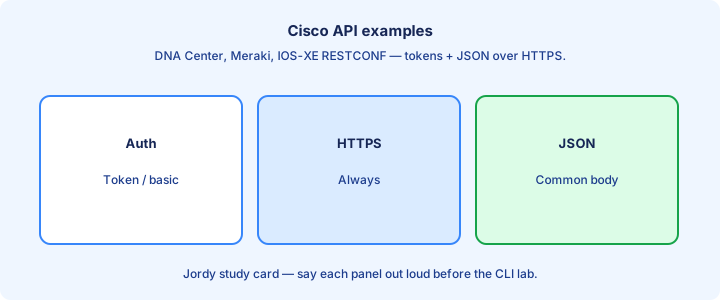
Examples you may see named on the exam or in labs: Catalyst Center (DNA Center) intent APIs, Meraki Dashboard API, IOS-XE RESTCONF under `/restconf/data/...`, and Firepower/FMC APIs. Patterns match: authenticate, GET inventories, POST or PUT policies.
RESTCONF paths mirror YANG: interface configuration lives under standardized resource paths. Meraki uses resource-oriented URLs built from organization and network IDs in the path. Name one verification show, API status, or design check that proves the point.
You will not memorize every endpoint for CCNA. Recognize that Cisco products increasingly offer REST for inventory and change, aligning with controller-based management and automation pipelines.
Exam trap: a product name drop does not change HTTP basics. Verbs, status codes, and JSON bodies stay the same across logos.
Troubleshooting 401 404
401: bad or missing credentials, expired token, wrong header name, or clock skew breaking token validity—re-auth and verify the header format. 404: wrong base URL, typo in the path, or a resource ID that does not exist in that controller.
Also check VPN or firewall paths to the API endpoint, TLS inspection breaking API clients, and whether you hit the GUI VIP instead of the documented API base path. DNS CNAMEs confuse operators here often. Name one verification show, API status, or design check that proves the point.
Compare a working Postman collection to your script header-for-header and URL-for-URL. Tiny differences—missing `Bearer ` prefix, wrong TCP port, trailing slash—dominate real failures.
Exam trap: treating 403 like 401. 403 means “I know who you are, but you lack permission”—fix RBAC roles and scopes, not only the password.
Exam traps
Trap cluster: mixing CRUD verbs, ignoring status codes, assuming GET changes state, confusing XML/JSON encodings with REST itself, forgetting HTTPS, and pasting live tokens into tickets or chat.
Another trap: thinking SDN controllers eliminate APIs—controllers expose APIs northbound to apps and operators. Southbound talks to devices differently, which the SDN day covers. Name one verification show, API status, or design check that proves the point.
When two answers look right, pick the one that matches the status code or verb explicitly shown in the stem. Those details are intentional, not decoration.
Exam trap meta: if the stem shows `401`, do not answer “wrong VLAN on the access port.” Stay inside the API authentication domain.
Pagination glance
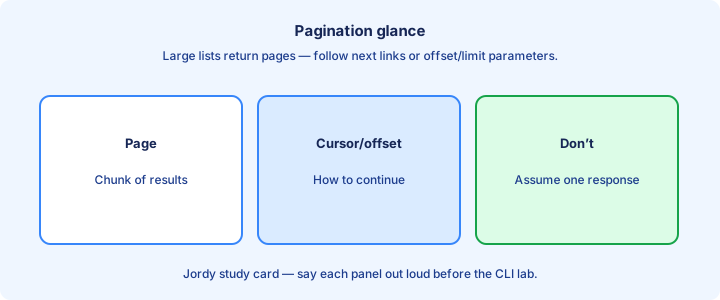
Large inventories return pages—offset/limit query parameters or `next` link URLs. A single GET may not list every AP or switch in a huge fabric. Client loops must follow pagination until the list is complete.
Missing pagination in scripts yields “the API lied” reports that only show the first 50 or 100 devices. Always check response metadata for totals, offsets, or next links before trusting counts. Name one verification show, API status, or design check that proves the point.
CCNA depth is awareness: know why incomplete lists happen and that clients must page. Exact query parameter names vary by product and are not worth rote memorization.
Exam trap: empty-looking inventories can be auth-filtered results or incomplete pages—confirm both permissions and pagination before rebuilding the whole query.
Checklist
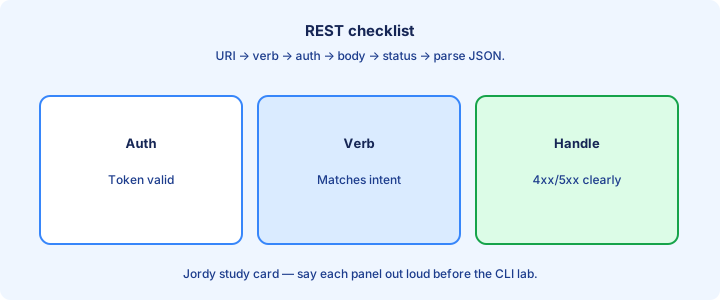
REST call checklist: HTTPS URL, correct verb, auth header present, `Content-Type`/`Accept` set, body validates, expected status handled in code, pagination considered, and errors logged with codes—not only stack traces.
Security checklist: token storage outside Git, least-privilege account, no secrets in repos or screenshots, and key/token rotation on a schedule. Name one verification show, API status, or design check that proves the point.
Learning checklist: explain CRUD mapping and the codes 200, 401, 403, and 404 without notes, including the difference between 401 and 403.
Exam trap: a checklist without expected status still “succeeds” on a 500 HTML error page if your script only checks that “some response” arrived.
Security
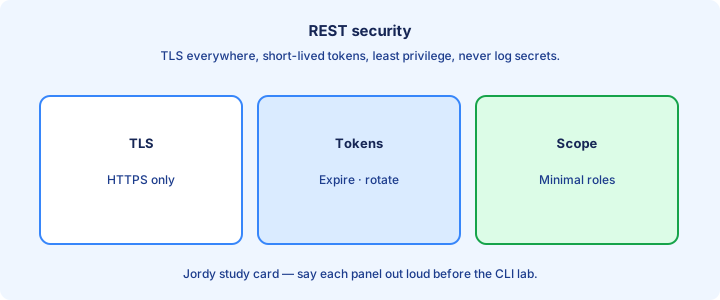
Protect management APIs like production control planes: TLS everywhere, strong authentication, RBAC, rate limits, and audit logs. An API key is a skeleton key to your fabric inventory and policies if it leaks.
Scope tokens narrowly when platforms allow. Separate read-only inventory tokens from change-capable tokens. Monitor for unusual DELETE spikes or mass policy edits outside change windows. Name one verification show, API status, or design check that proves the point.
Disable unused API surfaces. Internet-exposed controller APIs without MFA, allow lists, or reverse-proxy controls are incident reports waiting for a scanner to find them.
Exam trap: API security is still CIA triad thinking—confidentiality via TLS, integrity via authorization, availability via rate limits and HA—not a separate universe from network security.
Capstone REST
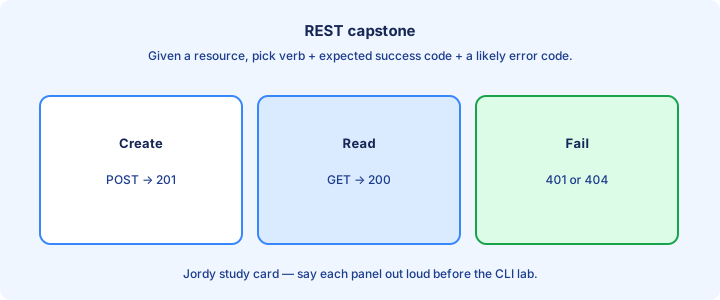
Capstone: authenticate, GET an inventory, filter one device from the JSON, PATCH a harmless lab field if allowed, confirm with a follow-up GET, and DELETE only if the lab resource is disposable. Write down every status code you saw.
Package the calls as a Postman collection or script in your private notes with secrets removed. That collection is a revision deck for verbs, headers, and codes under time pressure. Name one verification show, API status, or design check that proves the point.
Bridge forward: SDN controllers expose these northbound REST APIs while speaking different southbound protocols toward devices and fabrics.
Exam trap: capstone glory is correct status codes and correctly parsed fields—not a GUI screenshot of the same change that never proves you used the API.
From former Day 62
Source material retained from the previous Day 62 chapter for continuity.
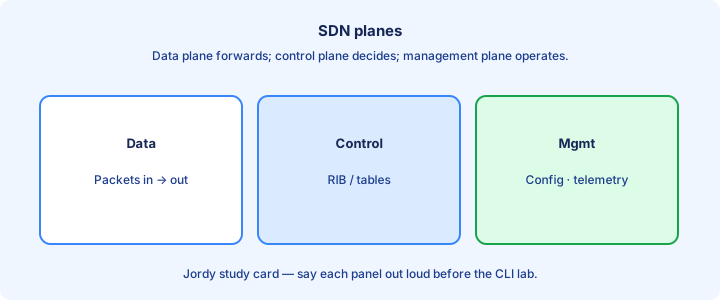
SDN planes
Networking planes: data plane forwards frames/packets; control plane builds the forwarding tables; management plane is how operators configure and monitor. SDN centralizes parts of the control plane into a controller. Management plane protocols (SSH, API, syslog) can ride the same physical network yet remain a distinct plane conceptually.
In traditional boxes, control and data share the device. In SDN, a controller computes intent and programs devices, while data plane still runs at line rate on switches/routers/APs. Control-plane policing on traditional boxes hints at why centralized control still needs protection.
Keep the triad clear on exams. CAPWAP WLCs already previewed centralized control for wireless; SDN generalizes the idea across the campus/DC fabric. Wireless split-MAC already separated time-critical data work from centralized control—reuse that intuition.
Exam trap: SDN does not remove the data plane. Packets still hit ASICs; the brain moves. When a stem asks which plane forwards frames, the answer is data plane even in SDN.
Controller role
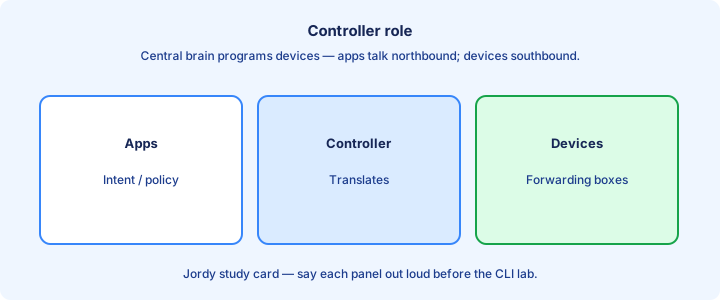
The controller holds topology, policy, and often a single source of intent. It discovers devices, computes paths or ACLs, and pushes instructions southbound. Apps and operators talk to it northbound. Clusters quorum and minority partitions matter—know that split brains are a design hazard.
Controllers improve consistency and visibility—every edge switch gets the same policy version. They also create a critical dependency: protect and HA the controller cluster. Inventory authenticity (certificates on devices) keeps rogue boxes from joining the fabric brain.
Examples conceptually: wireless WLC, DNA/Catalyst Center, ACI APIC. Different domains, same pattern of centralized brains. Controllers often schedule jobs (image distribute, assurance polls)—watch load windows.
Exam trap: the controller is not required to switch every user packet through itself (that would not scale). It programs the devices that do. If the controller only monitors but does not push, you have assurance without full SDN control—still useful.
Southbound northbound
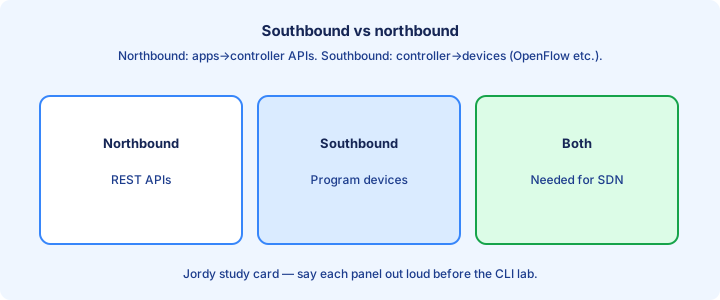
Southbound interfaces connect controller → devices (OpenFlow historically, plus vendor protocols, NETCONF, CLI, etc.). Northbound interfaces connect apps/operators → controller (REST APIs, GUI). OpenFlow is the historic southbound example; modern Cisco fabrics may use other southbound methods—exams care about direction more than one protocol.
Northbound is where your REST day pays off. Southbound is how switches learn the new FIB entries or fabric policies. Do not reverse the directions on a diagram question. Northbound SDKs wrap REST for Python/Go—same arrow, nicer client.
A python script talking to Catalyst Center uses northbound REST. The Center talking to a switch may use southbound device protocols. Same system, different arrows. Do not call device-to-device routing protocols “southbound SDN” without a controller in the story.
Exam trap: northbound is not “uplink Ethernet.” It is the API direction relative to the controller. Mislabeling NBI/SBI is an easy way to lose an otherwise clear topology question.
Underlay overlay
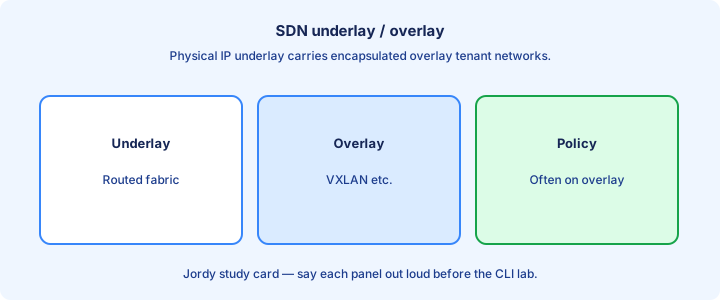
The underlay is the physical IP fabric that provides reachability between endpoints/tunnels. The overlay builds virtual networks (VXLAN, etc.) on top for multi-tenancy and policy. Underlay often runs an IGP with ECMP; overlays map endpoints into VNIs/VRFs.
SDN fabrics often automate both: underlay routing for loopbacks/TEP reachability, overlay VNIs for segments. Troubleshooting asks: is underlay broken, or only overlay mapping? MTU must absorb overlay headers—silent under-MTU drops are classic fabric outages.
Wireless CAPWAP is an overlay of sorts for client data in centralized mode; campus VXLAN fabrics extend the idea for wired hosts. Same vocabulary transfers. Anycast gateways and locator/ID split ideas show up in fabric marketing—anchor on underlay reachability first.
Exam trap: fixing overlay config cannot heal a down underlay MTU or IGP issue between VTEPs. Wireless CAPWAP tunnels similarly depend on underlay IP reachability to the WLC.
Cisco DNA glance
Cisco DNA Center (Catalyst Center branding evolution) is Cisco’s campus SDN/controller for intent-based networking: inventory, assurance, software image management, and policy. It exposes northbound REST for automation. Assurance client timelines help wireless+wired incident response when the controller has telemetry.
It does not replace every CLI forever; it orchestrates devices that still run IOS-XE. Assurance correlates client health—useful when wireless and wired meet. Template-based config and image management are “automation with a GUI” feeding the same intent idea.
For CCNA, know it as the campus controller example: intent in, device programming and analytics out. Deep SDA fabric design is mostly beyond CCNA depth but names appear. SDA fabric is an optional deeper architecture; CCNA mainly needs the controller’s role.
Exam trap: DNA Center is a management/control platform—not a replacement data-plane switch ASIC. Names market-shift; map whatever brand the exam uses to “campus intent controller.”
ACI glance
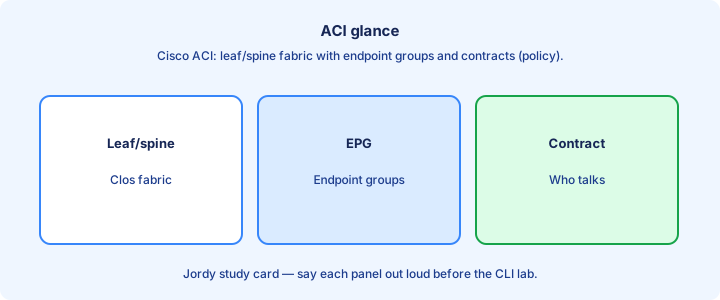
ACI (Application Centric Infrastructure) is Cisco’s data center SDN: APIC controllers program Nexus leaf/spine fabric with policy (EPGs, contracts) rather than only classic VLANs everywhere. Endpoint groups and contracts abstract policy better than sprawling ACL lists—on paper and in ops when done well.
Focus words: APIC, leaf, spine, policy. Traffic still forwards on the fabric; APIC is the controller cluster. Northbound APIs let tools define application policy. Spine-leaf topology is the physical pattern; APIC is the control cluster—not a spine replacement.
CCNA needs recognition, not full tenant design. Contrast with campus DNA: different domain (DC vs campus), same controller pattern. Northbound APIC APIs enable ticketing systems to open app connectivity without CLI on every leaf.
Exam trap: ACI is not “just a newer STP.” It is policy-driven fabric with a controller. If the stem says data center fabric policy, ACI/APIC is the usual Cisco example.
Traditional vs SDN
Traditional: per-device control planes, manual consistency, box-by-box changes. SDN: centralized intent, programmatic APIs, fabric-wide policy versions. Hybrid networks are common during migration. Traditional + Ansible already centralizes intent in Git without a fabric controller—position both fairly.
Neither is magic. Traditional can be automated with Ansible without a full SDN fabric. SDN still needs underlay hygiene and competent operators. SDN shines when policy must span many edges consistently and telemetry closes the loop.
Choose based on scale, staff skills, and product path. Exams contrast the architectures more than they force a purchase decision. Cost, staff skill, and brownfield constraints decide more than whitepaper purity.
Exam trap: “SDN means no CLI” is false. CLI remains for deep troubleshooting and break-glass. Exam contrast questions reward architecture differences, not brand loyalty.
Exam definitions
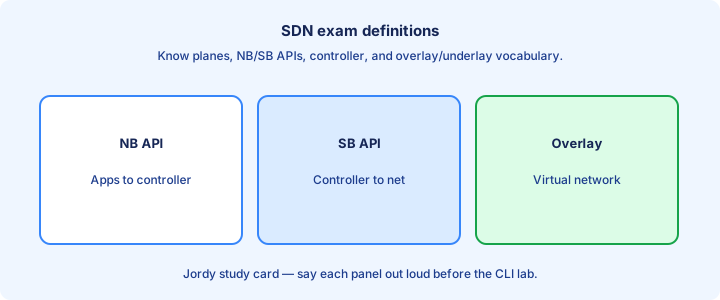
Drill definitions: SDN, controller, northbound, southbound, underlay, overlay, data/control/management planes, intent-based networking. Short precise sentences beat buzzword soup. Write each definition in ≤15 words; long essays hide uncertainty.
Intent-based: you declare outcomes (these users reach this app); the system translates to device config. Assurance closes the loop by verifying reality matches intent. Intent-based networking = declare outcome + automate translate + verify.
If a diagram labels arrows, apply north/south relative to the controller icon—not relative to the top of the page artwork. Overlay = virtual network; underlay = transport that carries it.
Exam trap: mixing management plane with control plane. SNMP/API management is not the same as routing adjacency control. If two definitions blur, draw planes first, then place the term on the drawing.
Lab mental model
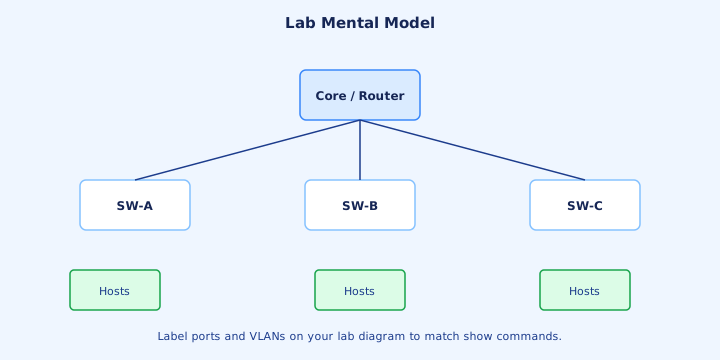
Mental model lab: draw apps → REST → controller → southbound → switches → hosts. Place underlay links between switches and overlay tunnels as a dashed layer. Narrate a VLAN/EPG change walking those arrows. Animate the drawing: finger traces a northbound POST, then southbound program, then host ping.
Then map a wireless WLC into the same drawing as a specialized controller. Patterns reinforce memory more than product PDFs. Add a failure X on the controller and discuss what still forwards (data plane) versus what freezes (new intent).
If you have DevNet sandboxes, GET inventory from a controller API to make the northbound arrow concrete. Map CAPWAP WLC beside the SDN controller as cousin architectures.
Exam trap: drawings without hosts hide why overlays exist—multi-tenant endpoints are the point. Mental models beat memorizing product matrices you will forget in a week.
Ops change
Ops changes shift from box SSH to intent templates and templates in the controller—plus APIs. Change windows still exist; blast radius can be fabric-wide, so canaries and fabric simulators matter. Use change tickets that reference policy version IDs from the controller, not just “touched leaf 3.”
Version controller configs and policies in backups. Dual-check critical contracts/ACLs before wide push. Monitor assurance dashboards after changes for unexpected denies. Canary a single leaf or building before fabric-wide ACL intent.
Keep device CLI skills for when the controller is unreachable. OOB paths to leaves/spines or campus cores remain mandatory. Watch assurance health scores for thirty minutes post-change as a standard ops habit.
Exam trap: SDN ops still needs change control. Faster pushes are not an excuse to skip review. CLI break-glass drills should be scheduled, not discovered during an outage.
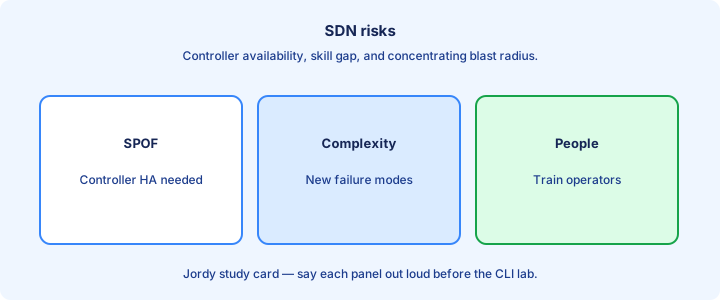
Risks
Risks: controller outage, bad policy at scale, southbound partition, northbound API abuse, and skill gaps. HA clusters, RBAC, and staged rollouts mitigate. RBAC misconfigs on northbound APIs are privilege escalation with a JSON body.
Underlay MTU and routing bugs show up as mysterious overlay failures. Always validate underlay SLAs before blaming SDN software. Southbound credential sprawl needs the same vault discipline as Ansible.
Multi-vendor southbound realities can limit “pure” SDN dreams—Cisco exams stay inside Cisco architectures for examples. Capacity planning for controller VMs is still capacity planning—starved controllers drop polls.
Exam trap: the top risk answer is often centralization itself—single brain needs protection. Centralization risk is the theme; mitigations are HA, staging, and least privilege.
Checklist
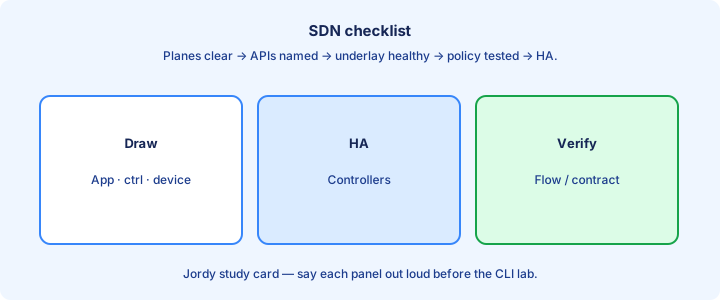
SDN checklist: planes identified, controller HA, northbound auth locked down, southbound reachability, underlay healthy, overlay mapped, backup/restore tested. Certificate expiry on controllers belongs beside HA checks.
Learning checklist: define NBI/SBI, contrast ACI vs DNA at a glance, explain underlay vs overlay in one sentence each. Document the underlay IGP owner if a different team runs it.
Ops checklist: assurance alerts reviewed after changes, break-glass CLI documented, API tokens vaulted. Test northbound API backups separately from device config backups.
Exam trap: checklist that ignores underlay health fails the first real outage. Checklist complete only when a new engineer can restore intent from backups in a drill.
Migration
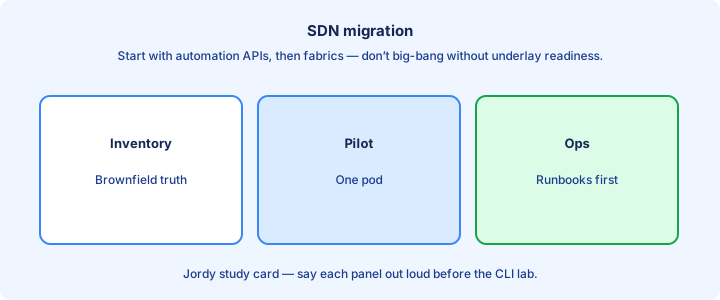
Migration is usually brownfield: inventory devices, bring under management, adopt assurance first (read-only value), then automate image/config standards, then fabric overlays where justified. Read-only discovery and assurance first builds trust without risking forwarding.
Avoid big-bang cutovers. Pilot one building or one app tier. Keep rollback to traditional VLANs ready until overlays prove stable. Normalize config goldens before attempting overlays—garbage underlays make fancy overlays fail.
Train staff in parallel—controllers amplify both expertise and mistakes. Budget learning time as part of migration, not after go-live. Executive demos should use pilot sites that already succeeded quietly.
Exam trap: migration questions reward phased approaches over “replace everything this weekend.” Phased migration answers beat hero cutovers on scenario questions.
Capstone SDN
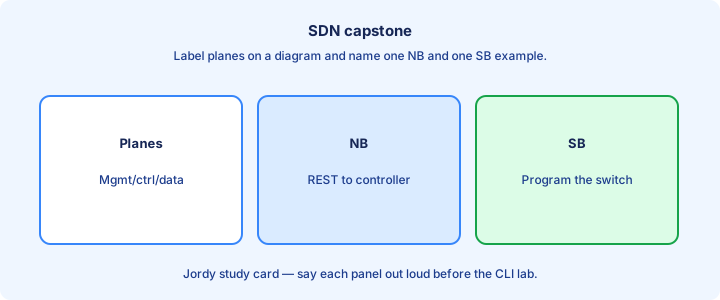
Capstone: explain a campus change two ways—traditional SSH to ten switches vs intent on a controller with one policy. List planes, NBI call, SBI effect, and how you verify with assurance or CLI. Include a one-sentence underlay vs overlay diagnosis plan in the write-up.
Add underlay/overlay callouts if the change is a new segment. Add a risk note about controller dependency. List which verification is northbound (API GET) versus on-box (`show`).
Next day compares config tools (Ansible/Puppet/Chef/Terraform) that often sit northbound of devices or controllers. Teach the drawing to a study partner; their questions reveal missing arrows.
Exam trap: capstone answers that never mention verification leave intent unclosed—assurance or `show` must appear. Capstone success is a coherent story across planes and APIs, not a product brochure.
Key ideas
- Merged automation intro, data formats, REST, SDN into management approaches + IaC.
- Manual CLI does not scale and drifts from docs.
- Automation encodes intent for repeatability.
- Idempotent changes converge to the same end state safely.
- Source of truth (inventory/repo) beats tribal memory.
- Start with read-only audit automation before writes.
- APIs and structured data enable tooling.
- CI-style checks catch bad configs early.
Self-check
- Name two problems automation solves.
- What does idempotent mean here?
- Why invent a source of truth?
- Should your first script write production configs?
- How do APIs help vs scraping show output?
- JSON object vs array syntax?