Day 33
NAT/PAT
nat-pat
At a glance
Merged NAT Parts 1–2. NAT Part 1: inside/outside, static NAT, dynamic pool NAT, and PAT overload for many-to-one public access. NAT Part 2: troubleshooting translations, overlapping addresses, order of operations awareness, and twice-NAT glances. Maps to CCNA v2.0 objective(s) 4.3.
Deep chapter
Long-form companion reading (original prose).
NAT/PAT — consolidated study day
This day merges former Days 44, 45 into one CCNA v2.0-aligned segment.
Read straight through; use the practice hub (subnetting / CLI) to drill the verbs Troubleshoot, Diagnose, Configure, and Interpret.
From former Day 44
Source material retained from the previous Day 44 chapter for continuity.
NAT purpose
NAT rewrites IP addresses (and often ports) as packets cross a boundary—classically private RFC1918 hosts sharing a scarce public IPv4 address toward the Internet. It also hides internal addressing from outside eyes as a side effect, though it is not a firewall by itself and must sit beside ACLs and stateful inspection.
Without NAT or enough public space, thousands of desktops cannot each own a globally unique IPv4 address. PAT (overload) multiplexes many insides onto one outside address using port numbers so a whole `/24` can browse behind a single ISP address.
NAT appears at Internet edges, between overlapping private mergers, and in lab topologies that mimic ISP handoffs with a “public” `203.0.113.0/24` range. Always pair it with routing and security policy; NAT alone does not filter payloads or stop malware callbacks.
Exam trap: NAT is not a substitute for ACLs. It changes addresses; it does not inherently block unwanted traffic.
Inside outside
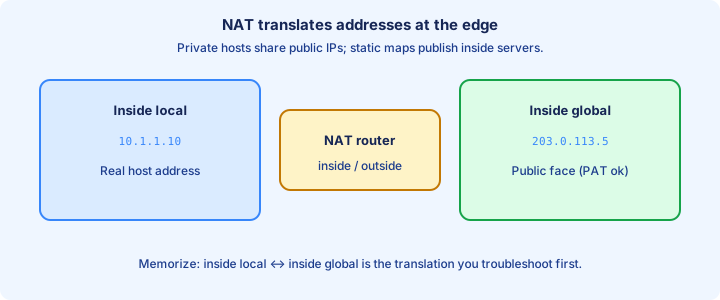
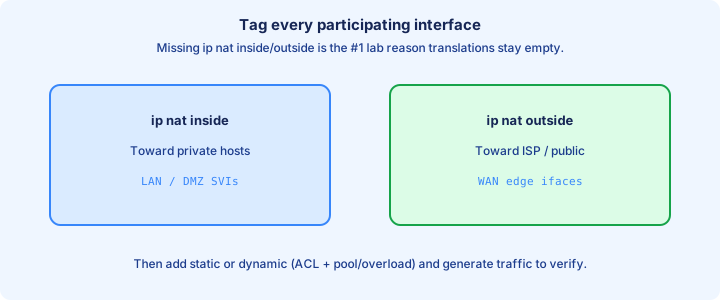
Cisco NAT vocabulary: inside is the trusted/private side you mark with `ip nat inside`; outside is the external side with `ip nat outside`. Translations convert inside local ↔ inside global (and outside local/global in fuller models you may see in `show` output).
Mark at least one inside and one outside interface or NAT never engages. Direction is relative to where you place those commands—not to cable colors.
`show ip nat translations` columns use inside local (host’s real private IP) and inside global (what the world sees). Learn those two cold for CCNA—most stems only need that pair for client Internet access and static servers.
Exam trap: forgetting `ip nat inside`/`outside` on interfaces is the most common “NAT config looks right but never translates” cause.
Static NAT
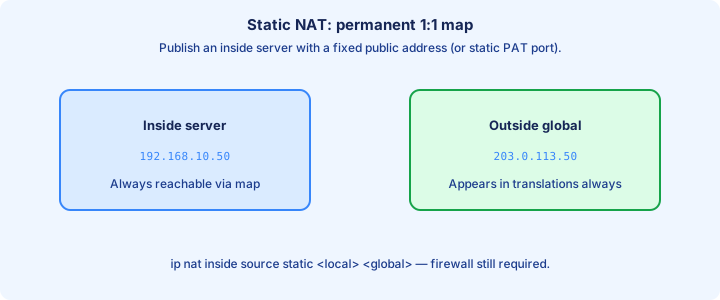
Static NAT maps one inside local address permanently to one inside global: `ip nat inside source static 192.168.1.10 203.0.113.10`. Useful for servers that must be reachable on a fixed public IP for DNS, certificates, and partner allowlists.
Return traffic to the global address translates back to the private server. DNS on the outside should advertise the global address, not the private one—publishing `192.168.1.10` to the Internet helps nobody outside your LAN. Publish the inside global in external DNS; never advertise the inside local to the Internet.
Static entries appear in `show ip nat translations` persistently. They consume a global address each—fine for a few servers, expensive for every client, which is why desktops use PAT instead. Confirm inbound with a test from an outside host to the global while watching the translation table.
Exam trap: static NAT still needs inside/outside interface marks. The static line alone is not enough.
Dynamic pool
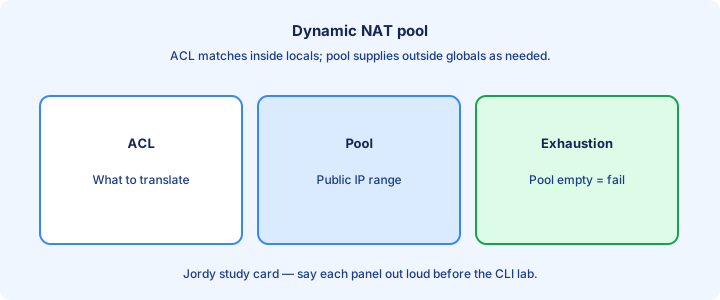
Dynamic NAT uses a pool of global addresses: `ip nat pool PUBLIC 203.0.113.20 203.0.113.30 netmask 255.255.255.0` plus an ACL defining who may translate, then `ip nat inside source list 1 pool PUBLIC`. Define the pool and ACL before the `ip nat inside source list ... pool` statement that ties them together.
When the ACL matches an inside flow exiting outside, NAT allocates a free global from the pool. When the pool exhausts, new flows fail until translations time out—PAT avoids that by sharing one address across many ports.
Order: define ACL and pool before the `ip nat inside source` statement that ties them. Wrong ACL means no match, no translation, while routing still looks fine and pings from the router itself may still succeed. One-to-one dynamic NAT without overload fails fast when user count exceeds pool size.
Exam trap: dynamic one-to-one pools run out. If the stem says many users and one public IP, they want overload/PAT, not a tiny pool.
PAT overload
PAT (NAT overload) maps many inside locals to one (or few) inside globals by unique port tuples: `ip nat inside source list 1 interface GigabitEthernet0/0 overload` or `... pool PUBLIC overload`. Interface overload is the classic single-IP ISP edge; pool overload fits a small owned public range.
Translations look like `192.168.1.20:52341` ↔ `203.0.113.5:52341` (ports may change). Thousands of flows share one public IP until port space pressure appears under extreme connection counts or scanning malware. Port tuples let thousands of flows share one global until ephemeral ports get scarce under extreme concurrency.
Overload on the outside interface IP is the classic CCNA Internet-edge pattern when the ISP gave you a single address via DHCP or static. Pool overload works when you own a small public range and want sessions spread across those IPs.
Exam trap: without the `overload` keyword you get one-to-one dynamic behavior and will exhaust a single-address “pool” immediately.
show ip nat translations
`show ip nat translations` lists active mappings: protocol, inside global, inside local, outside local, outside global as applicable. Empty table means no matching traffic yet or NAT not engaged—generate a flow from a LAN PC before declaring failure.
Watch for unexpected entries (malware phone-home) and for missing entries when a user cannot reach the Internet. Clear stale tests with care in production because active users lose sessions when you wipe the table. Use `show ip nat translations verbose` plus statistics when you need timers and hit/miss counters together.
`show ip nat translations verbose` adds timing details on many platforms. Combine with `show ip nat statistics` for counters of hits, misses, and pool usage when you need evidence for a ticket. A present mapping proves rewrite happened, not that return ACLs or routes allow the session.
Exam trap: seeing a translation does not prove the return path or ACL policy allows the flow—only that NAT created a mapping.
clear ip nat
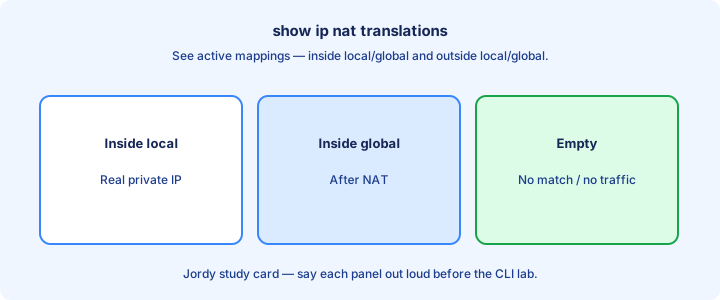
`clear ip nat translation *` wipes dynamic entries; specific forms clear one mapping. Static mappings remain until you remove the static config—clearing will not delete a server’s permanent one-to-one entry. Clearing mid-production drops active TCP sessions; treat it as disruptive change control.
Clear during lab resets so old ports do not confuse the next test. In production, clearing drops active sessions—users notice HTTPS and SSH drops immediately, so coordinate or clear a single entry when possible. If rows repopulate instantly, interesting traffic is still matching; if not, marks or ACL broke.
If translations immediately reappear, traffic is still flowing and matching the NAT ACL. If they never appear after clear, new traffic is not matching or interfaces lost their nat marks after a config rollback.
Exam trap: clearing translations is not a fix for wrong ACL or missing `overload`; it only resets state.
Order with ACL
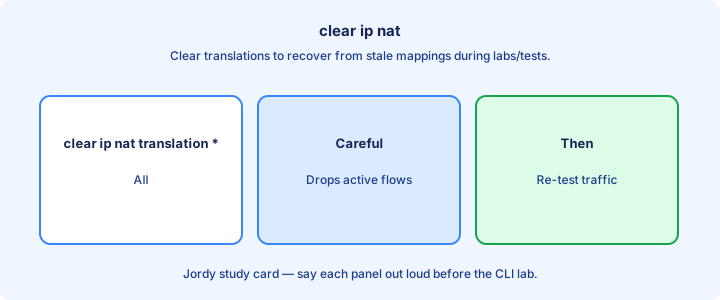
The NAT ACL selects interesting traffic—which inside sources are allowed to translate. `access-list 1 permit 192.168.1.0 0.0.0.255` is a typical match for a /24 of LAN clients that should PAT outbound. Match inside locals before translation; never build the NAT ACL around post-NAT globals.
Remember ACL logic: first match wins, end implicit deny. Accidentally denying users means no NAT. Permitting `any` may translate addresses you never intended (including transit flows if topology allows them through this router). `show access-lists` hit counts during a test prove whether the permit line ever saw the host.
Construct ACLs to identify inside locals before NAT, not the global addresses. Order relative to filtering ACLs on interfaces matters in real designs—know that NAT and security ACLs interact carefully on exam scenarios that stack both. Implicit deny at the end of the interesting-traffic ACL silently blocks users from NAT.
Exam trap: NAT ACL defines who gets translated, not “the outside subnet you ping.” Wrong network in the ACL is a silent failure.
Hairpin glance
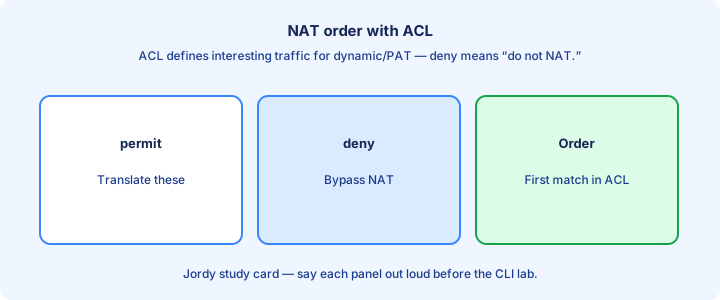
Hairpin (NAT loopback) is when an inside host reaches another inside resource using the inside global address, forcing traffic out to the NAT device and back in. Many simple IOS NAT setups do not hairpin by default.
Users who bookmark the public DNS name of an internal server from inside the LAN hit this. Symptoms: works from the Internet, fails from inside with the public name, while the private IP still works fine. Symptom pattern: Internet clients succeed to the global; LAN clients using the public name fail.
Fixes include split DNS (internal name → private IP), or NAT hairpinning features on platforms that support them. Recognize the problem before redesigning the whole PAT pool or blaming the static mapping. Do not rebuild the PAT pool when the static mapping already works from outside testers.
Exam trap: “server unreachable from LAN but fine from outside” often points to hairpin/DNS design, not a dead static NAT mapping.
Common misconfigs
Missing inside/outside marks. ACL not matching user subnets. Forgot `overload`. Pool overlaps wrong mask. Outside interface down so PAT has no global address to borrow for interface overload. Wrong wildcard masks and forgotten `overload` are the highest-frequency lab failures.
Routing: inside hosts lack default toward the NAT router; return traffic from Internet lacks route to inside globals (usually handled by ISP routing to your edge). Wrong next hop means packets never hit the NAT device. Track every public IP in a spreadsheet so statics never collide with interface overload.
Overlapping static and pool addresses, or static that collides with the interface overload IP, creates unpredictable translations. Keep a spreadsheet of public IP use so two engineers do not claim the same global. If packets never traverse the NAT router, no amount of ACL tuning will create translations.
Exam trap: configuring NAT on a stub that is not the path traffic actually takes means packets never hit the NAT device—design path first.
Lab PAT
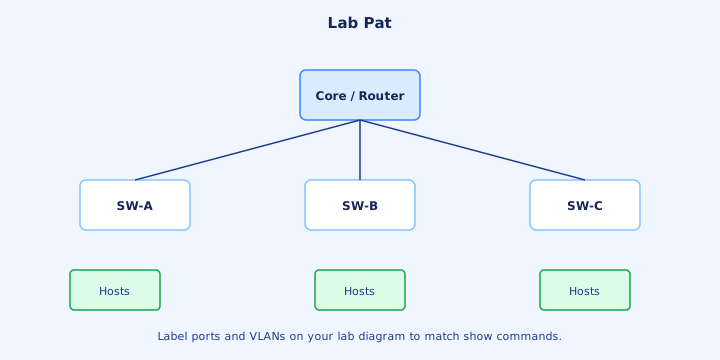
Lab: R1 inside Gi0/0 `ip nat inside` toward LAN, Gi0/1 `ip nat outside` toward “ISP.” ACL permits LAN, `ip nat inside source list 1 interface Gi0/1 overload`. Host browses; `show ip nat translations` shows PAT entries with ports. Break drills—strip overload, strip outside mark, shrink a non-overload pool—teach symptom recognition.
Add a static for a LAN server to a spare loopback public IP if the lab has one. Ping/traceroute from an outside device to the global and confirm delivery to the server while LAN clients still overload on the interface IP.
Break: remove overload, shrink a pool to one address without overload, or strip `ip nat outside`. Each break maps to a distinct symptom you should learn to recognize from `show` output alone. Always generate traffic from a LAN PC; router-sourced tests can miss inside-source behavior.
Exam trap: testing only with traffic sourced from the router may not exercise inside-source NAT the same way a host does—use a PC behind inside.
Exam terminology
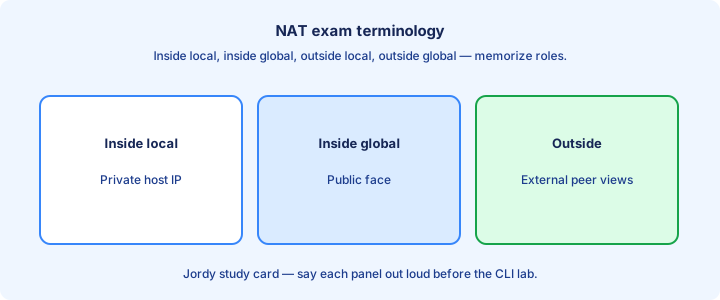
Inside local: real private address of the host. Inside global: public (or translated) address representing that host outside.
Static versus dynamic versus PAT/overload: one-to-one fixed, pool-based one-to-one, many-to-one with ports. “NAT overload” on Cisco means PAT—do not look for a separate `pat` keyword on classic IOS. Cisco “overload” on the exam means PAT with port multiplexing, not a second unrelated feature.
Source versus destination NAT: CCNA leans on inside source translations for client Internet access and statics for inbound servers. Destination rewrite shows up more in overlap/twice-NAT stories on the next day. CCNA stems lean on inside-source NAT for clients and static/static-PAT for published servers.
Exam trap: swapping inside local with inside global in a definition question is an easy miss—local is before translation on the inside.
IPv6 note
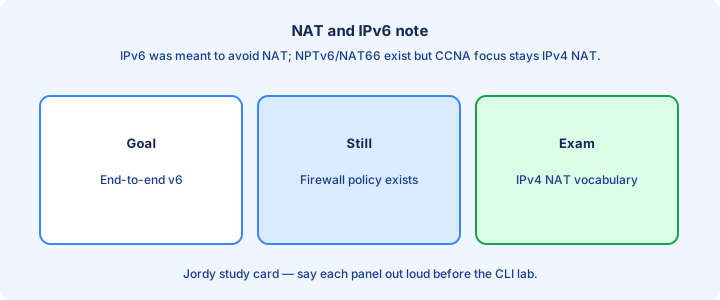
IPv6 was meant to reduce NAT need via abundant addressing. Enterprises may still use NPTv6 or firewalls with address rewriting, but classic PAT-for-everyone is an IPv4 story driven by RFC1918 and scarce public space. Dual-stack hosts may NAT only IPv4 while IPv6 stays native end-to-end across the same edge.
Dual-stack hosts may NAT only their IPv4 path while IPv6 goes native. Troubleshooting “works on v6 fails on v4” can be a NAT/ACL issue on the v4 edge only—check translations on v4 while v6 Neighbor Discovery looks fine. NPTv6 exists in some designs, but classic PAT-for-everyone remains an IPv4 exam story.
CCNA focus remains IPv4 NAT commands and terms. Know that “we NAT because IPv4 scarcity” is the historical driver, not because NAT is inherently required for security. Do not assume IPv6 uses identical `ip nat inside source ... overload` CLI as the default answer.
Exam trap: do not invent “IPv6 PAT overload identical CLI” as the default answer—IPv6 designs often avoid that model.
Checklist
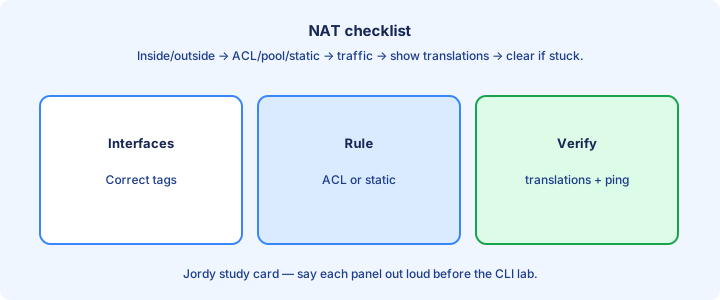
Mark inside/outside. Build ACL for interesting traffic. Choose static, pool, or overload. Apply `ip nat inside source ...`. Verify with traffic + `show ip nat translations` / `statistics` before you leave the change window. Checklist order: marks, ACL, NAT type, apply statement, generate flow, show translations/statistics.
Document public IP assignments. Test inbound statics separately from outbound PAT. Save config so a reload does not drop an unwritten NAT stanza. Document globals and test inbound statics separately from outbound PAT success.
Confirm routing both directions and that overload is present when sharing one global. Keep a fallback console plan if you lock yourself out of remote management during ACL experiments. Save the config only after a known-good translation appears for your test host.
Exam trap: checklist incomplete without a generated flow that creates a translation you can show.
From former Day 45
Source material retained from the previous Day 45 chapter for continuity.
NAT troubleshooting
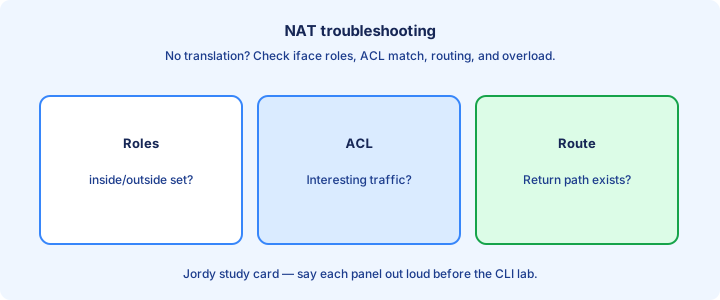
Start with path: does traffic hit the NAT router? Then check interface marks, ACL matches, and `show ip nat translations` while generating traffic.
Misses climbing mean packets arrived but did not match interesting traffic—or NAT could not allocate (pool empty). Hits with user failure shift suspicion to routing, return path, or asymmetric flows that bypass NAT state on the way back. Rising misses with empty translations point to ACL or allocation failure, not DNS first.
Capture on inside and outside: inside shows private sources; outside should show globals after PAT. If outside still shows private sources, NAT did not rewrite—marks/ACL/order problems, not “the ISP is down.” Private sources still visible outside mean rewrite never happened on that egress.
Exam trap: blaming DNS first when `show ip nat translations` is empty wastes time. Empty table is a NAT engagement problem.
Overlapping addresses
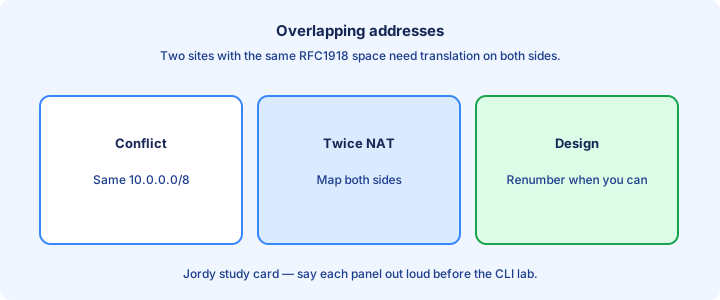
Two companies merge both using `10.0.0.0/8` (or identical `192.168.1.0/24`). Routing alone cannot distinguish duplicates. NAT (often on a merger router) rewrites one side so prefixes become unique in the combined table and VPN selectors stop colliding. Duplicate `10.0.0.0/8` or identical `192.168.1.0/24` sites break routing and VPN selectors.
Symptoms: hosts with the “same” IP in different sites, broken VPN interesting traffic, and confusing traceroute results that bounce between identical-looking hops. Document real topologies before applying clever NAT. Renumbering ends the pain; boundary NAT or twice-NAT only buys migration time.
Solutions include renumbering (best long-term) or NAT/twice-NAT at the boundary as a bridge. Temporary NAT buys time for the migration project; renumbering ends the pain and the special-case configs. Extra static routes to the same prefix cannot disambiguate two identical networks.
Exam trap: overlapping addressing is a design conflict; more static routes to the same prefix will not disambiguate two identical networks.
Twice NAT glance
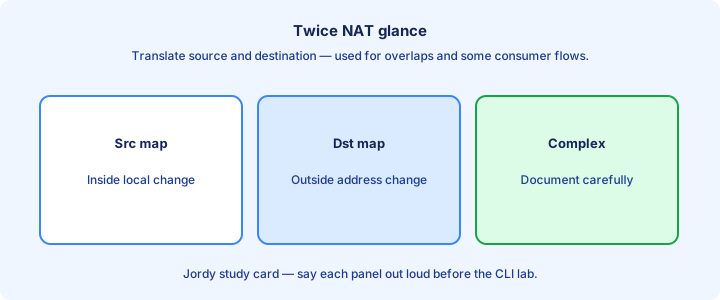
Twice NAT (source and destination rewrite) appears when both sides of a flow need address changes—common with overlaps. The router translates source and destination so each side believes the other lives in a non-overlapping space. Twice NAT rewrites both source and destination so each side sees a non-overlapping peer space.
CCNA level: recognize the term and the overlap use case; deep twice-NAT configs are more CCNP territory. Know that static destination NAT plus source NAT can coexist carefully when you publish a server and still PAT clients. Draw every rewrite—including ports—before typing statics; messy tables follow rushed configs.
Misapplied twice NAT creates loops of confusion in `show ip nat translations` with many columns filled. Draw the packet before and after each rewrite on paper before typing a single line of CLI. It is not “PAT twice for speed”; both addresses in the flow change.
Exam trap: twice NAT is not “PAT applied twice for speed.” It means both source and destination addresses are translated.
Port forwarding static
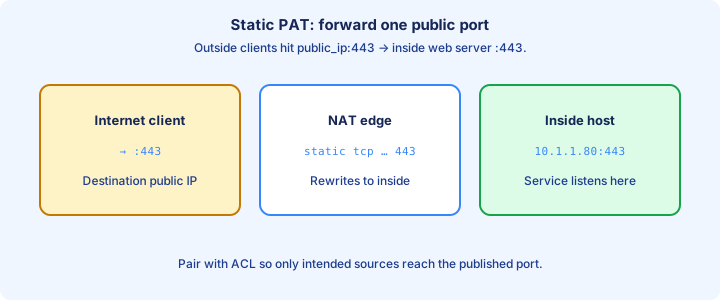
Static PAT / port forwarding maps a public IP:port to an inside server:port—`ip nat inside source static tcp 192.168.1.10 443 203.0.113.5 443` themes. Outside users hit the global port; NAT delivers to the private service on the LAN or DMZ.
Use when you have one public IP (already used for PAT overload) but still need inbound HTTPS/SSH to a server. Different outside ports can multiplex multiple inside services—`203.0.113.5:8443` to another host’s 443, for example. Outside ACLs must still permit the public port; NAT mapping is not a substitute for filtering.
Outside ACL/firewall rules must permit the public port. NAT creating a mapping does not replace filtering—permit only required ports from required sources, and log denials for abuse attempts. Marks on inside/outside interfaces remain mandatory for port forwarding to engage.
Exam trap: port forwarding still needs `ip nat inside`/`outside`. The static tcp/udp line alone will not engage.
show ip nat statistics
`show ip nat statistics` summarizes totals of translations, hits, misses, expired translations, and pool utilization. Use it when users say “Internet is slow/broken” and you need NAT health at a glance before diving into packet captures. `show ip nat statistics` gives hits, misses, expirations, and pool use without listing every row.
Rising misses with new connection failures suggest ACL mismatch or exhausted resources. Huge translation counts may indicate short-lived flows or scanning malware creating state faster than timers expire. Capture statistics before a clear so change tickets keep a before/after baseline.
Compare before/after a change window. Clearing translations resets dynamic counts—capture statistics first if you need evidence for a post-incident report or a vendor ticket. Activity counters prove the NAT process ran; pair them with a real user test for app success.
Exam trap: statistics prove NAT process activity, not application success. Pair with a user test and translations list.
ACL match misses
If the interesting-traffic ACL does not match the inside source, NAT misses. Wrong wildcard masks (`0.0.0.255` vs `0.0.255.255`), wrong network, or order hitting an earlier deny are typical when someone copy-pasted an ACL from another site. Wrong wildcards, shadowed denies, and matching post-NAT addresses cause silent ACL misses.
Extended ACLs used for NAT must match as the packet looks before inside-source translation—usually private sources going out. Matching on post-NAT addresses in that ACL fails open and produces a quiet, empty translation table. Interesting-traffic ACLs match pre-translation inside locals on the way out.
Test with `show access-lists` hit counters while a host tries to connect. Zero hits on the permit line means the ACL never saw that traffic (wrong interface path) or did not match the source/destination/ports you assumed. Interface filter ACLs dropping packets before NAT are a separate failure from the NAT ACL.
Exam trap: an interface ACL dropping packets before NAT is a different problem from the NAT interesting-traffic ACL—verify both when present.
Interface ip nat direction
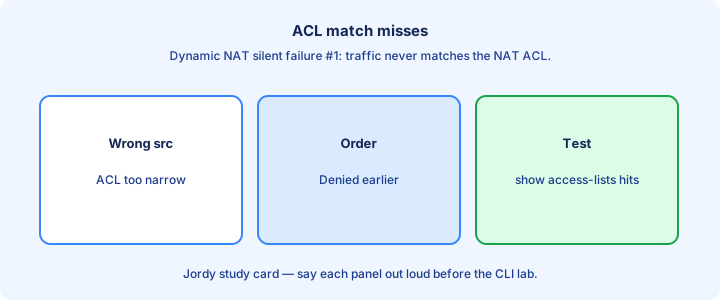
Each NAT-facing interface needs the correct `ip nat inside` or `ip nat outside`. Swap them and translations reverse from your mental model—or fail entirely depending on traffic direction and which side initiates the flow. Swapped inside/outside marks invert or kill translations depending on flow direction.
Multi-homed edges may have one inside LAN and two outsides (two ISPs). Policy routing plus NAT per egress gets complex; CCNA labs usually stick to one outside so you can master marks and overload first. SVIs and subinterfaces each need their own mark when they participate in NAT.
`show run interface` confirms marks after someone “cleaned up” a config and deleted them. Re-add and retest immediately with a fresh client flow so you do not chase ghosts in an empty table. Re-add marks after cleanup, then regenerate traffic instead of trusting stale table rows.
Exam trap: subinterfaces and SVIs each need their own mark if they participate. Marking only the physical parent may not cover the VLAN you think.
Design DMZ
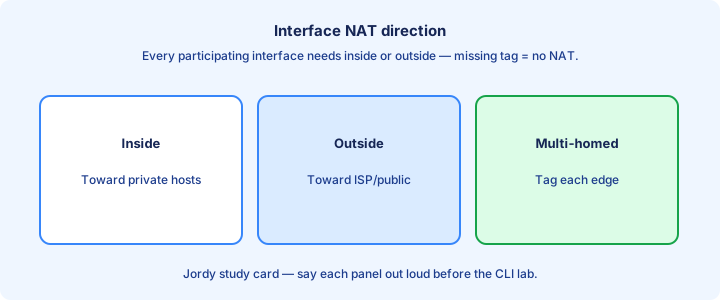
A DMZ holds published servers between inside users and the raw Internet—often a separate interface with tighter policies. Static NAT or port forwards publish only required services from that segment while user desktops stay on PAT. DMZ servers usually get static or static-PAT; inside users stay on outbound PAT.
Do not PAT end-user desktops into the same flat space as DMZ servers without policy. Keep addressing and ACLs so a compromised web server cannot freely scan the inside LAN or reach management SVIs. Firewall policy between DMZ and inside matters more than the NAT lines alone.
NAT for DMZ servers typically uses static inside globals. Management of those servers should prefer jump hosts, not direct RDP from the world—even if NAT could allow it on port 3389. DMZ is topology/security design; NAT is only the addressing tool that may publish hosts.
Exam trap: DMZ is a security topology idea; NAT is only the addressing tool that may publish DMZ hosts.
Logging translations
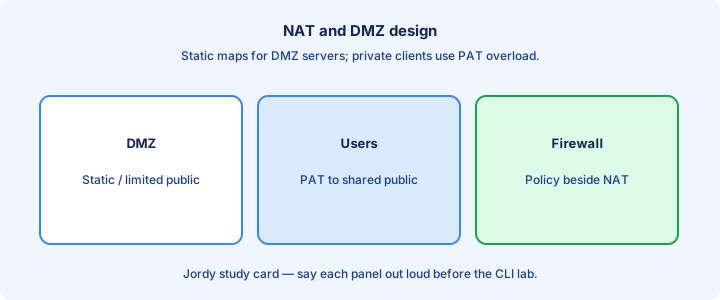
Enable NAT logging themes where available to send translation create/delete events to syslog for forensics. Useful when tracking which inside host used a global port at a given time during an abuse complaint from an ISP. NAT-specific logging sends create/delete events; `logging host` alone is not enough.
Volume can be high under PAT—rate-limit or sample if collectors drown. Correlate with NTP-synced timestamps from the syslog day so create/delete events line up with firewall denies. PAT volume can flood collectors—rate-limit and NTP-sync timestamps for forensics.
Privacy: translation logs reveal browsing metadata. Restrict access like other security logs and retain only as long as policy requires for investigations. Treat translation logs as sensitive connection metadata with restricted access.
Exam trap: NAT logging is not enabled merely by `logging host`; you need the NAT-specific logging configuration the platform provides.
Exam scenarios
Scenario: users cannot Internet—check default route, inside/outside, ACL, overload. Scenario: one server needs inbound—static or static PAT plus outside ACL that permits the published port. One public IP implies overload; fixed server reachability implies static or static PAT.
Scenario: pool exhausted—add overload or enlarge pool. Scenario: works outside not inside via public name—hairpin/split DNS rather than “delete the static and start over.” Hairpin/split-DNS covers “works outside, fails inside on public name.”
Scenario: merge with overlap—identify duplicate prefixes; propose NAT or renumber. Scenario: translations exist but app fails—non-NAT cause (DNS, firewall, asymmetric routing, wrong port on the server). Translations present but app fails → shift to DNS, firewall, asymmetry, or listen ports.
Exam trap: pick the NAT type the constraint demands (one public IP ⇒ overload; fixed server IP ⇒ static).
Lab static+PAT
Lab: combine PAT overload for the LAN with a static mapping for one server. Confirm LAN hosts create dynamic PAT entries while the server’s static remains permanent in `show ip nat translations` even after `clear ip nat translation *` for dynamics.
From an outside router, connect to the server’s inside global; from a LAN host, browse out and watch PAT. Document both success paths with screenshots or pasted `show` output for your lab notebook. After `clear ip nat translation *`, statics remain while PAT rows rebuild on demand.
Remove the static and watch inbound break while outbound PAT still works—reinforces independence of the two mappings and prepares you for “fix one thing at a time” troubleshooting. Full-IP static colliding with interface overload needs port-aware static PAT design.
Exam trap: static and overload can share the same outside interface IP only with port-aware static PAT; colliding full-IP statics with interface overload need careful design.
Failure modes
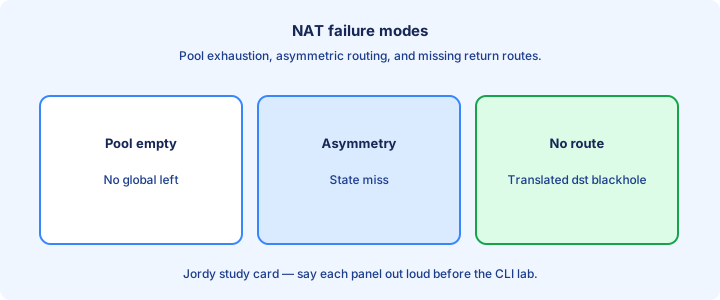
Pool exhaustion drops new flows. Outside interface DHCP change orphans overload that referenced the old IP—repoint NAT to the interface keyword or new address. Asymmetric routing around the NAT box breaks state because return packets never see the translation table. Exhaustion, asymmetry, DHCP renumbering of the outside IP, and mid-day clears are top failures.
Timer expiry kills long idle connections; some apps need ALGs or longer timeouts. Clearing translations mid-day is an operator-induced failure mode that looks like a mysterious application outage. Simplify to marks + ACL + overload, prove one flow, then re-add features one at a time.
Overlapping statics, duplicate globals, and mis-ordered ACLs produce intermittent ghosts that “sometimes work.” Simplify to a known-good stanza, then re-add features one at a time while watching translations. NAT never repairs a missing default route that keeps packets off the NAT device.
Exam trap: NAT does not fix a missing default route. Forwarding must deliver packets to the NAT device first.
Verification set
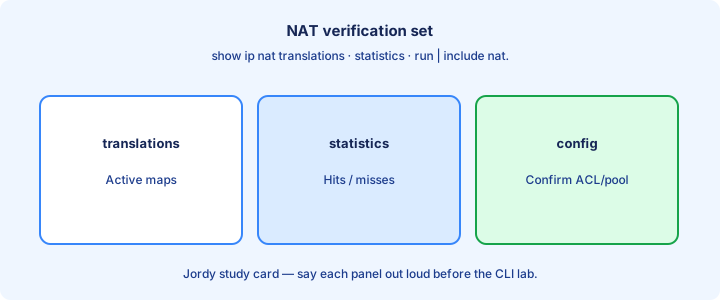
Verification kit: `show ip nat translations`, `show ip nat statistics`, `show access-lists`, `show run | section nat`, `show ip interface brief` (path up), and a real client flow from a PC—not only pings sourced from the router. Kit: translations, statistics, access-lists, `show run | section nat`, interface brief, live flow.
Optional: packet capture or `debug ip nat` in a brief lab window (dangerous on production). Turn debug off immediately after the test with `undebug all` so the CPU does not stay hot. `debug ip nat` only in short lab windows; `undebug all` immediately afterward.
Record inside local → inside global for the test host as proof for change tickets. Include outside ACL hits for inbound statics so you can show the permit counters moved. Empty tables during “verification” without traffic create false NAT-is-dead conclusions.
Exam trap: verification without generating traffic often shows an empty translation table and false “NAT is dead” conclusions.
Bridge to QoS
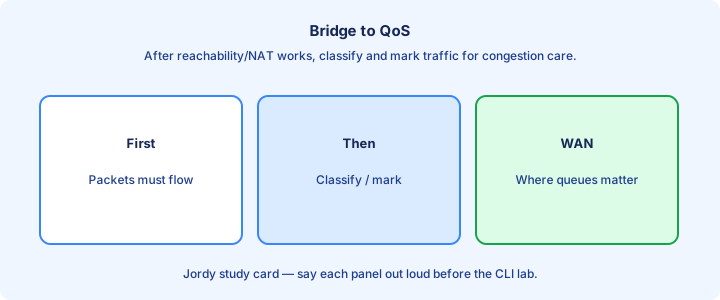
NAT changes addresses/ports but does not classify latency-sensitive traffic. After packets egress the edge, QoS decides which queues get scarce bandwidth during congestion on the WAN handoff. PAT changes identity; QoS marking and LLQ manage congestion for the same voice flow afterward.
A PAT’d voice stream still needs DSCP/LLQ treatment on WAN links. Address translation and queuing are complementary edge features—fix both when calls fail only at busy hour. Separate `show ip nat translations` issues from `show policy-map interface` drops when calls fail.
When troubleshooting “calls fail at the firewall,” separate NAT/port issues from QoS drops. Different `show` commands (`show ip nat translations` versus `show policy-map interface`), different fixes. Overload does not prioritize media—DSCP plus queuing does.
Exam trap: NAT overload does not prioritize voice. QoS marking and queuing do.
Key ideas
- Merged NAT Parts 1–2.
- Inside local vs inside global addressing vocabulary.
- Static NAT: one-to-one permanent mapping.
- Dynamic NAT: pool of globals.
- PAT/overload: many insides share one global via ports.
- ip nat inside / outside on interfaces.
- Access-list defines interesting traffic for dynamic/PAT.
- show ip nat translations / statistics.
Self-check
- Inside local vs inside global?
- When do you use static NAT?
- What does overload enable?
- Which interfaces get inside vs outside?
- Show command for the translation table?
- Symptom of NAT ACL that matches nothing?