Day 32
Secure File Transfer (SFTP/SCP)
secure-file-transfer
At a glance
Move IOS images and configs with SFTP and SCP over SSH, and recognize FTP and TFTP as the cleartext tools they replace. Copy is source then destination. Merging onto running-config does not delete old lines. Verify the hash and the boot variable before you reload. Maps to CCNA v2.0 objective 4.2.
Deep chapter
Long-form companion reading (original prose).
FTP vs TFTP
FTP (TCP 21 control, 20/passive data) supports authentication and richer directory operations. TFTP (UDP 69) is simple, usually without strong auth, and common for IOS image and config transfers in labs and older workflows where a laptop runs a lightweight server on the management VLAN.
FTP suits larger managed file moves when a server and credentials exist, and TCP helps across mildly lossy paths. TFTP suits lightweight pulls/pushes on trusted networks—phones fetching firmware, routers copying images in a closed lab VLAN, or a staging jump host beside the devices.
Both move files; neither replaces secure management like SSH. Prefer SCP/SFTP themes when the exam asks for encrypted file transfer over an untrusted path or when configs contain secrets that must not ride cleartext UDP across a shared segment.
Exam trap: TFTP is UDP 69, FTP is TCP 21 (plus data ports). Mixing ports is a favorite wrong-answer bait.
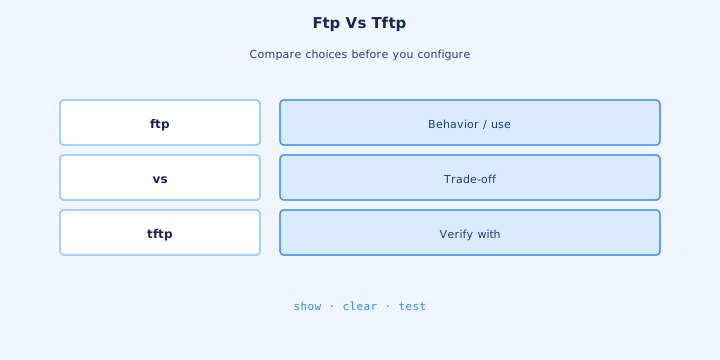
Use cases IOS copy
IOS `copy` moves images and configs among flash, nvram, ftp, tftp, scp, and usb themes depending on platform. Examples: `copy running-config tftp:`, `copy tftp: flash:`, `copy flash: tftp:`, and `copy startup-config ftp:`. Interactive prompts ask for host, source filename, and destination filename.
Upgrade path: stage image to flash with TFTP/FTP/SCP, verify checksum, set the boot statement, then reload. Backup path: copy `running-config` or `startup-config` off-box before risky changes so you can restore if the window goes sideways or the new image misbehaves.
Wrong filename or exhausted flash fails the copy—check `show flash` / `dir flash:` free space first. On VRF-aware boxes, specify the management VRF when the file server lives only in that routing table; otherwise the copy times out despite a working data-plane ping.
Exam trap: `copy tftp running-config` merges into RAM; it is not always the same as replacing startup. Know which destination you are editing.
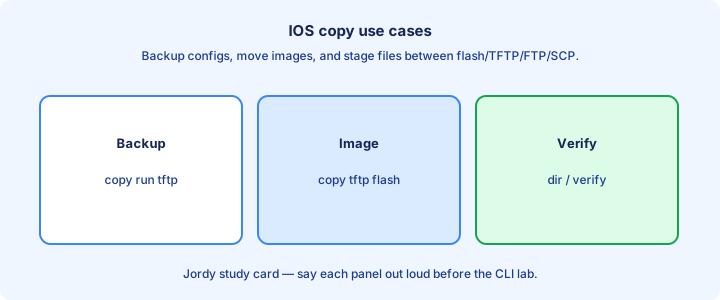
copy tftp flash
`copy tftp: flash:` pulls a file from a TFTP server into flash. Answer prompts: address of remote host, source filename, destination filename. Ensure the TFTP root actually contains that file and that the server process is running before you start the transfer from the router CLI.
On success, `dir flash:` lists the new image with a sane size. On failure, check IP reachability, UDP 69 ACL, server running, and filename case sensitivity on the server OS—Linux TFTP roots are often case-sensitive while engineers type Windows-style names from muscle memory.
Large images need free flash. Delete old unused images only after you confirm a bootable fallback remains and `boot system` still points at something that exists. Never delete the only image you can still boot, especially on a remote site with no console plan.
Exam trap: TFTP server IP must be reachable from the device’s chosen source interface/VRF. Management VRF mistakes cause mysterious timeouts.
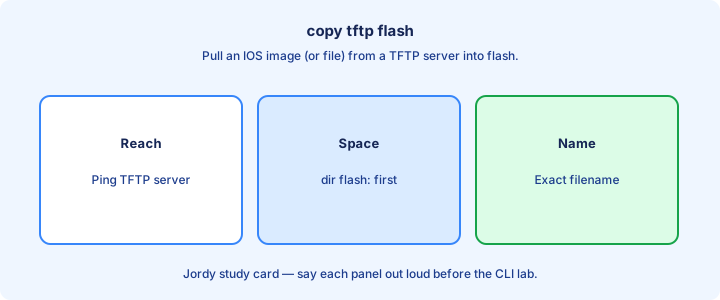
Security concerns
TFTP has no encryption and typically no real authentication—anyone who can reach UDP 69 may read or write depending on server config. FTP passwords often travel cleartext unless you use FTPS variants outside CCNA focus. A lab packet capture makes both risks obvious in one demo.
Do not expose TFTP/FTP servers to the Internet. Keep them on management VLANs, ACL-lock client IPs to network devices only, and delete world-writable footprints after use so yesterday’s lab share is not tomorrow’s credential leak from archived configs.
Image integrity matters: a tampered IOS binary is a supply-chain incident. Verify MD5/SHA after copy with `verify /md5`. Encrypted transfer (SCP) reduces in-flight tampering risk when the path crosses untrusted segments or shared WAN links.
Exam trap: “TFTP is secure because it is only for images” is false. Images and configs on TFTP are high-value targets.
SCP glance
SCP rides on SSH to copy files with encryption and authentication you already trust for management. Example theme: `copy scp: flash:` with username and SSH server details, or push from a workstation with `scp image.bin admin@192.0.2.1:` toward a device that accepts inbound SCP.
Use SCP when the path crosses untrusted segments or when policy bans cleartext TFTP. It requires SSH reachability, working keys/users, and credentials—more moving parts than TFTP, far better safety for production change windows. If SSH login already fails, SCP fails for the same reasons.
Some platforms need `ip scp server enable` to accept inbound SCP. Know the direction: device as client pulling from a server versus device as server receiving files from an engineer’s laptop. Firewall rules differ per direction even though both use TCP 22.
Exam trap: SCP is not TFTP with a longer name. Different protocol, different ports (SSH 22), different security story.
SFTP next to SCP
Objective 4.2 wants secure file operations for images and configs. SCP and SFTP both ride the SSH session you already hardened, on TCP 22, with a real user and encryption. They are not the same program. SCP is a copy over SSH. SFTP is the SSH file-transfer subsystem, with its own directory listing and transfer commands. A stem that says SFTP is not answered by “TFTP with a password,” and a firewall rule that allows UDP 69 does not allow either of them.
IOS can be the client or the server. `copy scp: flash:` and `copy sftp: flash:` pull a file onto the device. From an admin workstation, an `sftp` or `scp` client pushes or pulls if the device is listening. Inbound SCP needs `ip scp server enable` plus working SSH users, which the SCP section already set up. SFTP server support depends on the platform; when the release does not offer it, the device is the client and the SSH server is elsewhere. Either direction still needs TCP 22 and the same AAA or local user you use for the VTY.
Exam trap: FTP on TCP 21 and TFTP on UDP 69 remain on the exam as the cleartext options you are moving away from. If the question says “secure file transfer” or names SFTP or SCP, the port is 22 and the credential is an SSH user. A pre-shared TFTP directory with no login fails that question even when the copy happens to work in a lab.
Which way the copy runs, and what it overwrites
IOS copy is always source, then destination. `copy scp: flash:` pulls an image onto the device. `copy flash: scp:` pushes an image off the device. `copy running-config scp:` archives the live config. Swap the two arguments and you transfer the opposite direction, which is the usual lab surprise when someone “backs up” by copying onto the router.
Destination `running-config` merges. Lines in the file you copy are applied; lines that exist only in the current running config are left in place. A golden config copied onto `running-config` therefore does not remove an old ACL or an extra username. Destination `startup-config` replaces the startup file. The running config changes only after a reload, or after you copy that startup file onto running and accept the merge behavior. For a full replace of the live box, the safe story is: copy to startup, verify, reload in the window.
Exam trap: “I copied the new config and the old ACL is still there” means the copy target was `running-config`. Look at the destination in the command before you blame the server. And a successful copy to `flash:` does not change the boot image until `boot system` points at the new file.
Space, hash, and the boot variable
Before an image copy, `dir flash:` (or the platform’s file-system show) has to report enough free space. A copy that dies at 90 percent leaves a partial file and a router that still boots the old image, if you do not point the boot variable at the partial. Delete the partial, free space, and copy again. After the copy, `verify /md5 flash:image.bin` or `verify /sha256` checks the file against the published hash. A mismatch means you do not set `boot system` to that file and you do not reload.
Configs deserve the same direction discipline with a lighter verify: copy them off before the change, and copy them back only to the destination you intend. Keep the SFTP or SCP server on the management network, permit TCP 22 from the device’s management address, and remove the staged image from the server when the change is done. SSH version 2, a local or AAA user, and the management ACL from the SSH day are prerequisites, not extras.
Exam trap: reloading onto an image you did not verify, or onto a filename that does not match `boot system`, is how a maintenance window ends on ROMMON. The order is space, copy, hash, boot variable, then reload. TFTP can still move the same bytes in a closed lab. Production file transfer for this objective is SFTP or SCP.
Firewall ports
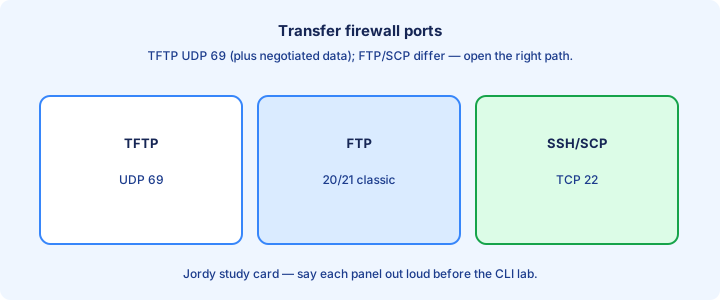
Permit UDP 69 for TFTP (and often a range of high UDP ephemeral ports for data depending on implementation—be ready for “open related ports” discussions). FTP needs TCP 21 plus data ports (20 active or passive high ports that break naive firewalls when only 21 is open).
SCP/SFTP need TCP 22. Syslog, SNMP, and SSH management are separate rules—do not assume “allow FTP” fixes image copy over SCP, and do not assume an SSH management ACL automatically covers file copy from a different jump host IP.
Stateful firewalls tracking FTP helpers may still break on exotic modes or when inspection is disabled. Prefer SCP through a single TCP 22 allow when designing clean rules for device management networks. For TFTP, test a tiny file before staging a multi-hundred-MB image.
Exam trap: opening only TCP 69 does nothing useful for TFTP—TFTP is UDP.
Troubleshooting transfers
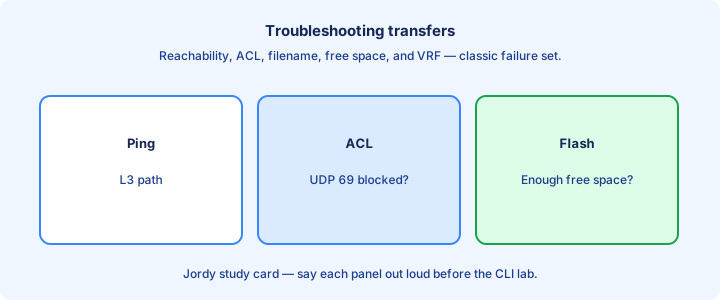
Timeouts: routing/VRF, ACL, server down, or wrong IP. Partial transfers: UDP loss on TFTP across lossy WANs—move the server closer, use a local jump host, or switch to TCP-based FTP/SCP for the long haul. Compare ping success with an actual small-file copy; ICMP alone lies.
Permission errors: FTP bad credentials or TFTP server in read-only mode for writes. “No such file”: path relative to the TFTP root, not your PC’s Desktop path confusion when the server chroot hides the real filesystem and the filename you typed never existed under that root.
Flash full: `show flash` / `dir`. Abort, free space, retry. Verify with checksum after a transfer that “looked” complete but produced a corrupt image that will fail to boot or fail `verify /md5` against the vendor hash.
Exam trap: successful ping does not prove UDP 69 is permitted. ICMP and TFTP are different allows.
Lab IOS upgrade path
Lab upgrade: run a TFTP server with a spare image, `copy tftp: flash:`, confirm `dir flash:`, set `boot system flash:<new-image>`, `copy run start`, reload. Keep the old image until the new boot proves stable for at least one successful login and basic verification cycle. Console during first reload helps.
Document free space before and after. If reload boots the old image, recheck `boot system` order and filename spelling with `show boot` / `show run | include boot`—IOS tries statements in order or falls back to the default image search when nothing matches.
Also practice backing up with `copy run tftp:` before the upgrade so you can recover config if the change window goes wrong or you need to rebuild after a bad boot variable. Note the exact image filename in the ticket; verify MD5 before reload, not after a boot loop starts.
Exam trap: changing the image without a boot statement may still boot the old default image after reload.
Checksum verify
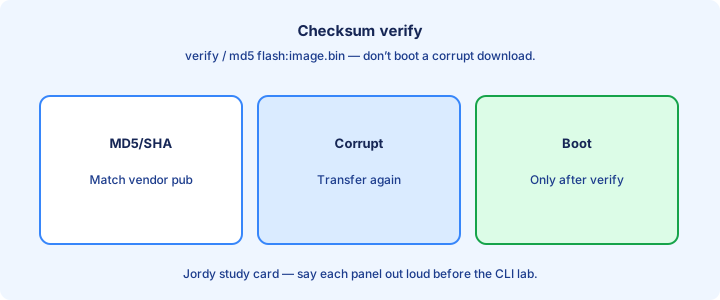
After copy, verify integrity with `verify /md5 flash:<image>` (or platform SHA tools) and compare to the published hash from the vendor download page. Record both hashes in the change ticket so later disputes have evidence instead of memory.
Mismatched hashes mean corrupt transfer or wrong file. Delete and recopy; do not boot a bad image. WAN TFTP is a frequent corruption source when UDP loss truncates or damages the binary silently even though `dir` still shows a file with a plausible size.
Some workflows verify automatically during copy on newer IOS—still know how to run an explicit verify for exam and ops confidence when the automatic step is skipped, unavailable, or you inherited an image already sitting in flash from someone else.
Exam trap: file size matching is a weak check; MD5/SHA mismatch is definitive failure even when sizes match.
Design out-of-band
Put file servers on an out-of-band or management network so image distribution does not contend with user traffic and is not exposed on data VLANs where any compromised PC can reach UDP 69. ACL the server so only device management addresses may speak TFTP/FTP/SCP to it.
OOB also helps when in-band routing is broken: console plus OOB Ethernet can still reach a TFTP jump host. Plan cable, VLAN, and IP addressing for that rainy day before the production outage teaches you the hard way. Document which VRF reaches the file server.
Centralize golden images with change control. Random USB sticks and personal laptops as TFTP servers create version drift and malware risk that shows up as mysterious “image not found” failures or verify hashes that never match the vendor page.
Exam trap: in-band TFTP across the Internet is a design smell the exam will not reward.
Exam traps
Ports: TFTP UDP 69, FTP TCP 21, SSH/SCP TCP 22, Telnet 23. Destinations: flash vs startup vs running behave differently on `copy`—know when the change is immediate versus after reload. Merge into running applies now; startup waits for reload unless you also update running.
TFTP lacks encryption/auth. SCP is preferred for secure copy questions. Always verify checksums after image transfer before you trust a boot statement pointing at the new file, and confirm free flash before the copy starts.
`boot system` must point at the new file. Helper-address and DHCP are unrelated traps sometimes mixed into “file transfer” stems—stay on protocol facts when the question is really about ports. Do not confuse management SSH with file-transfer SCP just because both use 22.
Exam trap: `copy tftp startup-config` overwrites startup; confusing it with running-config changes when the change takes effect (reload vs immediate).
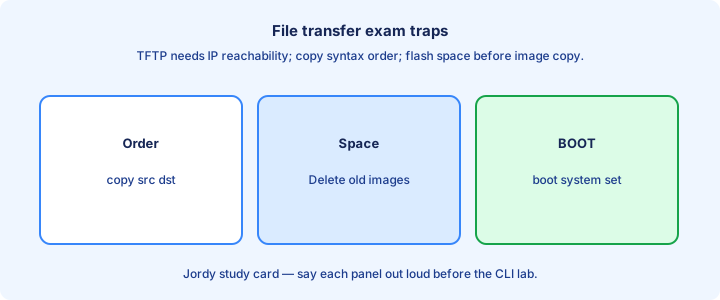
When not to use TFTP
Avoid TFTP across untrusted or lossy networks, for secret-laden config archives without extra controls, and when policy mandates encryption. Prefer SCP/SFTP there and keep TFTP for closed lab or tightly ACL’d management islands. If the ticket requires encrypted transit, TFTP is already the wrong answer.
Avoid TFTP as a permanent production distribution method open to all subnets. Temporary lab use on an isolated VLAN is the usual acceptable pattern—bring the server up for the window, then shut it down or tighten the ACL so the hole does not linger.
Large multipoint WAN upgrades may need TCP-based transfer or local regional caches—UDP loss kills long TFTP sessions halfway through a multi-hundred-megabyte image and wastes the maintenance window. Stage locally, then do short copies to each device.
Exam trap: “always use TFTP because Cisco labs do” is not a security answer. Labs optimize simplicity; production optimizes risk.
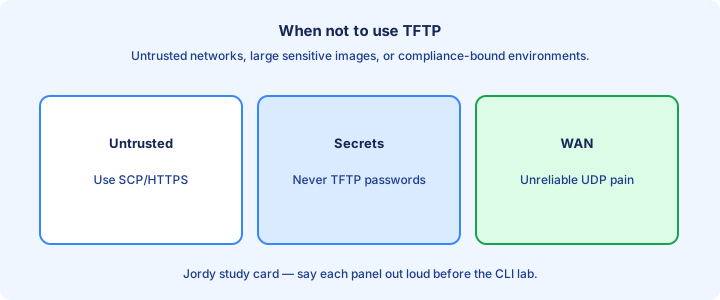
Directory layout
On the server, keep a clean root such as `/images/isr-universalk9....bin` and `/configs/site-a/r1-startup.cfg`. Matching filenames in runbooks reduces fat-finger failures at 2 a.m. when someone types the wrong train code. Separate lab and prod trees so a lab binary never lands on a production router by habit.
On the device, know `flash:`, `nvram:`, and optional USB paths. `pwd` / `dir` / `cd` habits prevent copying to the wrong filesystem and wondering why `boot system` cannot find the file you “just copied.” Confirm with `dir` immediately after a successful copy.
Do not leave world-readable config directories on a shared TFTP box. Separate credentials and filesystem ACLs per environment (lab vs prod) so a lab accident cannot overwrite a production golden image or leak community strings from old config dumps.
Exam trap: TFTP paths are usually relative to the server’s configured root—leading slashes and Windows drive letters confuse cross-platform labs.
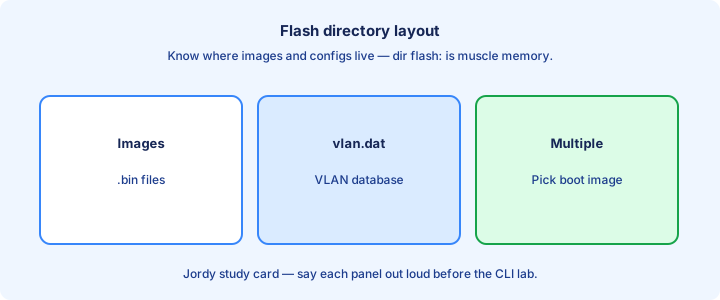
Checklist
Pick protocol (TFTP/FTP/SCP) for the trust level of the path. Confirm free flash, reachability, and firewall ports. Copy, verify checksum, set boot, save, reload with fallback ready and console or OOB access confirmed for the first boot on critical devices.
Backup config first. ACL-restrict the file server to device management subnets. Remove temporary world-write when done so the share does not stay open until the next audit finds it. Confirm `show boot` matches the intended image before you leave the window.
Document image versions per device role. Test in lab before production windows, including the verify and boot steps—not only the copy. Keep the old image until soak time passes, then delete only with a documented reclaim of flash space.
Exam trap: checklist without verify/boot confirmation leaves you on the old image after reload.
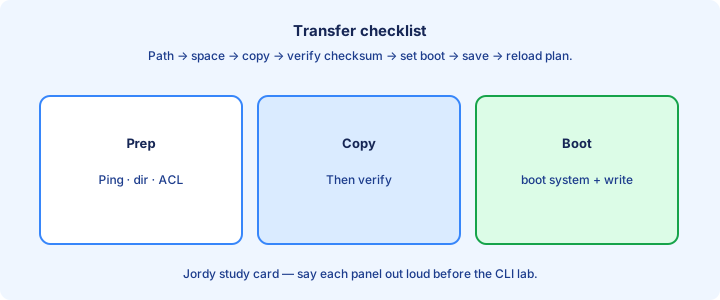
Key ideas
- SCP and SFTP both use SSH on TCP 22 with a real user. SCP is a copy over SSH. SFTP is the SSH file-transfer subsystem. TFTP is UDP 69 with no authentication.
- copy scp: flash: pulls onto the device. copy flash: scp: pushes. Inbound SCP needs ip scp server enable and working SSH.
- A copy into running-config merges and leaves old lines in place. A copy into startup-config replaces the startup file.
- dir flash: for free space, then verify /md5 or verify /sha256, then boot system, then reload. A partial file is not an image you boot.
- Keep the file server on the management network. A failed copy is still often reachability, space, credentials, or the wrong filename.
Self-check
- Which TCP port do SCP and SFTP require, and which command lets the device accept inbound SCP?
- You copy a golden config onto running-config and an old ACL remains. Why?
- What do you check on flash before an image copy, and what must succeed before boot system points at the new file?
- Why is a world-readable TFTP directory a poor production answer when the objective says secure file transfer?
- What is the IOS order of arguments in copy, and which direction is copy flash: scp:?