Day 36
Layer 2 Security Features
layer-2-security
At a glance
Layer 2 edge security: port security, DHCP snooping, and Dynamic ARP Inspection, plus storm control for traffic floods and IPv6 RA Guard for rogue router advertisements. Each feature matches a different symptom and a different show command. Maps to CCNA v2.0 objective 4.7.
Deep chapter
Long-form companion reading (original prose).
Layer 2 Security Features — consolidated study day
This day merges former Days 49, 50, 51 into one CCNA v2.0-aligned segment.
Read straight through; use the practice hub (subnetting / CLI) to drill the verbs Troubleshoot, Diagnose, Configure, and Interpret.
From former Day 49
Source material retained from the previous Day 49 chapter for continuity.
Port security modes
Port security limits which MAC addresses may use a switch access port. Enable with `switchport port-security` on an access (or static) port after `switchport mode access`. Dynamic trunks and port security are a bad mix on exams—secure access edges, not random trunks.
Learning modes: static (`switchport port-security mac-address <mac>`), dynamic (learned until aging/clear), and sticky (learned then written toward the running config). Default maximum is 1 MAC unless you raise it. Aging for secure MACs is optional—know whether `switchport port-security aging` is on before you expect a MAC to expire.
Secure MACs appear in `show port-security address` and influence forwarding on that port. Frames from unknown MACs trigger the configured violation action. The feature defends against MAC spoofing and casual hub/switch daisy-chains on a user jack.
Exam trap: port security is not 802.1X. It binds MACs, not usernames; a cloned MAC still passes if it matches the secure list. Limiting devices on a wall jack is port security; filtering traffic by IP is an ACL—do not swap them.
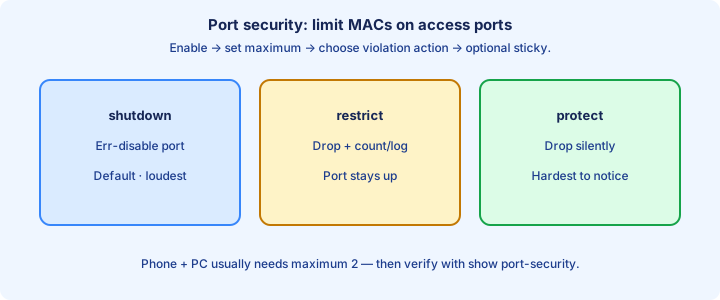
Maximum MAC
`switchport port-security maximum <n>` sets how many secure MACs the port may hold. Default 1 fits a single PC. A phone + PC typically needs 2 (or more with a hub). Raising max without sticky/static planning just delays the violation.
Each learned or configured MAC counts toward the max. If max is 1 and a second device appears, you get a violation regardless of how “friendly” the second device looks. After raising max, remove stale sticky addresses so ghost MACs do not consume slots.
Design rule: set max to the intentional endpoint count on that jack, then lock learning with sticky or static entries. Do not set max 50 “just in case”—that defeats the control. `show port-security interface` prints current versus max counts—read both before changing anything.
Exam trap: voice VLAN scenarios still consume MAC slots for both phone and PC. Max 1 with a phone inline usually err-disables the port the moment the PC speaks. A mini-switch behind the jack explodes MAC count; fix the topology instead of setting max 20.
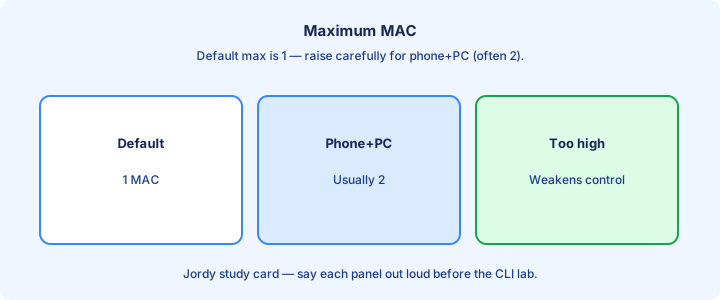
Violation shutdown restrict protect
Three violation modes: shutdown (default)—err-disables the port; restrict—drops offending frames, increments counters, may log/SNMP; protect—drops offending frames silently with less visibility. Configure with `switchport port-security violation {shutdown|restrict|protect}`. Pair shutdown with `errdisable recovery cause psecure-violation` only if ops accepts automatic re-enable.
Shutdown is loud and safe for labs: you notice immediately via `err-disabled`. Restrict is common in production when you want the good MAC to keep working while the bad one is dropped. Protect is the quietest and hardest to troubleshoot.
After shutdown, the port stays down until `shutdown` / `no shutdown`, or errdisable recovery expires if enabled. Violation counters in `show port-security interface` prove restrict/protect activity. Protect’s lack of logging is why production templates often prefer restrict over protect.
Exam trap: protect does not err-disable. If the stem says the port is err-disabled, the mode was shutdown (or another feature), not protect. Err-disabled points to shutdown; climbing counters with the port still up point to restrict or protect.
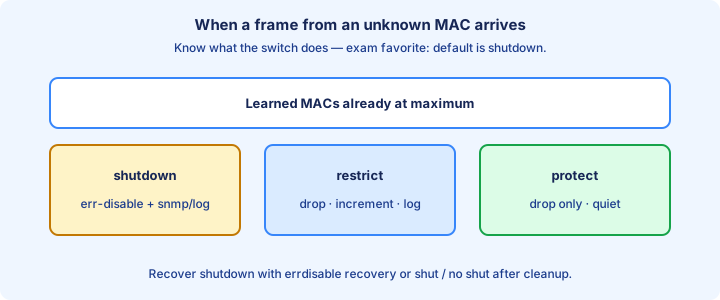
Sticky learning
`switchport port-security mac-address sticky` learns MACs from traffic and stores them as sticky secure addresses in the running-config. They persist across link flaps until you clear them or reload without saving. Learned sticky entries show up in `show run` as `mac-address sticky` lines—audit them after cutovers.
Save with `copy run start` if you want sticky MACs to survive reboot. Without a save, a reload forgets them and relearns—useful in labs, surprising in production if you expected permanence. Moving a PC without clearing the old jack’s sticky entry leaves a trap for the next device.
Sticky plus max 1 is a common closet pattern: first device wins the jack. When you replace a PC, clear sticky (`clear port-security sticky interface ...`) or remove the MAC line, then let the new host learn.
Exam trap: sticky addresses are not the same as static `mac-address` lines you typed by hand, but both appear as secure addresses. Know that sticky can rewrite running-config as devices appear. Unexpected sticky growth means devices were plugged in before the port template was locked.
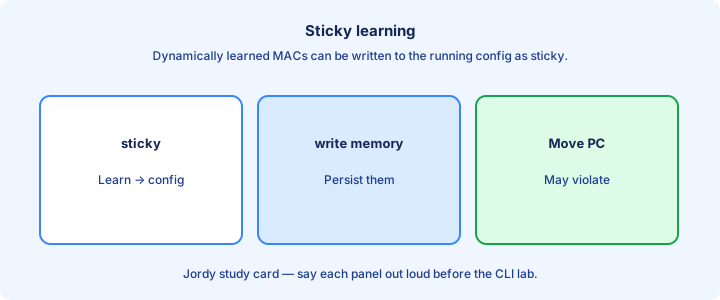
show port-security
`show port-security` summarizes each interface: max, current, security violation count, and action. `show port-security interface Gi0/1` drills into mode, aging, and status. `show port-security address` lists secure MACs and types (secure-sticky, secure-configured, secure-dynamic). On large stacks, scan for non-zero violation counts before drilling into a single interface.
Status Secure-up means the port is forwarding under port security. Secure-down or Secure-shutdown points at a violation or link issue—confirm with `show interfaces status` for err-disabled. Cross-check secure MACs with `show mac address-table interface` for the same port.
Use these shows before you blame DHCP or VLAN. A restrict-mode port can “half work” while violation counters climb. Capture counters, clear with care, and retest one device at a time. Secure-shutdown means start at err-disable cause, not at OSPF or DHCP.
Exam trap: empty address tables with port security enabled often means nothing has sourced a frame yet—or the port is shut. Generate traffic, then recheck. Clear counters after a controlled test so the next measurement is meaningful.
err-disable recovery
Violation mode shutdown puts the port in err-disabled. `show interfaces status` shows `err-disabled`; `show errdisable recovery` shows whether automatic recovery is on and for which causes. `show errdisable recovery` must list `psecure-violation` before you wait on the timer.
Enable recovery with `errdisable recovery cause psecure-violation` and set `errdisable recovery interval <seconds>` (default often 300). The port tries to come back up after the timer—useful when a transient misplug caused the trip. Very short intervals flap under ongoing abuse; very long intervals strand users—choose deliberately.
Manual recovery: `shutdown` then `no shutdown` on the interface. Always fix the root cause (extra hub, wrong max, sticky leftover) before you bounce, or it will err-disable again. Recovery without removing the extra MAC simply recreates the err-disable.
Exam trap: recovery does not disable port security. It only clears the err-disable state; the next violation can trip again immediately. BPDU Guard and other features also err-disable—always read the cause field.
Voice + data
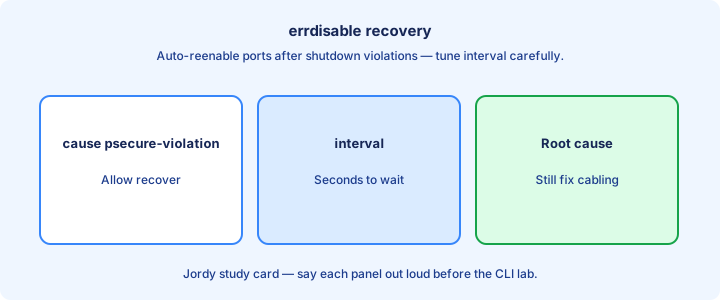
An IP phone and PC on one jack usually present two MACs (sometimes more with PC apps). Set `switchport port-security maximum 2` (or appropriate) and often use sticky. Configure voice VLAN as usual (`switchport voice vlan <n>`) alongside access data VLAN.
Order of learning can matter in sticky labs: phone boots first, then PC. If max is wrong, the second MAC violates. Verify both MACs in `show port-security address` after both devices are up. PC-through-phone topologies still present two MACs on the switchport for the maximum count.
Some designs secure only the data VLAN behavior while voice is trusted via CDP phone detection—know your platform defaults, but for CCNA assume both MACs count toward the maximum. Lab phone-first and PC-first boot orders; with max 2, both should end with two secure MACs.
Exam trap: enabling port security with default max 1 on a voice+data port is a classic “phone works, PC dies” or full err-disable scenario. Default max 1 on a voice-enabled port is the classic exam failure scenario.
Design access layer
Apply port security on user access ports, not on uplinks to distribution, inter-switch trunks, or ports facing wireless controllers—those carry many MACs by design. Uplink MAC limits cause cascading outages. Push the access template via macro or automation so closet configs do not drift by hand.
Standard template: mode access, port security on, max matched to endpoint, sticky or static, violation restrict or shutdown per ops preference, unused ports shut. Document the template in your runbook. Ports facing small unmanaged switches need an intentional max—or better, redesign the jack.
Pair with DHCP snooping and DAI later this week for a full access-layer story. Port security alone does not stop rogue DHCP or ARP spoofing. PortFast belongs on true edges only; never combine edge assumptions with inter-switch links.
Exam trap: “enable port security on all interfaces” includes trunks in a bad answer. Scope it to access edges. Review permanent exceptions on a schedule or they become invisible holes.
Common mistakes
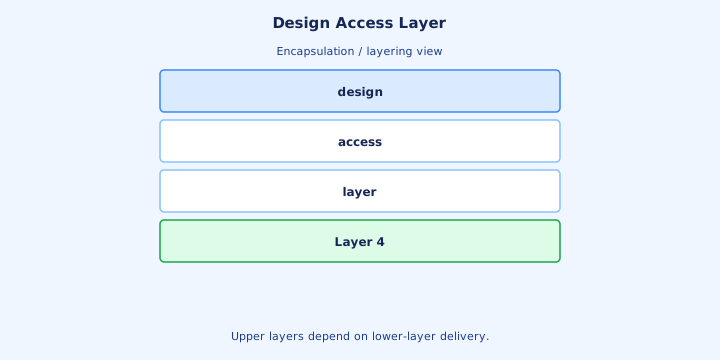
Mistake: enabling port security on a dynamic trunk—feature may refuse or behave poorly; set `switchport mode access` first. Mistake: forgetting max for phone+PC. Mistake: sticky saved with the old PC MAC after a hardware swap.
Mistake: violation protect with no monitoring—users report “slowness” while frames drop silently. Mistake: clearing sticky globally when you meant one interface. Violation protect during cutover hides misplugs until users report one-sided failures.
Mistake: aging defaults misunderstood—secure MAC aging can remove dynamic entries and allow a new MAC without a violation if aging is enabled; know whether aging is on before you trust “permanent” dynamic learning. Leaving `shutdown` after recovery is administrative down—different from err-disable.
Exam trap: blaming STP for an err-disabled port. Check `show port-security interface` and errdisable cause before you tune spanning tree. Accidental aging looks like “port security failed” when a quiet printer ages out of the secure list.
Lab port-security
Lab: access port to a PC, `switchport mode access`, `switchport port-security`, `switchport port-security mac-address sticky`, leave max 1 and violation shutdown. Generate traffic, `show port-security address`, save config.
Connect a second PC (or spoof a MAC). Confirm err-disable. Recover with shut/no shut. Change violation to restrict, repeat, and watch counters instead of err-disable.
Raise max to 2, add a second device, confirm both MACs. Clear sticky on that interface and prove relearning. Optionally enable errdisable recovery and time the auto-up.
Exam trap: lab success without `show` proof does not stick for the exam. Memorize the three show commands and what Secure-shutdown means.
Troubleshooting
Symptom: port err-disabled → `show interfaces status`, `show port-security interface`, check violation mode and secure MAC list vs actual device MAC (`ipconfig /all` / `show mac address-table`). Ask whether the NIC, dock, or phone changed—new MAC plus sticky max 1 is a Monday ticket classic.
Symptom: one device works, second does not → max too low or sticky full. Symptom: works until reboot → sticky not saved. Symptom: never learns → port shut, wrong VLAN, or no traffic sourced yet. `show interfaces GiX switchport` confirms access and voice VLAN before deeper guesses.
Compare configured max to address count. Remove stale sticky lines. Confirm the port is access mode. Only then consider cabling or NIC driver issues. Under restrict, the good host may ping while the bad host fails—test both endpoints.
Exam trap: a MAC in the CAM table on another port can confuse sticky expectations after a move—clear old secure addresses when devices relocate. Blame cabling only after MAC lists and maximum settings are proven correct.
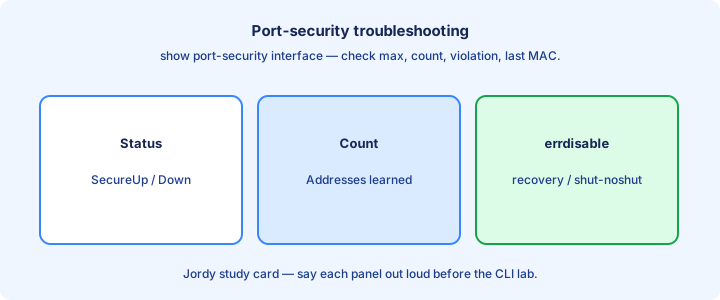
Exam traps
Default violation is shutdown. Default max is 1. Sticky needs a write to survive reload. Port security wants access mode on classic questions.
Restrict vs protect: both drop; only restrict is chatty with counters/logs. Shutdown is the only one that err-disables among the three.
Port security does not authenticate users and does not replace DHCP snooping. If the stem describes a rogue DHCP server, look at Day 50 features.
Exam trap: “secure the MAC address table” might mean port security or simply how switches learn MACs—read whether a security feature is required. RADIUS or username clues point to 802.1X, not sticky MAC binding.
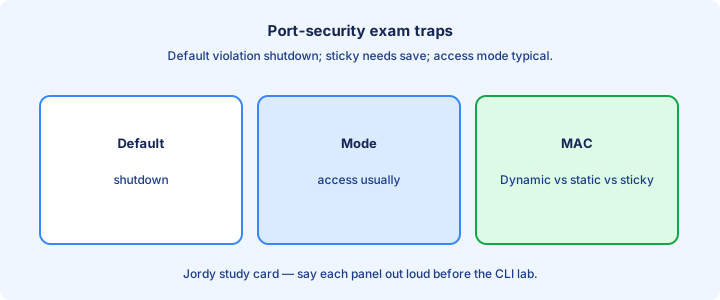
With 802.1X preview
802.1X authenticates the user/device with EAP against a RADIUS server before opening the port. Port security only checks MACs. Enterprises often use 802.1X as the primary access control and may still limit MACs as a backstop.
On the exam, do not conflate the two. If the stem mentions credentials, certificates, or RADIUS auth for LAN access, think 802.1X. If it mentions limiting MAC count or sticky learning, think port security. MAB helps non-EAP devices; it still is not the same control as port-security sticky.
Preview only: 802.1X has auth host modes (single-host, multi-domain for phone+PC) that echo the same voice+data counting problem you solved with max MACs. Design guides may combine both; on 200-301, separate MAC limiting from identity auth in your answers.
Exam trap: picking port security when the question clearly describes username/password or certificate auth at the switch port. Choose by symptom: too many MACs versus failed credentials at the edge.
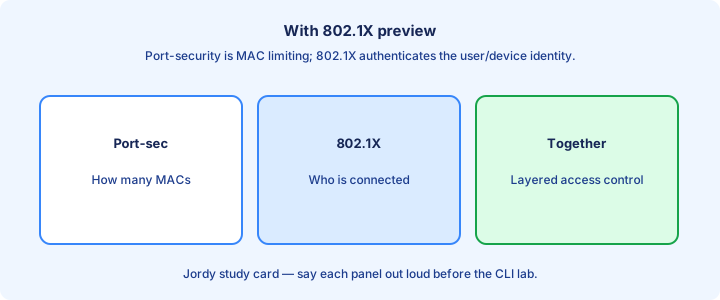
Checklist
Access mode set; port-security enabled; max matches endpoints; sticky or static chosen; violation mode chosen deliberately. Voice+data ports verified with two MACs.
Shows memorized: `show port-security`, `show port-security interface`, `show port-security address`. Err-disable recovery understood as optional auto-heal, not a fix for bad max.
Uplinks and trunks excluded from the template. Common mistakes reviewed after a forced violation lab. 802.1X distinguished from MAC binding. Manual and errdisable-recovery paths both documented for the team.
Exam trap checklist item: can you state the three violation modes and the default max without looking? At least one forced violation lab retained with show-command proof.
From former Day 50
Source material retained from the previous Day 50 chapter for continuity.
DHCP attacks
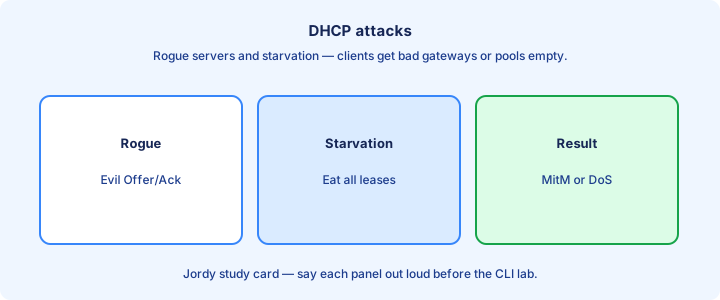
DHCP spoofing puts a rogue server on the LAN that answers Discover messages faster than the real server. Clients install a wrong gateway, DNS, or mask and send traffic to the attacker—classic MITM via addressing. A second router on an access port with `ip dhcp pool` and a fake `default-router` is enough to win the race in a closet.
DHCP starvation floods the real server with Discover/Request spoofs until the pool is exhausted. Legitimate clients get no lease; availability dies even without a clever MITM. Tools that randomize CHADDR/MAC values can burn a /24 in seconds if the switch never rate-limits DHCP on that jack.
Both attacks abuse unauthenticated DHCP on most campus VLANs. Clients trust the first Offer they like. Layer 2 has no built-in “this Offer is official” without switch features. Attackers often combine both: starve the real pool, then answer with a rogue gateway.
Exam trap: a rogue DHCP symptom looks like “wrong gateway” or “Internet down” while DHCP still “worked.” Check the gateway MAC/IP against the real server with `arp -a` / `show ip arp`, not just that an address was assigned.
Snooping trust
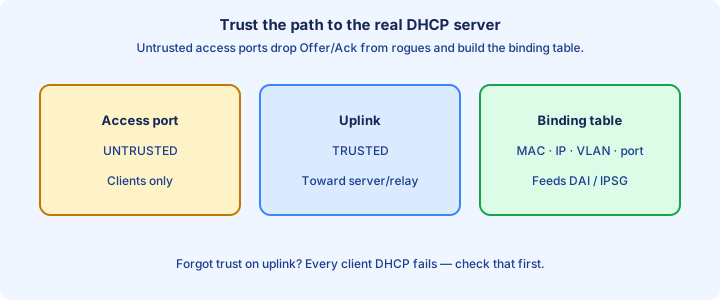
DHCP snooping builds a filter: only trusted ports may offer DHCP server messages (Offer, Ack, Nak). Untrusted ports may send client messages (Discover, Request) but server messages from them are dropped before they poison the VLAN.
Enable globally: `ip dhcp snooping`. Enable per VLAN: `ip dhcp snooping vlan 10,20`. Mark uplinks toward the real server (and inter-switch paths to that server) with `ip dhcp snooping trust` on the interface. Without the VLAN list, global enable protects nothing.
Access ports stay untrusted by default—correct for user jacks. Trusting an access port reopens the rogue-server hole on that jack. On stacks, confirm trust on the member that actually faces the server path. Retune trust when you add a second DHCP server or move scopes behind helpers.
Exam trap: enabling snooping without trusting the uplink black-holes DHCP for everyone—Offers never reach clients. Trust first on the server-facing path, then enable the VLAN list.
Binding table
Snooping builds the DHCP binding table: MAC, IP, lease time, VLAN, interface. Entries come from snooped DHCP transactions on untrusted ports. View with `show ip dhcp snooping binding` and confirm the interface matches the user’s jack after moves.
DAI and IP Source Guard consume this table later. An empty binding table means DAI has nothing to validate—static hosts without DHCP need `ip source binding` entries if you insist on DAI. Where platforms support persistent bindings, enable them before relying on DAI across reloads.
Bindings age with the lease. Clearing bindings (`clear ip dhcp snooping binding`) forces relearn and can briefly break DAI-dependent hosts. Prefer surgical clears by MAC or interface in production. Leases issued before snooping existed need a client renew to appear.
Exam trap: the binding table is not the same as the DHCP server’s lease database. It is the switch’s view of who got what on which port.
Option 82 glance
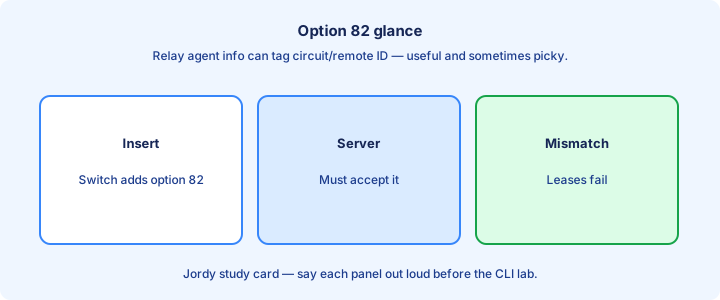
Option 82 (DHCP Relay Agent Information) lets the switch insert circuit/remote IDs so the server knows which port/VLAN the client used. Snooping can add Option 82 on untrusted client requests toward the server or relay.
Some servers reject Option 82 they did not expect. If clients fail only after snooping, try `no ip dhcp snooping information option` on platforms where that applies, or fix the server to accept Option 82. Relay agents may also insert Option 82—double insertion confuses picky servers.
Relay (`ip helper-address`) and snooping interact: the path from client VLAN to server must remain trusted end-to-end for server messages. Option 82 is an information add-on, not a substitute for trust configuration. Compare captures before and after snooping to see whether circuit-ID fields appeared.
Exam trap: Option 82 problems present as “DHCP broken after snooping” even when trust is correct—consider information-option behavior before redesigning trust.
Rate limiting
Untrusted ports can be rate-limited for DHCP messages: `ip dhcp snooping limit rate <pps>`. This blunts starvation floods that spray Discover frames from a single jack. Per-port limits contain one attacker better than a single global guess.
Set limits high enough for real client bursts (boot storms) but low enough to stop abuse. Too low, and a legitimate PC fails DHCP during reboot; too high, and starvation still succeeds. Mass reboot windows may need a temporary higher pps allowance.
Trusted ports typically are not rate-limited the same way—servers and relays need to speak freely. Confirm platform defaults before you copy a template blindly. Record the pps value in the access template so every closet matches.
Exam trap: rate limiting is not a replacement for trust. A trusted rogue uplink still owns the VLAN.
Storm control on the access port
Storm control is the Layer 2 rate limit in objective 4.7, and it is a different feature from the DHCP snooping rate limit beside it. A broadcast storm from a loop, a noisy NIC, or a misbehaving application can melt a VLAN even when every DHCP packet is legitimate. On the interface, `storm-control broadcast level 1.00` caps broadcasts as a percentage of bandwidth. `level pps` and `level bps` are the other units. Multicast and unicast have their own lines. `storm-control action shutdown` err-disables the port when the rising threshold is crossed. `storm-control action trap` sends an SNMP trap and leaves the port up. The default action on many platforms is to drop the excess and log.
`show storm-control` and `show storm-control interface Gi1/0/10` show the configured level, the current rate, and whether the port is filtering. After an err-disable, the log names storm control as the cause, and recovery is `shutdown` / `no shutdown` or `errdisable recovery cause storm-control`. Set the level high enough that a normal busy access port, including a legitimate multicast stream, does not trip it. Unicast storm control in particular can discard real traffic if the threshold is casual.
Exam trap: DHCP snooping rate-limit counts DHCP messages. Storm control counts broadcast, multicast, or unicast frames. A loop that never sends a DHCP Discover is invisible to snooping and obvious to storm control. Port security counts MAC addresses, not frames per second. Pick the feature that matches the counter in the stem.
show ip dhcp snooping
`show ip dhcp snooping` confirms whether snooping is on, which VLANs are enabled, and Option 82 status. `show ip dhcp snooping binding` lists entries. `show ip dhcp snooping statistics` shows drops—gold for troubleshooting rate versus trust drops.
Verify trust by checking the running-config for `ip dhcp snooping trust` on uplinks and matching it to your drawn trust map. A missing trust line is the top misconfig. Empty bindings with working clients usually means you are on the wrong switch in the path.
After a client renews, confirm a binding appears on the correct interface and VLAN. Diff enabled VLAN lists against `show vlan brief` so you did not enable a typo VLAN. Clear statistics between tests so counters map to the trial you just ran.
Exam trap: “snooping enabled globally” without `ip dhcp snooping vlan` means it is not actually protecting any VLAN on many IOS trains.
Integration DAI
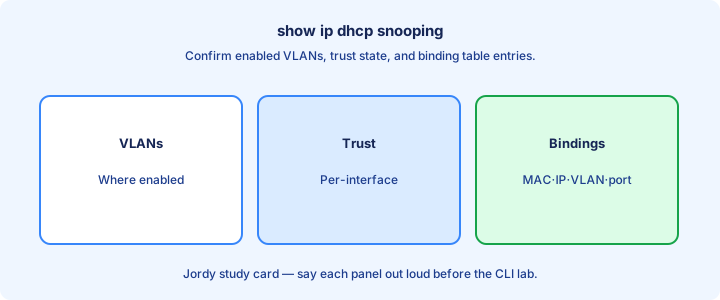
Dynamic ARP Inspection (DAI) validates ARP against the DHCP snooping binding table (and static ARP ACLs). Without bindings, DAI drops legitimate ARP and breaks connectivity. Treat snooping as the database and DAI as the ARP policy engine that queries it.
Enable order: DHCP snooping working with populated bindings → then DAI on those VLANs. Trust DAI on the same uplinks you trust for snooping so intermediary switches’ ARP is not inspected to death. Stage snooping a lease-renew window earlier so bindings exist overnight.
Static hosts need `ip source binding` or ARP ACLs if they never DHCP. Otherwise DAI treats their ARP as invalid. Practice one static binding syntax on your lab image for printers and keep it in the runbook.
Exam trap: turning on DAI alone “for security” without snooping is a common self-DoS on the exam narrative and in real closets.
Design access trust
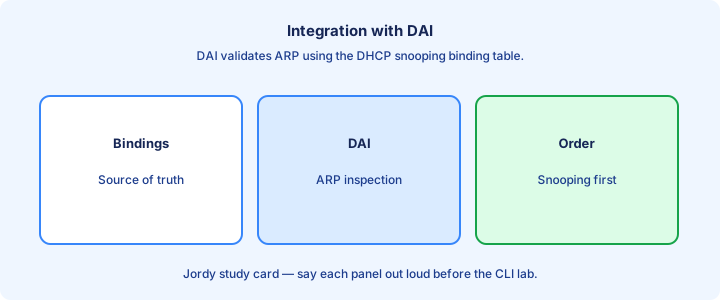
Trust diagram: user access untrusted; uplink to distribution trusted; distribution path toward DHCP server trusted; server port trusted if on the same switch. Trace every client VLAN to the DHCP server and mark trust on each server-facing hop.
Multi-switch Layer 2: every switch on the client VLAN needs snooping enabled, with trust on ports facing the server side of the topology. One untrusted gap lets a rogue Offer through; one missing trust blocks Offers. Guest wireless DHCP paths still need a trusted route for Offers.
Do not trust unused ports “temporarily.” Temporary becomes permanent in runbooks. Keep the template boring and identical across access switches. Reject access-port trust in change review unless a named exception exists.
Exam trap: trusting all trunk ports blindly can trust a compromised access switch’s uplink path—know where the real server lives.
Lab enable snooping
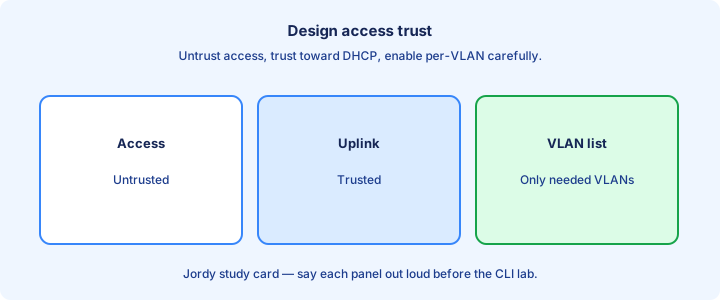
Lab: client—access switch—router/server as DHCP. Configure a pool on the server. Prove the client gets a lease. Enable snooping VLAN on the access switch without trust—confirm DHCP fails. Add `ip dhcp snooping trust` on the uplink—confirm the lease returns.
Plug a rogue DHCP (second router) into an untrusted access port. Confirm clients still get the legitimate Offer. Note Offer-drop counters before and after inserting the rogue—numbers stick better than theory. Check `show ip dhcp snooping statistics` for the rogue’s Offers.
Inspect `show ip dhcp snooping binding` after a successful lease. Clear and renew to watch the entry rebuild. Optionally set a rate limit and generate Discover spam. Lab a helper-address path across a router so trust is not only a local-server exercise.
Exam trap: lab DHCP on the local switch (`ip dhcp pool`) plus snooping on the same box needs careful trust of the internal server path—know whether the server is “inside” or via an interface.
Troubleshooting clients
Client gets APIPA / no lease: check snooping enabled VLAN, uplink trust, Option 82 clashes, and rate limits. `show ip dhcp snooping statistics` drop reasons guide you. `ipconfig /all` shows which DHCP server the client accepted—compare it to the real server IP.
Client gets wrong gateway: snooping may be off on that VLAN or a trusted port is the rogue. Verify trust map and binding interface. Compare ARP for the gateway MAC to the real router. Wrong server IP implies rogue or trust hole; right server IP with no lease implies rate/Option 82/VLAN.
Binding missing for a working static IP host: expected without DHCP—do not “fix” by enabling DAI yet. For DHCP hosts, renew (`ipconfig /release` `/renew`) while watching the binding table. When scopes are remote, verify helper-address before rebuilding snooping.
Exam trap: blaming the DHCP pool mask when Offers are dropped by snooping. Server logs may show no Discover if the switch ate messages—read switch stats first. Pool exclusions still break DHCP even when snooping is perfect.
Exam traps
Snooping without VLAN enable = not protecting. Snooping without trust = no DHCP. Trust on access = rogue allowed. DAI before bindings = outage. Memorize the triad: global enable, VLAN enable, and uplink trust.
Starvation vs spoofing: starvation exhausts leases; spoofing lies about gateway/DNS. Rate limit helps starvation; trust helps spoofing. DAI consumes bindings; it does not replace DHCP Offer filtering.
Helper-address does not replace snooping. Relay forwards across subnets; snooping polices Layer 2 on the client VLAN. Untrusted ports still pass Discover/Request; they block Offer/Ack from the rogue.
Exam trap: choosing “disable DHCP” as the security answer. The exam wants snooping/trust, not turning off addressing.
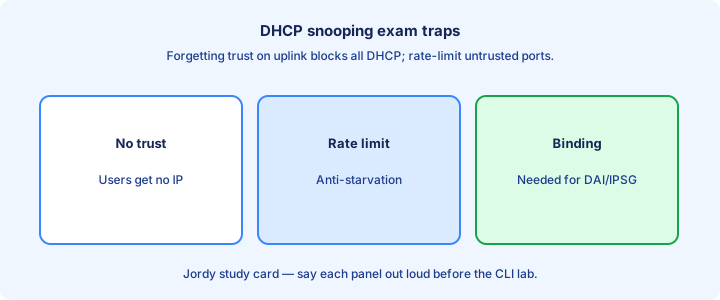
Failure modes
Failure: all clients lose DHCP after a change → likely missing trust or VLAN list typo. Failure: only one closet fails → that switch’s trust/uplink. Failure: intermittent → rate limit too aggressive during boot storms. A new access switch with snooping on and trust missing is a textbook cutover outage.
Failure: DAI enabled overnight, morning outage → bindings empty after power event or switch reload without persistent bindings. Restore DHCP path first, then DAI. Stack failover that loses bindings briefly can surface as ARP pain once DAI is on.
Failure: dual-homed server with one path untrusted → asymmetric Offers dropped. Trust both paths that can carry server DHCP messages. Asymmetric Option 82 behavior across paths creates intermittent leases.
Exam trap: treating a single client failure as a global snooping outage. Isolate whether the binding exists on that port before redesigning the campus. Rollback should disable DAI before removing snooping.
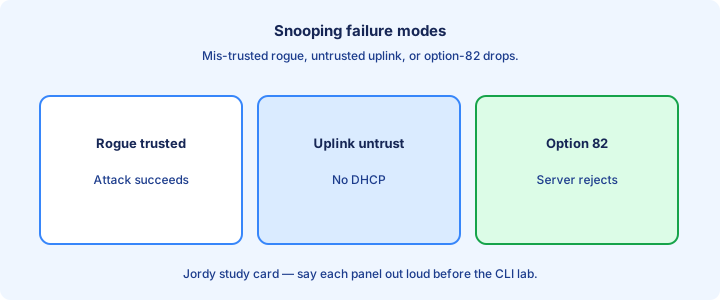
Ops notes
Persist bindings where supported so reloads are less brutal for DAI. Monitor drop counters and alert on sudden spikes across many ports—possible attack or bad template push. Keep break-glass local credentials when AAA changes ride along in the same window.
Change windows: add trust before enabling snooping on a live VLAN. Reverse on removal: disable DAI first, then snooping, so you do not strand ARP checks. Coordinate Option 82 changes with DHCP server owners before production enable.
Document the DHCP server IPs and which interfaces must be trusted. Store the trust map in the same source of truth as the L3 diagrams. Onboarding a new access switch without the trust template recreates Day-1 outages.
Exam trap: ops “best effort” without shows. Production proof is bindings + statistics, not a green ping from the switch CPU alone. Quarterly, sample access ports and prove none are trusted by accident.
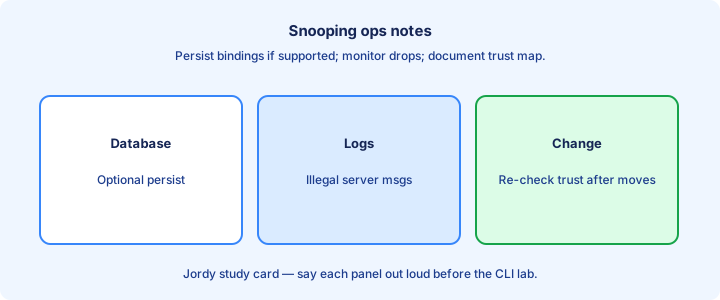
Checklist
Attacks named (spoof vs starve). Global + VLAN snooping on. Trust only server-facing ports. Bindings visible after client lease. Option 82 behavior known and recorded with the server team.
Rate limit considered on untrusted ports. Shows practiced: snooping, binding, statistics. DAI integration deferred until bindings exist. Design trust map drawn for the lab topology.
Troubleshoot path: stats → trust → VLAN → Option 82 → rate. Failure modes reviewed. Ops change order written once beside the trust map. Rollback notes include DAI-first disable.
Exam trap check: can you explain why an untrusted rogue Offer dies while an untrusted Discover still lives? Prove a rogue Offer drop with statistics in the lab notebook.
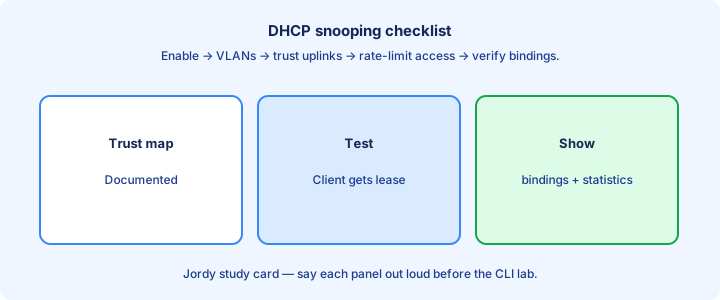
From former Day 51
Source material retained from the previous Day 51 chapter for continuity.
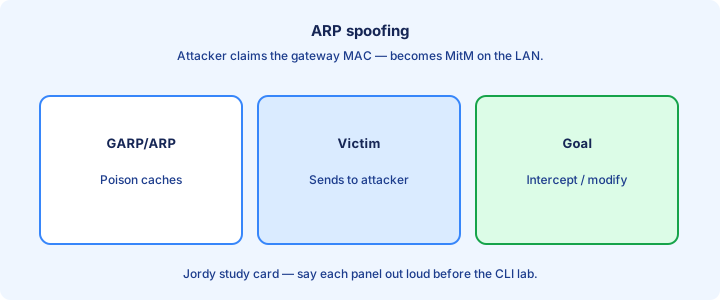
ARP spoofing
ARP spoofing (poisoning) sends forged ARP replies so victims cache the attacker MAC for a legitimate IP—often the default gateway. Traffic then flows through the attacker for MITM or DoS. Gratuitous ARP is a common poison vehicle that updates caches without a prior request.
ARP has no authentication: any host can claim any IP. Switches flood or forward ARP by normal L2 rules unless Dynamic ARP Inspection intervenes. The attacker’s MAC still looks legitimate in the CAM table because it really is on their port.
Symptoms: wrong MAC for the gateway in `show ip arp` / `arp -a`, intermittent black holes, or duplicate-IP warnings from endpoints. CAM may still look “fine” while the gateway mapping is a lie.
Exam trap: port security alone does not stop ARP spoofing if the attacker uses their own allowed MAC while lying about the IP mapping in ARP.
RA guard and the rogue IPv6 router
IPv6 hosts learn a default router and a prefix from Router Advertisements. Any node on the VLAN can send an RA. A laptop with forwarding turned on, or an attacker, can become the default router for the segment, which is the IPv6 version of a rogue gateway. RA Guard is the Layer 2 control. On host ports you attach a policy with `device-role host`, which drops RAs. On the uplink that faces the real router you attach `device-role router`, which permits them.
The policy is global and the attach is per interface. `ipv6 nd raguard policy HOST` with `device-role host`, then `ipv6 nd raguard attach-policy HOST` under the access port. The router-facing port gets a policy whose role is router. `show ipv6 nd raguard policy HOST` confirms the role. Hosts then keep the RA that came from the trusted uplink and ignore the one that came from a PC. This does not inspect DHCPv4 and it does not validate ARP. Those remain snooping and DAI.
Exam trap: RA Guard is not an IPv6 ACL on the router, and it is not DHCP snooping. If the stem says hosts suddenly use a new IPv6 default router and the source is an access port, the feature is RA Guard with the host role on that port. Trusting every access port with `device-role router` disables the control. Trust the router uplink only.
DAI inspection
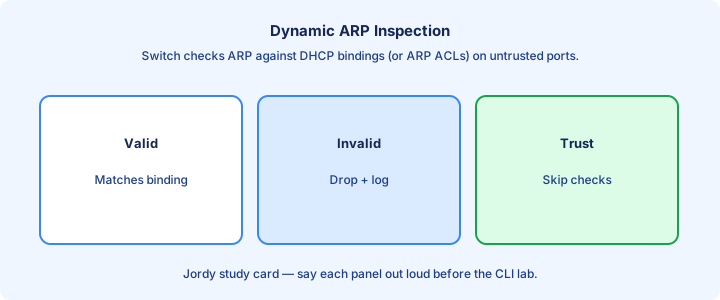
Dynamic ARP Inspection (DAI) intercepts ARP on untrusted ports and validates them against the DHCP snooping binding table (and optional ARP ACLs). Invalid ARP is dropped; valid ARP is forwarded. `ip arp inspection vlan <list>` is the master enable.
DAI inspects ARP that would poison caches. Validation compares sender MAC/IP in ARP to the binding—mismatches die on untrusted ports. It does not replace DHCP snooping; it consumes snooping’s bindings as the source of truth.
When a binding says MAC A owns IP 10.1.1.10 on Gi0/5, an ARP from Gi0/8 claiming 10.1.1.10 is dropped. Keep DAI and snooping VLAN lists identical for each user VLAN you protect. ARP ACLs cover static hosts that never DHCP.
Exam trap: DAI validates ARP, not DHCP Offers. Rogue DHCP still needs snooping; DAI cleans the ARP lie that often follows.
Trust ports
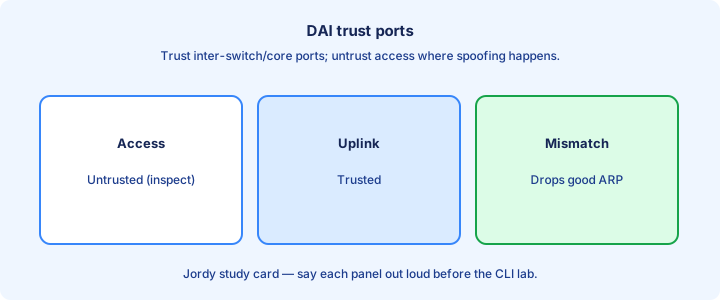
`ip arp inspection trust` on an interface skips DAI inspection for ARP on that port—use on uplinks toward other switches/routers that already police or that carry aggregated legitimate ARP. Configure it on the same uplinks that carry `ip dhcp snooping trust`.
Mirror your DHCP snooping trust map: access untrusted, uplinks trusted. Mismatched maps (snooping trusts uplink, DAI does not) can drop legitimate ARP from the distribution layer and look like a total VLAN outage.
Never trust user access ports. A trusted access port lets poisoned ARP enter unchecked—the feature becomes theater. Audit with `show ip arp inspection interfaces` after every template push.
Exam trap: trusting a port for DAI is independent CLI from snooping trust—you usually need both commands on the same uplinks.
Rate limits
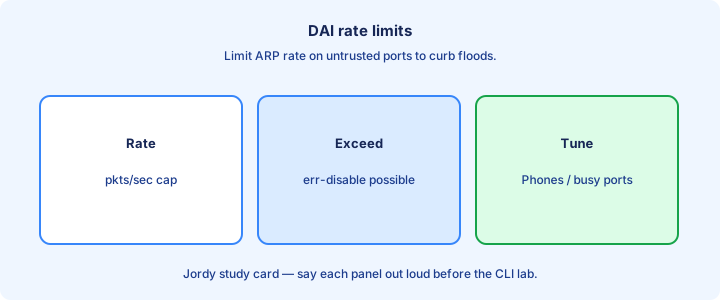
DAI can rate-limit ARP on untrusted ports (`ip arp inspection limit rate <pps>`). Excess ARP err-disables the port on many platforms—protects CPU from ARP storms. Default rates can be low; phone boot storms may need a documented bump.
Boot storms and noisy NICs can trip low limits. Tune upward for phone/PC edges if you see err-disable without an attack. Trusted ports are typically unlimited and should not inherit tiny untrusted rates.
Err-disable from ARP inspection rate has its own recovery cause on many images—check `show errdisable recovery` and interface status. Rate-limit err-disable shows in interface status; binding drops show in DAI statistics instead.
Exam trap: rate-limit err-disable is not the same as an invalid-binding drop. One is volume; the other is content validation.
show ip arp inspection
`show ip arp inspection` shows whether DAI is enabled per VLAN and filter type (DHCP binding / ACL). `show ip arp inspection interfaces` lists trust state and rate limits. `show ip arp inspection statistics` counts forwarded vs dropped ARP.
Rising drop counters with user complaints mean bindings missing, wrong VLAN list, or a host using a static IP without a static binding. Correlate with `show ip dhcp snooping binding`. Statistics broken down by reason (when offered) separate binding versus ACL versus rate problems.
Zero drops forever on a “secured” VLAN can mean DAI is not enabled, all ports are trusted, or there is simply no traffic—prove with a deliberate bad ARP in lab only. Enable the client VLAN ID you actually use; SVI/access VLAN typos are common.
Exam trap: empty statistics after enable often means you enabled the wrong VLAN ID relative to the client access VLAN.
DHCP snooping dependency
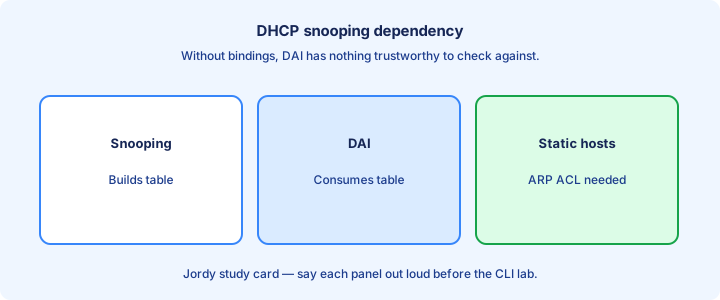
DAI’s default validation source is the DHCP snooping binding table. No snooping, no dynamic bindings, no useful DAI—unless you maintain ARP ACLs for every host (impractical at scale). No dynamic binding means DAI drops the host’s ARP until you add a static binding or ACL.
Enable sequence: snooping on → clients renew → bindings present → DAI on → verify statistics. Reverse to disable safely: DAI off before tearing down snooping, or you strand ARP checks against an empty database.
Static servers: configure static DHCP snooping bindings or ARP inspection ACLs so their ARP remains legal. Document them next to the trust map and FHRP notes. Printers with static IPs need this before the DAI night cut.
Exam trap: “DAI requires DHCP snooping” is the expected relationship on CCNA unless the stem explicitly gives ARP ACLs as the alternative.
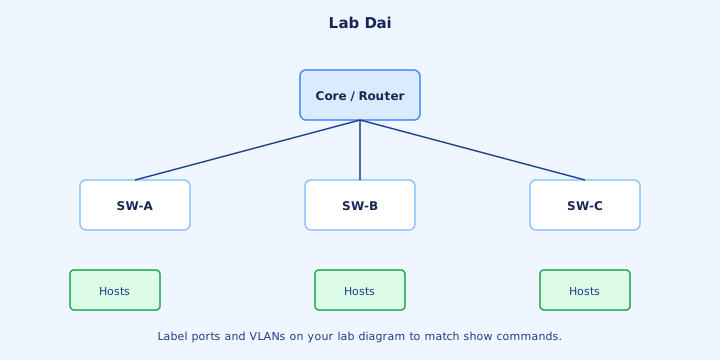
Lab DAI
Lab: working DHCP snooping from Day 50. Enable `ip arp inspection vlan <id>`. Leave access untrusted; trust uplink. Prove a baseline ping to the gateway, enable DAI, re-ping, then run a forged ARP trial. Confirm drop counters move.
From an untrusted port, craft or simulate ARP claiming the gateway IP with a wrong MAC. Confirm drops increment and victim `arp -a` keeps the correct gateway MAC. Optionally lower the ARP rate limit and flood ARP to see err-disable; reset with shut/no shut.
Add a static host without a binding and watch it fail—then add a static binding to repair. Record which counter moved for each trial: binding drop versus rate err-disable. Tie every test to a show-command change.
Exam trap: lab “success” without `show ip arp inspection statistics` will not stick. Tie every test to a counter change.
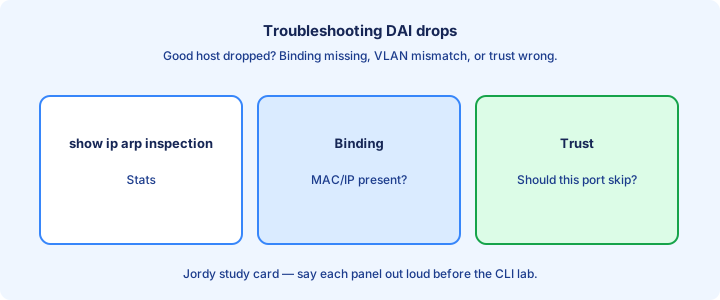
Troubleshooting drops
Symptom: cannot ping gateway after DAI → check binding for client IP/MAC/port. Mismatch after NIC swap, dock change, or cloned VM MAC is common. Renew DHCP or update static binding. Do not declare Layer 3 dead until the binding row matches reality.
Symptom: only some hosts fail → those without bindings (static IPs). Symptom: all hosts fail → VLAN not in snooping, trust missing on uplink, or DAI enabled before leases existed. Uplink missing DAI trust drops aggregator ARP and can look like “the whole VLAN died.”
Use statistics to see whether drops are ACL, DHCP binding, or rate-limit related. Fix the binding source before disabling DAI as a “solution.” Compare a working port to a broken port instead of inventing theories.
Exam trap: turning off DAI permanently to “fix” an outage removes the control the question wanted you to correct via bindings/trust.
Design core trust
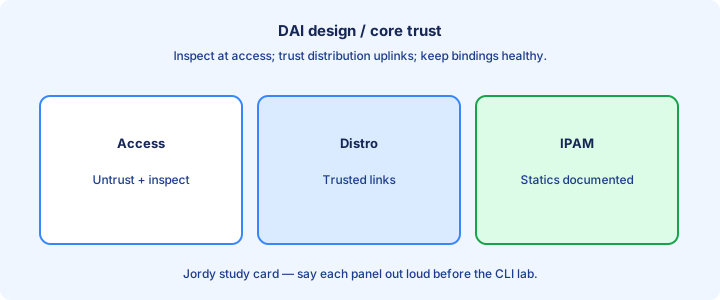
At distribution/core, trust DAI on ports facing access switches if access switches already enforce DAI—or enforce DAI at access only and trust northbound. Pick one inspection edge so ARP is not double-dropped inconsistently across the hierarchy.
Router-facing ports that own the gateway IP should be trusted or covered by correct bindings so gateway ARP (including gratuitous ARP on failover) is not discarded. FHRP failover generates gratuitous ARP; ensure DAI trust/bindings allow the virtual IP’s MAC update from the active router’s port.
When access switches enforce DAI, distribution can trust access-facing ports that already cleaned ARP. Document the trust decision beside the FHRP design so failover tests include ARP inspection.
Exam trap: untrusting the gateway router port is a self-inflicted gateway outage the moment DAI is enabled.
Exam traps
DAI ≠ DHCP snooping. Snooping filters DHCP; DAI filters ARP; IPSG filters sourced IP. All three need a coherent trust map and healthy bindings. Default ports are untrusted for DAI when the feature is on.
Order matters: bindings before DAI. Static hosts need static help. Rate-limit err-disable ≠ invalid ARP drop. Gateway MAC changing after FHRP failover is normal; DAI must permit the legitimate new mapping.
Port security + DAI solve different lies: MAC on a port vs IP-to-MAC claims. Attack stems that mention gateway MAC changes want DAI, not sticky MAC.
Exam trap: choosing “configure static ARP on every host” as the scalable answer—DAI is the switch-side scalable control.
With IP source guard glance
IP Source Guard (IPSG) filters IP traffic on a port based on DHCP bindings (and static source bindings), blocking hosts from using stolen IPs. It complements DAI: DAI watches ARP; IPSG watches data-plane source IP/MAC pairing via `ip verify source` themes.
IPSG also depends on the snooping binding table. Enabling IPSG without bindings isolates the port. Enable order mirrors DAI: bindings first, feature second, or the port goes dark. Glance-level CCNA: know it exists and shares the binding dependency.
Together: snooping (DHCP) → bindings → DAI (ARP) + IPSG (IP source). That is the Layer 2 anti-spoof bundle. Learn the shared dependency once and reuse it for all three features.
Exam trap: IPSG does not replace DAI. An ARP poison stem wants DAI; a stolen source-IP stem wants IPSG—match the feature to the lie told.
Verification
Verification pack: `show ip dhcp snooping binding`, `show ip arp inspection`, `show ip arp inspection interfaces`, `show ip arp inspection statistics`, client `arp -a` for gateway MAC, and switch ARP/MAC table consistency. Agree the gateway MAC among client, switch, and real router VIP/interface.
After FHRP failover, recheck gateway MAC via ARP and confirm DAI did not drop the gratuitous ARP from an untrusted path. After maintenance reloads, confirm bindings repopulated before declaring green.
Document baseline drop counters after a quiet window so attack spikes are obvious. Reset stats only when you intend to measure a test. Ping through a MITM can still succeed—MAC agreement is the real verification.
Exam trap: verifying only with ping. Ping can work through a MITM; check the ARP MAC against the real gateway.
Failure modes
Reload wipes non-persistent bindings → DAI drops everything until DHCP renews. Power maintenance windows need renew strategies or persistent bindings. Non-persistent bindings + DAI after power loss equals campus-wide ARP drops until renews finish.
VLAN mismatch: snooping on VLAN 10, DAI on VLAN 20 → no protection or odd partial failures. Keep lists identical for the user VLAN set. Trusted rogue path: one mis-trusted access port poisons neighbors while statistics stay clean on other ports.
Audit trust with interface shows regularly. Correlate outage start with the config change time before blaming STP topology changes that happened to occur the same morning.
Exam trap: blaming STP topology changes for ARP failures that started the minute DAI was enabled—check the feature change log first.
Checklist
ARP spoofing explained in one sentence. Snooping bindings populated. DAI enabled on the same VLANs. Trust aligned with snooping. Rate limits tuned with `show ip arp inspection interfaces`.
Shows memorized. Lab proved drops on forged ARP. Static hosts handled. IPSG glanced as sibling. Gateway/FHRP ports considered in the trust design and failover test list.
Troubleshoot path written: binding → trust → VLAN → rate. Failure modes (reload, VLAN mismatch) noted. Verification includes gateway MAC, not just ping.
Exam trap check: can you state why DAI without snooping fails into an outage, and which show proves bindings exist before you enable DAI?
Which Layer 2 control the symptom is asking for
The edge features in 4.7 stack, and the exam splits them by symptom. Too many MAC addresses on one jack, or a violation that err-disables with a port-security log: port security. A rogue DHCP server or a client that never gets a lease because the Offer was dropped: DHCP snooping, with the server port trusted. An ARP reply that binds the gateway IP to the wrong MAC: DAI, using the snooping binding table. A flood of broadcasts or multicasts, often with a loop in the story: storm control, confirmed with `show storm-control` and an err-disable cause of storm-control. Hosts that gained an unexpected IPv6 gateway: RA Guard, host role on the access ports.
One port can run all of them. Snooping and DAI share the binding table, so DAI without snooping does not know what to enforce. Storm control and RA Guard do not use that table. They can be configured on a port that also has port security. None of them replaces the others. A question that enables only port security and then shows a broadcast storm is still unsolved.
Verify in the same order as the symptom. `show port-security interface`, `show ip dhcp snooping binding`, `show ip arp inspection`, `show storm-control interface`, `show ipv6 nd raguard policy`. Exam trap: the log reason is the answer key. Err-disable from a storm is not fixed by raising the port-security maximum. An IPv6 rogue router is not fixed by DAI, which is an IPv4 ARP feature.
Key ideas
- Port security limits MACs. Violation shutdown err-disables; restrict and protect differ on logging and forwarding. Sticky can write learned MACs into the running config. Voice plus data often needs maximum 2.
- DHCP snooping trusts the server port, builds the binding table, and drops Offers on untrusted ports. DAI checks ARP against that table.
- Storm control rate-limits broadcast, multicast, or unicast and can trap or err-disable. It is the control for a frame storm. Snooping rate-limit is the control for DHCP message floods.
- RA Guard drops IPv6 router advertisements on device-role host ports and permits them on the router uplink.
- The log reason picks the feature: port-security, dhcp snooping, arp inspection, storm-control. An IPv6 rogue gateway is RA Guard, which DAI does not cover.
Self-check
- Name the three port-security violation modes and the show that proves the state of one interface.
- Why does a phone-plus-PC port often need maximum 2, and how do you recover an err-disabled port?
- A loop floods broadcasts and the port err-disables with a storm-control log. Which show confirms the level, and why is the DHCP rate limit the wrong feature?
- Hosts adopt a new IPv6 default router sourced from an access port. Which policy role do you attach there, and which port faces the real router?
- What attack does DHCP snooping stop, and which table does DAI depend on?