Day 39
Virtualization, Containers & Cloud
virtualization-containers-cloud
At a glance
Virtualization and cloud: hypervisors, VMs vs containers, and shared-responsibility cloud models at CCNA depth. Maps to CCNA v2.0 objective(s) 1.2, 5.3.
Deep chapter
Long-form companion reading (original prose).
Virtualization basics
Virtualization runs multiple isolated virtual machines on one physical host by abstracting CPU, memory, storage, and NICs. Each VM thinks it owns hardware; the hypervisor schedules the real resources. CPU ready time and memory overcommit are host metrics that falsely show up as “network slowness.”
Networking impact: VMs need virtual NICs connected to virtual switches, uplinks to physical NICs, and the same VLAN/IP designs you already know—only the access port may be a vNIC. Treat vNIC MACs like physical MACs for port security and DHCP bindings in edge lab cases.
Density and snapshotted recovery are the operational wins. Failure domains shift: one host outage can take many VMs unless you cluster and migrate. Clusters with live migration change which physical NIC carries a VM—uplink redundancy still matters.
Exam trap: virtualization is not the same as cloud. Cloud usually consumes virtualization, but on-prem hypervisors are virtualization without a cloud provider. A hypervisor farm without cloud APIs is still virtualization, not automatically “cloud.”
Hypervisor types
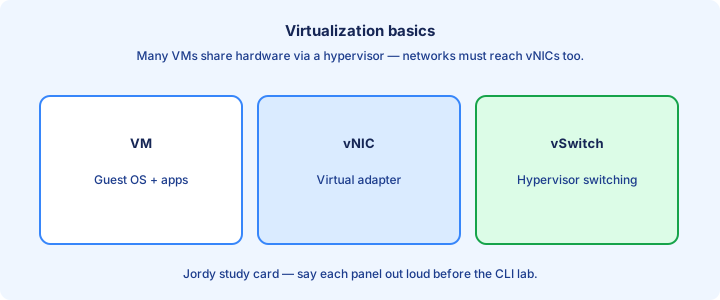
Type 1 (bare metal) hypervisors install on hardware—ESXi, Hyper-V Server themes. Type 2 run atop a host OS—Workstation/VirtualBox themes. Data centers use Type 1 for performance and isolation. Bare-metal Type 1 minimizes host-OS overhead.
Type 1 is the exam default when the stem mentions data center hosts or enterprise virtualization. Type 2 is for labs on a laptop running Packet Tracer or a nested NOS. Management planes (vCenter-class tools) sit above Type 1 hosts—do not confuse them with Type 2.
Both present vNICs to guests; the difference is where the hypervisor sits in the stack and how much overhead/control the host OS adds.
Exam trap: calling Type 2 “more secure because of the host OS”—the host OS expands the attack surface; Type 1 is the enterprise norm for servers. Enterprise server stems want Type 1; desktop lab stems may accept Type 2.
VMs vs containers glance
VMs virtualize hardware and run full guest OS kernels. Containers share a host kernel and package apps with dependencies—lighter and faster to start, weaker isolation than separate VMs by default. Know isolation is generally stronger in separate VMs without diving into escape exploits.
Networking: containers often sit on bridge networks or overlays (exam glance only). VMs look like ordinary hosts to the campus fabric when bridged. Bridge versus overlay container networking still depends on reachable underlay IP just like campus.
Use VMs for strong isolation and different OS kernels; containers for microservices density. CCNA only needs the distinction, not Kubernetes depth. Microservices density favors containers; kernel diversity favors VMs.
Exam trap: containers do not replace the need for underlay IP reachability and segmentation—your ACLs and VRFs still matter.
Cloud models IaaS PaaS SaaS
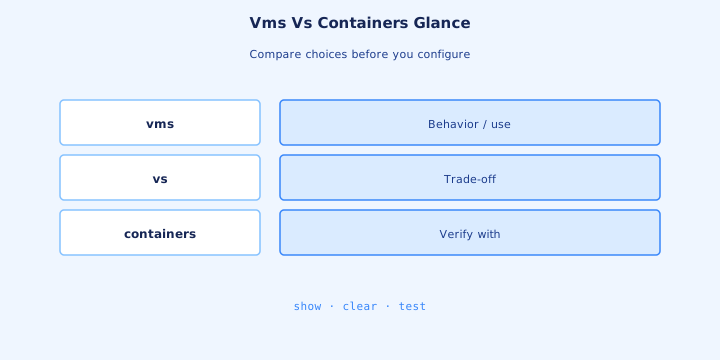
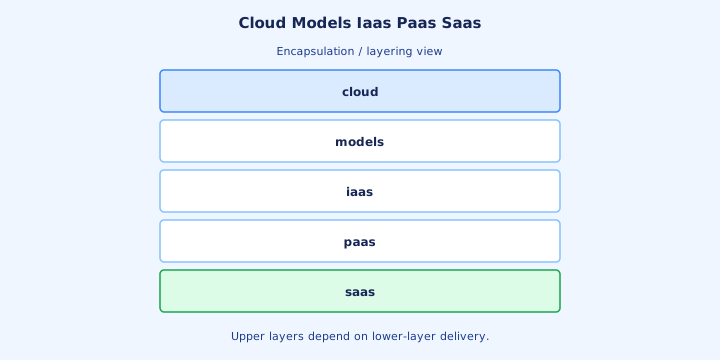
IaaS rents VMs, storage, and networks—you manage OS and up. PaaS rents a platform for apps—you manage app code, not the OS. SaaS rents the application—you are a user/admin of the app only. IaaS security groups and routes are yours to design—much like ACLs and SVIs on-prem.
Responsibility shrinks as you move IaaS → PaaS → SaaS. Networking in IaaS still means VPCs, subnets, security groups—concepts parallel to campus VRFs/ACLs. PaaS hides the guest OS; you cannot SSH to a host you do not get.
Examples for memory: EC2-like = IaaS; Heroku-like = PaaS; Microsoft 365-like = SaaS. Exam stems give a responsibility clue more often than a brand name. SaaS admin centers still need MFA and role design—operations do not vanish.
Exam trap: calling Gmail “IaaS” because it runs on servers. If you only use the app, it is SaaS. Classify by what you patch and configure, not by the marketing homepage.
On-prem vs cloud
On-prem means you own/rent the hardware in your facility or colo. Cloud means on-demand provider capacity with APIs, global regions, and shared responsibility. CapEx hardware refresh cycles contrast with OpEx cloud billing—exam stems may hint either way.
Cloud strengths: speed to deploy, elasticity, global reach. On-prem strengths: control, predictable data locality, sometimes cost at steady high utilization. Data gravity keeps some databases on-prem even when front ends scale in cloud.
Hybrid connects both with VPN/Direct Connect-style links. Routing, DNS, and identity become the hard parts—not spinning a VM. Hybrid VPNs must account for DNS and identity before the first workload moves.
Exam trap: “cloud is always cheaper.” Stems that emphasize control or legacy hardware may still want on-prem. Control and locality requirements can beat a generic “move to cloud” answer.
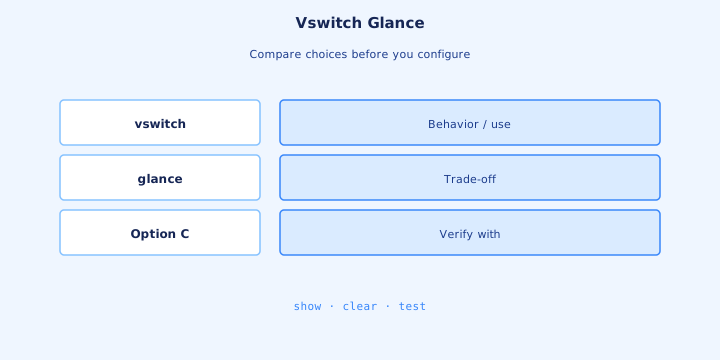
vSwitch glance
A virtual switch bridges VM vNICs and physical NICs (uplinks). It understands VLANs/trunks much like a physical access/distribution edge inside the host. Trunk uplinks must allow every VLAN used by VM port groups—missing allowed VLANs drop silently.
Uplink design: NIC teaming/bonding for bandwidth and failover. Mis-matched VLAN tags between vSwitch and physical switch drop VM traffic silently. NIC teaming modes (active/active vs failover) affect how the physical switch sees MACs.
Security: promiscuous mode, forged transmits, and MAC changes are hypervisor policy knobs—know they exist so you are not surprised in broader Cisco material. Forged transmit policies matter when VMs run routers or nested labs.
Exam trap: treating the physical access switch as the only switch in the path. The vSwitch is another hop that must match VLAN intent—always include it when tracing VM to campus core.
NFV glance
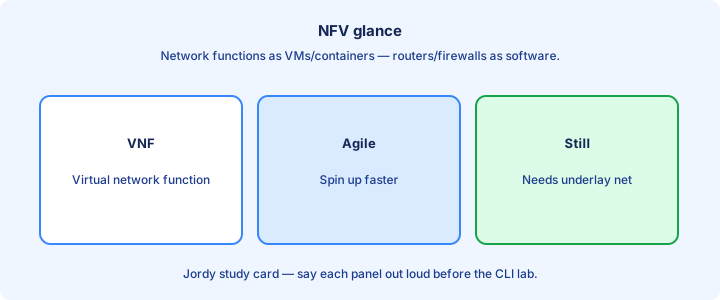
Network Functions Virtualization (NFV) runs firewall, router, load balancer, or WAN edge functions as VMs/VNFs instead of only as appliances. Virtual firewalls still need correct north-south placement and default-deny policies.
Benefit: scale out with compute, deploy faster, consolidate hardware. Cost: still need underlay bandwidth, licensing, and operational skill on the virtual appliances. Performance depends on CPU pinning, SR-IOV themes, and underlay bandwidth—not magic.
On CCNA, recognize that a “virtual router” in a diagram may be a VNF on a hypervisor, not a physical ISR in a rack. A VNF CE for SD-WAN is still a CE from Day 53’s WAN viewpoint.
Exam trap: NFV is not SDN. SDN is control-plane programmability; NFV is where the function runs. They often coexist but are not synonyms—use both terms precisely.
Exam definitions
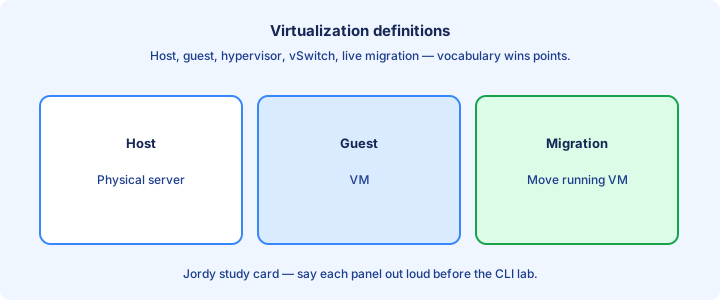
Drill crisp definitions: hypervisor, VM, vNIC, vSwitch, container, IaaS/PaaS/SaaS, public/private/hybrid cloud, NFV, elasticity, shared responsibility. Hypervisor versus guest OS versus host OS—three layers you can point to on a sketch.
Public cloud: provider multi-tenant service. Private cloud: cloud-style automation on dedicated infrastructure. Hybrid: both connected. Public vs private vs hybrid: multi-tenant provider, dedicated cloud-style pools, or both connected.
Elasticity means scaling resources with demand; virtualization alone without automation is not full cloud. Elasticity implies automated scale-out/in, not merely creating a second VM by hand.
Exam trap: mixing “private cloud” with “a single VM on a laptop.” Private cloud implies pooled resources and on-demand self-service themes. If self-service pooling is missing, say virtualization—not private cloud.
Design hybrid
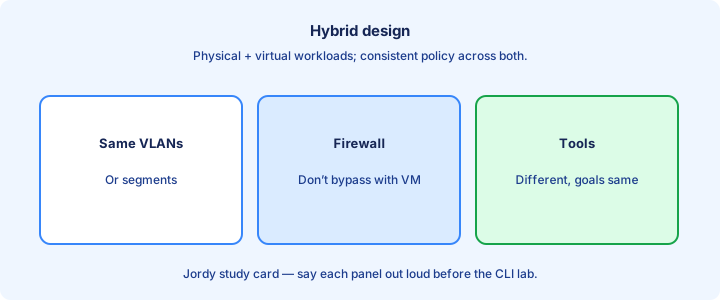
Hybrid design: extend identity (SSO), connect networks (VPN/private circuit), place workloads by latency and data gravity, and monitor both sides with one ops story. Use private circuits or IPsec for connectivity; keep overlapping RFC1918 space out of the design.
Avoid stretching L2 into cloud by default. Route between on-prem subnets and cloud VPCs. Treat cloud security groups like distributed ACLs. Security groups plus on-prem firewalls need a consistent policy story for east-west paths.
Egress costs and DNS split-horizon surprise teams that only labbed local VMs. Design name resolution before you migrate the first app. Split-horizon DNS prevents cloud names from leaking wrongly on-prem and vice versa.
Exam trap: hybrid is not “copy every VLAN to the cloud.” It is routed interconnection with clear boundaries—routed boundaries beat stretched L2 into VPC/VNet fabrics.
Security shared responsibility
Shared responsibility: the provider secures the cloud (hardware, facilities, foundational services); you secure what you put in it (guest OS, data, identities, security group rules) especially on IaaS. Provider owns physical DC, hypervisor host baselines, and foundational API availability.
SaaS shifts more to the provider, but you still manage accounts, MFA, and data classification. Misconfigured public storage buckets are a customer failure, not “the cloud failed.” Customer on IaaS owns guest patching, IAM users/keys, data encryption choices, and network ACLs you configure.
Map CIA to cloud controls: encryption at rest/in transit, IAM least privilege, availability zones for availability. SaaS: you still own account lifecycle and what data you upload.
Exam trap: assuming the provider patches your IaaS guest OS. On IaaS, guest OS patching is usually yours. Public object storage left open is a customer control-plane mistake under shared responsibility.
Lab vocabulary
Lab vocab drill: create a Type 2 VM, note vNIC MAC, attach to a bridged/NAT network, and compare how the campus DHCP sees it. Sketch where the vSwitch sits relative to your physical switch. Bridged mode places the VM on the LAN; NAT mode hides it behind the host—know which you used.
Label a diagram with IaaS/PaaS/SaaS for three services you use. Write one control you own on each. Label three real services as IaaS/PaaS/SaaS with one owned control each.
Say out loud the difference between hypervisor and container engine until it is boring. Boring means exam-ready. Explain hypervisor versus container engine until the wording is stable.
Exam trap: lab NAT mode hiding the VM from the LAN, then claiming “virtualization breaks DHCP.” Bridged vs NAT is the real lesson—if DHCP “fails” in NAT mode, you learned addressing modes.
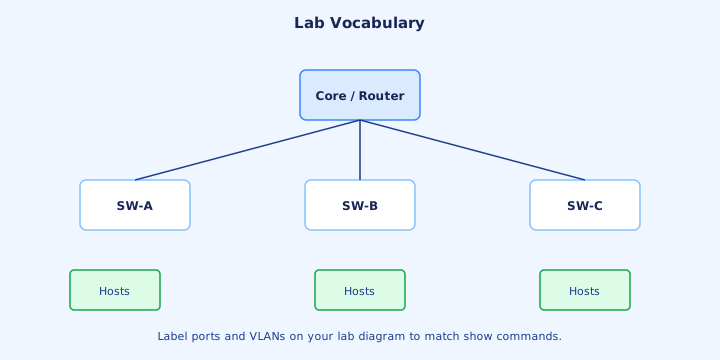
Ops differences
Ops in virtualization: vMotion/live migration, host maintenance modes, datastore capacity, snapshot debt. Network ops must coordinate VLAN changes with virtualization admins. Snapshot chains and full datastores cause VM pauses that mimic network outages.
Cloud ops: API-driven changes, identity-centric access, regional failure planning, cost alerts. Change control moves faster—guardrails matter more. Cloud cost anomalies are operational signals—runaway NAT gateways or chatty logs burn budget.
Troubleshooting: start with “is the VM/host up,” then vSwitch/uplink, then physical switch, then routing. Skipping the virtual layer wastes hours. Path: VM power state → vSwitch/port group → physical uplink → campus routing.
Exam trap: applying only physical-closet runbooks to cloud outages that are really IAM or security-group denials. IAM deny in cloud is the new “ACL drop”—check identity before tracerouting forever.
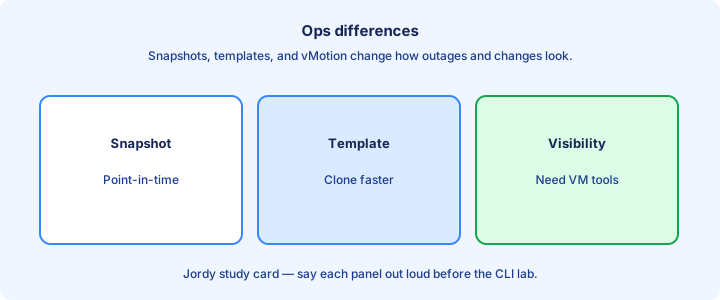
Checklist
Virtualization vs cloud distinguished. Type 1 vs Type 2 stated. VM vs container glanced. IaaS/PaaS/SaaS responsibilities clear from a patching/ownership perspective.
vSwitch/uplink VLAN matching noted. NFV ≠ SDN. Hybrid routed, not L2 stretched. Shared responsibility mapped to IaaS guest OS patching.
Lab vocabulary practiced with bridged vs NAT. Ops troubleshooting order includes the virtual layer. Definitions crisp enough for multiple choice under time pressure.
Exam trap check: can you classify a service as IaaS/PaaS/SaaS from a responsibility description alone?
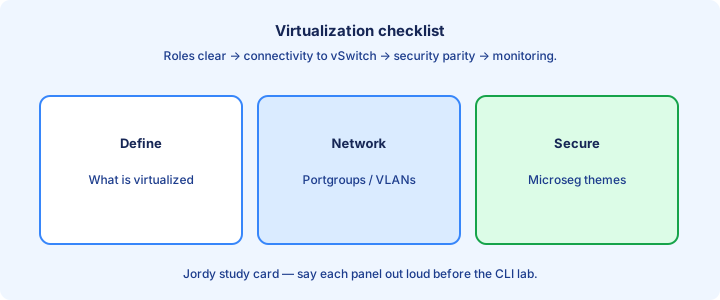
Bridge to wireless
Wireless users still land on Ethernet VLANs, controllers, and sometimes cloud-managed dashboards. Virtualization hosts APs’ controllers as VNFs or cloud services in modern designs. Cloud-managed AP dashboards are SaaS-like control with APs still on your access switches.
RF is separate physics; forwarding after CAPWAP/local switch is the campus/cloud story you just studied. Keep SSID-to-VLAN mapping as clean as VM-to-VLAN mapping. Virtual WLCs are NFV instances with the same CAPWAP reachability needs as physical WLCs.
Next day (55) starts RF, SSID/BSS/ESS, and AP modes—use today’s vocabulary when a WLC runs as a VM or cloud service. SSID-to-VLAN hygiene matches VM port-group hygiene—map deliberately.
Exam trap: thinking wireless bypasses campus design. SSIDs map to the same segmentation and gateway problems as wired VLANs. RF physics start on Day 55; forwarding and segmentation continue unchanged.
Key ideas
- Type 1 vs Type 2 hypervisors (bare metal vs hosted).
- VMs virtualize hardware; containers share a kernel.
- vNIC/vSwitch connect VMs to the physical network.
- Cloud models: IaaS/PaaS/SaaS responsibility shifts.
- Elasticity and multi-tenancy are cloud hallmarks.
- Underlay reachability still matters for overlays.
- Security: blast radius and isolation between tenants.
Self-check
- Type 1 vs Type 2 hypervisor?
- VM vs container — one difference?
- What does a vSwitch do?
- IaaS vs SaaS — who patches the OS?
- Why isolation matters in multi-tenant cloud?