Day 40
Wireless Principles & Architectures
wireless-principles-architectures
At a glance
Merged wireless fundamentals + architectures. Wireless fundamentals: RF, SSID/BSS/ESS, channels, and interference — wired switching still fronts modern WLANs. Wireless architectures: autonomous APs vs controller-based (WLC), CAPWAP tunnels, and split-MAC roles. Maps to CCNA v2.0 objective(s) 1.5.
Deep chapter
Long-form companion reading (original prose).
Wireless Principles & Architectures — consolidated study day
This day merges former Days 55, 56 into one CCNA v2.0-aligned segment.
Read straight through; use the practice hub (subnetting / CLI) to drill the verbs Troubleshoot, Diagnose, Configure, and Interpret.
From former Day 55
Source material retained from the previous Day 55 chapter for continuity.
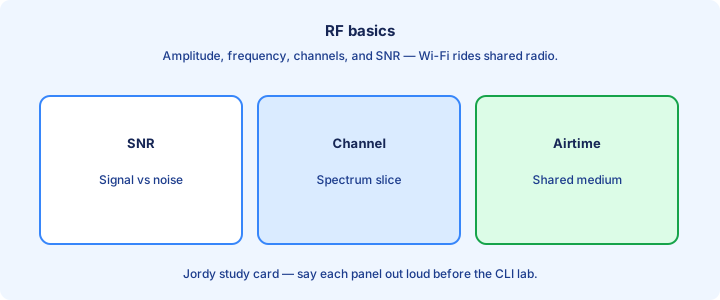
RF basics
RF carries 802.11 over the air using bands like 2.4 GHz and 5 GHz (and 6 GHz on newer gear). Higher frequency generally means more bandwidth potential and less range/obstacle penetration; 2.4 travels farther through walls but is crowded with legacy clients and non-Wi-Fi noise.
Power, antenna gain, free-space loss, and walls determine RSSI at the client. Too little signal → retries and low data rates; too much cell overlap on the same channel → co-channel interference that wastes airtime for everyone in the BSS.
CCNA needs qualitative RF: bands, interference sources (microwaves, Bluetooth, neighboring BSS), and that wireless is half-duplex shared media in a collision domain of airtime—only one station meaningfully talks on the channel at a time in classic CSMA/CA thinking.
Exam trap: equating “more AP transmit power” with always-better design. Overpowered APs create sticky clients and co-channel interference that slower surveys would have caught. Measure with a client RSSI view while you walk; numbers beat guesses about coverage.
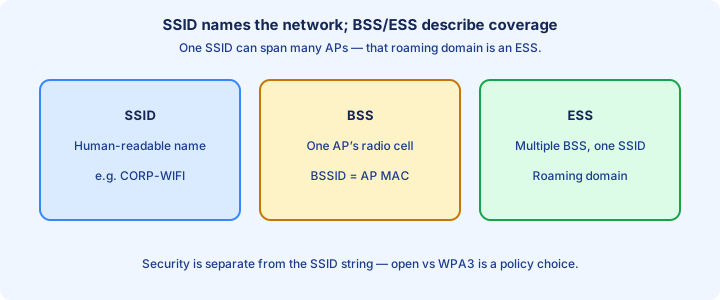
SSID BSS ESS
SSID is the network name clients see. BSS is one AP radio cell (Basic Service Set) identified by BSSID (usually the radio MAC). ESS is multiple BSSs sharing an SSID for roaming coverage (Extended Service Set) across a floor or building.
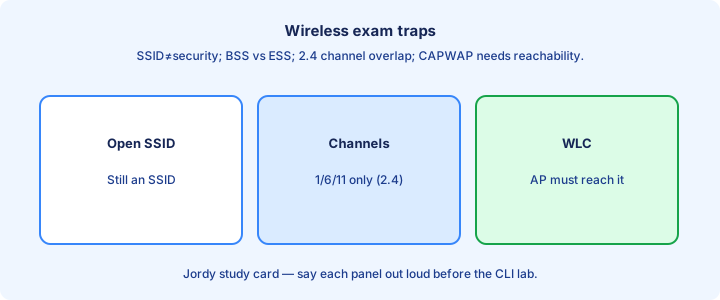
Same SSID on two APs does not guarantee a proper ESS—they need matching security settings and a backhaul design that supports roaming. Open SSID names are not security; anyone can type the string.
IBSS (ad hoc) appears occasionally in definitions: no AP, peer-to-peer. Enterprise exams focus on infrastructure BSS/ESS with APs on PoE access ports tied into campus VLANs.
Exam trap: confusing SSID (name) with BSSID (AP radio identity). Roaming decisions care about BSSID/AP metrics, not just the human-readable string name. Roaming needs matching security across every BSSID that shares the SSID string.
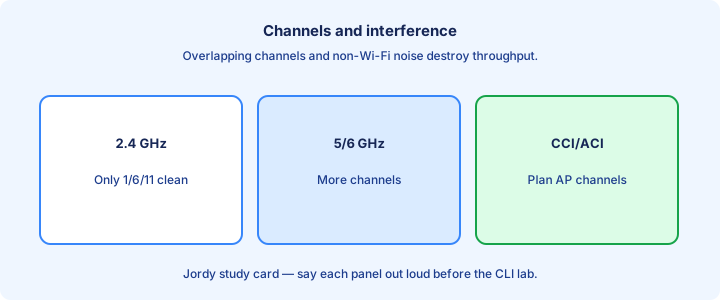
Channels and interference
2.4 GHz has few non-overlapping channels (1, 6, 11 in many regions). 5 GHz offers more channels and DFS considerations. Overlapping channels cause co-channel or adjacent interference and waste airtime with retries and deferrals.
Design: reuse channels with spatial separation; avoid setting every AP to auto-max power on channel 1. Site surveys and controller RRM beat guessing from a single desk test in the IDF.
Non-Wi-Fi interference (Bluetooth, microwave, rogue devices) shows as noise floor rise. Channel changes and band steering to 5 GHz are common mitigations when 2.4 is unusable near a break room.
Exam trap: claiming 2.4 GHz has “14 non-overlapping channels.” Know the classic 1/6/11 pattern for exams in typical regulatory domains. Reuse channels only with enough physical separation between co-channel APs.
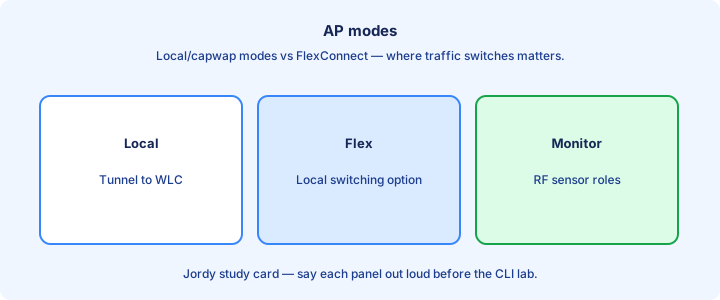
AP modes
Autonomous AP is self-configured with local SSIDs and security. Lightweight AP + WLC centralizes config, SSIDs, and often security; APs use CAPWAP (or similar) tunnels to the controller for management and sometimes user data.
Other modes you may see: monitor/sniffer/rogue-detect themes, and bridge/workgroup bridge for wireless backhaul. CCNA emphasizes autonomous vs lightweight/controller-based as the primary contrast. Confirm CAPWAP join state before you blame antennas for a silent lightweight AP.
Lightweight APs need reachability to the WLC (DHCP options, DNS, or static). If CAPWAP dies, behavior depends on flex/local mode—know that central switching needs the tunnel while local switching may still forward on locally mapped VLANs.
Exam trap: “AP always switches traffic locally.” Controller-based designs may tunnel user traffic centrally—read the stem’s mode cues before you assume FlexConnect.
Antenna glance
Omnidirectional antennas cover horizontally in a doughnut pattern—common for ceiling office APs. Directional antennas focus energy for hallways, warehouses, or point-to-point links between buildings where an omni would waste energy into the sky.
Antenna gain concentrates energy; it does not “create” power from nowhere. Higher gain narrows the pattern. Wrong antenna choice leaves dead zones despite strong transmit settings on the AP radio config.
Polarization and mounting height matter in surveys. External antennas must match connector/regulatory domain rules on real gear—mixing regions or connectors is a lab/production foot-gun. Match antenna pattern to the room shape instead of copying another floor’s BOM.
Exam trap: picking a high-gain directional for a square open office where an omni is appropriate—pattern mismatch looks like “bad AP hardware” when the pattern was wrong.
802.11 amendments
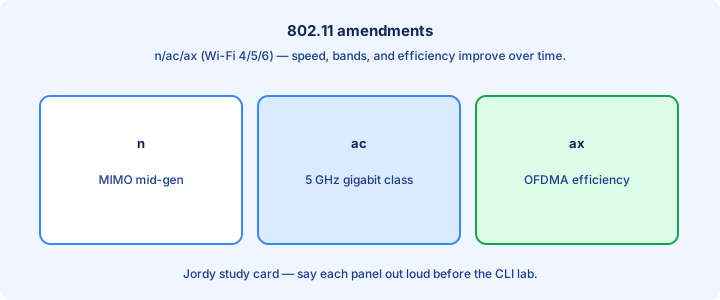
Know the marketing/letter mapping at CCNA depth: 802.11a/n/ac/ax themes on 5 GHz; b/g/n/ax on 2.4; ac = Wi-Fi 5; ax = Wi-Fi 6. Amendments add rates, MIMO, channel width, and efficiency features that need clean spectrum to help.
Clients and APs negotiate the highest mutually supported PHY. One legacy client can slow a BSS if protection mechanisms kick in—design sometimes separates SSIDs/bands so modern clients stay on 5 GHz/ax.
You do not memorize every MCS table. You do recognize that wider channels and newer amendments need clean spectrum; a 80 MHz channel in a noisy office may perform worse than a clean 40 MHz plan.
Exam trap: “802.11n is 2.4 only.” n supports both bands; do not lock n to one band in your head when a stem mentions dual-band n clients. Negotiate the best common PHY; one ancient client can drag airtime for everyone.
Association process
Client flow (simplified): probe/listen for beacons → authenticate (open system or 802.1X themes) → associate to an AP → optionally perform higher-level security (EAP/4-way handshake for WPA2/3) → DHCP → traffic on the mapped VLAN.
Open authentication on 802.11 is not “no security”—WPA2-PSK still does a 4-way handshake after association. Do not stop reading at the word authenticate when the stem also mentions WPA.
Failed association: wrong PSK, expired 802.1X account, AP rejecting due to load, or RSSI too low. Controller client logs and AP join state beat guessing from the laptop Wi-Fi icon alone.
Exam trap: listing DHCP before association. Without association (and usually 802.1X/WPA completion), client frames should not be roaming the SSID as a member of the BSS. If DHCP never starts, verify the 4-way or EAP handshake completed after association.
Roaming intro
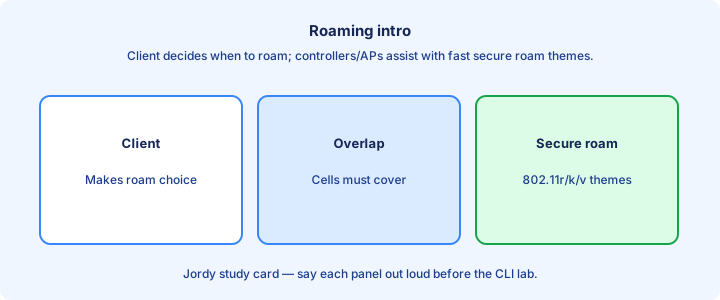
Roaming moves a client between APs in an ESS while trying to keep the session. Seamless roaming needs enough cell overlap, matching SSID/security, and often controller assistance (fast roam features beyond deep CCNA config memorization).
Sticky clients cling to a distant AP at low rates; good design and client RSSI thresholds help. Too little overlap causes drops mid-hallway; too much same-channel overlap causes interference that looks like “Wi-Fi is slow” everywhere.
L2 roam stays in a subnet; L3 roam crosses gateways and needs mobility tooling. Know that crossing subnets is harder than walking under two APs on one VLAN with the same DHCP scope.
Exam trap: two APs with the same SSID on isolated Layer 3 networks without mobility is not a working ESS roam—it is a new network join with a new DHCP lease. Walk a fixed path and note which BSSID you hold at each doorway during tests.
show wireless glance
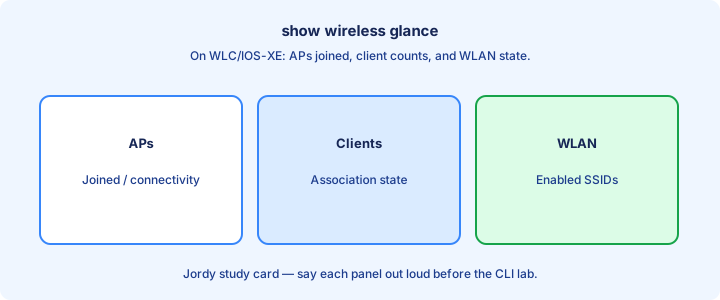
On WLC/IOS-XE wireless, verification themes include AP join status, client lists, SSID config, and RF neighbor information. Exact syntax varies by platform—learn the ideas: is the AP joined, is the client associated, which AP/BSSID, what IP.
Wired side still matters: `show cdp neighbors` for AP switches, VLAN on the AP port, PoE status (`show power inline`). Many “wireless” outages are PoE budget or wrong access/trunk VLAN on the wall jack.
Client-side: forget network, re-associate, check RSSI/band. Combine wireless shows with DHCP snooping bindings if the campus uses them on the wireless VLAN so MAC/IP/port line up like wired users.
Exam trap: tuning RF when the AP is not joined to the WLC. Join state first, VLAN/PoE second, RF third. Cross-check the client’s AP name with the switch PoE port that should feed that AP.
Lab survey mindset
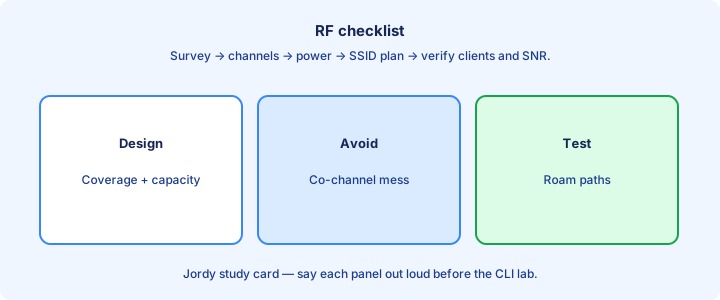
Survey mindset: walk the floor with a client, note RSSI/SNR, retry rates, and roaming points. Draw AP locations and channel plans; do not rely on a single desk test next to the AP under the ceiling tile.
Validate both bands. A strong 2.4 reading can hide a broken 5 GHz design. Test voice/video if those apps matter—they expose jitter from airtime congestion that file downloads forgive.
Change one variable at a time (channel, power, SSID band) and retest. Save before/after notes. Guessing with all knobs at once teaches nothing you can reuse on the next floor.
Exam trap: “survey” does not mean only a predictive heat map. CCNA language includes validating coverage with real clients and noting where roam or rate drops happen. Save before-and-after notes when you change only power or only channel.
Exam traps
SSID ≠ security. 1/6/11 non-overlap on 2.4. Autonomous vs lightweight. Association order before DHCP. Roaming needs ESS design, not just identical names painted on two autonomous APs.
PoE and VLAN misconfig are wired problems presenting as wireless. Controller reachability beats RF for lightweight APs that never join—check CAPWAP and DHCP option/DNS discovery first.
More power ≠ better. More SSIDs ≠ better—each SSID adds beacon overhead on every channel in use. Keep SSID count intentional for corp, guest, and maybe IoT—not one SSID per department meme.
Exam trap: picking WEP as a modern answer. Know WPA2/WPA3 themes as current; WEP is historic/broken and appears mainly as a wrong distractor. Wired VLAN and PoE mistakes present as wireless tickets more often than exotic RF bugs.
Security preview
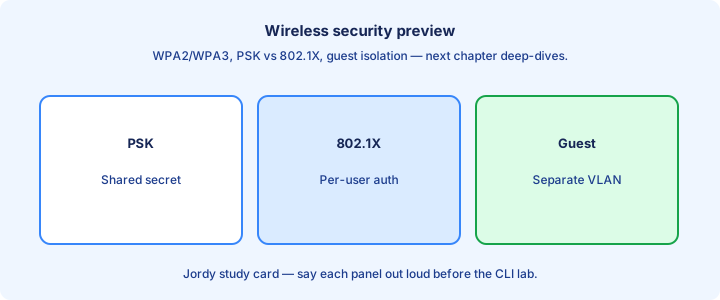
Wireless security ladder: open (never for corp), WEP (obsolete), WPA2-PSK, WPA2-Enterprise (802.1X/EAP), WPA3 themes. Enterprise uses RADIUS; PSK shares a passphrase that every device and sticky note eventually learns. Put guest users in a firewalled VLAN even when the air is encrypted with WPA2.
Encrypting the air does not remove the need for wired segmentation: guest SSID should land on a guest VLAN with ACL/firewall policy so guests cannot ARP-scan corp printers on VLAN 10.
Rogue APs and evil twins are RF social-engineering cousins—detect with WLC rogue tools and educate users not to connect to look-alike SSIDs in the lobby coffee shop next door.
Exam trap: WPA2-PSK on a corporate SSID shared in a wiki is still a shared secret problem—Enterprise exists so you can revoke a user without rotating every laptop’s passphrase.
Checklist
RF bands and airtime shared medium understood. SSID/BSS/ESS terms crisp. 1/6/11 and interference noted. AP modes contrasted. Antenna patterns glanced for omni vs directional use cases.
Amendments mapped to Wi-Fi generations at a high level. Association order recited. Roaming overlap concept clear. Wired PoE/VLAN checks included in wireless troubleshooting before RF rabbit holes.
Survey mindset practiced with a floor walk. Security preview: PSK vs Enterprise. Capstone RF sketch ready with channels, SSIDs, and VLAN segmentation.
Exam trap check: can you explain why identical SSIDs alone do not guarantee seamless roaming across an ESS?
Capstone RF
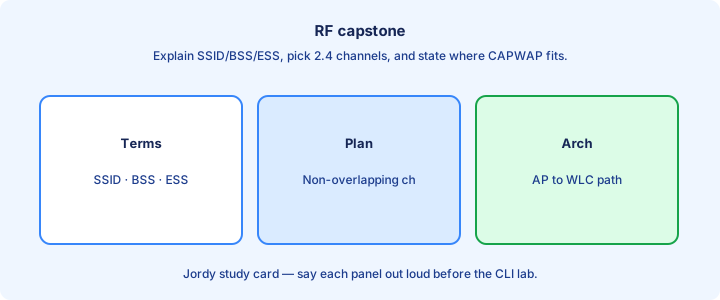
Capstone: small office, three APs, corporate WPA2-Enterprise SSID and guest PSK SSID. Plan 5 GHz primary, 2.4 for legacy only. Assign non-overlapping channels; set moderate power; dual-home or at least diverse PoE switch ports with correct AP and user VLANs.
Lightweight APs join a WLC on the distribution segment. Guest VLAN hits a firewall; corp VLAN uses campus DHCP snooping/DAI like wired users. Document a roam test path down the hallway with expected BSSID changes.
Failure tests: kill PoE on one switch port, kill WLC reachability, microwave near an AP, rogue SSID clone. Predict symptoms (AP down, clients stuck, noise floor, evil twin) before you lab them.
Exam trap: capstone that puts guest and corp on the same VLAN “because wireless.” Segmentation still applies on the far side of the AP after CAPWAP or local switch.
From former Day 56
Source material retained from the previous Day 56 chapter for continuity.
Autonomous vs controller
An autonomous AP is a self-contained radio and switch edge: you configure SSIDs, VLANs, and security on each box. A controller-based (lightweight) AP is thin—it joins a WLC, downloads policy, and tunnels most client traffic through CAPWAP. The exam contrast is management plane location, not antenna quality.
Autonomous fits a handful of APs or remote sites where a WLC is overkill. Controller fabrics win when you need one WLAN profile, centralized RF, and consistent security across dozens of floors. Adding AP number fifty should not mean reinventing the SSID on fifty CLIs.
On the switch, both models still need trunk or access ports, DHCP, and a path to RADIUS when you use Enterprise auth. The WLC adds management, AP-manager, and often a virtual interface for mobility. `show ap summary` on a WLC lists joined APs; an autonomous box has no such global inventory.
Exam trap: “controller” does not mean the AP stops being a radio. Clients still associate to the AP; the WLC owns configuration and usually the data tunnel.
WLC split MAC
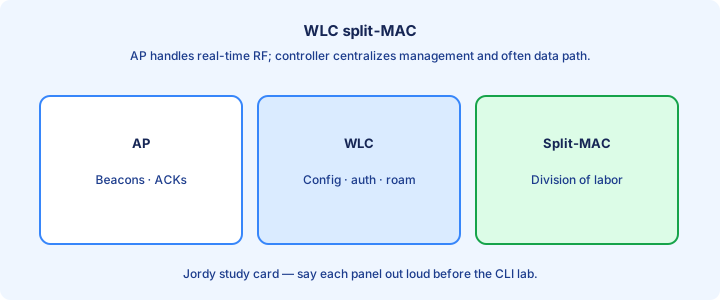
Split-MAC divides 802.11 work between AP and WLC. Time-sensitive MAC jobs—beacons, probes, ACK/NACK timing—stay on the AP. Association, authentication decisions, roaming coordination, and WLAN policy live on the controller.
That split is why a CAPWAP AP can be “dumb” about SSID policy yet still meet Wi-Fi air timers. The WLC never has to answer every probe frame from a central site across a WAN. Radio resource management (RRM) can still push channel and power from the controller after the AP measures the RF.
When you troubleshoot, decide which half failed. Clients hear beacons from the AP even if the CAPWAP tunnel is down; they will not get a usable WLAN until the AP is joined and the WLAN is enabled on that radio. Confirm join state before chasing RADIUS on a new deploy.
Exam trap: split-MAC is an architecture term, not a CLI mode you toggle named “split MAC.” Know what runs where.
CAPWAP
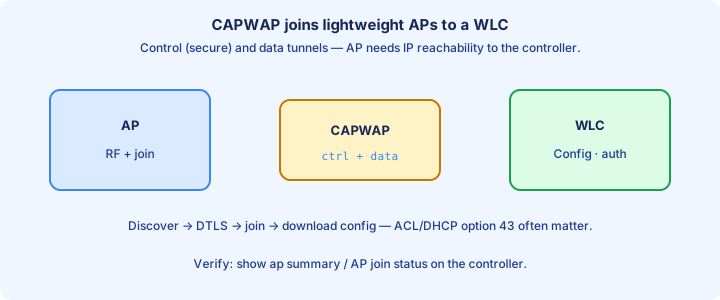
CAPWAP (Control And Provisioning of Wireless Access Points) is the tunnel between lightweight AP and WLC. It carries a control channel (UDP 5246) and a data channel (UDP 5247). Control is DTLS-encrypted after join; data may be encrypted depending on platform and config.
The AP discovers a controller, builds the CAPWAP tunnel, downloads image/config if needed, and then serves SSIDs. Client frames typically enter the AP, ride CAPWAP to the WLC, and egress on a VLAN interface toward the wired network—unless FlexConnect local switching is in play.
Firewall and ACL rules between AP VLAN and WLC must allow those UDP ports plus the discovery helpers (DHCP option 43, DNS, or Layer 3 broadcast/multicast discovery as designed). `show capwap client rcb` style checks on APs and WLC join counters prove the tunnel, not just ICMP to the WLC IP.
Exam trap: CAPWAP is not GRE and not VXLAN. Wrong ports or blocked DTLS kill join even when ping to the WLC succeeds.
FlexConnect glance
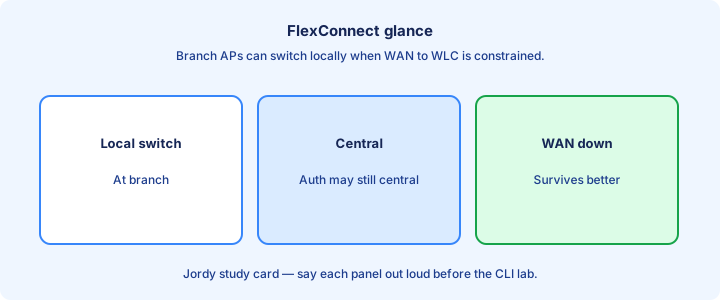
FlexConnect (H-REAP legacy name) lets a branch AP switch client data locally onto the site switch while still taking config from a central WLC. Control stays centralized; data plane can stay on-site so a WAN outage does not black-hole every client.
In connected mode the AP has CAPWAP up; in standalone mode the tunnel is down but locally switched WLANs can keep working with the last known config. Centrally switched SSIDs die when CAPWAP dies—design which SSIDs are local versus central on purpose.
Trunk the AP switch port with the local client VLANs Flex needs. Mismatched native VLAN or missing allowed VLANs show up as clients associating but never getting DHCP on the branch subnet. Verify with client IP and `show flexconnect` style status on the platform you lab.
Exam trap: FlexConnect is for WAN-constrained branches, not a free pass to skip WLC design. Central switching is still the default campus story.
AP join process
Join order matters: AP boots, gets an IP (usually DHCP), discovers WLC candidates, picks a controller, builds CAPWAP, downloads code if versions disagree, then pulls config and radios come up. Discovery sources include DHCP option 43, DNS names like `CISCO-CAPWAP-CONTROLLER`, primed controller IPs, and Layer 2/3 discovery as supported.
Version mismatch often forces an image download before the AP finishes join—expect a longer first boot after a WLC upgrade. Certificate/DTLS failures abort join after discovery succeeds; that looks like “AP sees WLC but never lists as joined.”
On the WLC, watch join counters and AP name/IP. On the switch, confirm the AP port is up and the AP can route to the WLC management or AP-manager address your design uses. A default gateway missing on the AP subnet is a classic silent fail.
Exam trap: discovery finds a WLC; join is the CAPWAP+DTLS+image/config completion. Ping alone never proves join.
Design coverage capacity
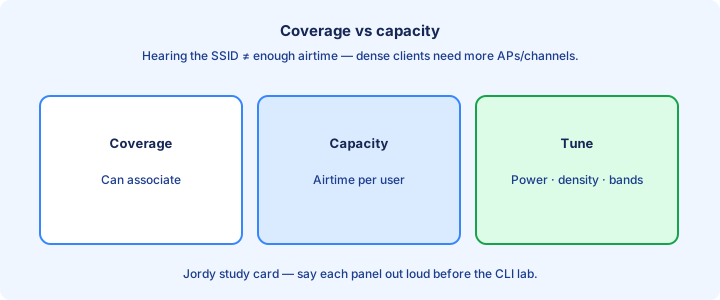
Coverage is where RSSI is usable; capacity is how many clients and how much airtime you can serve. One strong AP in a cafeteria can cover the room yet collapse under fifty video clients. Cell size, channel plan, and band steering matter as much as transmit power.
Raise power only with a plan—louder APs create co-channel interference that kills capacity. Prefer more APs at moderate power, non-overlapping channels on 2.4 GHz (1/6/11), and push capable clients to 5/6 GHz where the channel pool is larger.
Survey with real client devices when you can. A laptop at head height is not a phone in a pocket. Document AP count, expected clients per cell, and critical apps (voice vs bulk scan guns) before you blame “Wi-Fi” in general.
Exam trap: more power is not more capacity. Overlapping same-channel cells waste airtime on collisions and retries.
Anchor mobility glance
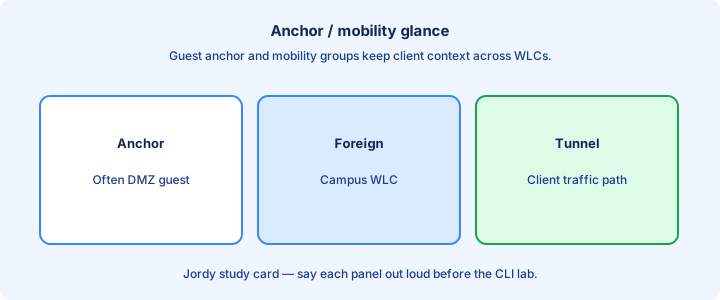
Mobility anchors keep a client’s traffic egress pinned to a designated WLC—classic for guest Internet breakout in a DMZ while foreign WLCs handle local RF. The foreign WLC tunnels guest data to the anchor; the anchor applies the guest VLAN/policy toward the firewall.
Roaming inside a mobility group can be smoother when controllers share mobility configuration and are reachable on the mobility ports your platform requires. Wrong mobility group names or missing peer entries break seamless roam stories on exams and in labs.
Draw foreign versus anchor before you configure. Guests associating at Building B should still hairpin to the DMZ anchor if that is policy—not dump onto Building B’s internal VLAN by accident.
Exam trap: anchor is about where traffic egresses and policy applies, not about which AP the client hears strongest.
Exam architectures
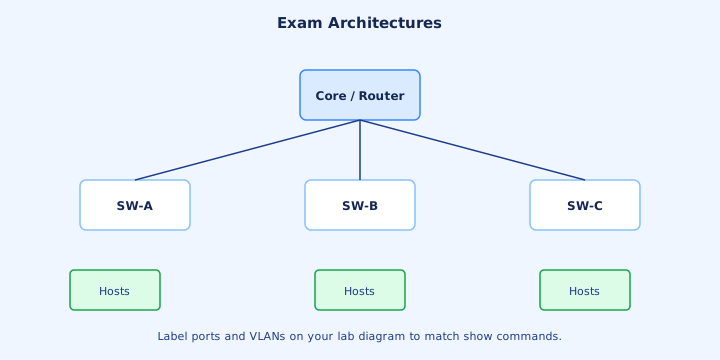
Memorize three pictures: autonomous AP, centralized CAPWAP (AP + WLC, central switching), and FlexConnect local switching. Questions often show a branch WAN and ask which mode keeps users up when the WAN drops—Flex with local switching.
Match interfaces: WLC management, AP-manager (or combined roles on some platforms), virtual for mobility, and dynamic interfaces mapped to client VLANs. AP switchports are usually trunks when multiple client VLANs exist.
If the stem says “lightweight” or “LAP,” expect CAPWAP join requirements. If it says “autonomous,” expect local SSID config and no CAPWAP. Do not mix the troubleshooting trees.
Exam trap: a diagram with a WLC and APs is not automatically FlexConnect. Flex is an AP mode/feature you enable for local switching.
Lab mental topology
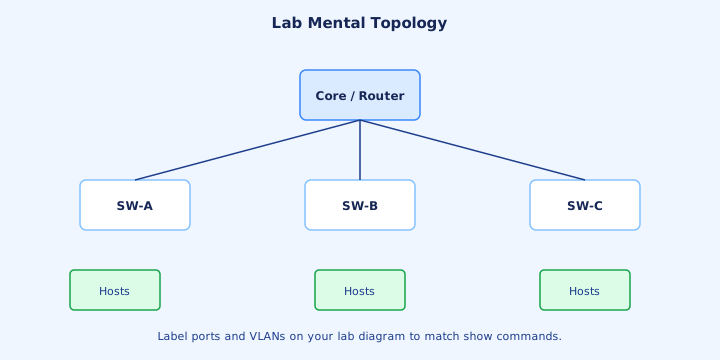
Sketch one WLC, two APs, a Layer 3 switch with AP VLAN and client VLANs, DHCP, and optional RADIUS. Label CAPWAP from each AP to the WLC and the wired egress VLAN for an SSID. That sketch drives every `show` you will run.
Bring up AP addressing first, then join, then WLAN enablement, then a test client. Skipping join verification wastes hours on “SSID not broadcasting” when the AP never finished CAPWAP.
Keep a notepad of IPs: WLC management, AP DHCP pool, client pools per SSID, default gateway. `ping` from AP subnet to WLC before you chase RF. Cable and SVI mistakes dominate first labs.
Exam trap: mental topology without VLANs is incomplete. Wireless always lands on a wired VLAN somewhere.
Troubleshooting join
Join failures cluster into: no AP IP, no route to WLC, discovery miss, DTLS/cert fail, image download stuck, or WLC rejecting the AP (license, authorisation, time). Work the list in order; RF settings cannot fix a dead CAPWAP tunnel.
Check DHCP for option 43 correctness (TLV for WLC IPs). Check DNS if you rely on controller hostname discovery. Confirm UDP 5246/5247 through firewalls. Sync clocks—cert validation is picky about time.
On the WLC, review AP join statistics and reject reasons. On the AP console (if available), watch discovery and DTLS logs. A continuous reboot loop often means image mismatch or crash—not a wrong SSID name.
Exam trap: “AP cannot join” is rarely an encryption cipher problem on the WLAN. Fix discovery and CAPWAP before WLAN security.
HA WLC glance
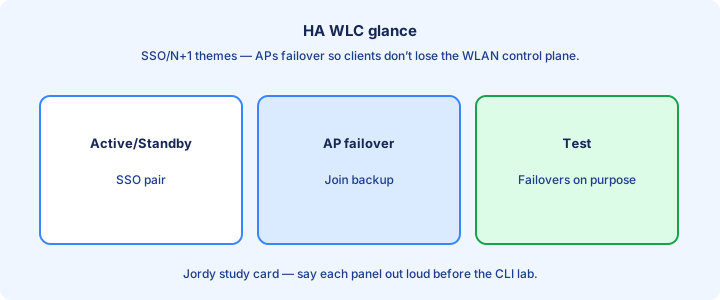
WLC high availability pairs an active and standby (or N+1 designs depending on platform) so AP tunnels fail over when the active dies. APs may briefly reconnect; clients may roam or pause depending on timers and SSO depth on that code train.
HA needs a dedicated redundancy link or network path as the platform documents, matched hardware/software, and careful interface IP planning so AP-manager addressing stays consistent after failover. Misbuilt HA is worse than a single WLC you understand.
Test failover in a window: pull the active and confirm APs rejoin or SSO continues sessions as claimed. Document RTO expectations for voice WLANs—marketing “seamless” still needs a measured lab number.
Exam trap: HA does not remove the need for AP reachability to the virtual/management addresses your design publishes. Dual WLCs with broken discovery still leave APs orphaned.
Ops notes
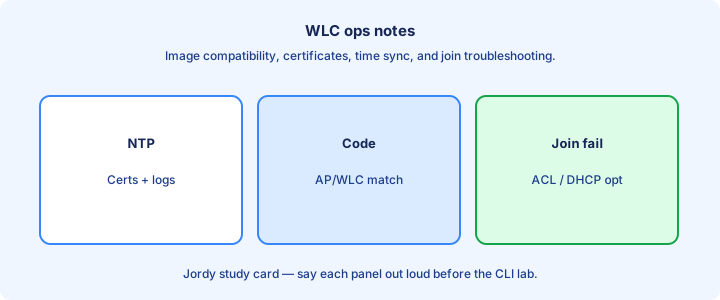
Operate the fabric as inventory: AP names, maps, switch CDP neighbors, and firmware trains. Rename APs from MAC defaults so `show ap summary` is readable at 2 a.m. Tag critical APs (ED, boardroom) for priority RRM and support.
Change windows for WLC upgrades include AP image predownload when available so every AP does not download mid-business day. Stagger reboots by building. Keep a known-good config backup before you activate a new WLAN that touches every site.
Monitor CAPWAP flaps and AP reboot counts. Chronic flaps point to power, switchport errors, or WAN loss for Flex sites—not “clients being difficult.”
Exam trap: ops hygiene (names, backups, staged image) is fair game in scenario stems even when the CLI snippet looks short.
Checklist
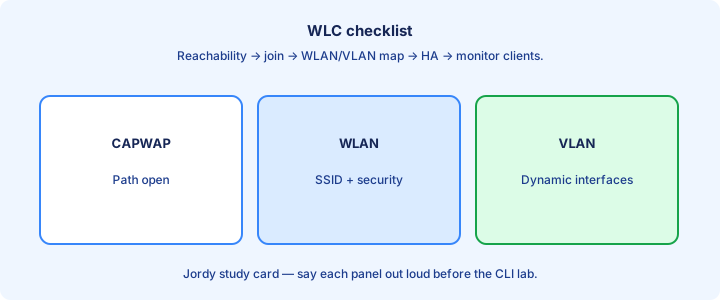
Architecture checklist: autonomous vs lightweight chosen on purpose; CAPWAP path open; discovery method documented; Flex vs central switching decided per SSID; mobility/anchor drawn if guests hairpin.
Addressing checklist: AP VLAN DHCP, WLC management reachable, client DHCP per WLAN VLAN, trunks allow needed VLANs, default gateways correct. Prove with pings before RF surveys.
Verification checklist: APs listed joined, radios up, WLAN enabled, test client associates and gets DHCP, `traceroute` or capture confirms expected egress (local vs CAPWAP vs anchor).
Exam trap: a checklist that skips join verification invites false SSID troubleshooting. Join first, WLAN second, client third.
Bridge to security
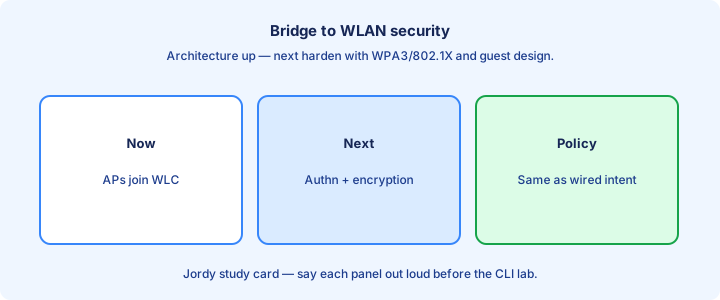
Architecture decides where policy lives; security decides who gets on the air. Open, PSK, and 802.1X Enterprise all ride the same CAPWAP fabric but demand different AAA paths. Guest anchors exist largely so security zones stay clean.
Tomorrow’s security day assumes you know where the WLC sits relative to RADIUS and guest firewalls. Enterprise auth fails closed if the WLC cannot reach the AAA server—even when CAPWAP is perfect.
Carry forward: which SSIDs are locally switched, which are central, and which are anchored. Encryption and 802.1X settings bind to WLAN profiles on the WLC, not to individual autonomous thoughts on every AP in a controller fabric.
Exam trap: conflating “AP joined” with “client secure.” Join is CAPWAP health; security is WLAN auth and cipher—next day’s focus.
Key ideas
- Merged wireless fundamentals + architectures.
- SSID names the network; BSS is one AP’s cell; ESS roams across APs.
- 2.4 GHz vs 5/6 GHz trade range and capacity.
- Non-overlapping channels reduce co-channel interference.
- SNR and noise floor drive real performance.
- Association happens before meaningful client traffic.
- APs bridge wireless clients onto Ethernet VLANs.
- Surveys beat guessing AP placement.
Self-check
- SSID vs BSS?
- Why avoid every AP on channel 6 in 2.4 GHz?
- What does ESS enable?
- Which band usually has more non-overlapping channels?
- Where does an AP put client traffic on the wire?
- Autonomous vs lightweight AP?