Day 41
Wireless Security & Configuration
wireless-security-config
At a glance
Wireless security: open vs PSK vs Enterprise (802.1X/RADIUS), WPA2/WPA3, and guest design basics. Wireless configuration: WLAN creation, interfaces/VLANs, AP groups, and verifying client connectivity on WLC workflows. Maps to CCNA v2.0 objective(s) 1.5.c, 1.6.
Deep chapter
Long-form companion reading (original prose).
Wireless Security & Configuration — consolidated study day
This day merges former Days 57, 58 into one CCNA v2.0-aligned segment.
Read straight through; use the practice hub (subnetting / CLI) to drill the verbs Troubleshoot, Diagnose, Configure, and Interpret.
From former Day 57
Source material retained from the previous Day 57 chapter for continuity.
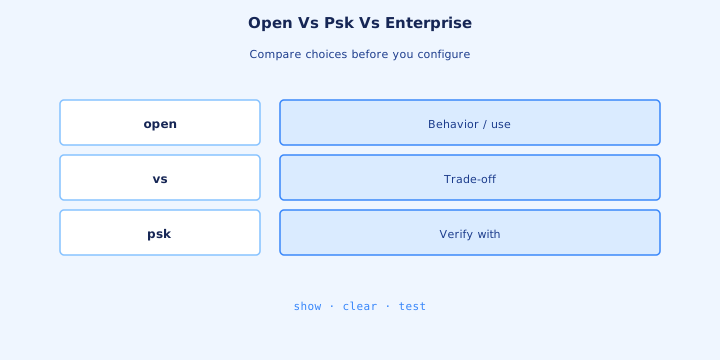
Open vs PSK vs Enterprise
Open authentication means no WPA key exchange—frames are unprotected unless you add a captive portal that still leaves air traffic readable. PSK (personal) shares a passphrase for the SSID. Enterprise uses 802.1X with per-user credentials via RADIUS. Record the AKM on every change ticket for handoff clarity.
Pick Open only for truly public on-ramps you isolate hard (guest VLAN + firewall). PSK fits small offices and IoT SSIDs where user accounts are impractical. Enterprise fits corporate users and any stem that mentions RADIUS or certificates. Give IoT its own PSK SSID and ACL instead of weakening corporate Enterprise.
On a WLC WLAN you set Layer 2 security to None, WPA2/WPA3-PSK, or WPA2/WPA3-Enterprise. The client must match ciphers and AKM. Mismatch shows as repeated auth failures, not as a CAPWAP problem. Match the identity model in the stem, not the newest buzzword.
Exam trap: captive portal alone is not encryption. Open + portal still leaves association without WPA keys unless you add a secure Layer 2 method. A captive portal on Open still leaves air payloads readable without WPA keys.
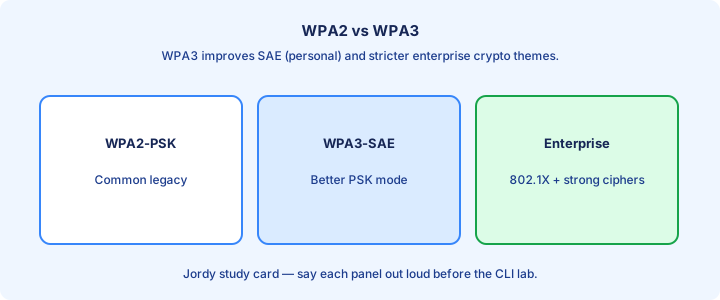
WPA2 WPA3
WPA2 commonly uses AES-CCMP. WPA3 strengthens personal mode with SAE (replacing PSK’s weaker 4-way handshake story) and pushes better defaults for enterprise. Transition modes exist so mixed clients can join, at some security cost. Transition modes help migrations but keep the weaker suite until you retire it.
Prefer AES; legacy TKIP is exam history you should recognize as obsolete. If a stem still offers TKIP versus AES, AES is the secure choice. Management frame protection (PMF) appears more strongly with WPA3 expectations. Scanners and voice handsets often dictate the slowest suite you must still carry.
Client OS support drives the floor. A warehouse scanner stuck on WPA2-PSK may force a dedicated SSID while laptops move to WPA3-Enterprise. Do not break scanners to chase a logo on the corporate SSID. Track which buildings finished WPA3 so helpdesk scripts stay accurate.
Exam trap: WPA3 personal is SAE, not “just a longer PSK.” Know the name SAE when the question asks what replaced PSK’s weak points. Dictionary-attack stems pointing at personal mode usually want SAE.
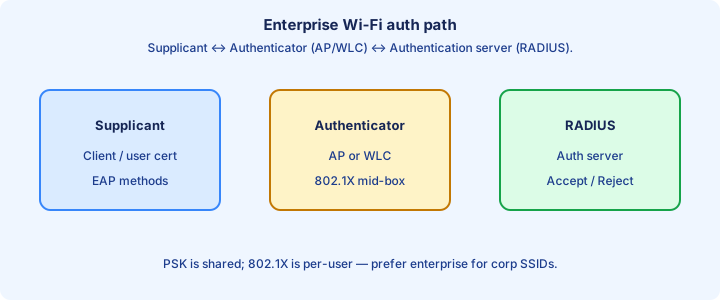
802.1X RADIUS
In Enterprise Wi-Fi the client is the supplicant, the AP/WLC is the authenticator, and RADIUS is the authentication server. EAP methods (PEAP, EAP-TLS, etc.) carry the user or machine identity inside 802.1X. Rotate WLC and RADIUS shared secrets in the same window.
The WLC needs AAA server IPs, shared secrets, and reachability on UDP 1812 (auth) / 1813 (accounting) or vendor variants. Wrong secret yields rejects that look like bad passwords. Firewall drops yield timeouts. Accounting helps prove who had air access after an incident.
Certificate trust matters for tunneled EAP: users must trust the RADIUS server cert or they get scary prompts and fail closed. EAP-TLS needs client certs—stronger, more PKI work. Lab with one working PEAP user before you scale policies. Machine auth matters for domain laptops before user login.
Exam trap: 802.1X is not “RADIUS encrypts the air.” 802.1X authenticates; WPA2/WPA3 keys protect the air after success. EAP success is separate from DHCP success—keep those domains apart.
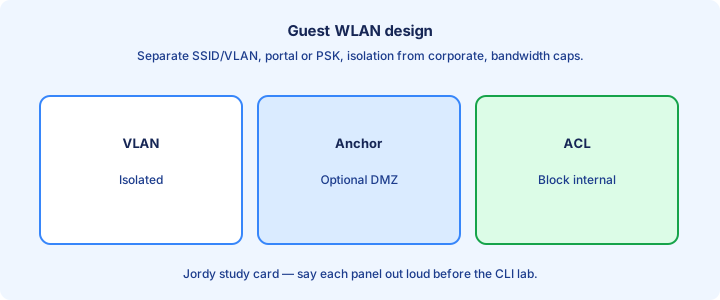
Guest design
Guest WLANs isolate visitors on a dedicated VLAN with ACL/firewall policy that blocks internal subnets and allows Internet. Combine with a portal or vouchers as policy requires, but never place guests on the employee VLAN “just for DHCP convenience.” Contractors needing limited apps get a separate locked SSID, not wide-open guest.
Anchor designs keep guest egress in a DMZ WLC so foreign sites never spill guest traffic onto campus cores. DHCP and DNS for guests should be intentional—often firewall-facing—not the same helpers employees use. Portal TLS must be valid or users learn to click through attacker warnings.
Rate-limit and client isolation reduce abuse. A guest who can Layer 2 attack other guests is still a problem even if corporate VLANs are filtered. Document the allow-list: usually DNS, HTTP/HTTPS, and VPN ports you approve. Client isolation limits guest-to-guest abuse on flat VLANs.
Exam trap: guest SSID name alone is not isolation. VLAN + ACL/firewall path is the isolation. Shared employee DHCP for guests means isolation already failed.
Rogue APs
A rogue AP is an unauthorized access point in your RF domain—employee hotspot, attacker evil twin, or forgotten autonomous box. Controllers classify rogues from AP scanning and may contain them when policy and wired correlation allow. Classify neighbor SSIDs before enabling containment that might hit the wrong BSSID.
Evil twins mimic your SSID to phish credentials or strip encryption. Educate users to verify portals and prefer EAP-TLS or validated server certs. Disable Auto-join to unknown open networks on corporate devices. Wired MAC correlation turns an RF mystery into a closet visit.
Operationally: locate by strongest sniffer AP, trace switch CDP/MAC if the rogue is wired, then remove power or shut the switchport. Do not “RF jam” casually—legal and collateral damage issues apply; exams care about identification and policy more than cartoon jamming. Personal hotspots need policy and education more than endless containment.
Exam trap: a neighbor’s legitimate SSID is interference, not automatically a rogue you contain. Classification and policy matter. Weird portal reports from users deserve tickets, not shrugs.
Encryption themes
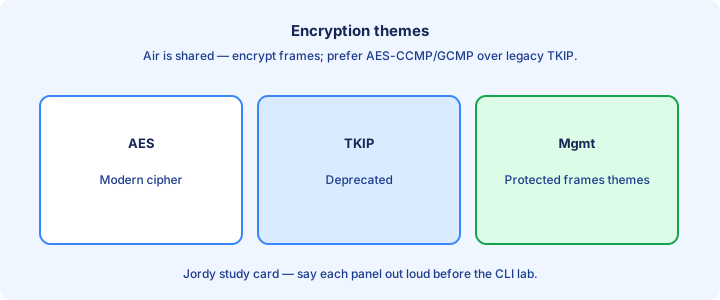
Air encryption protects confidentiality and integrity of data frames after keys are installed. AES-CCMP is the WPA2 workhorse; WPA3 continues the AES-based story with stronger handshake and optional GCMP on some PHYs. Keep WLC code current for group-key and client bug fixes.
Encryption does not replace authentication choice: a strong cipher with a posted PSK on a whiteboard still fails the human layer. Rotate PSKs and prefer Enterprise where accounts exist. Exams expect AES-class ciphers on any modern answer set.
Mixed SSIDs that allow weak ciphers for one legacy client lower the floor for everyone on that SSID. Split a legacy SSID with tight ACL scope instead of weakening the corporate WLAN. Enterprise pairwise keys limit blast radius versus a shared PSK.
Exam trap: “WEP” is only a distractor you reject. Modern answers are WPA2/WPA3 with AES-family ciphers. Cipher mismatch often looks like endless association loops.
Management frame notes
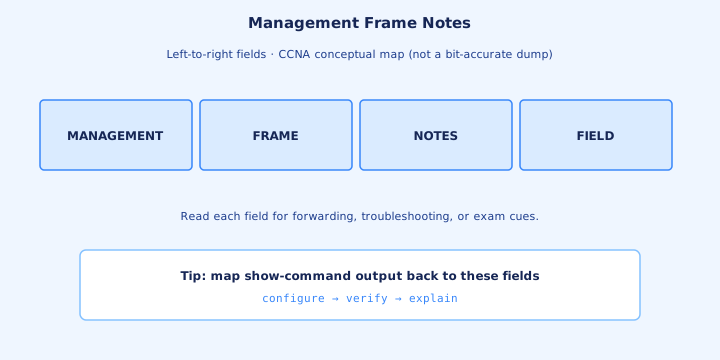
Beacons, probes, and deauthentication frames are management traffic. Historically many were unprotected, enabling deauth floods that knock clients offline. Protected Management Frames (PMF) / 802.11w bind integrity to many of those frames when enforced. PMF and monitoring reduce easy spoofed deauth wins.
WPA3 increases PMF expectations. Legacy clients that cannot do PMF may need a transition SSID. Turning PMF required on a mixed warehouse floor can look like “Wi-Fi broke” for old scanners. Test roam with PMF on the exact client fleet you own.
When clients randomly drop, consider RF and also malicious or buggy deauths. Controller threat reports and packet captures tell you if management frames are the weapon. Campus-wide sudden drops deserve a deauth look, not only DHCP checks.
Exam trap: PMF protects management frames; it is not a substitute for WPA data encryption. You still need a proper AKM and cipher. Optional PMF fails open; required PMF fails closed for legacy clients.
Exam compare
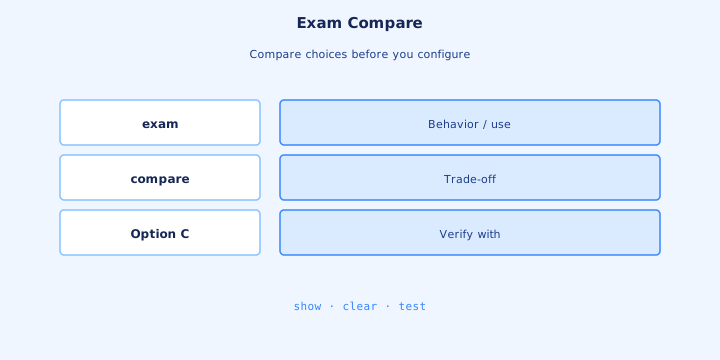
Compare quickly: Open = no WPA keys; PSK = shared secret; Enterprise = 802.1X + RADIUS; WPA2 vs WPA3 = AES baseline vs SAE/stronger defaults; guest = isolated VLAN. Drill that table until stems feel mechanical. Redraw a one-page security compare table from memory before the exam.
If the question mentions per-user credentials, pick Enterprise. If it mentions a small cafe with one passphrase, pick PSK. If it mentions DMZ anchor, think guest architecture plus isolation. Constraints like “no RADIUS” kill Enterprise even if “most secure” tempts you.
Cipher questions still love AES over TKIP/WEP. Architecture questions love Flex vs central versus security questions about AKM—read which layer the stem targets. Read wireless exhibits twice—Flex/anchor labels change the answer.
Exam trap: “most secure” without constraints is usually WPA3-Enterprise with PMF—not Open with a fancy portal. When both answers say AES, decide on AKM or PMF next.
Lab secure SSID
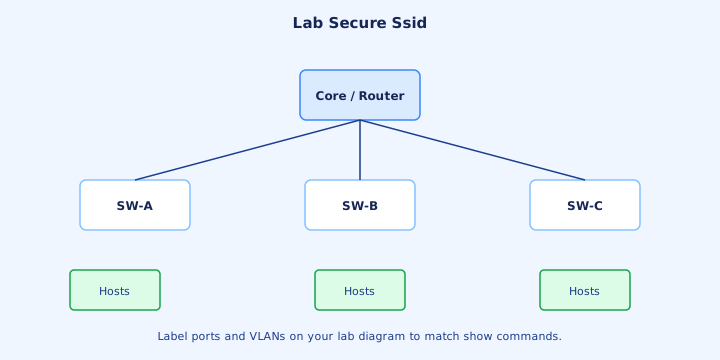
Lab path: create WLAN ID, name SSID, set WPA2-PSK or Enterprise, map to VLAN interface, enable on AP group, then test. For PSK, set a strong passphrase and confirm the client profile matches AKM and AES. Screenshot advanced WLAN tabs so you can rebuild after a lab reset.
For Enterprise, add RADIUS host and secret on the WLC, set WLAN to 802.1X, and test with a known AD/local user. Capture rejects in AAA logs—wrong VLAN is a different failure mode than Access-Reject. Test a wrong password and confirm a clean reject path.
Prove isolation on a guest SSID: associate, get DHCP, ping Internet target if allowed, fail to ping an internal RFC1918 address. That failure is success for guest design. Roam the test client across APs and confirm policy follows the WLAN.
Exam trap: enabling the WLAN globally but not on the AP group/RF profile leaves the SSID invisible on those APs. Wired 802.1X working beside WLAN failure points you at AAA timers next.
Troubleshooting auth
Split failures: associate but no IP (DHCP/VLAN), auth reject (credential/RADIUS), timeout (reachability/secret), or cipher mismatch (client profile). Each has a different next `show` or log. Clear exclusion lists after fixing root cause or clients stay silent.
On Enterprise, check WLC AAA test tools if available, RADIUS live logs, and shared secret. On PSK, retype the passphrase and confirm WPA2 vs WPA3 mode matches the client. Disable unused AKMs that confuse old drivers. RADIUS clock skew breaks EAP-TLS with opaque certificate errors.
Client-side: forget the network, clear cached creds, check time for cert validity. A wrong clock breaks EAP-TLS in ways that look mystical until you notice certificates are “not yet valid.” OS privacy MACs confuse searches—confirm the address you hunt.
Exam trap: DHCP failure after successful auth is not an encryption bug. Move to VLAN/interface troubleshooting. Working PSK beside failing Enterprise on one AP isolates AAA from RF.
Checklist
Security checklist: SSID AKM chosen, ciphers AES-family, RADIUS reachable for Enterprise, guest VLAN isolated, PMF policy matches client fleet, rogue policy defined. Keep a local WLC admin escape hatch if RADIUS dies.
Proof checklist: test employee auth success/fail cases, guest cannot hit internal IPs, PSK rotation plan exists, AAA accounting if required by policy. Date any TKIP exception and schedule its retirement.
Ops checklist: document SSIDs, owners, and break-glass local admin paths on the WLC. Keep a non-production lab SSID for cipher experiments. Review guest ACL allow-lists quarterly as ports accumulate.
Exam trap: checklist without a negative test (should fail to reach internal) is incomplete for guest claims. Negative reachability tests belong beside happy-path associates.
Threat scenarios
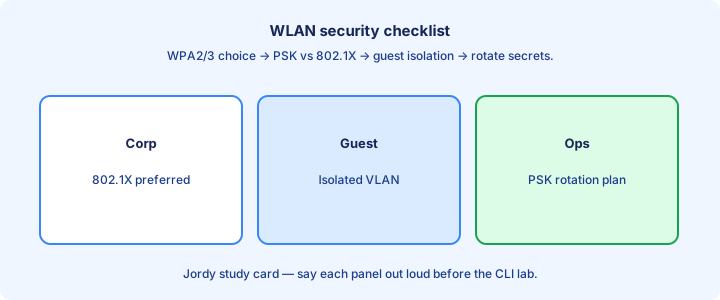
Scenario: evil twin SSID. Users connect open, attacker captures portal creds. Defense: Enterprise with validated server certs, user training, and prefer apps that use mutual TLS beyond the portal. Walk RF after renovations—insider rogues appear with new furniture.
Scenario: deauth flood. Clients drop randomly near an attacker. Defense: PMF where possible, locate source, physical security. Scenario: weak PSK sprayed. Defense: long random PSK or move to Enterprise; rotate after contractor turnover. Rate-limit portals that touch corporate IdP against stuffing.
Scenario: rogue wired AP bridging corporate VLAN. Defense: port security, 802.1X on wired edge, rogue detection with wired correlation, and inventory every closet. Lock telecom closets to stop rogue switch-plus-AP bypasses.
Exam trap: threats map to controls. Do not answer “buy a new WLC” when the stem needs PMF, RADIUS, or VLAN isolation. Map each threat to a signal you actually monitor.
Ops rotate PSK
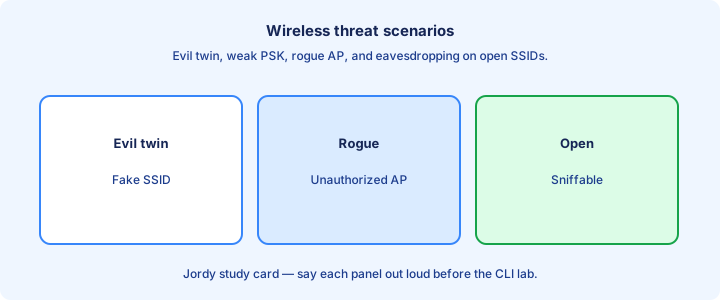
PSK rotation is an ops event: schedule it, update MDM/profiles first when you can, then change the WLC WLAN passphrase, then help stragglers. A surprise PSK change looks like a campus-wide outage. Push Wi-Fi profiles from MDM when you can for staged compliance.
Prefer multiple SSIDs during transition—old and new—for a weekend, then disable old. IoT devices without MDM need a hands-on walk. Document the new secret in an approved vault, not a ticket comment. Build a closet checklist for printers and badges without MDM.
If rotation pain is chronic, that SSID is a candidate for Enterprise or per-device certificates. Pain is a signal, not a personality trait of Wi-Fi. Announce SSID name and local cutover windows per site.
Exam trap: rotating PSK does not require new CAPWAP joins. APs stay joined; clients must re-auth with the new key. After rotation, hunt clients still failing PSK for stragglers.
Capstone WLAN sec
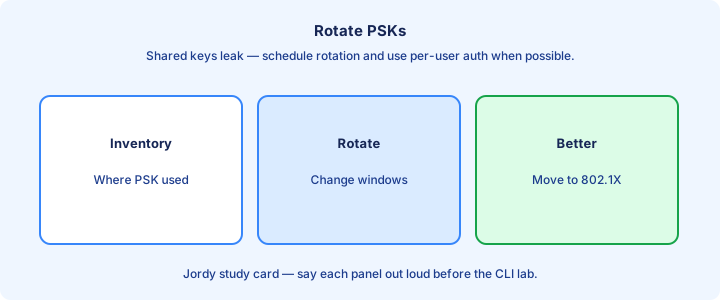
Capstone: corporate WPA2/WPA3-Enterprise SSID to RADIUS, IoT WPA2-PSK SSID on a locked VLAN, guest open or portal SSID anchored/isolated to Internet only. Draw AAA and firewall arrows before you click through the WLC GUI. Practice recovering from a wrong RADIUS secret using only logs.
Verify each SSID with a success test and a failure test (wrong password, internal ping from guest). Capture one RADIUS Accept and one Reject for your notes. Draw RADIUS UDP arrows on the capstone diagram.
Write three exam sentences from memory: difference Open/PSK/Enterprise; why AES; role of RADIUS in 802.1X. If you cannot say them cleanly, restudy before Day 58 config drills. Explain isolation aloud to a study partner to expose gaps.
Exam trap: capstone success is policy proof, not pretty SSID names. Isolation and auth results are the grade. Stop only when each SSID has success and failure tests written.
From former Day 58
Source material retained from the previous Day 58 chapter for continuity.
WLC GUI vs CLI
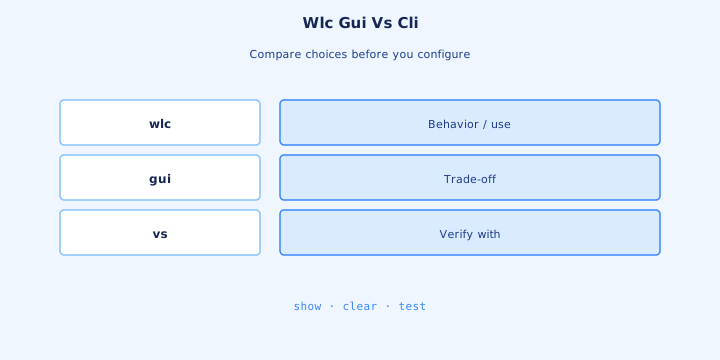
Most WLC admin work happens in the GUI: WLANs, interfaces, AAA, AP groups, and maps. The CLI still matters for `show` verification, scripting, and recovery. CCNA expects you to recognize both paths for the same outcome. Concepts transfer even when GUI labels differ across platforms.
Use GUI for building a WLAN wizard-style; use CLI when a stem shows `show ap summary` or interface listings. Do not assume every knob exists identically across AireOS versus IOS-XE controllers—learn the concepts, then map labels. Written stems paste CLI `show` output—practice reading it cold.
Always save/activate as the platform requires. A WLAN “created” but not enabled, or enabled but not applied to an AP group, produces an invisible SSID. Confirm with a client scan, not only a green checkbox. Back up before wizards that touch every AP group at once.
Exam trap: GUI success banners do not replace `show` verification. Prove APs joined and clients associated. If GUI and CLI disagree, trust operational state and refresh the session.
Create WLAN
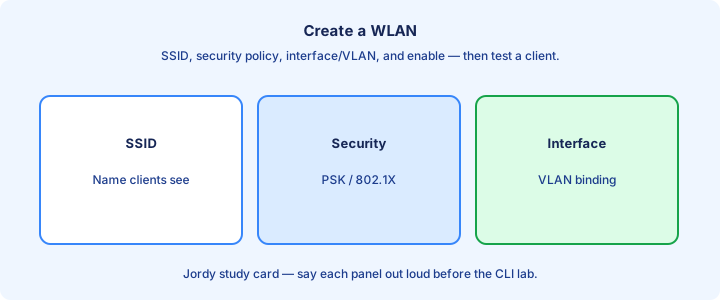
Creating a WLAN means: WLAN ID, SSID string, enable status, Layer 2 security, interface/VLAN bind, and AP group placement. Miss any one and clients never see a usable network. Plan WLAN ID ranges by purpose instead of picking randomly.
SSID is what beacons advertise (unless hidden). Hidden SSIDs still need the correct profile on the client and are not a security control—only a mild obscurity. Prefer visible SSIDs with real auth. An extra space in the SSID creates a second invisible network.
Broadcast SSID, session timeout, and advanced tabs hide foot-guns: wrong radio policy (5 GHz only while testing a 2.4-only scanner) looks like a dead AP. Start simple: one band, one AKM, one VLAN. Disabling 2.4 GHz orphans scanners while laptops look fine.
Exam trap: WLAN ID and SSID are different fields. Matching the ID but misspelling the SSID still fails users. SSID renames need schedules—cached profiles generate false outages.
Interfaces and VLANs
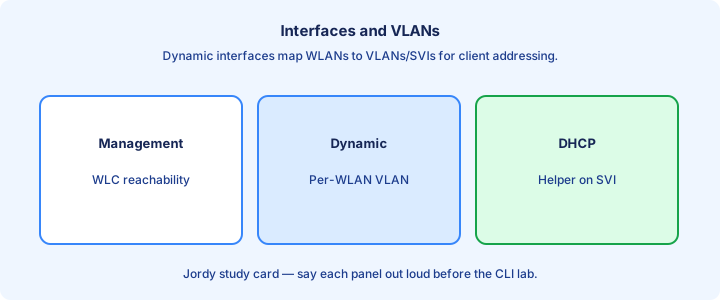
WLC dynamic interfaces (or SVIs/policy bindings on IOS-XE) map WLANs to VLANs on the wired side. Management and AP-manager addressing must reach APs; client interfaces carry user subnets. Keep management and client roles clear when designing VLANs.
The upstream switch needs matching trunk allowed VLANs and SVIs/DHCP for those client subnets. A perfect WLAN bound to VLAN 40 fails open if VLAN 40 is pruned on the WLC uplink. Wrong DHCP helpers look like auth success with no IP.
Verify with `show interface summary` style output on AireOS or equivalent IOS-XE interface lists, then check switch `show interfaces trunk`. Client DHCP discover should hit the relay on the correct VLAN. Trunk the WLC uplink from day one in labs.
Exam trap: putting all SSIDs on the management interface “for simplicity” collapses isolation and is poor design on scenario questions. Admin-down on the WLC interface is as fatal as a switch shutdown.
AP groups glance
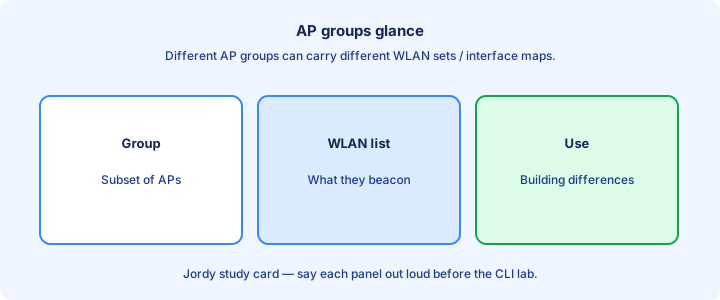
AP groups let different buildings advertise different WLAN sets or VLAN overrides. Lobby APs might carry Guest+Corp; lab APs only Lab SSID. Same WLC, different group membership. Name groups after buildings or functions, not after people.
Moving an AP to a new group can change which SSIDs appear and which interface overrides apply. That is powerful and dangerous—document group purpose. A “default” group that contains every WLAN is fine for small labs and messy for large campuses. Document VLAN overrides that diverge from the WLAN default interface.
When an SSID misses one floor, check AP group membership before rebuilding the WLAN. `show ap groups` / GUI membership lists save time. Stage AP group moves—midday moves can drop needed SSIDs.
Exam trap: enabling a WLAN globally does not override an AP group that excludes it. Default-group sprawl signals a WLAN catalog that needs pruning.
RF profiles glance
RF profiles tune channel, power, DCA/TPC behavior, and band settings per AP group or building type. A high-density lecture hall wants different defaults than a warehouse aisle. Validate voice quality after high-density power and width changes.
Attach profiles deliberately. Leaving everything on global defaults works until one venue needs lower power or disabled 2.4 GHz. Changes can briefly disrupt air as APs rechannel. Disabling low rates can shrink coverage more than you expect.
For CCNA depth, know that RF profiles exist, bind to groups, and influence client experience independently of SSID security. Do not confuse RF profile with WLAN profile. Keep warehouse versus office profile templates instead of per-AP art.
Exam trap: RF profile tweaks will not fix a wrong WLAN VLAN bind. Separate RF from security/data plane config. Pick one source of truth when RRM fights a static profile.
show ap summary
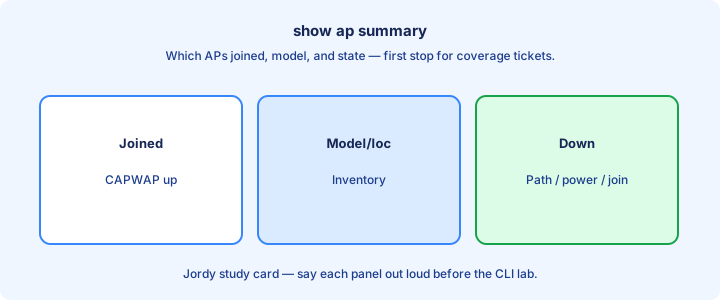
`show ap summary` (and platform cousins) lists AP name, slot/radios, IP, and operational state. It is the first proof that CAPWAP join succeeded after a wiring change. Filter for not-joined APs so failures do not hide in long lists.
Empty list: discovery/join problem. List present but radios down: RF or admin disable. AP name unknown: rename for ops. Count should match how many APs you powered in the lab. Cross-check counts against inventory after image downloads.
Follow with deeper AP detail and client counts when a single AP misbehaves. Pair with switch CDP to confirm the AP sits on the expected port and VLAN. AP IPs outside the pool hint at static mistakes.
Exam trap: `show ap summary` does not list end-user clients. Use client summary/search for that. Re-run summary after HA failover tests to confirm counts.
Client troubleshooting
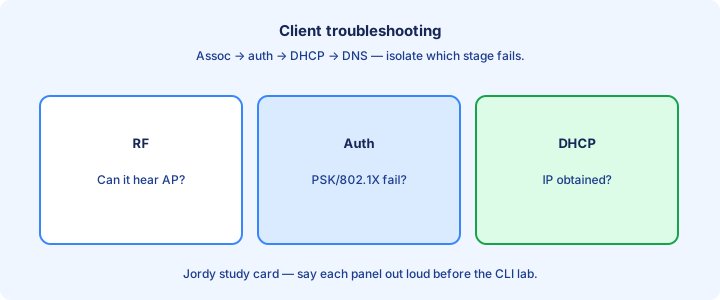
Client path: scan SSID → auth/assoc → key install → DHCP → gateway → app. Identify the first broken step. “Connected, no Internet” is usually IP/DNS/ACL after successful wireless auth. Confirm privacy MAC settings before hunting a client address.
On the WLC, search the client MAC for state, IP, AP name, and exclusion list hits. Exclusion policies can silence a client after repeated fails—check before reimaging a laptop. Verify IPv4 when apps still need it on dual-stack clients.
Compare a working client beside a failing one on the same AP. If one works, RF and SSID basics are fine—focus on device profile, certs, or NIC driver. If none work, suspect WLAN/interface/RADIUS. Mismatched WLAN enables across APs look like auth loops while roaming.
Exam trap: restarting the WLC is not a client troubleshooting step. Narrow the stage first. Export client detail into the ticket for the next shift.
Lab configure SSID
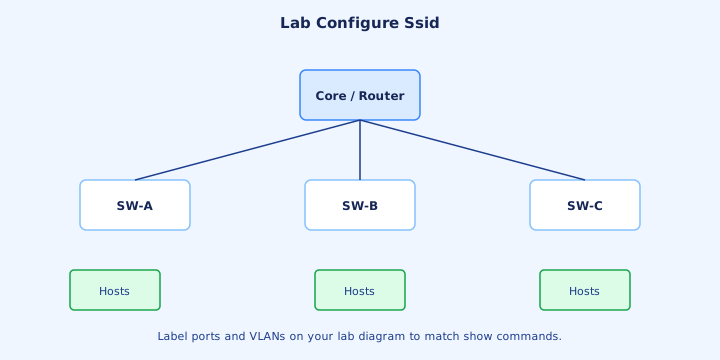
Lab recipe: build dynamic interface VLAN 50, DHCP pool on the L3 switch, WLAN SSID `CCNA-LAB` with WPA2-PSK, bind interface, add to AP group, enable. Join APs, then associate a phone. Rebuild from notes after a reset—retrieval practice beats one blog pass.
Capture verification: `show ap summary`, client appears with IP 50.x, ping gateway, browse. Then break it on purpose—remove VLAN 50 from trunk—and watch DHCP fail while auth may still succeed. That teaches the split. Add a second SSID on another VLAN to practice clean binds.
Repeat with Enterprise if RADIUS is available. Keep screenshots or CLI output in your notes for exam recall of field names. Capture platform `show wlan` equivalents for exam familiarity.
Exam trap: lab success without a deliberate break/fix cycle leaves you unable to diagnose real tickets. Time your labs so exam sims feel less rushed.
Common misbinds
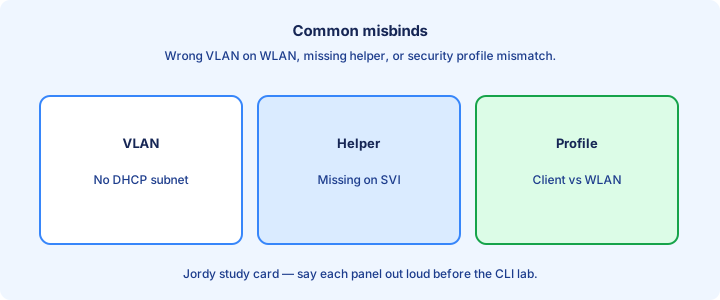
Misbind #1: WLAN to wrong interface/VLAN. Users land on a subnet with no DHCP or wrong ACL. Misbind #2: AP group missing WLAN. Misbind #3: uplink trunk missing VLAN. Wrong anchor maps dump guests into the wrong security zone.
Misbind #4: AAA server listed but WLAN still set to PSK (or reverse). Misbind #5: Flex local switching without trunking the local VLAN on the AP switchport. Flex central versus local flags cause WAN trombones or local spills.
Systematically read the WLAN’s interface name, then the interface’s VLAN ID, then the switch trunk allow list. Say the chain out loud; most “Wi-Fi down” tickets die on that chain. RADIUS AAA overrides can fight static WLAN binds—know which wins.
Exam trap: two SSIDs can share a name visually in a GUI list while binding different interfaces—read the bind column every time. Read the interface bind column every window; lists resort and hide drift.
Exam steps
Exam config order that rarely fails: (1) interfaces/VLANs, (2) AAA if Enterprise, (3) create WLAN security+bind, (4) AP group membership, (5) enable, (6) verify AP and client. Skipping to SSID first causes rework. Finish enablement and basic verify before fancy RF tweaks in sims.
Simulation tips: enable the WLAN, apply to the correct AP group, and save. Partial configs are common distractors in scored labs. Bind to existing correct VLANs instead of inventing duplicates.
If the simulator offers both GUI and CLI, pick what you practiced. Accuracy beats speed on wireless sims because one wrong VLAN wastes the attempt. Re-read the required AP group name—default is often wrong.
Exam trap: leaving the WLAN disabled is an easy miss after filling every other field correctly. Leave time to confirm association or client tables, not only config screens.
Verification
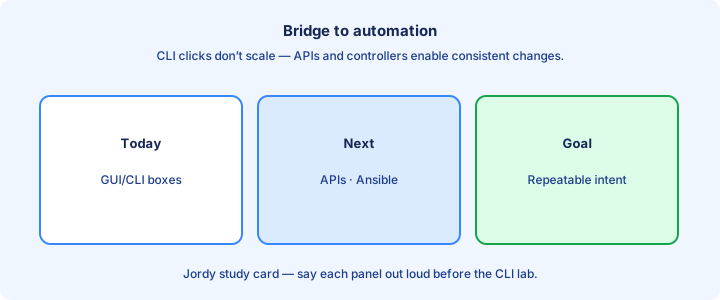
Verification trio: APs joined (`show ap summary`), WLAN enabled and listed on the AP, client entry with expected VLAN/IP. Add RADIUS Accept for Enterprise and a ping to the default gateway. A pocket test client still beats dashboards alone.
Packet capture or WLC debugs are last resorts after the trio fails. Start wide with summaries; go narrow with a single client MAC. When DHCP and WLC IPs disagree, chase pools and helpers next.
Document expected RSSI ranges only after IP works—otherwise you optimize RF on a broken VLAN. Order keeps labs honest. Per-band radio state on dual radios explains half the tickets.
Exam trap: a client “associated” without an IP is not full success on most business requirements. Keep a golden verification command list per platform in your notes.
Ops change windows
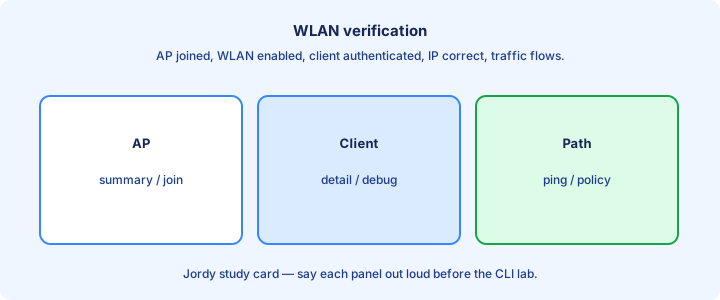
WLAN changes can bounce clients. Schedule cipher upgrades, PSK rotations, and SSID renames in windows. Predownload AP images before controller upgrades when the platform allows. Freeze RF experiments during executive events on the same floor.
Communicate: which SSID changes, expected reconnect, who to call. Keep a rollback: previous WLAN profile or known-good config backup ready to restore. Monitor failed AP image predownloads for storage issues.
Avoid stacking unrelated changes—VLAN rewrite plus RADIUS migrate plus RF profile edit in one window blinds root cause analysis if something breaks. Coordinate DHCP/DNS owners when client subnets change with SSIDs.
Exam trap: “change window” questions test judgment: high-impact wireless edits belong off-peak, not during peak lectures. Watch join counts for thirty minutes before declaring victory.
Checklist
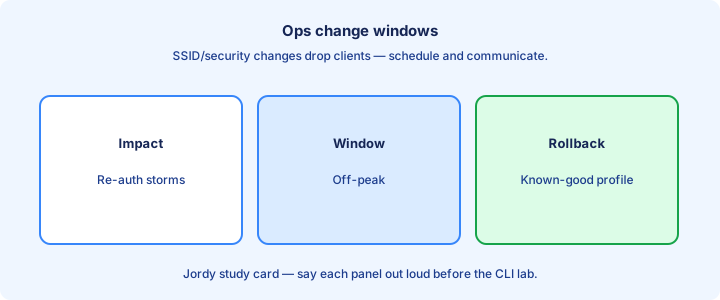
Config checklist: interface/VLAN, DHCP, WLAN security, bind, AP group, enable, AAA if needed, trunk allow list. Verification checklist: AP summary, client IP, gateway ping. CDP/LLDP neighbor checks confirm APs sit on expected ports.
Flex checklist when used: local VLANs on AP port, central vs local SSID flags, WAN expectations documented. License headroom belongs on the checklist before new buildings.
Ops checklist: backup taken, change noted, monitoring for client drops after the window. Time sync for WLC and RADIUS sits beside security items.
Exam trap: a checklist that ignores the switch trunk is a wireless-only fantasy—always include wired allow lists. Assign an owner to every checklist item or it becomes decoration.
Bridge to automation
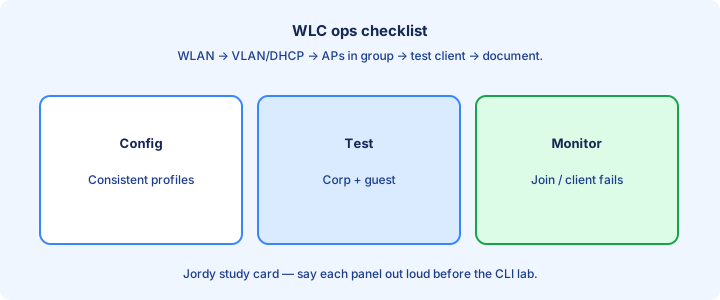
You just clicked through many identical WLAN fields. That repetition is why network automation exists: invent once, apply many, verify with APIs and scripts instead of fifty GUI sessions. Export one WLAN as JSON if the platform allows—see template fields.
The same verification ideas remain—intent (WLAN exists, VLAN X) versus state (`show`/API). Automation days ahead teach encodings (JSON/YAML), REST, and controllers that push policy at scale. Anything clicked three times this week is an API or Ansible candidate.
Carry forward the mental model: SSID policy is data. If you can describe it as fields, you can eventually PUT it with an API or render it with Ansible. Use machine-friendly names now so inventories stay clean later.
Exam trap: automation does not remove the need to understand WLAN binds. It amplifies mistakes at scale if the template is wrong. Templates amplify misbinds—keep the same verification trio after automation.
Key ideas
- Open = no auth (captive portal may sit above).
- PSK (personal) shares a password; Enterprise uses 802.1X.
- WPA2-AES vs deprecated WEP/TKIP stories.
- WPA3 improves SAE/enterprise protections.
- RADIUS backs 802.1X credential checks.
- Guest SSIDs should isolate from corporate VLANs.
- Always prefer Enterprise for corp devices when possible.
- WLAN binds SSID → security policy → interface/VLAN.
Self-check
- PSK vs Enterprise?
- Why avoid WEP?
- What AAA protocol usually backs 802.1X WLAN?
- WPA3 personal improvement keyword (SAE)?
- Guest SSID — what should it not reach?
- What three things does a WLAN object typically bind?