Day 22
IPv6 Addressing & EUI-64
ipv6-addressing-eui64
At a glance
Merged IPv6 Parts 1–2. IPv6 Part 1: why we need it, 128-bit format, abbreviation rules, and address types (unicast/multicast/link-local). IPv6 Part 2: Neighbor Discovery replaces ARP — RS/RA, NS/NA, DAD, and how hosts learn gateways on-link. Maps to CCNA v2.0 objective(s) 1.4.
Deep chapter
Long-form companion reading (original prose).
IPv6 Addressing & EUI-64 — consolidated study day
This day merges former Days 31, 32 into one CCNA v2.0-aligned segment.
Read straight through; use the practice hub (subnetting / CLI) to drill the verbs Troubleshoot, Diagnose, Configure, and Interpret.
From former Day 31
Source material retained from the previous Day 31 chapter for continuity.
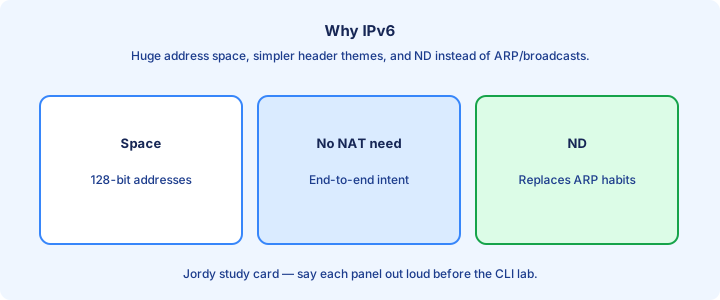
Why IPv6
IPv6 exists because IPv4 address space ran out for comfortable public growth. 128-bit addresses give room for hierarchical allocation, IoT scale, and end-to-end addressing without desperate NAT everywhere. Providers can hand out a /48 or /56 per customer and still leave room for dozens of /64 LANs without VLSM gymnastics.
IPv6 is not only “more addresses.” Headers are streamlined, NDP replaces ARP, and every link gets link-local addressing for on-link operations. Multicast replaces broadcast for many discovery jobs, so you will not see an IPv6 broadcast storm model on the exam.
Enterprises dual-stack for years: IPv4 and IPv6 run together on the same interfaces. CCNA expects you to read addresses, configure interfaces with `ipv6 address`, enable `ipv6 unicast-routing` on routers, and verify with `show ipv6` commands—not to finish a global migration plan.
Exam trap: NAT44 exhaustion workarounds do not make IPv6 optional on the exam. Questions still test GUAs, link-locals, abbreviation, and basic static routing even when the topology also has IPv4.
Address format
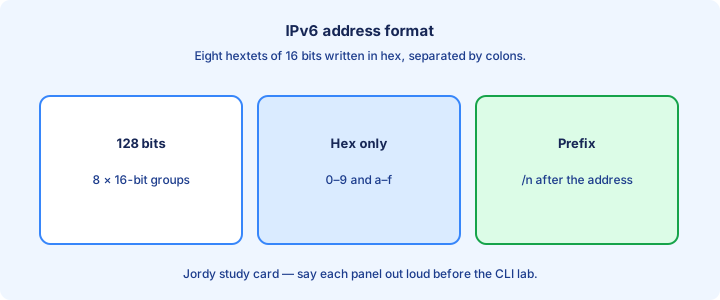
An IPv6 address is eight hextets of four hex digits, written with colons: `2001:0db8:0000:0000:0000:0000:0000:0001`. Each hextet is 16 bits; eight of them make 128 bits. Count the colons on scratch paper when a stem looks ambiguous.
Prefix length uses CIDR notation: `2001:db8:1::/64`. The /64 is the default interface prefix length on most LANs and is what SLAAC expects. Do not invent dotted-decimal masks for IPv6—there is no `255.255.0.0` equivalent on the CLI.
Leading zeros inside a hextet are optional. Case is insignificant; lowercase is common in docs and IOS output. Always keep the eight-hextet structure in mind before you abbreviate, or you will mis-count compressed zeros.
Exam trap: `2001:db8::1/64` is one address plus a prefix length. The `/64` is not part of the host identifier field by itself—it marks how many leading bits are the network prefix on that link.
Abbreviation rules
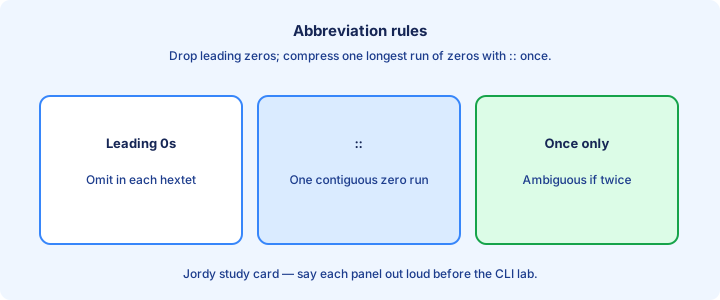
Two rules only. Drop leading zeros in each hextet (`0db8` → `db8`). Replace one contiguous run of all-zero hextets with `::`—and only once per address. Trailing or leading zero runs are fine; the single-`::` rule still holds.
`2001:0db8:0000:0000:0000:0000:0000:0001` becomes `2001:db8::1`. You cannot write two `::` compressions; that would be ambiguous about how many zeros each side hid. IOS will reject or misparse illegal forms.
Expand mentally when comparing prefixes. `2001:db8:0:1::1` and `2001:db8::1:0:0:1` are different addresses. Expand both options to eight hextets on scratch paper during the exam before you pick.
Exam trap: `::` may appear at the start, middle, or end, but only once. `ff02::1` is valid; `ff02::1::2` is not. Loopback `::1` and unspecified `::` are the extreme compressions.
Unicast types
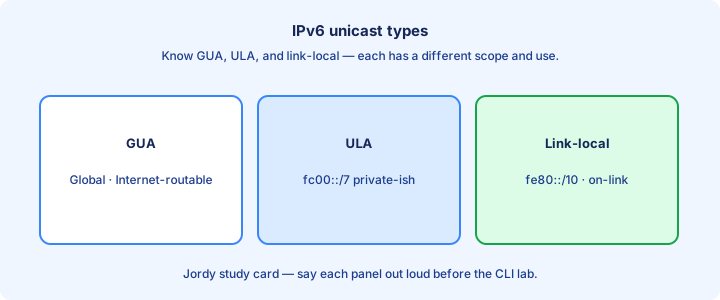
Unicast delivers to one interface. Key types: global unicast (GUA), unique local (ULA), and link-local. Loopback is `::1`. Unspecified is `::`, used before an address is known (DAD, some sockets).
ULA commonly starts with fc00::/7 (often seen as `fd00::/8` in practice with the L bit set). It is like RFC1918 for IPv6—routable inside an organization, not on the public Internet. Labs sometimes use ULA when they want “private” without burning `2001:db8::/32`.
Do not confuse unicast with anycast (same address on multiple nodes, routed to the nearest) or multicast (`ff00::/8`). Those appear in later IPv6 topics; the first filter on an address is still the leading bits.
Exam trap: link-local is unicast, but it is not a GUA. It will not route across routers as a global destination, even though `show ipv6 route` happily shows link-local next hops for on-link neighbors.
Link-local
Every IPv6-enabled interface gets a link-local address in fe80::/10. It is required for NDP, many routing protocol adjacencies, and on-link operations even when no GUA exists yet. Enabling IPv6 on an interface is enough for the stack to form one.
Link-locals are not unique across the whole network—only on that link. When you ping a link-local, IOS needs an outgoing interface: `ping fe80::1%GigabitEthernet0/0` style zone syntax on some platforms, or an explicit egress in the ping dialog.
Routers use link-locals as next hops in `show ipv6 route` output. Seeing `FE80::...` as a next hop beside an exit interface is normal, not a misconfig. Static routes that use link-local next hops must name that interface.
Exam trap: two interfaces can both show `fe80::...` addresses. That is expected. Compare the interface IDs and the links they sit on—do not assume duplicate detection across VLANs.
Global unicast
Global unicast addresses are globally routable. The documentation prefix 2001:db8::/32 appears in all good examples; production GUAs come from your provider or RIR space (commonly inside 2000::/3). Never announce lab `2001:db8::/32` to the real Internet.
Typical LAN design: ISP or enterprise assigns a `/48` or `/56`, you carve /64s for each subnet, and hosts get the last 64 bits via SLAAC, DHCPv6, or static config. Gateways often use a memorable IID such as `::1`.
Configure with `ipv6 address 2001:db8:1:1::1/64` under the interface after `configure terminal`. The device also keeps its link-local. Both show up in `show ipv6 interface brief`—do not panic when you see two unicast addresses.
Exam trap: putting a /128 GUA on a LAN interface as the only address for a whole subnet breaks every host plan that expects a /64 on-link prefix for SLAAC and neighbor discovery.
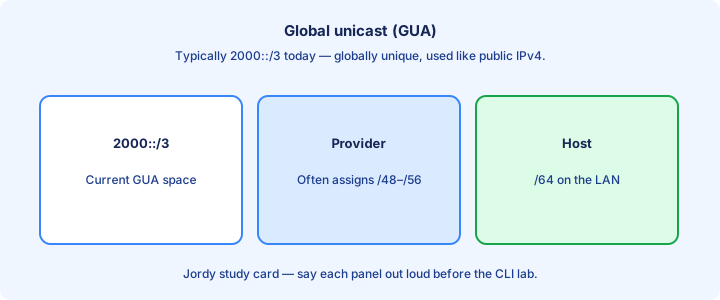
Multicast FF00::/8
IPv6 multicast addresses start with ff00::/8. There is no broadcast storm model like IPv4; solicited-node and all-nodes multicasts replace many ARP/broadcast jobs while limiting who must process the frame.
Know a few well-known groups: ff02::1 all nodes on link, ff02::2 all routers on link, ff02::1:ffxx:xxxx solicited-node. Scope is embedded in the address structure—`ff02::` stays link-local scope.
Routing protocols and NDP lean on these groups. An ACL that casually blocks all `ff00::/8` traffic will break neighbor discovery and look like “IPv6 is down” even though GUAs still appear on the interface.
Exam trap: `ff02::1` is not a unicast gateway. Pinging it reaches all nodes on the link, not one router VIP, and it is a terrible default-gateway candidate on any exam stem.
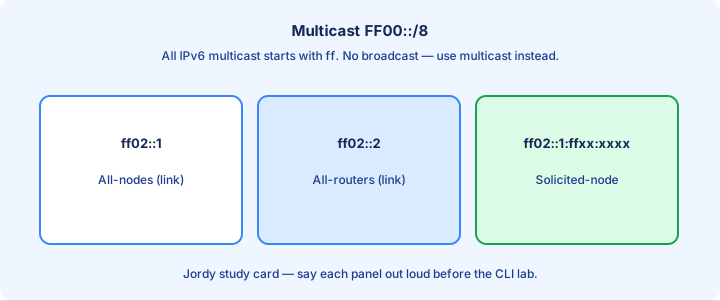
SLAAC preview
SLAAC lets a host build its own address from an advertised /64 prefix plus an interface identifier. Routers send Router Advertisements (RAs) with the prefix; hosts combine that with their IID and run DAD before committing the address.
Flags in the RA steer behavior: autonomous address config, whether to use DHCPv6 for addresses or other options (DNS). Day 32 deepens RS/RA; here you only need the idea that RAs feed SLAAC and that the router must be advertising.
SLAAC needs a /64 on-link prefix in normal designs. Odd prefix lengths break the “prefix + 64-bit IID” assumption hosts expect, so “clever” /120 user VLANs break autoconfig.
Exam trap: SLAAC is not “DHCP with a different name.” DHCPv6 can coexist or supply options such as DNS; SLAAC can still form the address from the RA prefix alone.
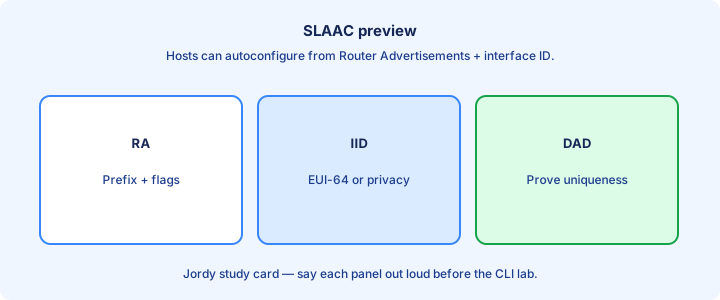
Interface ID
The interface identifier (IID) is typically the lower 64 bits of the address on a /64. It can come from EUI-64 (MAC-derived), a stable privacy algorithm, temporary privacy addresses, or manual configuration such as `::1` on a gateway.
EUI-64 inserts `ff:fe` in the middle of the MAC and flips the U/L bit. Recognizing `ff:fe` in the middle of an IID is a classic exam tell for EUI-64 even when the stem hides the original MAC.
Manual IIDs like `::1` for routers keep diagrams readable. Hosts in the wild often use privacy extensions so the IID changes over time—your `show ipv6 neighbors` entry may not match yesterday’s notes.
Exam trap: IID is not the same as “host portion” math from IPv4 classful habits. With /64, you have 64 bits of host space—do not subnet that away casually on a single LAN just to feel thrifty.
Showing IPv6 on IOS
`show ipv6 interface brief` is the quick status board: interface, unicast addresses, and up/down. `show ipv6 interface GigabitEthernet0/0` adds MTU, link-local, joined multicasts, and ND details when you need depth.
`show ipv6 route` displays the IPv6 RIB. Codes differ slightly from IPv4; connected and local entries appear as soon as addresses are up, and statics show after you add `ipv6 route` statements.
If addresses are missing, check `ipv6 address`, interface `no shutdown`, and whether ipv6 unicast-routing is on when you expect the box to route. Also confirm you are not staring at the wrong VRF or a shut SVI.
Exam trap: `show ip interface brief` does not list IPv6. Wrong address family show command is a silent self-own when the stem only broke the IPv6 side of a dual-stack link.
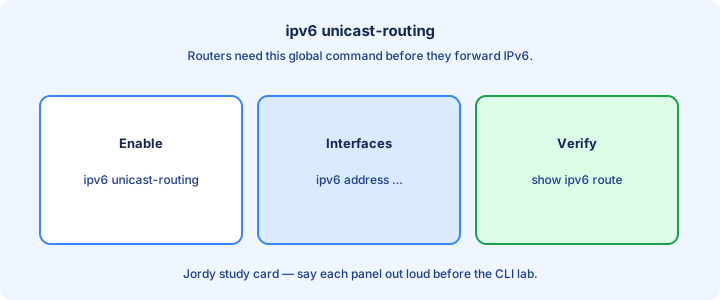
ipv6 unicast-routing
Routers need `ipv6 unicast-routing` in global config to forward IPv6 packets between interfaces. Enter `configure terminal`, type the command, then verify forwarding with a transit ping across two interfaces.
Hosts and Layer 2 switches do not need that command to use IPv6 on an SVI for management. The command is about routing, not “enable IPv6 language on the CLI.” Interfaces can still hold addresses for local use without it.
After enabling, verify with RAs (hosts learn gateways) and with `show ipv6 route` showing connected prefixes. Then add statics or an IGP. Without the global knob, remote LANs never install as transit paths.
Exam trap: configuring `ipv6 address` alone does not turn a router into an IPv6 gateway for hosts that need routed transit to another /64.
Neighbor discovery preview
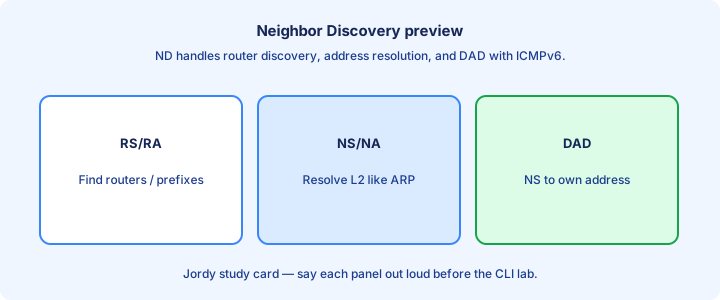
Neighbor Discovery Protocol (NDP) replaces ARP. Neighbor Solicitation (NS) and Neighbor Advertisement (NA) map IP to MAC. Router Solicitation (RS) and Router Advertisement (RA) find routers and prefixes on the link.
NDP uses ICMPv6 and multicast. Filtering ICMPv6 carelessly breaks IPv6 in ways that feel like Layer 2 failure—GUAs configured, pings dying, neighbor cache stuck INCOMPLETE.
Quick check: `show ipv6 neighbors` is the ARP-table analog. Incomplete entries mean NS went unanswered—wrong VLAN, quiet host, ACLs, or a cable on the wrong access port.
Exam trap: there is no ARP for IPv6. If a stem says ARP for an IPv6 address, the answer is already wrong—look for NDP or ICMPv6 neighbor discovery instead.
Lab addressing plan
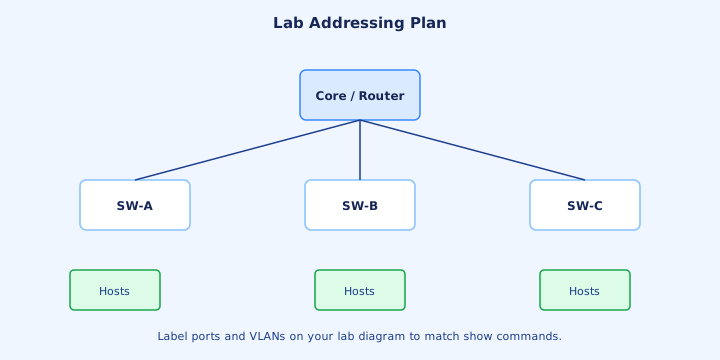
Plan on paper first. Example: `2001:db8:acad::/48` split into `2001:db8:acad:1::/64` for LAN1, `:2::/64` for LAN2, `:12::/64` for the router interconnect. Give routers `::1` host IDs for sanity when you read `show` output.
Enable `ipv6 unicast-routing`, address each interface under `configure terminal`, `no shutdown`, then `show ipv6 interface brief`. Confirm link-locals exist even before GUAs if the stack formed them automatically.
Add a static or just use connected routes in a two-router lab. Ping GUA to GUA, then note link-local pings need the interface specifier when required. Write the planned prefixes in a table before you type.
Exam trap: reusing the same /64 on two interfaces of one router is as wrong as duplicate IPv4 subnets—IOS may accept the config, but the design is broken.
Common mistakes
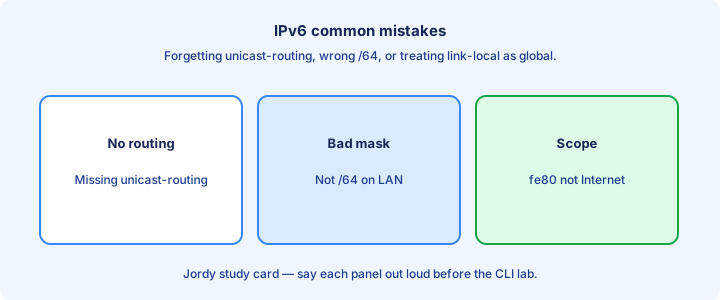
Forgetting `ipv6 unicast-routing` on routers. Using two `::` compressions. Mixing up `show ip` versus `show ipv6`. Blocking ICMPv6 and then blaming SLAAC when hosts never finish autoconfig.
Assigning /128s where /64s belong on LANs. Expecting link-locals to route across the cloud. Typing `2001:db8` without enough colons and creating a different address than you drew on the whiteboard.
Assuming IPv6 is “disabled” because a Windows host prefers IPv4 in a dual-stack ping. Test with explicit `ping -6` or an IPv6-only destination, and confirm the host actually received an RA.
Exam trap: abbreviated answers must still be the same address. Expand both options to eight hextets before you pick—compression tricks are deliberate distractors.
From former Day 32
Source material retained from the previous Day 32 chapter for continuity.
NDP vs ARP
ARP maps IPv4 to MAC with broadcast requests. NDP maps IPv6 to MAC with ICMPv6 Neighbor Solicitation to a solicited-node multicast, not a LAN-wide broadcast storm model. That design limits which hosts interrupt to process the query.
NDP also discovers routers and prefixes via RA/RS. ARP has no built-in router advertisement. That is why IPv6 gateway learning on a fresh host feels different—you often never type a default gateway when SLAAC is working.
`show ipv6 neighbors` is your ARP table analog. Age, state (REACHABLE, STALE, INCOMPLETE), and link-layer address tell you if resolution worked. INCOMPLETE after a ping means NS got no usable NA. Say the match fields out loud before you commit the change.
Exam trap: “IPv6 ARP” is a distractor phrase. The correct family name is NDP (or ICMPv6 neighbor discovery)—pick that wording when the stem offers both. Verify with a fresh show after each change instead of stacking guesses.
RS RA
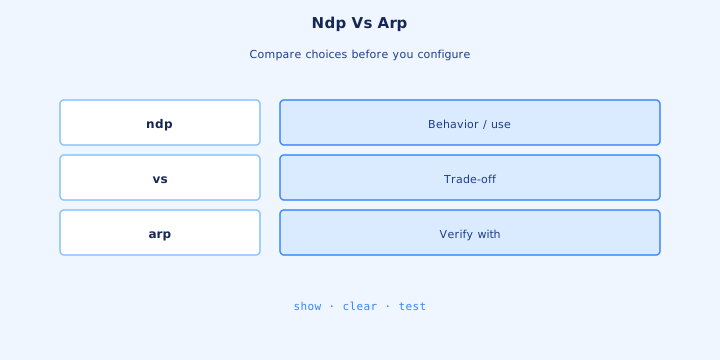
A host sends Router Solicitation (RS) when it wants routers to speak—often at boot. Routers send Router Advertisements (RA) periodically and in reply to RS. RAs carry prefixes, MTU, and flags for SLAAC/DHCPv6 behavior.
The default gateway for IPv6 is learned as the advertising router’s link-local, not by typing a GUA gateway in every simple SLAAC case. Static configs can still set a GUA next hop deliberately on servers.
`ipv6 nd` knobs on IOS tune RA interval and prefix advertisement. For CCNA, know that RAs must be allowed on the link or hosts never autoconfigure—and that `ipv6 unicast-routing` is what makes a Cisco box send RAs as a router.
Exam trap: RA is not DHCP. It can tell a host to use DHCPv6 with M/O flags, but the RA itself is NDP carried in ICMPv6. Note the working output so the next lab pass is faster.
NS NA
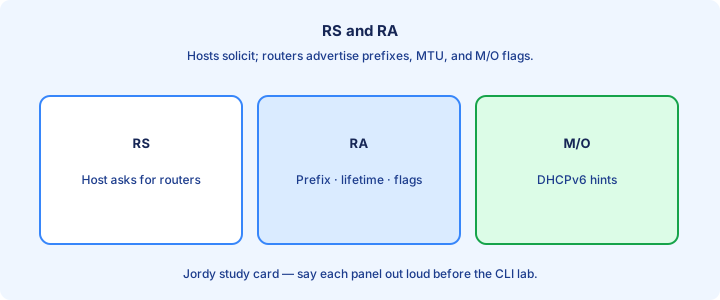
Neighbor Solicitation (NS) asks “who has this IPv6 address?” Neighbor Advertisement (NA) answers with the MAC binding. That pair replaces ARP request/reply on IPv6 links. Write the critical check on scrap paper before the timer starts.
NS targets the solicited-node multicast for the target address, which limits who interrupts to process the query. NA can be solicited or unsolicited (gratuitous-style updates after an address or MAC change).
Failed pings with INCOMPLETE neighbor state mean NS got no usable NA. Check VLAN membership, port security, a quiet destination, cable faults, or ICMPv6 filters on the path between the two MACs. Include this detail when you explain the design out loud.
Exam trap: NS/NA are not the same as RS/RA. One pair maps neighbors to MACs; the other finds routers and on-link prefixes—mixing them is a favorite multiple-choice trap. Trust a new show command over stale scrollback from earlier.
DAD
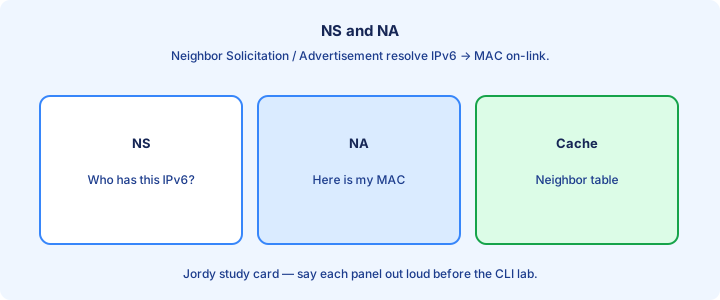
Duplicate Address Detection (DAD) uses NS to ask whether anyone already owns a tentative address before the host commits it. If an NA answers, the address is duplicate and must not be used.
DAD runs for link-locals and autoconfigured GUAs. Static addresses should still be unique; DAD is a safety net, not a license to reuse `::1` on two routers on one LAN and hope for the best.
Symptoms of failure include an interface that never finishes autoconfig or logs about duplicate addresses. Two labs bridged together with cloned configs, or a VM snapshot restored twice on the same VLAN, are classic causes.
Exam trap: DAD is NDP-based. Disabling ICMPv6 neighbor messages breaks DAD and SLAAC together, which looks like “IPv6 addressing is broken” in the stem. Keep a short lab note beside the topology so handoffs stay clear.
Static IPv6 routes
Static IPv6 routes fill the RIB when you are not ready for OSPFv3. Same ideas as IPv4: destination prefix, next hop, optional exit interface, optional administrative distance for floating backups. Eliminate options that ignore this check before you pick an answer.
Next hop is often a link-local plus outbound interface, or a GUA if reachability to that GUA is assured. Connected prefixes install automatically when interfaces are up with addresses—you only static the remote /64s.
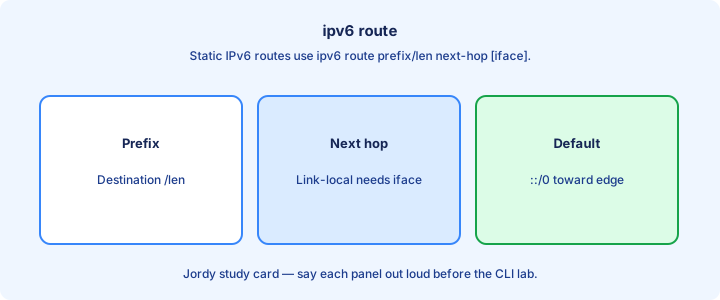
Default route is `::/0`. Branch routers commonly point `::/0` at the hub. Verify with `show ipv6 route` and a remote GUA ping from a LAN host through the path. Get this piece right first or later steps compound the mistake.
Exam trap: a static to a GUA next hop still fails if that GUA is not on-link or recursively reachable—check the interconnect /64 before blaming the remote LAN entry. Re-check after ACL or interface changes that could interfere.
ipv6 route
Syntax themes: `ipv6 route 2001:db8:2::/64 2001:db8:12::2` or `ipv6 route 2001:db8:2::/64 GigabitEthernet0/1 FE80::2`. Link-local next hops need the interface; GUA next hops on a shared Ethernet usually do not. Practice stating this cleanly; operators ask for it in handoffs.
Floating static: raise AD with a distance value at the end so a dynamic route wins until it disappears. Same pattern you used in IPv4—higher AD is the backup, not the primary. The stem often hides the clue here—read that part twice.
Replace or refine with more-specific prefixes when traffic engineering needs a surgical path. Longest prefix match still rules; a /64 beats `::/0` for destinations inside that /64. Say the match fields out loud before you commit the change.
Exam trap: `ip route` never installs IPv6. Wrong command family is an instant miss even when the prefix and next hop in the stem are IPv6. Verify with a fresh show after each change instead of stacking guesses.
show ipv6 route
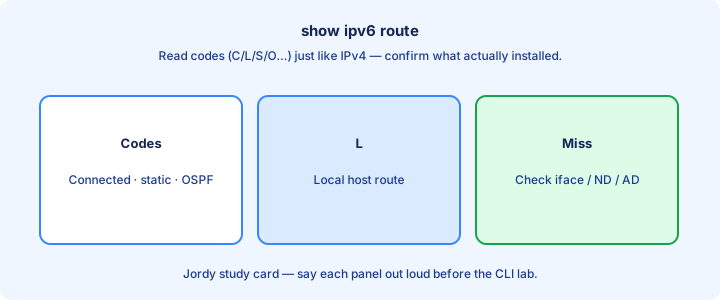
`show ipv6 route` lists codes, prefixes, ADs/metrics, and next hops. Connected (C), local (L), static (S), and later OSPF (O) appear as you progress through the labs. Note the working output so the next lab pass is faster.
Local /128 entries for the router’s own addresses are normal. Do not delete them thinking they are clutter—they represent the interface addresses in the RIB model and help the box answer traffic to itself.
Filter with `show ipv6 route 2001:db8:2::/64` or `| include` patterns when the table grows. Confirm the exit interface matches your intent after a link flap or after you change a next hop.
Exam trap: empty IPv6 RIB while IPv4 looks fine usually means missing addresses, missing `ipv6 unicast-routing`, or you never typed any IPv6 routes—not an OSPFv2 problem. Write the critical check on scrap paper before the timer starts.
OSPFv3 preview
OSPFv3 carries IPv6 routes (and can do more in later address-family designs). Adjacencies often form over link-locals. Router IDs remain 32-bit dotted decimal even in an IPv6-only lab—set one explicitly if no IPv4 address exists to borrow.
Interface-centric config is common: `ipv6 ospf <process> area <id>` under the interface, plus a router process. Exact CLI varies by IOS train—know the idea for CCNA previews without memorizing every address-family variant.
LSAs and area rules feel like OSPFv2, but address families differ. Do not paste IPv4 `network` statements under OSPFv2 and expect IPv6 prefixes to magically join the IPv6 RIB. Include this detail when you explain the design out loud.
Exam trap: OSPFv2 ≠ OSPFv3. Separate processes and verification commands (`show ipv6 ospf neighbor`)—an up OSPFv2 adjacency proves nothing about IPv6. Trust a new show command over stale scrollback from earlier.
Dual stack
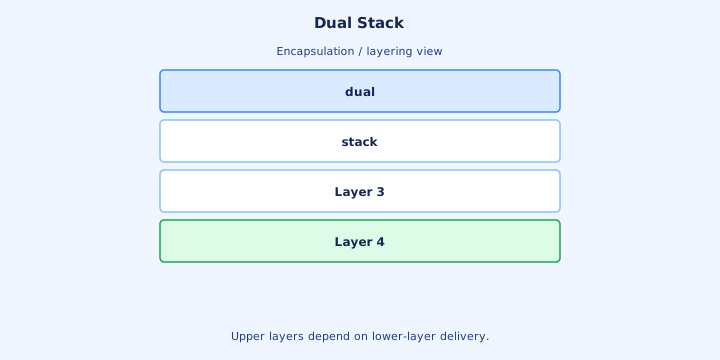
Dual stack means interfaces run IPv4 and IPv6 together. Hosts choose an address family per destination name (Happy Eyeballs themes) while routers forward each family on its own RIB and its own ACLs. Keep a short lab note beside the topology so handoffs stay clear.
Troubleshoot the family that fails. Broken IPv6 does not explain an IPv4-only outage. Confirm with `show ip route` and `show ipv6 route` side by side, plus the matching interface brief commands. Eliminate options that ignore this check before you pick an answer.
Migration often starts dual-stack on cores and edges, then retires IPv4 services slowly. CCNA labs may simply require both addresses on the same Gi0/0 and two working default routes. Get this piece right first or later steps compound the mistake.
Exam trap: configuring only IPv6 statics does not fix IPv4 reachability. Two protocols, two plans—and two places to apply `ip access-group` versus `ipv6 traffic-filter`. Re-check after ACL or interface changes that could interfere.
Tunneling glance
When two IPv6 islands are separated by IPv4-only land, tunneling can carry IPv6 inside IPv4 (manual tunnels, GRE themes, or transition tech survey items). Dual stack is preferred when you control the entire path.
Tunnels add MTU overhead and troubleshooting cost—you debug the outer IPv4 path and the inner IPv6 routing. They are a bridge, not a forever architecture. Know they exist; deep transition tech is light on modern CCNA.
If both ends can dual-stack, skip the tunnel. Native forwarding beats encapsulating every packet for years, and you avoid tunnel endpoint ACLs becoming a silent failure point. Practice stating this cleanly; operators ask for it in handoffs.
Exam trap: a tunnel does not remove the need for correct IPv6 routing at each island edge—encapsulating a black hole still delivers a black hole. The stem often hides the clue here—read that part twice.
ACL IPv6 preview
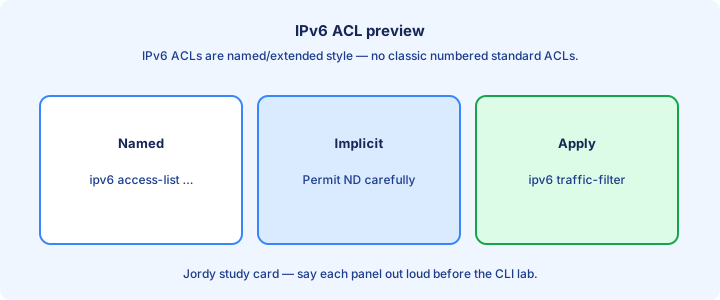
IPv6 ACLs use `ipv6 access-list` and apply with `ipv6 traffic-filter` on interfaces (direction still `in`/`out`). Matching can include IPv6 addresses, ports, and ICMPv6 types for neighbor and echo traffic. Say the match fields out loud before you commit the change.
Implicit rules differ from IPv4 lore: be careful not to block NDP while permitting “everything else you care about.” Many designs permit necessary ICMPv6 neighbor/router messages explicitly before broader denies. Verify with a fresh show after each change instead of stacking guesses.
Standard versus extended thinking still applies in spirit: what you match determines placement. Full ACL days cover IPv4 first; treat this as the IPv6 flag that ACLs exist here too and use a separate object. Note the working output so the next lab pass is faster.
Exam trap: an IPv4 ACL never filters IPv6. Wrong address family object leaves IPv6 wide open or mysteriously broken while IPv4 policy looks perfect. Write the critical check on scrap paper before the timer starts.
Troubleshooting neighbor
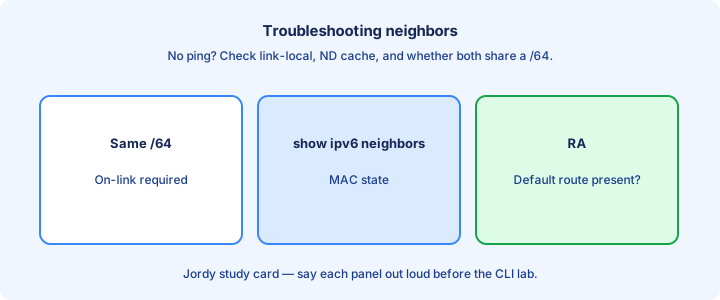
Layer checklist: same VLAN/link, both interfaces up (`show ipv6 interface brief`), IPv6 enabled, addresses present, ICMPv6 not blocked. Then read `show ipv6 neighbors` and the detailed `show ipv6 interface` output. Include this detail when you explain the design out loud.
Ping the neighbor’s link-local with the correct egress interface when required. If link-local works but GUA fails, suspect routing or RA/prefix problems rather than pure L2—on-link resolution already succeeded. Trust a new show command over stale scrollback from earlier.
Clear stale neighbors with `clear ipv6 neighbors` after fixing MAC moves or VM migrations. Capture NS/NA only if the cheap show commands stay empty and you have a SPAN or host capture available. Keep a short lab note beside the topology so handoffs stay clear.
Exam trap: a missing default route does not show as INCOMPLETE neighbor to an on-link host. Separate on-link resolution failures from off-link routing failures before you change NDP timers. Eliminate options that ignore this check before you pick an answer.
Lab static IPv6
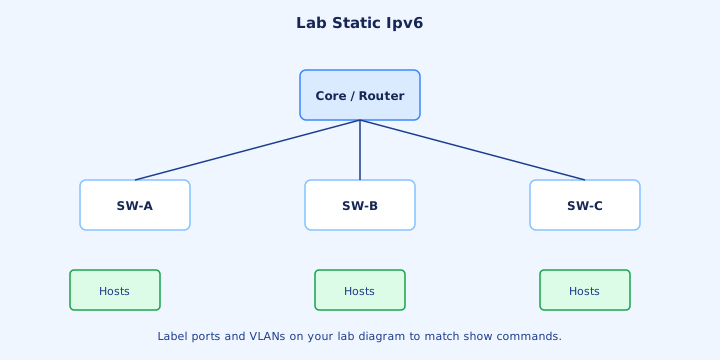
Build two routers, two LANs, one interconnect. Address /64s, enable `ipv6 unicast-routing`, add reciprocal statics for the remote LANs, or defaults toward the hub with `ipv6 route ::/0 ...`. Get this piece right first or later steps compound the mistake.
Verify `show ipv6 route` shows S entries with the expected next hop. Ping from a LAN host GUA to the far LAN GUA. Failure modes: wrong next hop, missing unicast-routing, shut interface, or a typo in the prefix length.
Optional: float a backup static with higher AD and shut the primary link to watch failover. Same discipline as IPv4 floating statics—confirm the AD values with `show ipv6 route` before the failure test.
Exam trap: statics pointing at the far LAN prefix via an interface without a next hop on multi-access Ethernet can black-hole; prefer explicit next hops on broadcast segments. Re-check after ACL or interface changes that could interfere.
Exam traps
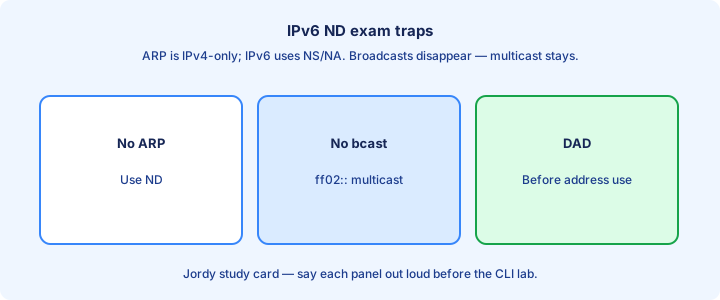
NDP ≠ ARP. RS/RA ≠ NS/NA. DAD uses NS. Static IPv6 uses `ipv6 route`. OSPFv3 is not configured like OSPFv2 `network` statements alone. Keep those separations sharp under time pressure. Practice stating this cleanly; operators ask for it in handoffs.
Link-local next hops need interfaces. Dual stack doubles verification work. ICMPv6 filters break discovery before they break “applications” in the stem—fix NDP when SLAAC or neighbor cache is the symptom. The stem often hides the clue here—read that part twice.
Abbreviation questions want exact equivalence. Expand both answers. Prefix length mistakes (/128 vs /64) appear constantly beside next-hop interface mistakes. Say the match fields out loud before you commit the change.
Exam trap: hosts learning a gateway via RA still need the router to have routes for remote destinations—NDP does not replace the RIB, and a perfect neighbor cache will not fix a missing `::/0`. Verify with a fresh show after each change instead of stacking guesses.
Key ideas
- Merged IPv6 Parts 1–2.
- IPv6 = 128-bit addresses written as eight hex hextets.
- Compress longest zero run with :: once; drop leading zeros in a hextet.
- Link-local fe80::/10 is required on every IPv6 interface.
- Global unicast is typically 2000::/3 space in teaching diagrams.
- No broadcast — multicast and anycast replace that role.
- Interface ID is often /64 with EUI-64 or privacy extensions.
- Abbreviation mistakes are the #1 exam trap on Part 1.
Self-check
- Compress 2001:0db8:0000:0000:0000:0000:0000:0001.
- Can you use :: twice in one address?
- What prefix is link-local?
- Why is there no IPv6 broadcast?
- How many bits in an IPv6 address?
- Which ICMPv6 messages replace ARP request/reply?