Day 23
IPv6 Routing & Troubleshooting
ipv6-routing-troubleshooting
At a glance
IPv6 Part 3: nibble-aligned subnetting, /64 norms, planning, and static vs SLAAC/DHCPv6 addressing patterns. Maps to CCNA v2.0 objective(s) 1.4, 3.2.
Deep chapter
Long-form companion reading (original prose).
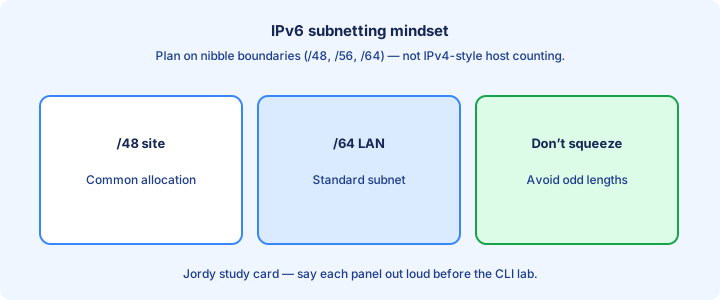
IPv6 subnetting mindset
IPv6 subnetting is about allocating /64s from a larger block, not scraping every last host bit like tight IPv4 VLSM. A LAN gets a /64 even if it has twelve PCs—address abundance is the point of the design.
Think in hierarchies: `/32` or `/48` from a provider, `/56` or `/48` per site, `/64` per subnet/VLAN/link. Document the meaning of each hextet in your plan so summarization and ACLs stay readable years later.
You can use longer than /64 on point-to-point links in some designs, but hosts and SLAAC expect /64 on access LANs. Do not “optimize” a user VLAN into /120 without a reason the exam gives you—autoconfig will break.
Exam trap: IPv6 subnetting questions often test nibble-aligned math and hierarchy, not “how many hosts fit.” If you start dividing by 2 for host counts, you are solving the wrong problem.
nibble boundaries
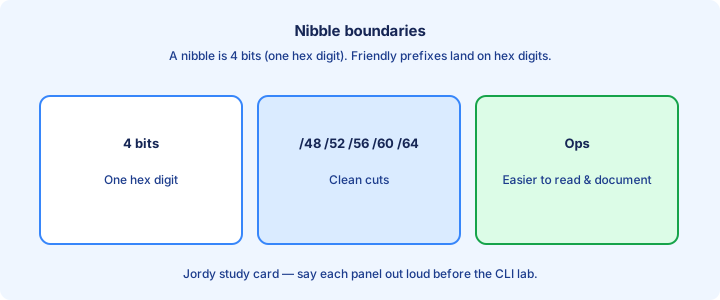
A nibble is 4 bits—one hex digit. Clean subnetting steps along nibble boundaries so prefixes land on tidy hex values humans can read and type without bit-level agony. Say the match fields out loud before you commit the change.
Example: from `2001:db8:acad::/48`, the next hextet can number sites or VLANs: `2001:db8:acad:0001::/64`, `:0002::/64`. Incrementing by one in that hextet steps a full /64—perfect for a VLAN-per-prefix map. Verify with a fresh show after each change instead of stacking guesses.
Going off-nibble creates ugly prefixes that are legal but painful to ACL and summarize. Exams love the clean hex increments and will punish sloppy bit counting when you leave nibble alignment. Note the working output so the next lab pass is faster.
Exam trap: /60 and /56 are still nibble-friendly. Know that a /56 under a /48 gives sixteen /60s or many /64s—practice carving on paper until the hex math is automatic. Write the critical check on scrap paper before the timer starts.
Address planning
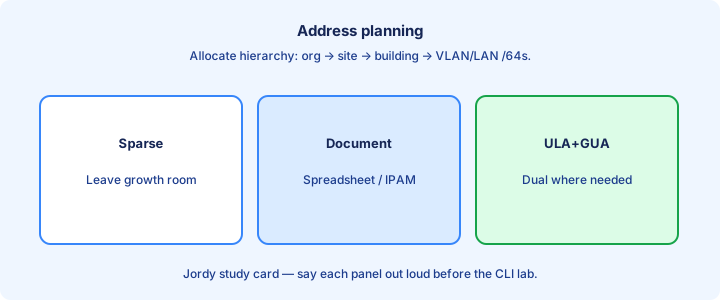
Write a table: site, VLAN/purpose, prefix, gateway IID, notes. Keep voice, data, servers, and infrastructure in predictable hextet patterns so summarization works later at the core. Include this detail when you explain the design out loud.
Reserve space. Leaving gaps between VLAN IDs in the hextet map costs nothing in IPv6 and saves renumbering when the campus grows from 40 VLANs to 120. Abundance rewards boring, sparse plans. Trust a new show command over stale scrollback from earlier.
Align IPv4 VLAN numbers with IPv6 hextets when it helps operators (`VLAN 30` ↔ `:30::/64`), but do not assume the exam requires that mnemonic—follow whatever structure the stem prints. Keep a short lab note beside the topology so handoffs stay clear.
Exam trap: overlapping /64s in the plan are still overlapping subnets. Abundance does not forgive duplicates, and `show ipv6 route` will not save a spreadsheet that assigned `:10::/64` twice. Eliminate options that ignore this check before you pick an answer.
Anycast
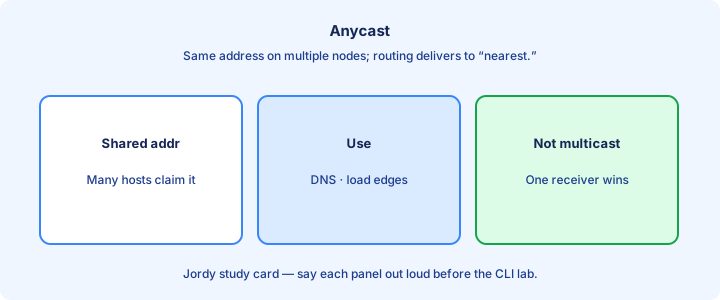
Anycast configures the same unicast address on multiple interfaces/nodes. Routers deliver packets to the “nearest” instance by ordinary routing metrics—no special anycast protocol on the host. Get this piece right first or later steps compound the mistake.
Common uses: DNS anycast on the Internet, shared service VIPs inside a provider. On a host it looks like a normal GUA; the magic is in the topology advertising that prefix from multiple places.
Anycast is not multicast. One destination address, one chosen receiver per packet, not a group replication tree. If you need many receivers to get a copy, you want multicast, not anycast.
Exam trap: anycast shares the unicast address space. There is no separate “anycast prefix” you must memorize like `ff00::/8` for multicast—the first bits look like ordinary unicast. Re-check after ACL or interface changes that could interfere.
EUI-64
EUI-64 builds a 64-bit IID from a 48-bit MAC: split the MAC, insert ff:fe, and flip the U/L bit. The result becomes the lower half of a /64 address when the prefix is advertised or configured.
IOS can form addresses with EUI-64 using `ipv6 address 2001:db8:1:1::/64 eui-64`. The router still keeps a separate link-local, also typically EUI-derived unless you override it with a link-local command. Practice stating this cleanly; operators ask for it in handoffs.
Spot `ff:fe` in the middle of an IID on exam diagrams. That pattern flags EUI-64 even when the MAC is not printed. Work the flip carefully—skipping it is how otherwise perfect answers lose the point.
Exam trap: flipping the U/L bit means the IID does not equal the raw MAC with ff:fe inserted—you must flip that bit for a full EUI-64 answer the exam will accept. The stem often hides the clue here—read that part twice.
Privacy extensions glance
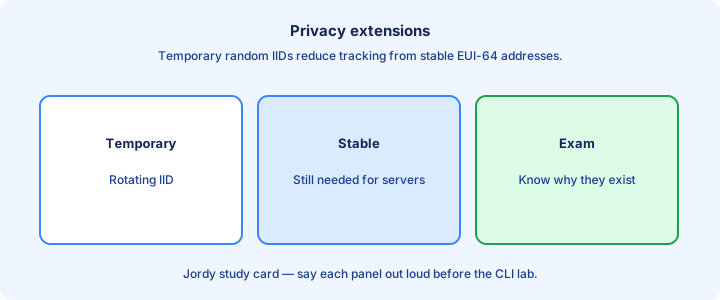
Privacy extensions (temporary addresses) let hosts generate random IIDs that rotate, reducing tracking from a stable MAC-derived EUI-64 across networks and sessions. Say the match fields out loud before you commit the change.
A host may have a stable address plus temporary ones. Outbound connections often prefer temporary addresses. Troubleshooting “which address did it use?” needs current `ipconfig`/`ifconfig` output, not last week’s screenshot. Verify with a fresh show after each change instead of stacking guesses.
Enterprise policy may prefer stable IIDs for auditing and ACLs. Know that both behaviors exist; CCNA depth is awareness, not sysctl tuning on every OS brand. Note the working output so the next lab pass is faster.
Exam trap: privacy addresses are still GUAs in the same /64. They are not ULAs just because they look random, and they still need the same on-link prefix from the RA.
Multicast scopes
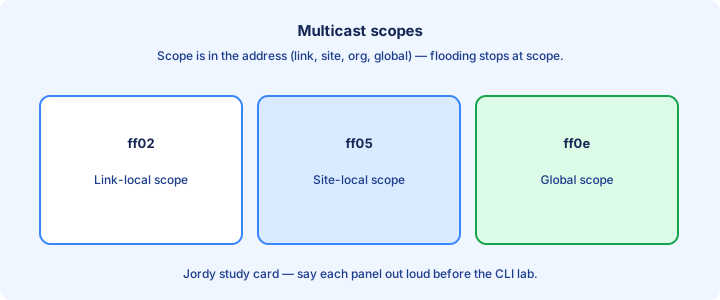
IPv6 multicast embeds scope in the address. Link-local scope ff02::/16 themes stay on the link. Organization and global scopes reach farther when routed multicast is enabled on purpose. Write the critical check on scrap paper before the timer starts.
Well-known link-local groups matter most on CCNA: all-nodes, all-routers, solicited-node. Treat broader scopes as “know they exist” unless the stem explicitly routes multicast. Include this detail when you explain the design out loud.
Scoped multicast stops at boundaries routers enforce. That replaces the old “broadcast domain” mental model for many discovery packets and keeps NDP from leaking across L3 hops. Trust a new show command over stale scrollback from earlier.
Exam trap: `ff02::` groups are not forwarded off-link by ordinary unicast routers. Off-link multicast needs intentional multicast routing—do not expect `ff02::1` to reach a remote site. Keep a short lab note beside the topology so handoffs stay clear.
MLD glance
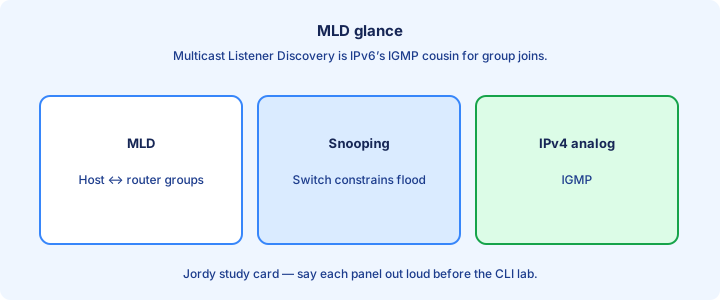
MLD (Multicast Listener Discovery) is IPv6’s IGMP analog. Hosts report which multicast groups they want; switches/routers use that to limit flooding to interested ports only. Eliminate options that ignore this check before you pick an answer.
MLD snooping on switches keeps multicast from spraying every port in the VLAN. Without it, IPv6 multicast—including some discovery traffic patterns—can behave like noisy flooding on large access layers. Get this piece right first or later steps compound the mistake.
You rarely configure deep MLD on CCNA, but you should recognize the name beside IGMP when comparing IPv4/IPv6 feature lists on a switch datasheet-style question. Re-check after ACL or interface changes that could interfere.
Exam trap: MLD is not NDP. NDP uses some multicast groups, but MLD is the listener-membership protocol that tells the network who wants those groups. Practice stating this cleanly; operators ask for it in handoffs.
Verification commands
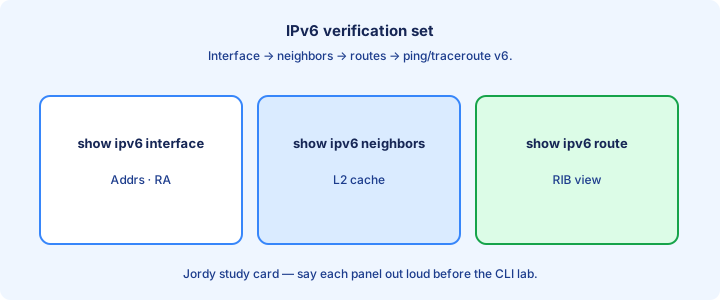
Core set: `show ipv6 interface brief`, `show ipv6 interface`, `show ipv6 route`, `show ipv6 neighbors`, and `ping`/`traceroute` with IPv6 targets. Memorize which table each one reads. The stem often hides the clue here—read that part twice.
Add `show ipv6 routers` or RA-related output where supported to see what the box is advertising. `show ipv6 dhcp` appears when DHCPv6 enters the lab—do not hunt it for pure SLAAC failures. Say the match fields out loud before you commit the change.
Always match show tools to the failure: no address → interface; no neighbor → NDP; no remote ping → route; no name → DNS later. Random command fishing wastes sim time. Verify with a fresh show after each change instead of stacking guesses.
Exam trap: memorizing twenty commands helps less than knowing which table each command reads—pick the show that proves the claim in the stem. Note the working output so the next lab pass is faster.
Migration strategies
Common paths: dual stack, then gradually prefer IPv6; tunneling across IPv4-only segments; translation (NAT64 themes) when one side cannot upgrade. Dual stack is the cleanest when you own both ends of the conversation.
Inventory applications, management tools, and ACLs before flipping defaults. A dual-stack network with IPv4-only monitoring is half-blind—you will miss IPv6-only outages until users complain. Write the critical check on scrap paper before the timer starts.
Pilot one campus VLAN with GUAs, RAs, and DNS AAAA records before you renumber the company overnight. Prove host-to-host GUA pings and name resolution in that VLAN first. Include this detail when you explain the design out loud.
Exam trap: “turn on IPv6” without DNS and security policy is not a migration strategy—it is a lab toggle that leaves half the apps resolving only A records. Trust a new show command over stale scrollback from earlier.
Common enterprise patterns
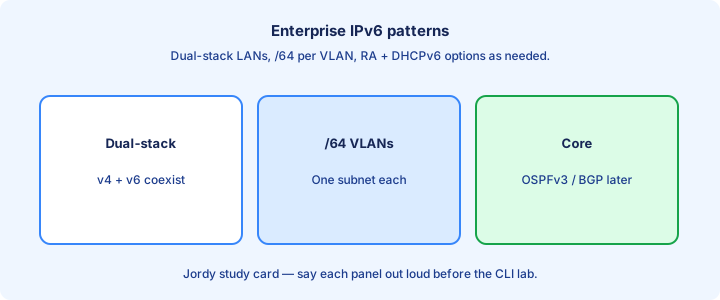
Enterprises often assign /48 per site from an aggregate, /64 per VLAN, stable gateway `::1`, and dual-stack SVIs on Layer 3 switches. OSPFv3 or BGP carries the prefixes between sites. Keep a short lab note beside the topology so handoffs stay clear.
ULA may appear for internal-only fabrics, but many designs go GUA everywhere with firewall policy instead. Know both patterns so a stem that shows `fd00:` does not surprise you. Eliminate options that ignore this check before you pick an answer.
DHCPv6 or SLAAC+DNS options supply resolver addresses. RA guards and ACL disciplines protect NDP on access layers in mature builds—survey-level awareness is enough for CCNA. Get this piece right first or later steps compound the mistake.
Exam trap: copying IPv4 “/30 for every P2P” blindly into IPv6 is optional fashion, not a requirement—/64 on P2P is common and acceptable on the exam unless the stem forces otherwise. Re-check after ACL or interface changes that could interfere.
Security notes
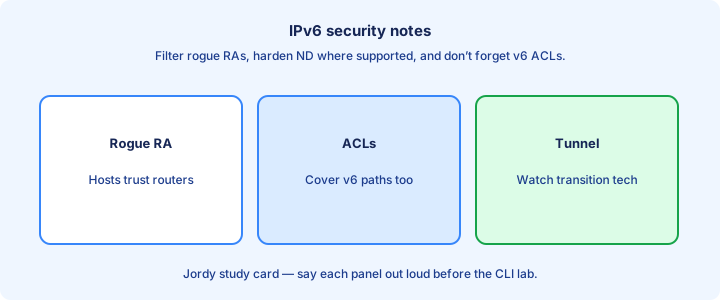
Protect NDP: rogue RAs can steal traffic. Features like RA Guard (survey-level) matter in access networks. Filter who may send RAs so a compromised PC cannot become everyone’s default gateway. Practice stating this cleanly; operators ask for it in handoffs.
Do not blanket-deny ICMPv6. Neighbor discovery, PMTUD, and diagnostics need selected types. Prefer explicit allows for NS/NA/RS/RA/echo themes over “block all ICMP” copied from an old IPv4 runbook. The stem often hides the clue here—read that part twice.
Extend ACL thinking to IPv6 early. Attackers dual-stack too; an IPv4-only firewall on a dual-stack host is a half door that still leaves the GUA reachable. Say the match fields out loud before you commit the change.
Exam trap: IPv6 link-locals still need policy awareness on shared links—security does not begin only at GUAs, and NDP runs before any GUA exists. Verify with a fresh show after each change instead of stacking guesses.
Practice problems
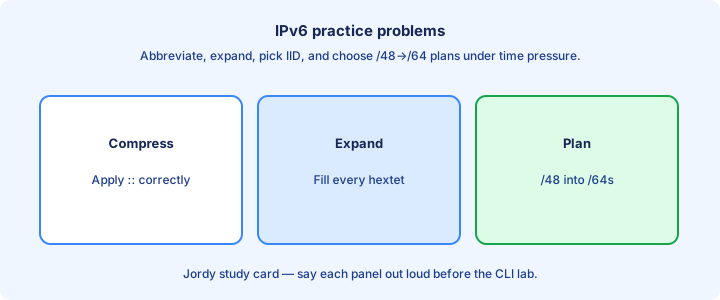
Drill: abbreviate and expand addresses; carve sixteen /64s from a /60; identify EUI-64 from a MAC; pick the correct next hop style for a static route with a link-local versus a GUA. Note the working output so the next lab pass is faster.
Drill: which NDP message fits the stem (RS, RA, NS, NA, DAD)? Which show command proves the claim—`show ipv6 neighbors`, `show ipv6 route`, or `show ipv6 interface brief`?. Write the critical check on scrap paper before the timer starts.
Drill: dual-stack failure isolation—IPv4 works, IPv6 fails. List three likely causes (missing unicast-routing, wrong /64, ICMPv6 filter) before you change configs. Include this detail when you explain the design out loud.
Exam trap: practice with a timer. Notation mistakes eat more points than obscure feature trivia—expand both answers before you click. Trust a new show command over stale scrollback from earlier.
Capstone IPv6
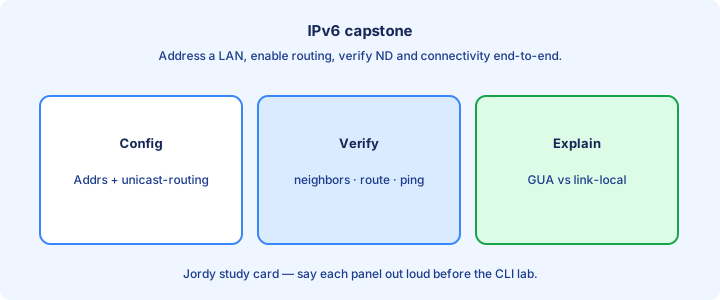
Capstone loop: plan prefixes, address routers, enable `ipv6 unicast-routing`, verify interfaces and neighbors, install statics or OSPFv3, prove host-to-host GUA pings, then document the hextet map. Keep a short lab note beside the topology so handoffs stay clear.
Add a deliberate fault: shut a link, wrong /64, blocked ICMPv6, missing default. Use the show set to find it without rebuilding from scratch—that is the exam skill, not the happy-path click-through.
End state: you can explain every address on `show ipv6 interface brief` and every path in `show ipv6 route` in one minute each, including why a next hop is link-local. Eliminate options that ignore this check before you pick an answer.
Exam trap: capstone success is verification literacy, not memorizing a single Packet Tracer file’s click path—transfer the same show sequence to any topology. Get this piece right first or later steps compound the mistake.
Key ideas
- Subnet on nibble boundaries (4 bits) to keep hex readable.
- /64 is the common LAN prefix length for SLAAC.
- Do not casually use /127 or odd lengths on host LANs unless P2P design calls for it.
- Address plans should leave room to aggregate upward.
- Static interface config vs SLAAC vs DHCPv6 — know when each appears.
- Documentation beats clever compression in ops.
- Exam: expand/compress and pick the correct subnet from a plan.
Self-check
- Why prefer nibble boundaries when subnetting IPv6?
- Typical LAN prefix length for SLAAC?
- Give one reason /64 is the default teaching LAN size.
- Static vs SLAAC — one operational difference?
- Expand a compressed exam address fully.