Day 25
CDP & LLDP
cdp-and-lldp
At a glance
CDP and LLDP discover directly connected neighbors — great for docs and cable audits; disable on untrusted edges. Maps to CCNA v2.0 objective(s) 2.3.
Deep chapter
Long-form companion reading (original prose).
CDP purpose
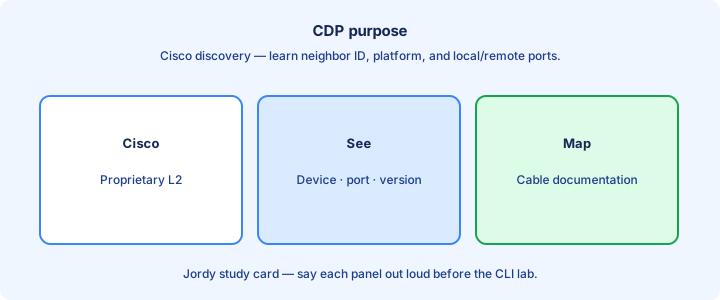
CDP (Cisco Discovery Protocol) shares device identity, capabilities, and interface information with directly connected Cisco neighbors. It is a Layer 2 advertisement, not a routing protocol and not a substitute for a wired documentation process.
Use it to map a closet: which remote hostname and port sit on the far end of a cable. That saves tracerouting through Layer 3 when you only need the adjacent box and the local interface that faces it.
CDP is Cisco-proprietary. It runs by default on many Cisco platforms and interfaces. Know how to read `show cdp neighbors`, how to dig into detail, and when to disable it on exposed ports.
Exam trap: CDP does not discover devices two hops away. No neighbor entry usually means no CDP neighbor on that link, CDP is off, the far end is non-Cisco, or Layer 1 is down. Keep CDP on uplinks where operators map cables; strip it from exposed user ports when policy demands.
LLDP purpose
LLDP (Link Layer Discovery Protocol) is the open IEEE standard cousin of CDP. Multivendor shops prefer LLDP so Cisco, phone, AP, and switch vendors can all speak discovery on the same access edge.
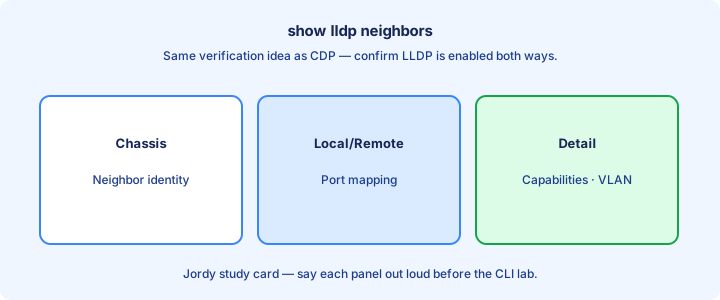
LLDP carries chassis/port IDs and optional TLVs for capabilities, VLANs, and power-related data depending on what is enabled. Detail output is where those TLVs become useful.
You may run CDP and LLDP together. Phones and APs often lean on LLDP (or CDP) for voice VLAN and PoE negotiation themes—disabling both can break an otherwise healthy desk.
Exam trap: LLDP is not “CDP version 3.” It is a different protocol with its own show commands (`show lldp neighbors`) and enable knobs—do not expect CDP output to list an LLDP-only endpoint. Enable LLDP deliberately in mixed-vendor plants; silence on a Cisco-only CDP check does not prove the link is empty.
show cdp neighbors
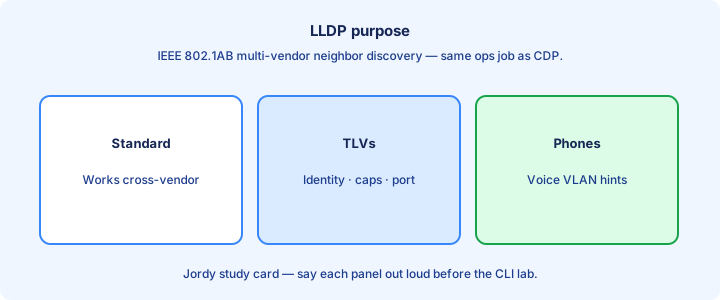
`show cdp neighbors` lists local interface, remote device ID, remote port, platform, and capability codes. `show cdp neighbors detail` adds IP addresses and IOS version for documentation and targeting management access.
Capability codes (R router, S switch, H host, P phone, etc.) help you decode what the neighbor claims to be. Detail output is what you use when building rack diagrams and cable labels.
Empty table: link down, CDP disabled, non-Cisco far end, or Layer 1 problem. Start with lights and `show interfaces` status before blaming CDP protocol quirks.
Exam trap: the Device ID is often the hostname, not necessarily the IP you SSH to—read detail for management addresses when the stem asks how to reach the neighbor. Copy Device ID and Port ID pairs into the wire map before you leave the closet.
show lldp neighbors
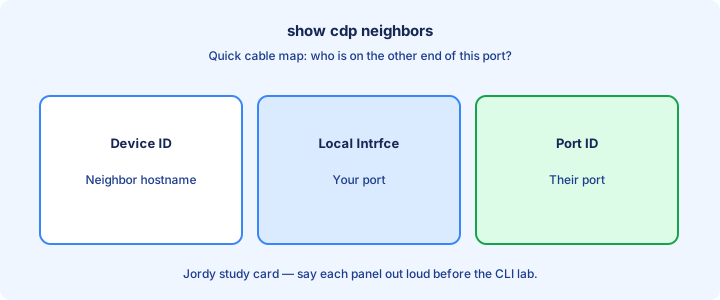
`show lldp neighbors` and `show lldp neighbors detail` mirror the CDP workflow for LLDP. Columns differ slightly; the job is the same—map cable endpoints and confirm the far-end port ID.
LLDP may be disabled by default on some Cisco trains until you enable it globally and per interface. Confirm with show before you trust silence as “no device there.”
Detail TLVs can expose system name, description, and port VLAN IDs useful for voice troubleshooting when a phone sits on the wrong VLAN after a hardening change.
Exam trap: looking at CDP output for an LLDP-only phone yields an empty mental model—run the matching show for the protocol the endpoint actually speaks. If LLDP is disabled by default on your train, enable it before you trust an empty table.
Detail outputs
Detail views unlock remote management IP, software version, duplex/VTP themes (CDP), and extended TLVs (LLDP). Use them when the brief table is not enough to cable-document a rack or answer an exam stem that asks for an IP.
Version mismatches and platform strings in detail help explain why a feature is missing on one side of a link—old code on an access switch next to a new core is a common story.
Copy detail into network diagrams during discovery labs. Hostname plus local/remote port pair is the minimum useful edge label; add management IP when the detail output provides it.
Exam trap: brief neighbor output without detail may omit the IP the question asks for—know which show level to use before you spend minutes on the wrong command. Brief tables omit management IPs and versions that detail mode is meant to expose.
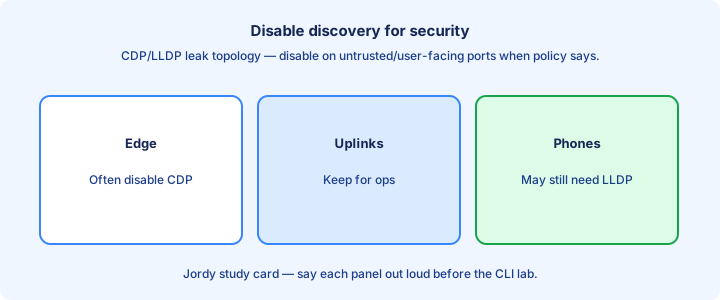
Disable for security
Discovery protocols leak topology to anyone on the link. On user-facing ports, disable CDP/LLDP if policy says so: `no cdp enable` / LLDP port disable forms, or global `no cdp run` when the blast radius is intentional.
Keep them on inter-switch and inter-router links where ops value outweighs risk, unless a security standard forbids even that. Document the exception so the next audit does not “fix” your uplinks.
Phones that need CDP/LLDP for VLAN assignment complicate “disable everywhere” edicts. Use role-based interface templates: access-user hardened, access-phone discovery allowed, uplink discovery on.
Exam trap: global `no cdp run` kills CDP on all interfaces—wider blast radius than per-port `no cdp enable`, including the uplinks you still wanted visible. Prefer per-interface disables on access ports over a blanket global kill that blinds every uplink.
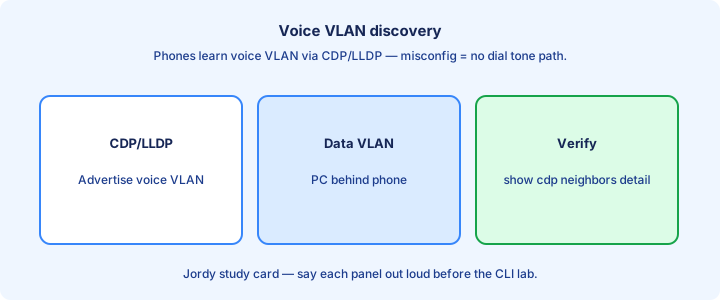
Voice VLAN discovery
IP phones often learn a voice VLAN from CDP or LLDP TLVs advertised by the switch. The PC daisy-chained behind the phone stays on the data access VLAN while the phone tags voice frames into the voice VLAN.
If discovery is off, the phone may sit on the data VLAN and break QoS/VLAN separation. Symptom: phone works poorly or not at all after a “security hardening” change that removed CDP/LLDP from the port.
Verify with neighbor detail and the switch voice VLAN config (`switchport voice vlan`). Both sides of the story must agree—discovery advertising VLAN 20 while the port has no voice VLAN configured still fails.
Exam trap: voice VLAN discovery is not trunking the PC into the voice VLAN—it is signaling the phone which VLAN to use for its own traffic while the PC remains on data. After hardening, re-test a phone boot so voice VLAN TLVs still arrive from the switch.
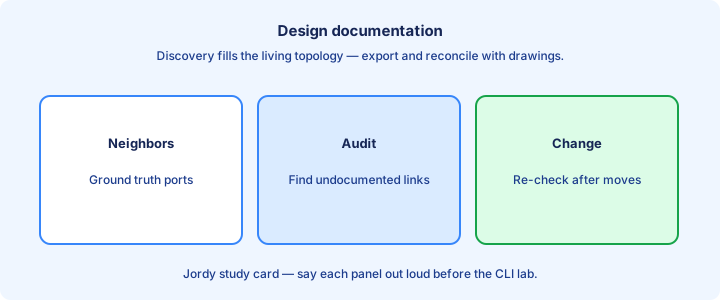
Design documentation
Walk each access switch with `show cdp neighbors` / `show lldp neighbors` and record far-end hostname and port. That becomes the Layer 1/2 wiring source of truth for the closet.
Update drawings when you move cables. Discovery tells you what is true now, not what last year’s Visio hoped. A five-minute neighbor sweep beats an hour of cable tracing.
Combine with interface descriptions (`description UPLINK-to-CORE-Gi1/0/1`) so humans and scripts agree when CDP is disabled on hardened ports and show tables go empty.
Exam trap: documentation from memory without show output is how ghost links enter tickets—and how exam sims punish guesses about which port faces which neighbor. Refresh drawings from live neighbor tables after every move-add-change weekend.
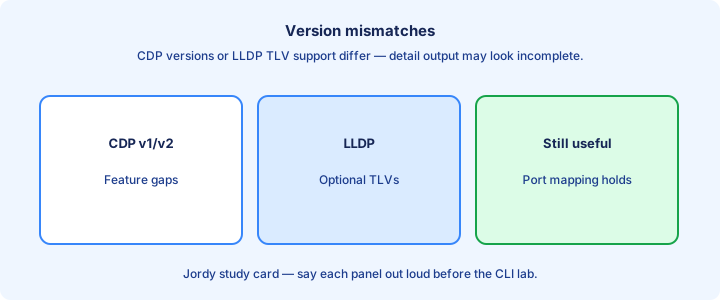
Version mismatches
CDP has versions; devices usually interoperate, but odd platforms or very old code can surprise you. LLDP TLV support likewise varies by vendor and release—one side may omit fields the other expects.
When one side shows a neighbor and the other does not, check enable state both ways, VLAN mismatch on the link, and whether a middle device strips the frames. Asymmetry is a config or L2 problem until proven otherwise.
Capability fields may look “wrong” if a device reports multiple roles. Read detail before concluding miswiring—a Layer 3 switch advertising both S and R is normal.
Exam trap: a switch showing a phone neighbor while the phone UI shows nothing can still be fine—UIs differ; rely on switch show output for CCNA tasks. One-way discovery usually means enable state, VLAN mismatch, or a middle device stripping PDUs.
Lab map topology
Lab: interconnect three switches without looking at the Packet Tracer wiring view. Use only CDP/LLDP shows to draw the topology, including local and remote port IDs on every edge.
Then shut one link and watch the neighbor disappear after the holdtime. Document how long stale data might linger so you do not panic during a live change.
Add a non-Cisco end (if available) and observe CDP silence versus LLDP success—reinforces protocol choice when the stem says “multivendor.”
Exam trap: neighbor holdtime means a pulled cable is not always instant in the table—wait or clear before panicking that discovery “failed to update.”. Draw the topology from shows alone, then confirm against the physical or PT wiring view.
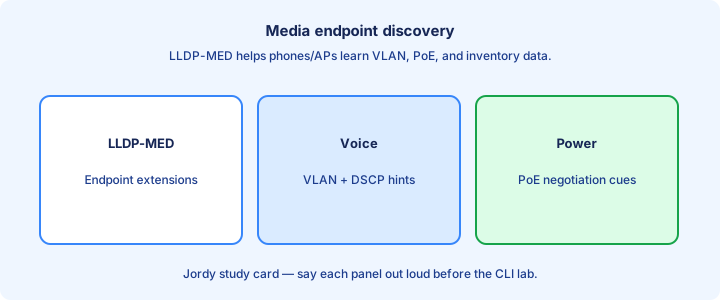
Media endpoint discovery
MED (LLDP-MED) extends LLDP for endpoints like phones: inventory, network policy (VLAN/DSCP), and power TLV themes. Think “LLDP for media devices,” not a brand-new discovery protocol.
Switches advertise policy; endpoints apply VLAN/CoS settings. This is why disabling LLDP can break soft clients and hard phones alike even when data PCs still browse fine.
CDP historically filled a similar role in Cisco-only phone deployments. Mixed plants lean on LLDP-MED so non-Cisco phones still learn policy from the access switch.
Exam trap: MED is optional LLDP content—not a separate discovery protocol you enable instead of LLDP. If LLDP is off, MED TLVs are off too. LLDP-MED adds endpoint policy TLVs; it is not a third discovery protocol beside LLDP.
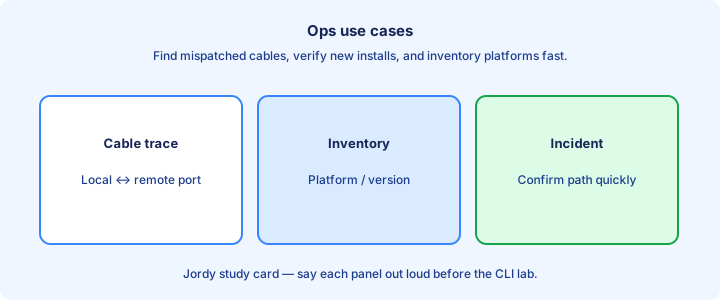
Ops use cases
Find a mispatched cable in seconds. Confirm a new uplink landed on the intended core port. Inventory platform types before a maintenance window so you bring the right optics and code notes.
Validate that a supposed L3 handoff is actually the firewall you expected by reading the neighbor platform string in detail output—beats guessing from a unlabeled patch panel.
Script neighbor collection for audit. Pair with interface errors and CRC counters to catch flaky physical plant early while you still have the far-end identity on screen.
Exam trap: ops value does not override a security policy that bans discovery on exposed ports—know both answers depending on whether the stem emphasizes mapping or hardening. Inventory platform strings from neighbors before a maintenance window so spare hardware matches reality.
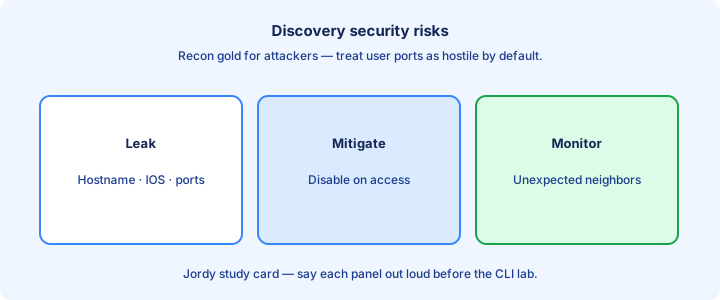
Security risks
Attackers on a link can map hostnames, IOS versions, and IP addresses from CDP/LLDP to target exploits. Reconnaissance cost drops to “plug in and listen” on an open access port.
Spoofed discovery frames can confuse poorly automated tools that trust neighbor data blindly. Treat advertisements as unauthenticated hints, not proof of trust or inventory truth.
Mitigations: disable on access ports, limit to uplinks, combine with port security / 802.1X so random devices never get a link long enough to harvest TLVs.
Exam trap: “CDP is always safe inside the LAN” ignores malicious or infected endpoints on access ports—inside the building is still an attack surface. Unauthenticated discovery is reconnaissance for free—combine disables with port security or 802.1X where required.
Exam compare
CDP: Cisco proprietary, often on by default, `show cdp neighbors`. LLDP: standards-based, may need enabling, `show lldp neighbors`. Both are single-hop Layer 2 discovery—neither replaces routing or a controller inventory.
Phones/APs may depend on one or both for VLAN/power policy. Security posture often disables them on user ports while leaving them on inter-switch links for operators.
Neither replaces a routing protocol. They answer “what is on the other end of this cable?”—hostname, port, and maybe a management IP from detail.
Exam trap: choosing CDP to discover a multivendor Nokia/Juniper neighbor is the wrong protocol family—pick LLDP when the stem says mixed vendors. Proprietary CDP versus IEEE LLDP, matching show commands, and single-hop scope are the compare triad.
Key ideas
- CDP is Cisco-proprietary; LLDP is IEEE standard.
- show cdp neighbors / detail vs show lldp neighbors.
- Learns device ID, local/remote interfaces, platform, capabilities.
- Runs at L2 — useful even before IP is up.
- Disable on ports facing untrusted users to reduce recon.
- Version/timer knobs exist; defaults are usually fine in labs.
- Mismatch: CDP-only gear won’t show up in LLDP tables.
Self-check
- CDP vs LLDP — which is standards-based?
- Which show gives IP and IOS version of a Cisco neighbor?
- Why disable CDP on an access port to a kiosk?
- Does CDP need IP connectivity to the neighbor?
- Two vendors — which discovery protocol is safer to enable?