Day 26
DNS Record Diagnosis
dns-record-diagnosis
At a glance
Diagnose DNS with the record type the symptom implies: A and AAAA for addresses, CNAME for aliases, MX for mail, NS for delegation, and PTR for reverse lookups. Recursive versus authoritative roles, IOS name lookup, and TTL still explain why a correct edit can look late. Maps to CCNA v2.0 objective 4.4.
Deep chapter
Long-form companion reading (original prose).
DNS resolution path
DNS turns names into addresses so users and apps can stop memorizing IPs. A stub resolver on the client asks a recursive resolver; that recursive may chase iterative queries from root to TLD to authoritative servers until it gets an answer, then caches it for the TTL.
On a PC, the configured DNS server (often from DHCP) is usually a recursive resolver—not the authoritative server for `cisco.com`. Knowing those roles differ stops you from “fixing” the wrong box when a public name fails. Cache hits explain why a fixed record can still resolve for a while after you repair the zone.
Routers can also resolve names for pings and some features when domain lookup is enabled and resolvers are set with `ip name-server`. Without those, the router speaks only numeric addresses even if every host on the LAN resolves fine.
Exam trap: ping failing by name but working by IP is DNS (or local hosts), not routing—until proven otherwise. Always run the IP control test before you rewrite ACLs.
A vs AAAA
An A record maps a name to an IPv4 address. A AAAA record maps a name to an IPv6 address. Dual-stack names often publish both so either family can connect without special client hacks.
Clients may try IPv6 first and fall back, depending on OS behavior (Happy Eyeballs themes). Missing AAAA when you only test IPv6 breaks connectivity that IPv4 would have survived with a healthy A record. Publish both records when the service is dual-stack; publish only what the path can actually reach.
Troubleshooting: query both types with `nslookup` or `dig`. A working A record does not prove AAAA exists, and a working AAAA does not prove IPv4-only clients will succeed against that name.
Exam trap: AAAA is four A letters—not “AA” and not an IPv4 record with a longer name. Mixing A and AAAA wording in a stem is deliberate.
CNAME: the alias and the name that has an address
A CNAME makes one name an alias of another. `www.example.com` as a CNAME to `app.example.net` tells the resolver to continue the lookup at the target. The client can connect only after that target has an A record, an AAAA record, or both. A CNAME with a target that has neither is a name that “resolves” in the first step and then goes nowhere. Browsers fail. A ping by name fails. A ping by the old address still works, which is how you know the server itself is up.
Follow the chain with `dig` or `nslookup` and look at every answer, not only the first. A stale CNAME left behind after a migration sends users at the previous platform. Long chains and a loop (A CNAMEs to B, B CNAMEs to A) produce errors or a resolver timeout. At one name, a CNAME stands instead of other data: the alias name should not also hold the MX or the A. Put those on the canonical name.
Exam trap: the failure “name does not load, IP does” plus a CNAME in the answer means you inspect the target’s A and AAAA next. Fixing the alias to point at a name that has no address does not restore the service. Query the type explicitly so an A answer does not hide a broken AAAA, and the reverse.
MX and NS: mail hosts and who is authoritative
An MX record lists a mail exchanger for a domain and a preference number. Lower preference is tried first. The MX target is a hostname, and that hostname needs an A or AAAA record so the sending server can connect. `dig MX example.com` is the exhibit. Mail to the domain fails while `www` still loads when the MX is missing, points at a dead host, or points at a hostname with no address. Some senders fall back to the domain’s A record when no MX exists; do not count on that fallback in a design answer. The record you publish for mail is the MX.
An NS record says which servers are authoritative for the zone. Resolvers need the parent’s delegation and the in-zone NS set to agree. A wrong NS, or a registrar still delegating to the previous provider, sends resolvers to a server that does not have the zone. The symptom is SERVFAIL, a timeout, or answers that ignore the change you just made on the real server. Glue matters when the NS hostname lives inside the zone it serves; without the glue address, the resolver cannot find the name server in the first place.
Exam trap: a web A record can be perfect while mail is broken, because mail reads MX. A zone edit on the wrong server can be perfect while the world still queries the old NS. Match the symptom to the type, then check that the resolver you are testing is actually talking to the NS you edited.
PTR and the reverse zone
A PTR record maps an address back to a name. IPv4 PTRs live under `in-addr.arpa`. IPv6 PTRs live under `ip6.arpa`. `dig -x 203.0.113.10` is the lookup. Creating an A record does not create the PTR. Forward and reverse are separate zones, often on separate servers, and a mismatch is a normal finding after a hurried cutover.
Browsers do not need a PTR to open a web site. Mail servers often do. A sending host whose PTR is missing, or whose PTR name does not match the name it uses in HELO, is rejected by receivers that check reverse DNS. That ticket sounds like “mail leaves our server and never arrives” while every A record looks fine. Fix the PTR in the reverse zone owned by whoever holds the address block, which may be you or the ISP. Then confirm with `dig -x` from outside, not only from the server you just edited.
Exam trap: objective 4.4 lists PTR beside A, AAAA, CNAME, MX, and NS because the symptoms differ. Web-by-IP works and web-by-name fails: A, AAAA, or CNAME. Mail fails and the web works: MX, then the MX target’s address. Updates on the real zone never show up: NS delegation. Remote mail servers refuse your host: PTR. Say the type before you clear the resolver cache.
Recursive vs authoritative
Authoritative servers hold the zone data for a domain and answer from that source of truth. Recursive resolvers do the hunting on behalf of clients and cache results until TTLs expire so the next ask is cheap.
Your company’s AD-integrated DNS may be authoritative for `corp.local` and recursive for Internet names—or it may forward Internet queries upstream to another recursive service you do not control. Forwarders add another hop of failure: if the forwarder dies, recursion for external names dies with it.
Knowing which role a server plays explains why it answers some names instantly and others only when forwarding works. Pointing a client at an authoritative-only server for random Internet names fails predictably.
Exam trap: “DNS server” in a stem might mean either role—read whether it owns the zone or only resolves for clients before you pick the fix.
ip name-server
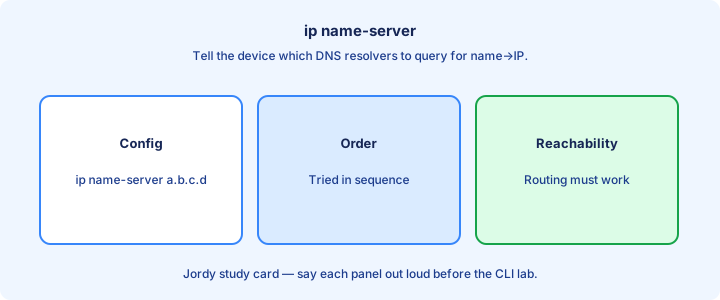
On IOS, `ip name-server 192.0.2.53` (and optional additional servers) tells the device which resolvers to query. Order can matter when the first server is slow or unreachable; list a working backup.
Without a reachable name-server, name-based pings and features that need DNS fail even if every route is perfect and every interface is up/up. Prove resolver reachability with ping/traceroute to that IP. Multiple `ip name-server` lines give redundancy when the first resolver is offline for maintenance.
Prefer stable internal resolvers that the router can always reach on the management or front-door path. Internet public DNS IPs are fine for labs; production often uses internal anycast DNS with monitoring.
Exam trap: `ip name-server` does not create a DNS service on the router—it only points the router at resolvers somewhere else on the network.
ip domain-lookup
`ip domain-lookup` enables DNS resolution on the device (often on by default). `no ip domain-lookup` stops the router from trying to resolve mistyped commands as hosts—popular in labs to avoid multi-second CLI lag on every typo.
When lookup is off, name-based tools fail until you re-enable it or use addresses only. That tradeoff is intentional for operators who hate slow unknown-command DNS timeouts during troubleshooting. Operators often disable lookup on production boxes for CLI snappiness, then forget to re-enable during name tests.
`ip domain-name example.lab` sets the default domain suffix for unqualified names. Useful when you ping `server1` and mean `server1.example.lab` without typing the FQDN every time.
Exam trap: disabling domain-lookup is not the same as removing name-servers—both affect behavior differently, and both appear in running-config for a reason.
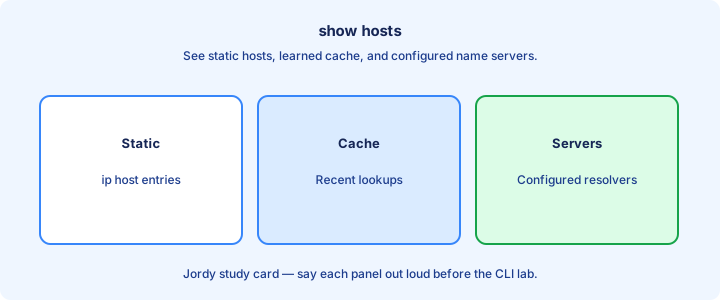
show hosts
`show hosts` displays the default domain, configured name-servers, and cached or static name-to-address entries the device currently knows. Start here when the router’s name behavior disagrees with a PC.
Static `ip host` entries appear here and override or supplement DNS for that local box. Useful for lab shortcuts; dangerous if forgotten in production because they mask real resolver failures. Static host entries win locally and can hide a totally dead name-server until someone deletes them.
If a name works on a PC but not on the router, compare the PC’s resolver list with `show hosts` on the router and confirm `ip domain-lookup` is on. Different resolvers explain asymmetric symptoms.
Exam trap: empty cache does not mean DNS is broken—it may mean nothing has been queried yet since boot or since the cache aged out.
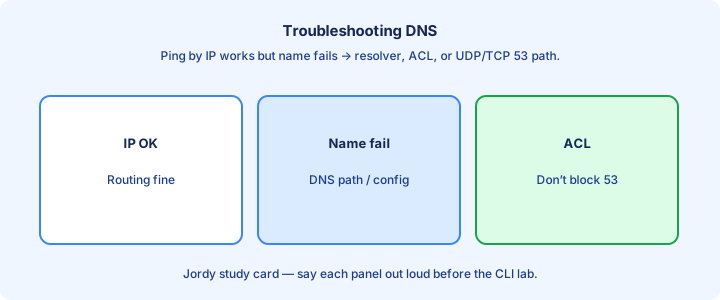
Troubleshooting DNS
Split the problem: Does IP reachability to the resolver work? Is UDP/TCP 53 allowed? Is the name spelled correctly? Does the zone have the record? Is the client using the resolver you think it is?
From a router: set name-server, enable lookup, `ping hostname`. From a PC: `nslookup`/`dig` aimed at a chosen server to bypass ambiguity about which resolver answered the last query. Directed `nslookup server 192.0.2.53 name` removes doubt about which resolver produced the answer.
TTL caching can hide a fixed record for minutes after you correct the zone. Flush client/resolver cache when testing rapid DNS changes or you will chase ghosts.
Exam trap: traceroute to the web server succeeding does not test DNS—you already used an IP somehow. Name versus IP is the first fork in the decision tree.
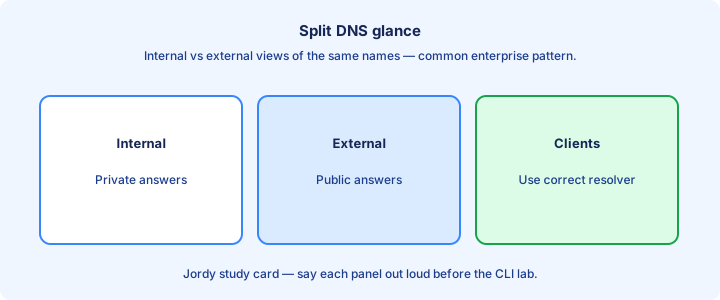
Split DNS glance
Split DNS (split horizon) returns different answers depending on who asks—an internal view versus a public view for the same name. That is intentional design, not random inconsistency.
Internal clients might get a private IP for `app.example.com` while the Internet gets a public VIP. Misconfigured split views cause classic “works off-site only” or “works only on VPN” tickets. Document which view a client should see so tickets do not thrash between 'wrong IP' and 'wrong DNS'.
CCNA needs the concept: same name, different answers by vantage point—not full BIND view syntax or vendor-specific GUI wizards.
Exam trap: split DNS is not the same as split tunneling in VPNs, though both use the word split and both confuse candidates under time pressure.
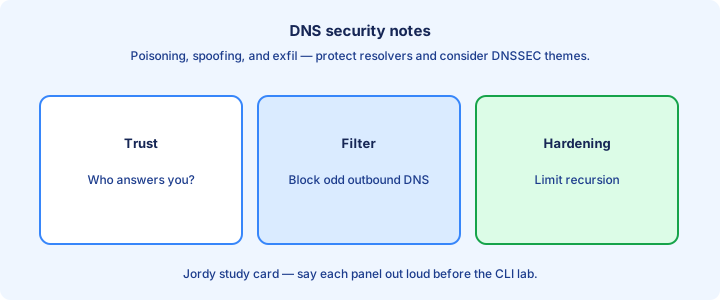
Security DNS notes
DNS is a high-value target: cache poisoning, spoofed replies, and data exfiltration over DNS tunnels exist in the real world. Use trusted resolvers and authenticated or encrypted transports where policy requires.
Block outbound DNS from random clients to the open Internet if they must use corporate resolvers—that reduces malware’s freedom to pick a friendly recursive server. Corporate resolvers with filtering beat ad-hoc public DNS on every laptop for malware control.
On routers, limiting who can abuse a device as an open resolver matters if that feature exists; accidental open resolvers get listed and attacked quickly.
Exam trap: HTTPS does not replace DNS. You usually still need a trustworthy name lookup before TLS can even start negotiating certificates for the right name.
Lab resolve names
Lab: stand up or point at a DNS server with an A record for a host. Configure `ip name-server` on a router, ensure `ip domain-lookup`, ping by name, then confirm with `show hosts` that the cache or static entry looks right.
Break DNS with a bad server IP, watch the failure mode, fix it, and confirm resolution returns. Keep ping-by-address healthy throughout so you prove the outage was names, not routes. Capture before/after `show hosts` output in the lab journal so the cache story is visible.
Optional: add an `ip host` static entry and see it appear in `show hosts` even when the real DNS is down—then remove it so you do not fool yourself on the next test.
Exam trap: success by static `ip host` is not proof that DNS servers work—remove the static to test real resolution against `ip name-server`.
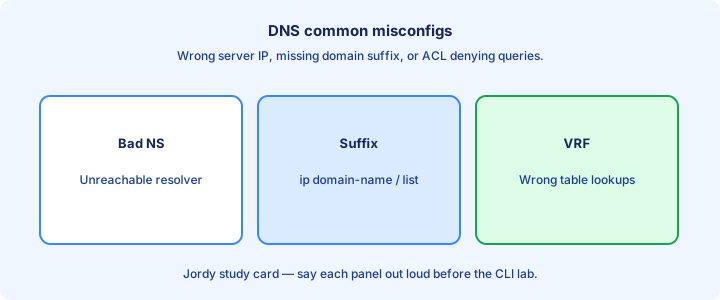
Common misconfigs
Wrong name-server IP. Domain-lookup disabled. Missing record in the zone. Typo in the FQDN. ACL dropping port 53. Using an authoritative-only server as if it were recursive for arbitrary Internet names.
DHCP handing clients a dead DNS option while routers use a different good one—symptoms disagree by device role and waste hours until someone compares resolver lists. Compare PC `ipconfig /all` DNS fields to the router `show hosts` server list when symptoms disagree.
IPv6-only AAAA published while testing from IPv4-only clients—or the reverse—looks like “DNS is flaky” when it is really address-family mismatch.
Exam trap: “DNS is down” when the default gateway is wrong will still break name tools that need the path to the resolver. Fix Layer 3 before you rebuild zones.
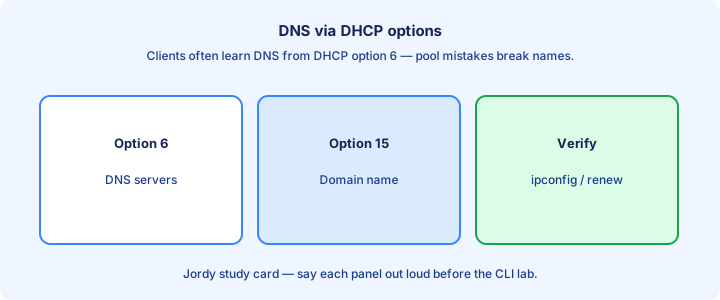
With DHCP options
DHCP commonly delivers DNS resolver addresses to clients as options (IPv4 option 6 themes). Hosts auto-configure what routers set manually with `ip name-server`, which is why PC and router DNS stories can diverge.
If DHCP points at the wrong DNS, every PC fails name resolution while statically configured servers and routers keep working—classic asymmetric symptom across the same VLAN. Renew the lease after fixing option 6; old leases keep serving the dead resolver until timeout.
Day 39 covers DHCP deeply; here remember that client DNS problems often start in the lease options, not in the zone file on the authoritative server.
Exam trap: fixing the router’s name-server does not fix PCs that learned DNS only from DHCP. Change the pool/options or renew leases after the correction.
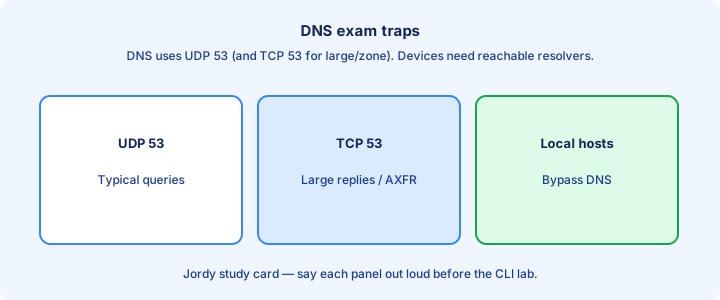
Exam traps
Name fails / IP works → investigate the DNS path. A versus AAAA. Recursive versus authoritative. On IOS, `ip name-server`, domain-lookup, and `show hosts` are the verification trio.
Port 53 for UDP and TCP matters on ACLs. Split DNS changes answers by view. Static `ip host` can mask broken DNS in labs and on exams that show partial configs. Write the IOS trio on scrap paper: name-server, domain-lookup, show hosts—then match the stem.
CDP, NTP, and DNS are unrelated services—do not mix their ports or show commands under time pressure when a stem mentions “name resolution.”
Exam trap: enabling DNS lookup on a router does not advertise it as the company resolver unless you deliberately build and publish that service for clients.
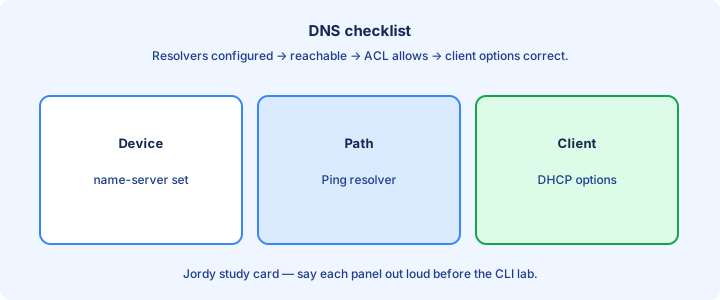
Checklist
Checklist: correct resolvers configured; lookup enabled if needed; record exists (A/AAAA as required); path and port 53 open; cache considered; DHCP options checked for PCs that autoconfigure DNS.
Verify with `show hosts`, `nslookup`/`ping` by name, and a control ping by IP. Document which device uses which resolver so the next ticket does not restart from zero. Close every DNS ticket with name-success and IP-success evidence so the next shift trusts the fix.
For dual stack, confirm both record types when both families matter to the application under test. One healthy family can hide the other’s DNS gap.
Exam trap: skipping the IP-versus-name control test wastes time tuning ACLs and routes that were never the problem—prove names before you rebuild the path.
Key ideas
- A maps a name to IPv4. AAAA maps it to IPv6. Query both when the service is dual-stack.
- A CNAME sends the resolver to a canonical name. That target still needs an A or AAAA or the client has a name and no address.
- MX lists mail hosts with a preference; lower is tried first, and the target is a hostname with an address. NS delegates the zone. Wrong NS yields SERVFAIL or the old copy of the zone.
- PTR lives in the reverse zone and is not created by an A record. Mail receivers often require it. Browsers do not.
- Stub resolver to recursive resolver to authoritative server. Ping by IP works and ping by name fails: the DNS path. ip name-server, domain lookup, and show hosts are the IOS trio.
Self-check
- dig shows a CNAME whose target has no A or AAAA, and the IP of the server still pings. Which record is the break?
- www loads and mail to the domain fails. Which type do you query, and what must the target have?
- You edited the zone and the world still sees the old host. Which record type do you check at the parent?
- A receiver rejects your mail server for reverse DNS. Which zone do you edit, and does that repair a broken A record?
- What does a working A record prove about AAAA?