Day 27
DHCPv4 Client, Server & Relay
dhcpv4-troubleshoot
At a glance
DHCP DORA assigns addresses. Relays (ip helper-address) forward broadcasts; know server pools, exclusions, and conflicts. Maps to CCNA v2.0 objective(s) 1.7.
Deep chapter
Long-form companion reading (original prose).
DHCP DORA
DHCP assigns IPv4 addresses and options without static typing on every host. The four-message dance is DORA: Discover, Offer, Request, Acknowledge. The client broadcasts a Discover; a server unicasts or broadcasts an Offer; the client Requests that lease; the server Acknowledges and the host binds the address.
Discover and Request are typically UDP from port 68 to 67, often as broadcasts (255.255.255.255) when the client has no address yet. Offer and Ack return from 67 to 68. Wireshark or a SPAN capture on the access VLAN proves which step failed when a PC sticks at APIPA or “obtaining IP.”
After Ack, the host installs the address, mask, default gateway (option 3), and DNS (option 6) from the lease. Renewals later use unicast Request/Ack toward the same server before the lease expires—full DORA is mainly for first contact or after lease death.
Exam trap: DORA is not ARP. ARP resolves IP to MAC after the host already has an address; DHCP delivers the address itself.
Server vs relay
A DHCP server owns the pool and answers Discovers for clients on its connected subnets—or for remote subnets when a relay forwards them. On IOS, `ip dhcp pool` plus network and default-router define that server role on a router or multilayer switch.
A relay (helper) does not hand out addresses. It receives the client broadcast on a local interface, rewrites the packet toward a unicast server IP, and stamps giaddr so the server knows which pool to use. The return path lands back on that relay interface for delivery to the client.
Put the server centrally (data center or services VLAN) and relays on every user SVI when you refuse to run a pool per closet. Running both server and relay on the same box for the same VLAN usually means you mis-designed the topology—pick one role for that subnet.
Exam trap: `ip helper-address` alone does not create leases. Without a reachable server and a matching pool for the giaddr subnet, clients still get nothing.
ip helper-address
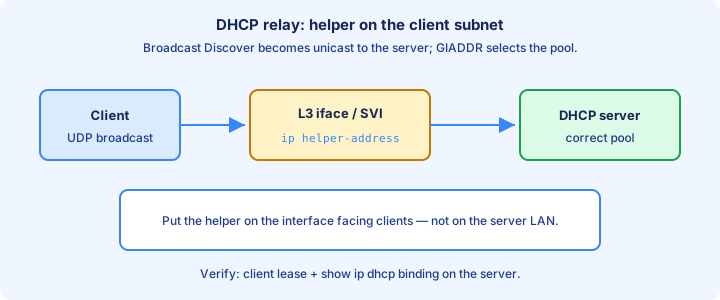
On the client-facing interface or SVI, configure `ip helper-address <server-ip>`. IOS converts selected UDP broadcasts—including DHCP—into unicasts aimed at that server. Multiple helpers load-share or provide redundancy when you list more than one.
Helper belongs on the ingress toward the clients, not on the server’s uplink. Wrong interface placement means Discovers never get rewritten and never leave the broadcast domain. Verify with `show running-config interface Vlan10` (or the access SVI) for the helper line.
Reachability matters: the relay must route to the server, and the server must route back to the giaddr (the relay interface IP). ACL or firewall rules that allow UDP 67/68 only “inside the VLAN” will break central DHCP even when local pings succeed.
Exam trap: helper forwards more than DHCP by default (TFTP, DNS, and other UDP helpers on classic IOS). Disable unneeded forwards if the exam or lab warns about unexpected UDP relays.
Pool config
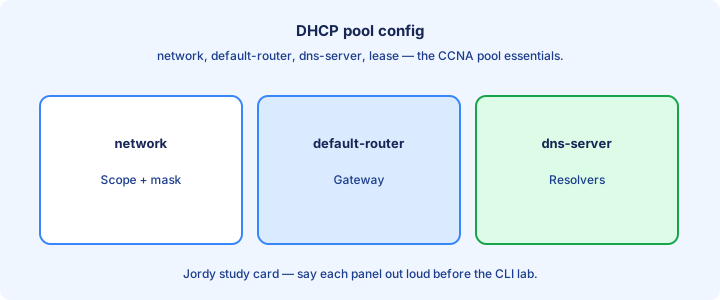
Create a pool with `ip dhcp pool LAN-USERS`, then `network 192.168.10.0 255.255.255.0`, `default-router 192.168.10.1`, and `dns-server 8.8.8.8 1.1.1.1`. Optional `domain-name` and `lease` complete a typical CCNA pool. Exit to global config when finished.
The network statement defines which addresses the pool can offer. Hosts receive addresses from that range minus exclusions and already-bound leases. Match the pool network to the subnet of the interface (or giaddr) where clients live.
`show ip dhcp pool` lists utilization and range. Empty offers with free addresses usually mean the request never hit this pool—wrong helper, wrong VLAN, or a competing server. Confirm the interface IP sits inside the same subnet as `network`.
Exam trap: `default-router` must be an address inside the client subnet. Pointing gateway at an off-subnet IP makes the lease look fine while traffic never leaves the LAN.
Exclusions
Exclusions reserve addresses the pool must never hand out—router SVIs, servers, printers, and management hosts you configured statically. Global command: `ip dhcp excluded-address 192.168.10.1 192.168.10.20`.
Exclude before the pool gets busy. An address already leased to a laptop cannot be “excluded” cleanly until that binding expires or you clear it. Plan the static block at the low or high end of the subnet and document it.
`show ip dhcp binding` plus your exclusion list should not overlap. If a critical gateway IP was leased by mistake, clear that binding, add the exclusion, and renew the victim host so it gets a safe address.
Exam trap: exclusions are global, not inside the pool stanza. Putting an exclude-looking line under `ip dhcp pool` is the wrong place on classic IOS.
Lease time
Lease time is how long a client may keep an address before renewing. Configure under the pool with `lease <days> [hours] [minutes]` or `lease infinite` for lab gear you never want to reclaim. Shorter leases reclaim addresses faster in guest VLANs; longer leases cut renew chatter on stable desks.
Clients attempt renewal at T1 (typically 50% of lease) via unicast to the assigning server, then broaden at T2 if that fails. When the lease fully expires without Ack, the host must stop using the address and restart Discover.
Very short leases stress the server and the wire; infinite leases on a crowded /24 eventually exhaust the pool when devices leave without releasing. Match lease policy to how often devices come and go.
Exam trap: changing lease on the pool does not instantly rewrite every existing binding. Old leases keep their remaining time until renew or expiry unless you clear bindings.
show ip dhcp binding
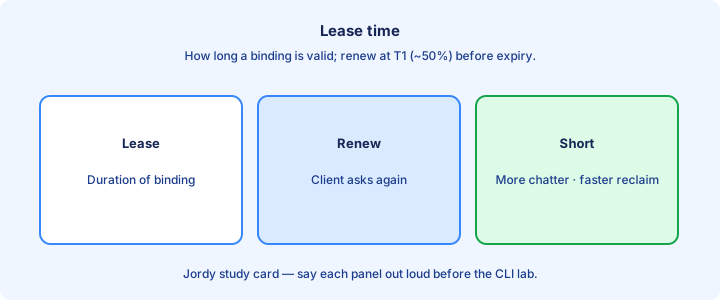
`show ip dhcp binding` lists each leased IP, client hardware address (MAC), lease expiration, and type (Automatic/Manual). This is the first proof that the IOS server actually handed out addresses.
Empty output with complaining PCs means Discovers never reached this server, the pool is exhausted, or another device answered first. Compare with `show ip dhcp conflict` and `show ip dhcp pool` before redesigning the whole VLAN.
Clear a single bad lease with `clear ip dhcp binding <address>` (or `*` for all on many platforms) when you reclaim a static or fix a duplicate. Coordinate with the host so it renews instead of defending the old address with gratuitous ARP forever.
Exam trap: bindings on the server are not the same as DHCP snooping bindings on a switch. Different tables, different `show` commands, different security stories.
Conflict logging
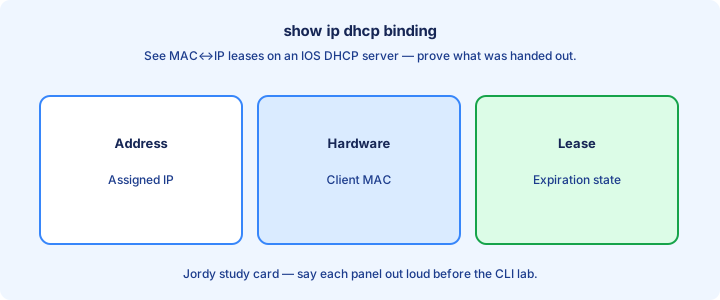
IOS can detect address conflicts when a ping or ARP check before offer finds the candidate IP already alive. Enable awareness with `ip dhcp conflict logging` (often on by default) and inspect with `show ip dhcp conflict`.
Conflicted addresses are removed from the offerable pool until you clear them with `clear ip dhcp conflict <address>` or `*`. Leaving conflicts parked shrinks the effective pool and looks like “DHCP is broken” when free space still exists on paper.
Root causes: static host overlapping the pool, another DHCP server, or a device that kept an address after you redesigned exclusions. Fix the duplicate owner, then clear the conflict entry so offers resume.
Exam trap: a conflict entry means the server refused to offer that IP—not that DHCP stopped entirely. Clear and correct overlap; do not disable the server first.
Relay under the hood
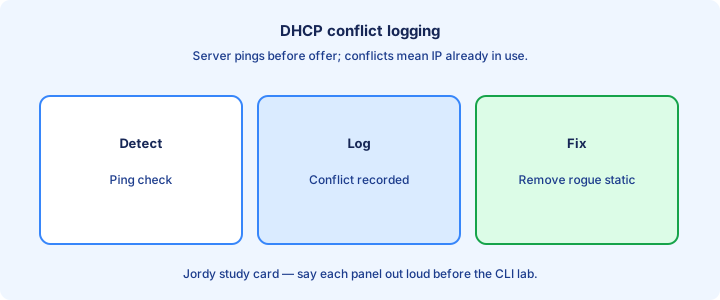
When a relay receives a client Discover, it sets giaddr to its own interface IP on that client subnet and unicasts to the helper target. The server selects a pool that matches giaddr’s subnet, not the server’s own interface subnet.
Offers and Acks return to giaddr. The relay then delivers them onto the client broadcast or unicast domain. If return routing to giaddr fails, the server never completes DORA even though Discovers arrived.
Packet captures at the server show unicasts with giaddr populated; captures on the access VLAN still show familiar Discover/Offer broadcasts or local unicasts after relay insertion. Knowing both views speeds troubleshooting.
Exam trap: giaddr identifies the client subnet, not the DHCP server IP. Pool selection keys off giaddr.
Troubleshooting no address
Symptom: host has 169.254.x.x or no IPv4. Confirm Layer 1/2 first—bad cable or wrong VLAN never reaches DHCP. Then check whether any server or helper exists on that subnet (`show run | include helper|dhcp`).
On the server: pool network correct, exclusions not eating everything, conflicts cleared, and `show ip dhcp binding` growing when a test client renews. On the relay: helper IP reachable (`ping`), ACL permitting UDP 67/68, and SVI up with the right mask.
Competing rogue servers Offer bad gateways. SPAN the VLAN and look for multiple Offers. Disable the rogue or tighten snooping (previewed next) so only trusted ports speak server messages.
Exam trap: “configure DHCP” answers that omit default-router still leave the host with an address it cannot route. Address without gateway is a partial failure.
Security snooping preview
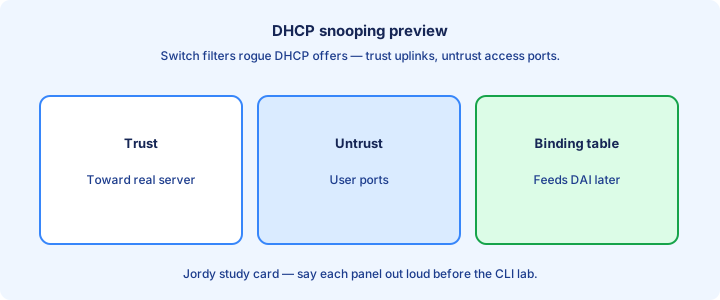
DHCP snooping on switches builds a binding table of trusted MAC–IP–port–VLAN data and drops server messages from untrusted ports. Access ports stay untrusted; uplinks toward real servers or relays are trusted.
Enable with `ip dhcp snooping` and `ip dhcp snooping vlan <id>`, then `ip dhcp snooping trust` on the uplink. Rate-limit untrusted ports if the platform supports it to blunt Discover floods.
Snooping feeds later features like Dynamic ARP Inspection and IP Source Guard. For this day, know that untrusted ports should never emit Offers or Acks, and that mis-trusting an access port lets a rogue server win.
Exam trap: forgetting to trust the uplink starves legitimate DHCP—the switch drops the real Offer. Trust the path to the server; leave user ports untrusted.
Lab DHCP
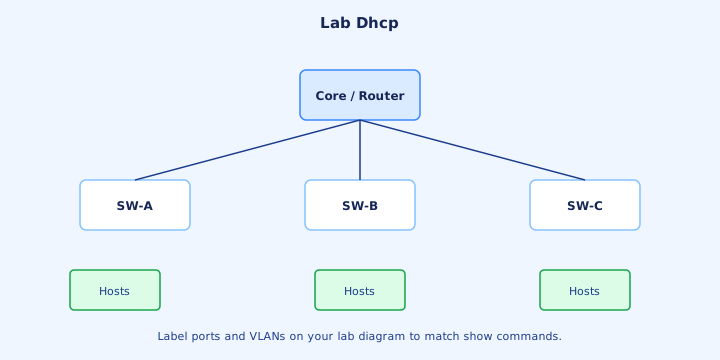
Lab build: router R1 as server for VLAN 10 (`network 192.168.10.0 /24`, `default-router 192.168.10.1`, DNS, exclusions for .1–.10). Client on SW1 access port in VLAN 10. Confirm `show ip dhcp binding` after the PC renews.
Second phase: move the pool to R2 in another subnet and add `ip helper-address` on R1’s VLAN 10 SVI toward R2. Confirm giaddr behavior by capturing or by seeing bindings appear on R2 while clients still sit on VLAN 10.
Break it on purpose: remove default-router, exhaust the pool with tiny range plus exclusions, or shut the helper path. Each break maps to a specific symptom and a specific `show` command.
Exam trap: lab success on a local pool does not prove you understand relay. Practice both topologies before the exam.
Options basics
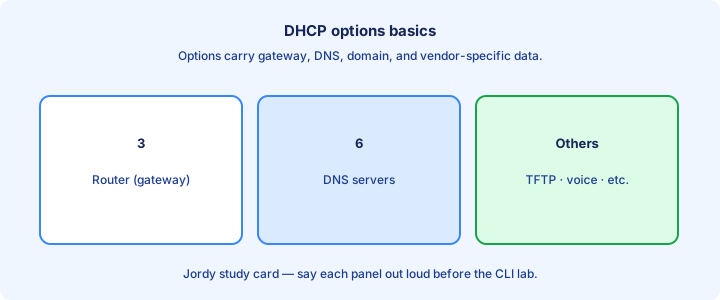
DHCP options carry more than the address. Option 1 subnet mask, 3 router (default gateway), 6 DNS servers, 15 domain name, and 51 lease time appear constantly on CCNA. IOS maps many of these to pool commands instead of raw option numbers.
`dns-server`, `default-router`, `domain-name`, and `lease` under the pool set the common options. Vendor or VoIP options (such as option 150 for some phone TFTP configs) appear in voice tracks—recognize that phones often need more than IP + gateway.
Wrong DNS option yields “Internet works by IP but names fail.” Wrong gateway yields “local pings work, remote fails.” Read the host’s `ipconfig /all` or `resolvectl` equivalent and match options to symptoms.
Exam trap: mask comes from the pool’s network / length, not from a separate magic field you can mismatch casually. Inconsistent mask design breaks routing even when DORA succeeds.
Exam traps
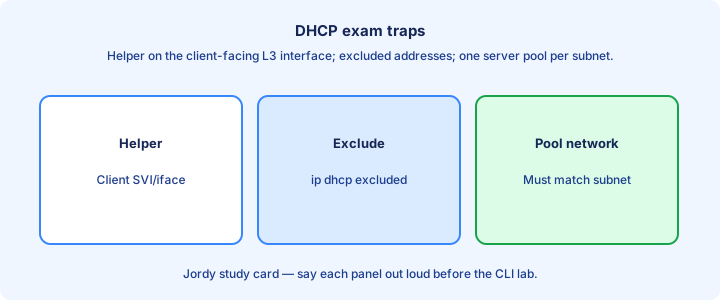
Broadcast domain boundaries stop Discover. No helper across a Layer 3 hop means no DHCP for remote clients. Questions that show a router between PC and server without helper are testing that idea.
Pool network must match the client subnet (or giaddr subnet). A pool for 192.168.20.0 never serves clients whose relay stamps 192.168.10.1 as giaddr.
UDP 67/68, not TCP; server listens on 67. ACLs that permit only “www and DNS” still break DHCP. Exclude gateway and server IPs or face conflicts and stolen addresses.
Exam trap: APIPA (169.254.0.0/16) means DHCP failed, not that “the Internet is down.” Fix DORA path, pool, or helper before chasing default routes.
Key ideas
- DORA: Discover, Offer, Request, Acknowledge.
- Broadcast on the client LAN unless a relay is configured.
- ip helper-address forwards DHCP (and other UDP) to a server subnet.
- Exclude static addresses from pools.
- Lease time and renewal (T1/T2) behavior.
- Conflict detection / declined addresses appear in labs.
- show ip dhcp binding / conflict for verification.
Self-check
- Expand DORA.
- Why is a helper-address needed across subnets?
- What happens if a static IP sits inside the pool?
- Which show lists leased addresses?
- Offer vs Acknowledge — who sends each?