Day 28
NTP
ntp
At a glance
Kept thin — supporting ops skill, not a v2.0 standalone bullet. NTP keeps logs and certs coherent. Know stratum, client/server roles, and authenticating time sources. Maps to CCNA v2.0 objective(s) 5.0.
Deep chapter
Long-form companion reading (original prose).
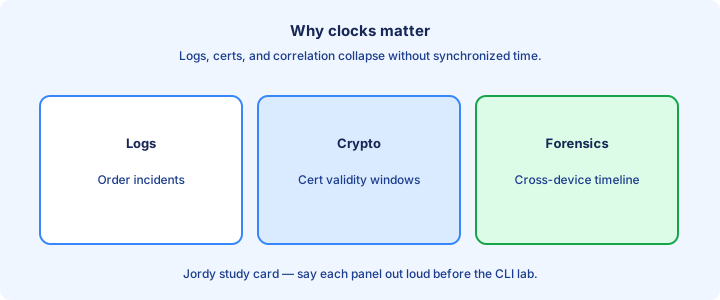
Why clocks matter
Accurate time keeps logs, certificates, Kerberos-like auth, and troubleshooting timelines trustworthy. A router five hours off makes incident response guesswork when you try to align syslog from two boxes.
Correlating syslog from two devices is impossible when their clocks disagree. NTP exists so the fleet shares one timeline—the difference between “firewall dropped first” and “routing failed first.”
Even ACLs with time-ranges and certain security features fail closed or open wrongly when the clock is fiction. Guest access that should die at 18:00 becomes an all-night hole. Time-range ACLs and security features inherit whatever fiction the local clock believes.
Exam trap: setting the clock once by hand with `clock set` is not time sync—it drifts. NTP is continuous discipline, not a one-time homework step. A fleet that disagrees on the hour cannot correlate an outage timeline across syslog sources.
NTP hierarchy
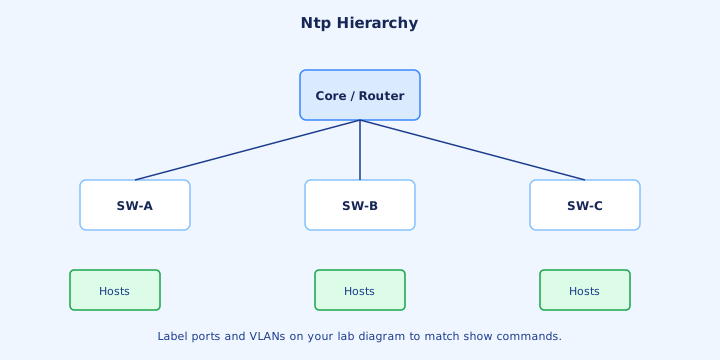
NTP organizes servers in a hierarchy. Lower stratum numbers are closer to a reference clock. Clients query servers; servers may themselves be clients of better sources upstream.
Enterprise pattern: a few core boxes sync to trusted external or GPS sources, then internal devices sync to those cores. That limits outbound NTP dependencies and keeps edge switches off the public Internet for time.
Loops and silly peering are avoided by design—prefer a clear tree over a full mesh of peer statements on every access switch. Document who points where so the next engineer does not add a loop “for redundancy.”. A clean tree is easier to troubleshoot than a full mesh of peer statements.
Exam trap: hierarchy is about stratum and who-points-where, not about Spanning Tree roles—do not mix NTP stratum with STP root bridge priority. Point edges at internal distributors so not every access switch opens UDP 123 to the Internet.
Stratum
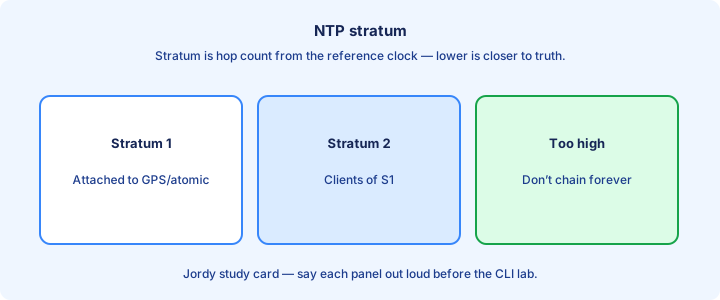
Stratum 0 is the reference clock hardware (GPS, atomic). Stratum 1 servers sync directly to stratum 0. Each hop as a client typically increments stratum as you move down the tree.
A Cisco device showing stratum 16 usually means unsynchronized. Do not trust its time for forensics until `show ntp status` reports synchronized and a sane stratum.
Prefer lower stratum when selecting among associations, all else equal. Huge RTT or bad reach can still disqualify a “better” stratum—read associations, not just the number on a brochure. Lower stratum wins among healthy candidates, but huge delay can still disqualify a peer.
Exam trap: stratum 1 is not “one minute accurate.” It means distance from the reference clock in the NTP sense—accuracy still depends on path quality and the reference itself. When status shows stratum 16, treat timestamps as untrusted until associations recover.
Server vs client vs peer
Client mode (`ntp server <addr>`) asks that device for time. Server capability means others may query you once you are synced and allowed. Peer (`ntp peer`) is symmetric—used between equals carefully.
Most CCNA labs: edge routers as clients of a reachable NTP server. Do not mesh every switch as peers “for redundancy” without a plan—that creates troubleshooting fog, not resilience.
A device can be a client of an upstream source and a server to downstream devices at the same time. That is the normal core NTP pattern inside an enterprise. A synced core can serve downstream clients while remaining a client of a better source.
Exam trap: `ntp server` configures who you listen to—not a declaration that you are an authoritative GPS appliance. You become useful to others only after you yourself sync. Most campus boxes are clients of a small server pair; reserve peer mode for carefully designed equals.
ntp server command
Configure with `configure terminal` then `ntp server 192.0.2.10`, or a DNS name if lookup works. Prefer at least two servers for redundancy. Optional `prefer` keyword marks a favorite association.
Ensure reachability: ICMP may work while UDP 123 is blocked—ACLs must allow NTP. Source interface options exist when you need a stable address for ACLs on the server side.
VRF-aware and interface-sourced variants appear on larger designs; CCNA sticks to basic global `ntp server`. Still verify the route to that address with `ping` and `show ip route` before blaming NTP itself. DNS names work only if lookup works; prefer addresses when DNS itself is in doubt.
Exam trap: typing `ntp client` is not the standard IOS enable—you point at servers with `ntp server`, then verify with status and associations. List at least two reachable servers and confirm UDP 123 is not filtered on the path.
show ntp status
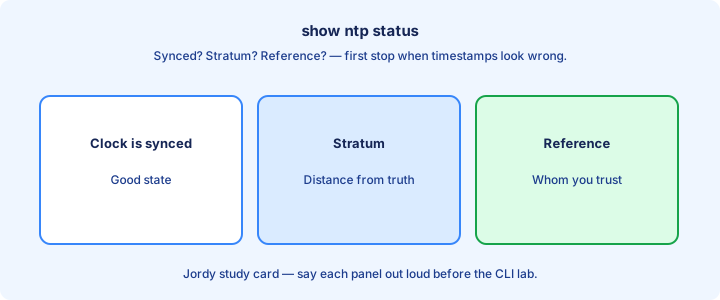
`show ntp status` reports whether the clock is synchronized, the stratum, the reference server, and offsets. “Clock is synchronized” is the green flag you want before trusting timestamps.
Unsynchronized status with stratum 16 means keep troubleshooting associations and reachability. Do not declare victory from seeing `ntp server` lines in the running-config alone.
Large offset after a cold start can take time to step or slew. Impatience leads to unnecessary `clock set` thrash that fights NTP instead of helping it converge. Large offsets after boot may take time to slew—avoid thrashing with repeated clock set.
Exam trap: synchronized status on the wrong timezone still prints “local” times that confuse humans—status ≠ timezone. Fix display with `clock timezone` separately. Synchronized status plus a sensible stratum is the go/no-go before you trust logs or certs.
show ntp associations
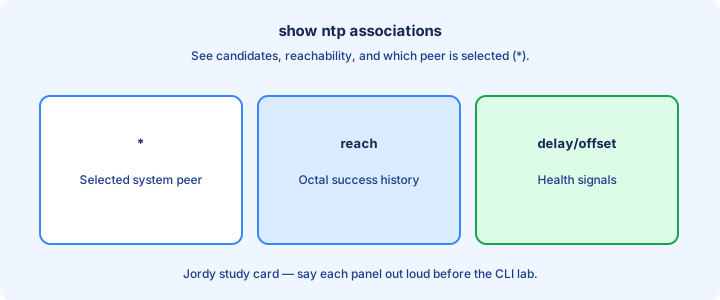
`show ntp associations` lists candidates, reachability bits, stratum, and which peer is selected (often marked with `*`). Stale or unreachable servers show poor reach—often a string of zeros.
Use it when status says unsynced: maybe every association is broken, or only a bad peer remains. Associations answer “who are we talking to?”; status answers “did we sync?”
Detail variants expose delay/offset/jitter for deeper diagnosis beyond CCNA minimums. On the exam, reading reach and the selected marker is usually enough. All-zero reach means packets are not completing the NTP exchange.
Exam trap: an association line existing does not mean that peer is selected—look for the chosen marker and confirm status shows synchronized. Read reachability and the selected peer marker when status stays unsynchronized.
Auth overview
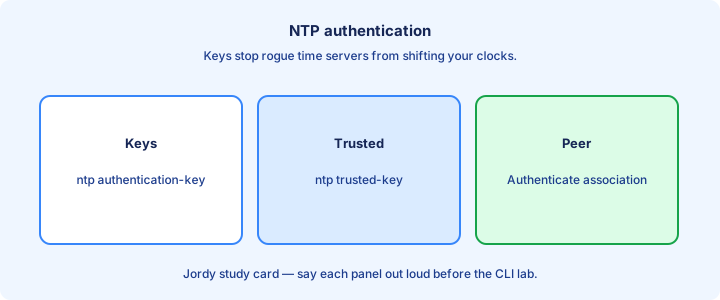
NTP can use authentication so devices only trust time from keys they share. That reduces the risk of a rogue on-path host feeding false time and skewing logs or certs on purpose.
CCNA level: know that auth exists, keys must match on client and server, and unauthenticated NTP on open networks is a risk worth mentioning in security-minded stems.
Misconfigured keys look like “NTP is broken” even when UDP 123 flows and associations appear. Verify auth config when labs require it before you rebuild the whole hierarchy. Auth validates the source you configured; it is not a full VPN encrypting every NTP field.
Exam trap: authentication does not encrypt all NTP payload like a VPN—it authenticates sources you configured so forged time from strangers is rejected. Mismatched keys look like dead NTP even though packets may still arrive on port 123.
Timezone and clock set
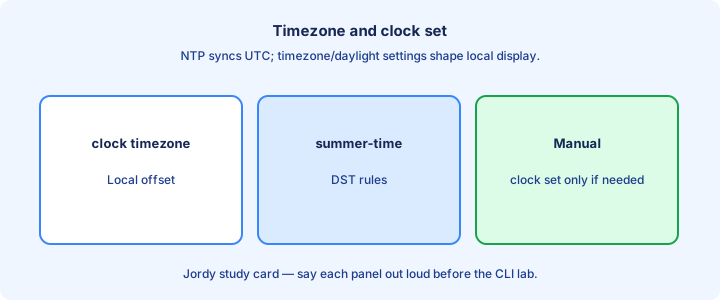
`clock timezone` and `clock summer-time` (where used) set how the device displays local time. NTP typically disciplines UTC underneath; timezone is presentation and local policy for humans reading logs.
`clock set` manually sets time—useful before cert work if NTP is not up yet, but it is not a substitute for NTP long term. Use it as a bootstrap, then let NTP take over.
Inconsistent timezone settings across devices make human-readable logs disagree even when NTP offsets are fine. Standardize the fleet so “10:00” means the same thing on every syslog line. clock set is a temporary bridge when NTP is not up yet, not a long-term design.
Exam trap: changing timezone does not require a different NTP server—it changes display/offset rules for local time while sync status can remain perfectly healthy. Standardize timezone and summer-time across the fleet so human-readable logs align.
Troubleshooting unsync
Checklist: `ntp server` configured, UDP 123 allowed both ways as needed, route to server exists, server itself is synced, auth matches, VRF/source correct. Work top to bottom before changing random knobs.
Read `show ntp associations` reach field. All zeros mean packets are not completing. Mix of reach with high stratum may mean the server is unsynced too—fix upstream first.
Avoid running `clock set` every minute “to fix NTP.” Fix the association; let NTP converge. Fighting the protocol with manual sets creates flapping timestamps in the logs you are trying to trust. Named NTP servers fail noisily when DNS is broken—test with an IP.
Exam trap: DNS failure for a named NTP server looks like NTP failure—test with an address, or fix `ip name-server` / domain-lookup before blaming UDP 123. Prove route and UDP 123 first, then check whether the upstream server itself is synced.
Design dual servers
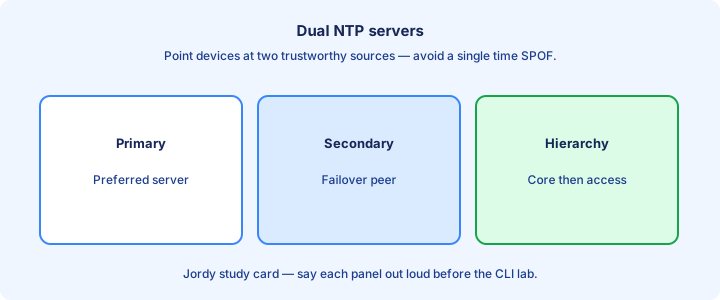
Configure at least two NTP servers so maintenance on one does not strand the fleet. Prefer independent sources when possible—two interfaces on the same unsynced box do not count.
Internal design: two core NTP servers sync upstream; everyone else points at both cores with dual `ntp server` lines. Document which is preferred with the `prefer` keyword if you want determinism.
Monitor stratum and sync state in NMS. Silent drift after an ACL change is a classic outage sibling—time dies quietly until certificates and log correlation explode. Monitor sync state after ACL changes; silent drift is a sibling of many 'random' outages.
Exam trap: two `ntp server` lines pointing at the same unsynced box is not redundancy. Independence of the sources matters as much as the line count. Independent upstreams matter; two pointers to one broken host are theater.
Lab NTP
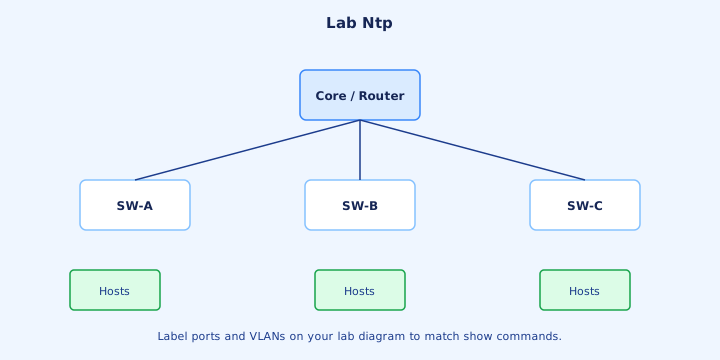
Lab: designate R1 as a server (synced to an upstream or set as master in constrained PT scenarios) and point R2/R3 at R1 with `ntp server`. Verify `show ntp status` and `show ntp associations`.
Break it: ACL deny UDP 123, fix, watch associations recover. Note how long status takes to flip to synchronized so you know what “patience” means on that platform.
Add a second server and shut the first to observe failover of the selected association. Confirm the `*` marker moves and status stays synchronized through the failure. Optional failover: shut the preferred server and watch the client select the backup association.
Exam trap: Packet Tracer NTP behavior can be simplified—focus on commands and show output patterns the exam expects rather than fighting simulator quirks for hours. Break ACL on UDP 123 on purpose, watch associations die, then fix and confirm status returns.
Logs and certs
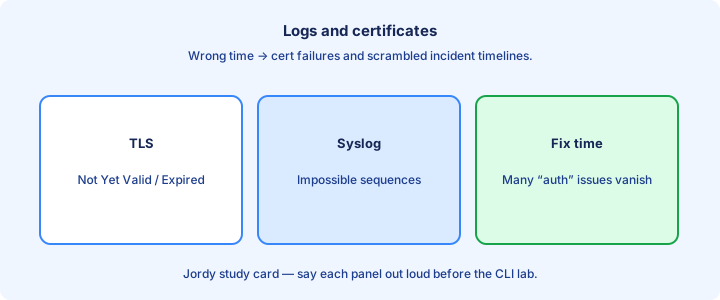
Syslog timestamps follow the device clock. Wrong time makes SIEM correlation and “what failed first” analysis unreliable—two devices can disagree about the order of the same incident.
Certificate validity windows reject TLS if the clock is outside notBefore/notAfter. ASA/firewall and HTTPS admin UIs fail in confusing ways when time is wrong, often looking like “AAA is broken.”
Fix NTP before chasing phantom cert or AAA bugs that are actually clock skew. A five-minute NTP repair can end a two-hour certificate rabbit hole. Fix NTP before chasing phantom AAA or TLS bugs that are really clock skew.
Exam trap: a “certificate expired” symptom can be a device stuck in the past, not a CA problem—check `show clock` and `show ntp status` before renewing anything. False certificate-expired alarms often mean the device clock walked into the past.
Exam traps
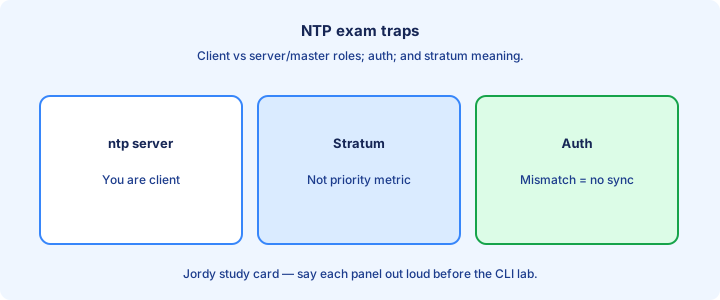
Stratum 16 ≈ unsynced. `ntp server` defines upstream sources. UDP 123 matters. Status vs associations answer different questions—synced-or-not versus who-are-the-candidates.
Timezone ≠ sync. Auth mismatches look like reachability failures. Dual servers must be real redundancy with independent sources, not two lines to the same dead host.
CDP/LLDP do not set time. DHCP may hand out NTP options on hosts, but routers still need explicit NTP config in classic labs—do not wait for a lease to fix IOS. Hierarchy and dual servers beat peering every switch to every switch as the design answer.
Exam trap: peering every device to every device is not the default design answer—use a hierarchy with a few trusted cores feeding the edges. Memorize stratum 16, UDP 123, ntp server, and the difference between status and associations.
Key ideas
- Kept thin — supporting ops skill, not a v2.0 standalone bullet.
- Wrong clocks break log correlation and certificate validity windows.
- Stratum indicates distance from the reference clock.
- ntp server / ntp peer and client mode on IOS.
- Prefer few trusted sources over many random ones.
- Authentication (MD5/keys) reduces rogue time servers.
- show ntp status / associations for sync state.
- UTC storage with local display offsets is an ops habit.
Self-check
- Why does syslog need accurate time?
- What does stratum mean?
- Command to point IOS at an NTP server?
- How do you confirm the clock is synchronized?
- Risk of accepting NTP from the Internet unauthenticated?