Day 29
SNMP in Network Operations
snmp-operations
At a glance
SNMP monitors devices via managers, agents, and OIDs. Prefer SNMPv3 for auth/priv; know traps vs polling. Maps to CCNA v2.0 objective(s) 5.4.
Deep chapter
Long-form companion reading (original prose).
SNMP versions
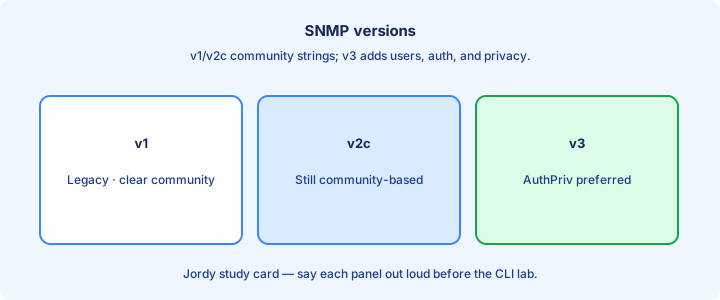
SNMP (Simple Network Management Protocol) lets an NMS poll devices and receive alerts. SNMPv1 is legacy cleartext with community strings. SNMPv2c keeps community strings but improves bulk retrieval (`GetBulk`) and error handling—still no encryption. SNMPv3 adds users, auth, and optional privacy so payloads are not readable on the wire.
On CCNA, prefer v3 for production themes and treat v2c as lab or constrained legacy. Questions often contrast cleartext communities with v3 security levels. Version mismatches between manager and agent mean silence, not a polite negotiation banner—the NMS simply times out or shows red nodes.
Configure the version the NMS expects with matching `snmp-server community` (v2c) or `snmp-server user` (v3) lines. Mixed estates sometimes run v2c read-only for old tools and v3 for everything writable. Document which community or user each tool uses so midnight outages are not “someone rotated SNMPv3” mysteries. Verify with a walk immediately after any credential change.
Exam trap: SNMPv2c is not encrypted. The “c” is community-based, not “confidential.” Only v3 privacy (`authPriv`) encrypts payloads.
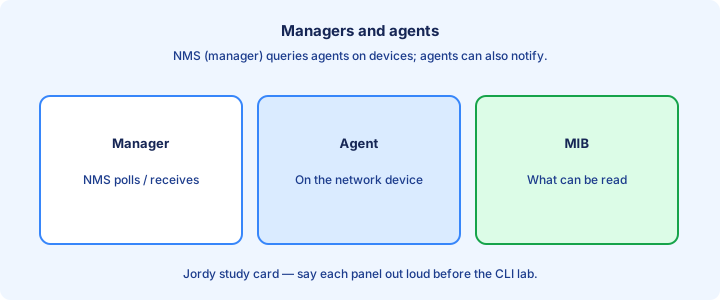
Managers and agents
The manager (NMS) queries devices and may push limited Sets. The agent runs on the router or switch, exposes a MIB, answers Gets, and can emit traps or informs. One manager may poll thousands of agents on a schedule while still accepting asynchronous notifications.
Agents listen on UDP 161 for polls. Notifications often use UDP 162 toward the manager. Firewalls between NMS and devices must allow those flows in the correct direction or graphs flatline while CLI still works. Wrong direction ACLs (permitting 162 to the agent instead of the NMS) are a classic misconfig.
Role clarity matters for ACLs: permit the NMS IP to speak 161 to agents; permit agents to reach the NMS on 162 for traps. Bidirectional “any any SNMP” is lazy and noisy on exams that expect least privilege. Pin rules to the management VRF when one exists.
Exam trap: the device you SSH into is the agent, not the manager. SolarWinds, Prime, LibreNMS, or similar is the manager side.
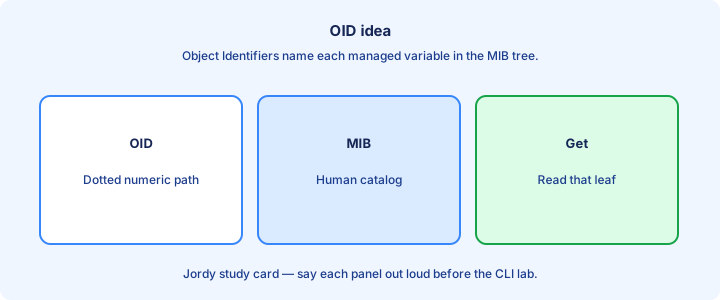
OID idea
An OID (Object Identifier) is a dotted numeric path into the MIB tree—for example `1.3.6.1.2.1.1.5` for sysName themes. Managers request OIDs; agents return typed values. Humans use MIB names; the wire uses numbers. Translating names requires the right MIB files loaded in the NMS.
Standard MIBs cover interfaces (`IF-MIB`), system info (`SNMPv2-MIB`), and vendor enterprise branches for CPU, temperature, and chassis. You rarely memorize long OIDs for CCNA; you must know that SNMP reads structured objects, not free-form Syslog text.
`snmpwalk` or `snmpget` from a workstation against a lab agent proves reachability and community/user correctness. A timeout is path or ACL; an authentication failure is credentials; empty interesting tables may mean the wrong MIB view or a too-tight SNMPv3 view. Compare `show snmp` counters before and after the walk.
Exam trap: OID is not a MAC or an IP. It names a managed object in the MIB hierarchy.
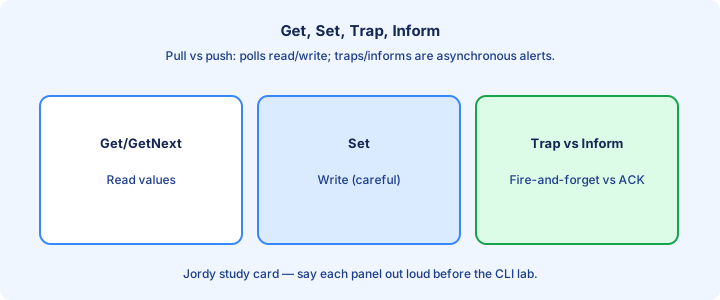
Get Set Trap Inform
Get (and GetNext/GetBulk) reads objects. Set writes a writable object—dangerous if communities or v3 users are loose. Trap is an unacknowledged notification from agent to manager. Inform is a notification that expects acknowledgment and can retry when the manager is slow or the path is lossy.
Polling uses Gets on a schedule. Event-driven ops rely on traps/informs for link down, authentication failure, or environmental alerts. Informs cost more overhead but reduce silent loss on unreliable paths. Prefer informs for critical path alerts when the platform and NMS both support them.
IOS lines like `snmp-server enable traps` and `snmp-server host <nms> version 2c <community>` aim traps at the NMS. Narrow with `snmp-server enable traps snmp linkdown linkup` when you only care about interface events. Verify with a shut/no shut on a watched interface and a packet capture or NMS event console.
Exam trap: traps are not reliable delivery; informs add ACK. Sets need write permission—read-only communities must not allow Sets.
Community strings risk
A community string is a shared secret in cleartext for v1/v2c. Anyone who sniffs or guesses `public`/`private` can read—or with write communities, change—device data. Default strings are an open door; packet captures show them in every Get request.
Treat communities like passwords: long, unique per environment, rotated, and never reused as login passwords. Prefer RO communities for monitoring; avoid RW unless a tool truly must Set, and then restrict by ACL and limit which objects are writable.
`snmp-server community <string> RO 10` with ACL 10 permitting only the NMS subnet limits exposure. Combine with interface ACLs or control-plane policing where the platform supports it. `show snmp community` confirms what is actually configured versus what the NMS assumes.
Exam trap: “SNMPv2c is secure enough because it is newer than v1” is false. Both ship communities in cleartext.
SNMPv3 themes
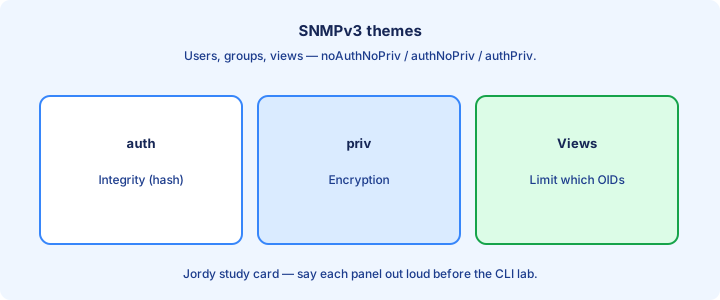
SNMPv3 replaces communities with users, groups, and security levels: noAuthNoPriv, authNoPriv, and authPriv. Production targets authPriv—authentication plus encryption (privacy) using protocols such as SHA and AES themes on modern IOS.
Typical flow: define an engine ID if required, create a group with a view and priv level (`snmp-server group`), then `snmp-server user` bound to that group with auth and priv passwords. Managers must mirror the user, auth, and priv settings exactly—including algorithm choices.
Views limit which OID subtrees a group can read or write (`snmp-server view`). Least privilege means monitoring users cannot Set, and write users see only the branches they need. A missing view match returns empty data that looks like an OID problem.
Exam trap: creating a v3 user without matching NMS credentials yields the same “timeout” feel as an ACL drop. Check auth/priv mismatch before blaming routing.
show snmp
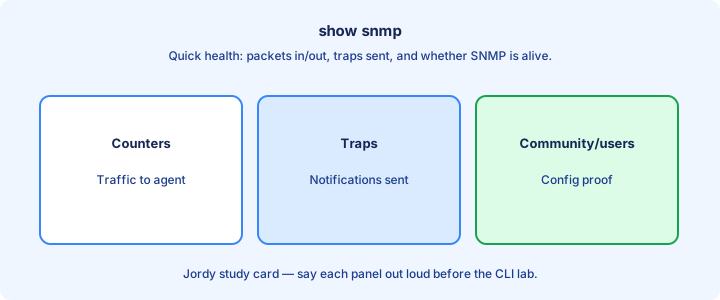
`show snmp` summarizes packets in/out, trap counts, and community or user activity themes depending on platform. Use it after enabling SNMP to confirm counters move when the NMS polls. Flat counters after a forced walk mean the agent never saw the Get.
`show snmp community`, `show snmp user`, and `show snmp group` (where available) verify what you think you configured. `show snmp host` lists trap destinations. Stale hosts still receive traps you forgot to remove after an NMS migration.
If counters stay zero while the NMS complains, the agent is not receiving Gets—ACL, wrong VRF, wrong interface, or SNMP not started. If traps counter climbs but NMS is quiet, check destination IP, UDP 162 path, and community/version on `snmp-server host`. Debug carefully with `debug snmp packets` only in a maintenance window.
Exam trap: `show snmp` is health and counters, not a replacement for reading the running config’s `snmp-server` lines.
Monitoring use cases
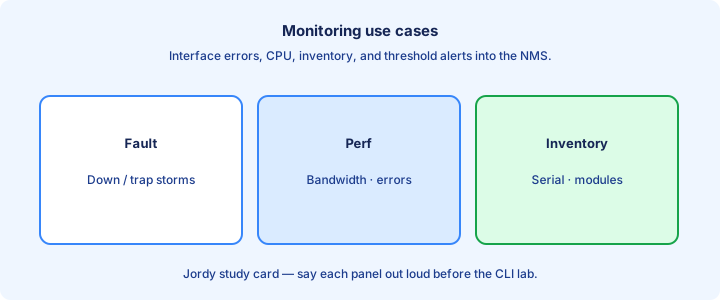
Classic uses: interface utilization graphs, up/down alerting, inventory of sysName/sysDescr, and environmental traps on capable hardware. Capacity planning starts with honest interface counters pulled over time and baselined before change windows.
SNMP does not replace Syslog or NetFlow. Syslog explains events in text; NetFlow/IPFIX details conversations; SNMP excels at structured object polling and simple alerts. Use each tool for its strength instead of forcing one protocol to do every job.
Polling intervals trade freshness for load. Aggressive 10-second polls of every OID on hundreds of boxes punish CPUs and fill WAN links to remote sites. Poll what you graph; trap what is urgent; leave debug-level MIB walks for lab investigations.
Exam trap: SNMP cannot “configure OSPF for you” as a day-to-day substitute for CLI/SSH. Sets exist, but CCNA monitoring stories are mostly read + trap.
Security hardening
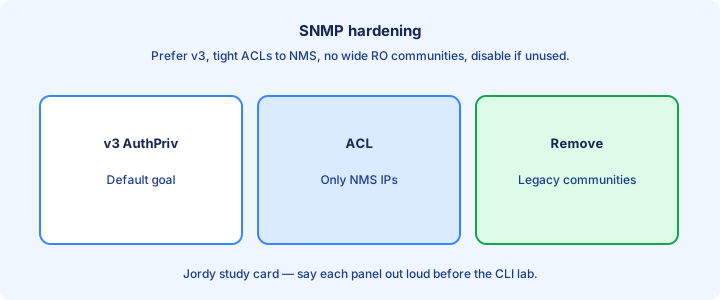
Hardening checklist: remove default communities, prefer v3 authPriv, ACL-permit only NMS addresses, disable RW if unused, and restrict views. Turn off SNMP entirely on devices that should never be polled with `no snmp-server` when appropriate.
Do not expose UDP 161 to the Internet. Management VRFs and out-of-band paths keep SNMP off user data planes. Log authentication failures where the platform allows. CoPP can rate-limit abusive SNMP toward the control plane.
Community strings in configs land in backups and TAC tickets—treat config hygiene as part of SNMP security. Rotate secrets when staff change or when a leak is suspected. Prefer secret stores over pasting communities into chat.
Exam trap: an RO community still leaks topology and interface details useful to attackers. RO is safer than RW, not “public information.”
Lab read-only
Lab: on a router, `snmp-server community LABRO RO 10` with ACL 10 permitting only your PC. From the PC, snmpwalk or an NMS trial poll sysDescr and ifDescr. Confirm `show snmp` counters increment after each walk. Note the community never appears encrypted in a capture.
Add `snmp-server host <pc> version 2c LABRO` and `snmp-server enable traps`. Shut an interface and watch for a trap. If nothing arrives, check UDP 162, Windows firewall on the PC, and that the host line version matches the listener.
Optional stretch: configure a v3 user with authPriv and repeat the walk. Compare packet captures—v2c shows community cleartext; v3 does not. Intentionally mismatch the priv password once to see the NMS fail closed.
Exam trap: ACL 10 must permit the manager before RO community works. Forgetting the ACL match looks like “SNMP is broken.”
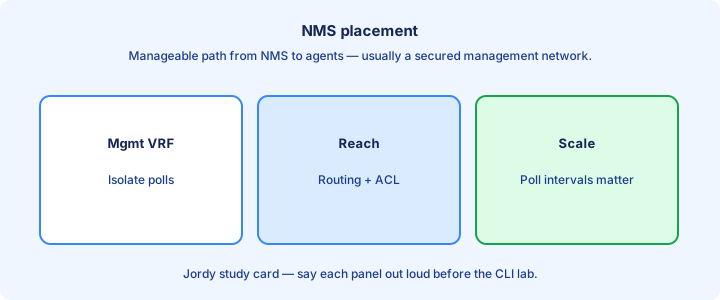
NMS placement
Place the NMS where it can reach all agents with low loss—typically a management network or data-center services segment. Dual-homed NMS or warm standby matters when monitoring is a business requirement and a single collector outage would blind operations.
Avoid hairpinning SNMP through untrusted Internet edges. If you must monitor remote sites, prefer VPN or private WAN into the management plane. NAT can break trap source correlation if not planned—stabilize with loopback sources where supported.
Scale: regional pollers reduce latency and fan-in to a central database. CCNA level: one NMS is fine; know why giant flat polling across high-delay links gets ugly and why trap bursts after a fiber cut can overwhelm a undersized collector.
Exam trap: putting NMS on a user VLAN without ACL isolation invites clients to probe UDP 161 toward infrastructure.
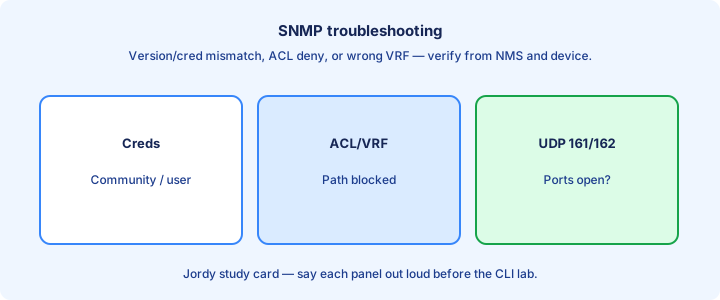
Troubleshooting
No data in NMS: verify IP reachability (`ping`/`traceroute`), UDP 161/162 ACLs, correct community or v3 user, and that `snmp-server` is configured. `show snmp` counters stuck at zero mean polls never arrive. Wrong VRF on the agent or NMS is a frequent silent failure.
Partial data: wrong views, unsupported OIDs, or indexing confusion on interfaces (ifIndex shifts after module changes). Update the NMS inventory after hardware swaps. Vendor enterprise OIDs need the matching MIB compiled on the manager.
Traps missing but polls work: `snmp-server host` wrong, traps not enabled, or return path filtered. Informs stuck may indicate manager not ACKing. Capture on the NMS NIC to see whether UDP 162 frames arrive at all.
Exam trap: wrong SNMP version on the host line (v2c vs v3) drops traps even when polling with a different tool still succeeds.
Exam traps
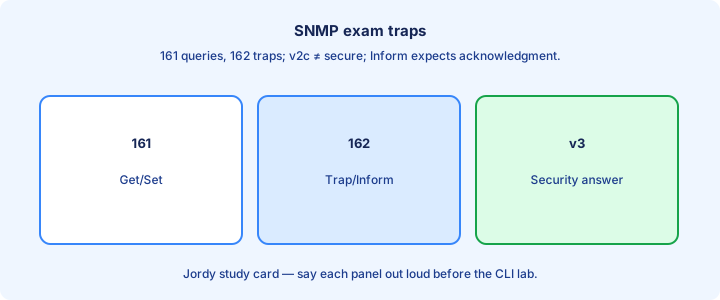
UDP 161 polls, 162 traps—do not swap them. Communities are cleartext in v1/v2c. v3 authPriv is the secure theme the exam wants for “best security.” RW without ACL is an instant red flag in scenario stems.
RW community plus no ACL is an invitation to Set. Read-only with ACL to NMS is the minimum acceptable v2c story. Prefer removing v2c entirely when v3 is available on both sides.
Traps are unacked; informs are acked. Get reads; Set writes. Mixing those verbs in a multiple-choice stem is deliberate. Also watch for SNMP versus Syslog port confusion (514 is Syslog, not SNMP).
Exam trap: SNMP does not use TCP 22—that is SSH. Different management channels, different ports, different failure modes.
Checklist
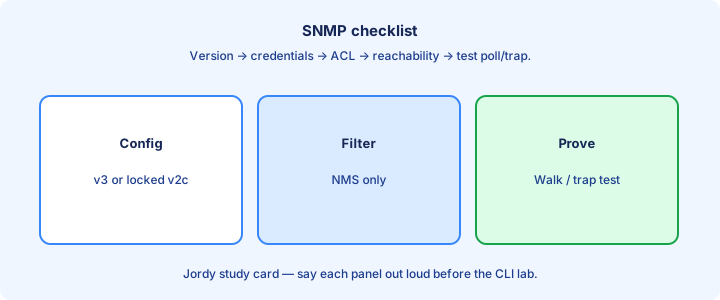
Decide v3 versus v2c. Create RO-only access (community or user). Apply ACL to NMS IPs. Enable needed traps and set `snmp-server host` with the correct version string. Remove any RW community you do not actively need.
Verify with `show snmp`, a walk from the NMS, and a test trap. Document strings/users in the secret store, not in a ticket body. Re-check counters after firewall changes that might have blocked UDP 161/162.
Remove defaults (`public`/`private`). Confirm UDP paths on firewalls. Place NMS on the management plane. Schedule credential rotation and confirm the NMS was updated in the same change window.
Exam trap: a checklist without verification is theater. Counters and a successful walk close the loop.
Key ideas
- Manager polls; agent responds; traps/informs are asynchronous.
- OID identifies managed objects in the MIB tree.
- v2c uses community strings (cleartext — lab only).
- v3 adds users, auth, and optional privacy.
- Read-only vs read-write communities are a classic risk.
- ACLs should limit SNMP sources.
- Verify with snmpwalk / show snmp.
Self-check
- Poll vs trap?
- Why is v2c risky on production?
- What is an OID?
- SNMPv3 benefit over v2c?
- Should read-write communities face the Internet?