Day 30
Syslog Interpretation
syslog-interpretation
At a glance
Syslog severity 0–7, buffered/console/monitor/server logging, and using timestamps with NTP. Maps to CCNA v2.0 objective(s) 5.6, 2.4.
Deep chapter
Long-form companion reading (original prose).
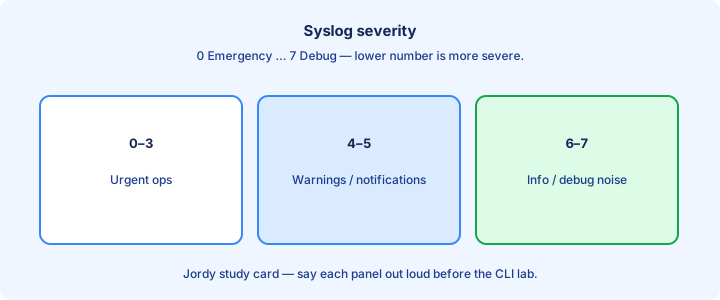
Syslog severity
Syslog severity levels run 0–7: Emergency, Alert, Critical, Error, Warning, Notice, Informational, Debugging. Lower numbers are more severe. Configuring level 4 means Warning and worse (0–4) are sent to that destination—not “only 4.” Memorize names and direction; stems often give a number and ask which messages still leave the box.
IOS `logging trap warnings` (or a numeric level) sets what goes to the remote host. Console, monitor, and buffered each have independent knobs—`logging console`, `logging monitor`, and `logging buffered`. Changing trap does not retune console. Debugging (7) is verbose; leave it off in production unless you are actively troubleshooting one fault window.
Pick levels that wake humans for real faults (link down, auth failures, `%SYS-5-CONFIG_I`) without drowning the server in routine noise. Notice and informational often stay local or sampled; errors and criticals ship centrally so the NOC sees them first. After any trap change, generate a known event and confirm what left versus what stayed buffered.
Exam trap: severity 0 is most severe, 7 is debug. Higher number is not “more important.”
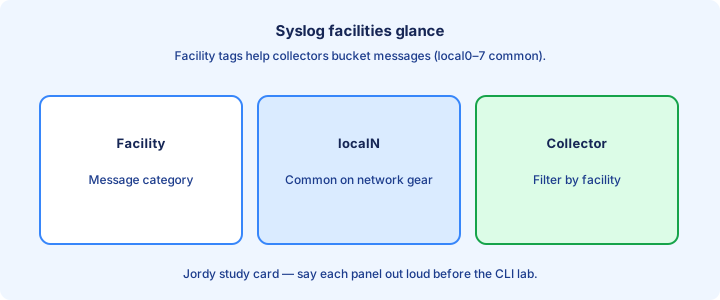
Facilities glance
Facilities classify the message source in classic syslog (kern, local0–local7, and similar). Cisco devices often map into local facilities or expose Cisco-specific mnemonics like `%LINEPROTO-5-UPDOWN` and `%LINK-3-UPDOWN` that you read directly from the message body on the exam.
On the exam, reading the mnemonic and the embedded severity digit matters more than memorizing every BSD facility number. Collectors may still filter on facility—know that facility and severity are separate fields you can match independently in SIEM rules without confusing the two axes.
When building a collector, map device classes to facilities or to structured fields (host, tag, site) so firewall logs do not mix blindly with switch flaps. Consistency beats cleverness: every access switch should emit under the same tagging scheme so dashboards stay trustworthy.
Exam trap: facility is not the same as severity. “Local7 level 5” names both axes.
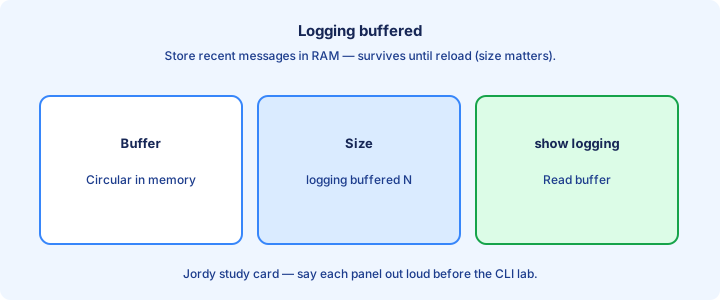
Logging buffered
`logging buffered [size] [level]` stores messages in RAM for `show logging`. The buffer survives only while the device stays up; reload clears it unless you also log externally. Lab sizes like `16384` or `32768` bytes hold a few hundred lines without starving a small ISR of memory.
Size the buffer for useful history without exhausting RAM on small platforms. Level controls how chatty the buffer is—debug-filled buffers rotate so fast they lose the Error you needed five minutes ago when the WAN link flapped and flooded `%LINEPROTO` repeats.
Buffered logs help when the path to a server is down: you can still console in and read recent events after a routing black hole. They do not replace centralized retention for audits, compliance holds, or devices that get RMA’d and wiped with no local evidence left.
Exam trap: buffered logging is not persistent across reload. For long-term storage you need a logging host or another archive method.
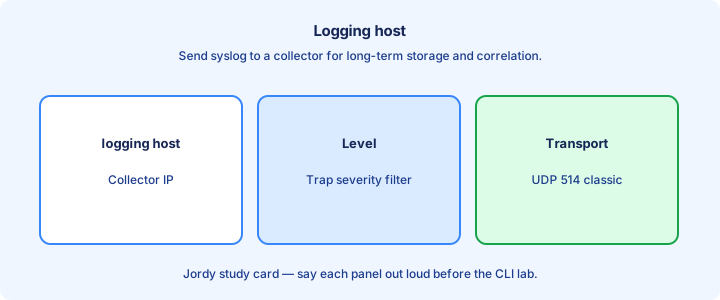
Logging host
`logging host <ip>` (or `logging <ip>` on older syntax) sends syslog to a remote collector, typically UDP 514. Modern platforms may offer TCP or TLS transports—know UDP 514 as the CCNA default theme and the port you must permit on intermediate firewalls and host firewalls.
Set `logging trap <level>` so only desired severities leave the box. Without a reachable host and a permit through ACLs/firewalls, messages vanish into a black hole while the local buffer still looks healthy—operators wrongly conclude “logging works” because `show logging` still prints lines.
Source interface commands (`logging source-interface Loopback0`) stabilize the client IP seen by the collector when many egress paths exist. Match that loopback in collector allowlists and in VRF-aware routing toward the SIEM. Wrong source interface is a classic “device never appears” misconfig.
Exam trap: configuring `logging host` without `logging trap` (or with trap set to emergencies only) explains “server gets nothing” while console still screams.
Timestamps
`service timestamps log datetime msec` (and often `service timestamps debug datetime msec`) stamps messages with date/time so multi-device timelines align. Add timezone and year options where available (`localtime`, `show-timezone`, `year`) for investigations that cross midnight or daylight-saving changes.
Without timestamps, correlating a link flap on SW1 with an OSPF adjacency drop on R1 becomes guesswork. Milliseconds help when events cluster inside the same second during a failure storm or a rapid shut/no shut sequence in the lab.
Timestamps are only as good as the clock. Untuned clocks produce perfectly formatted wrong times—pair this with NTP so `%SYS-6-CLOCKUPDATE` and neighbor logs tell one story. After enabling timestamps, confirm `show logging` shows datetime rather than uptime-only stamps.
Exam trap: enabling timestamps does not sync the clock. NTP (or manual set) provides the correct time; timestamps only print it.
show logging
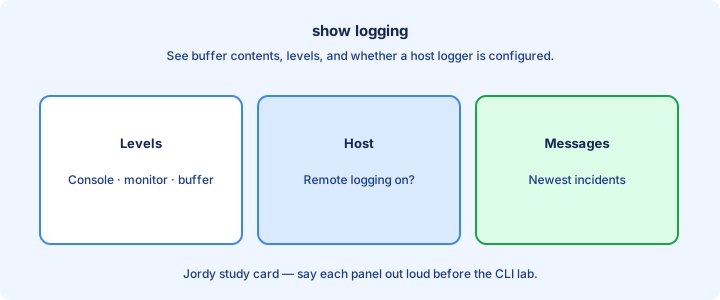
`show logging` displays buffer contents, enabled destinations, levels, and counts of messages logged. Start here when someone claims “logging is on” but the server is empty—the header often reveals trap level emergencies while the team expected informational or warnings.
Read the header carefully: buffered level, trap level, console level, SNMP level if present, rate-limit counters, and the logging host list. Mismatched trap level versus expectation is a common miss after a copy-paste from another site’s template.
Clear with `clear logging` when you need a clean buffer for a controlled test. Generate an event (shut an interface or make a config change) and confirm a new line appears locally and remotely before you close the change ticket.
Exam trap: `show logging` on the device does not prove the collector stored the packet—only that the device believes it sent or buffered. Confirm on the server too.
Rate limits
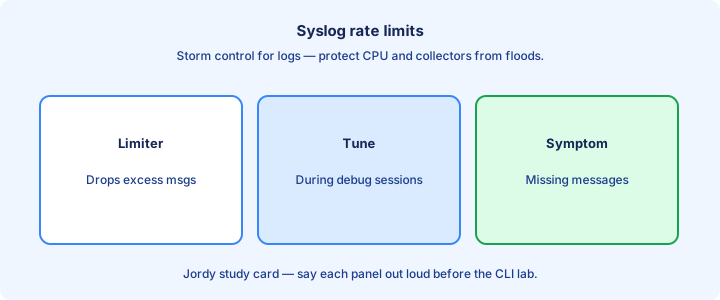
Log storms can drown the CPU and the collector. IOS offers rate-limit features such as `logging rate-limit` to cap messages per interval. Use them when a flapping interface would otherwise spam megabytes of `%LINEPROTO` duplicates across an entire site and bury unrelated Errors.
Rate limits trade completeness for stability. You may see “messages suppressed” counters in `show logging`. For root cause, fix the flap or errdisable the noisy port; do not only raise the limit and hope the SIEM disk and parsers survive the next incident.
Console logging at debug during a storm can lock you out of interactive control as the terminal floods. Prefer buffered plus remote destinations, and keep console at a sane level (`logging console warnings` or errors) in production templates.
Exam trap: rate limiting is not an excuse to ignore severity design. Still ship criticals; throttle noise.
Design central logging
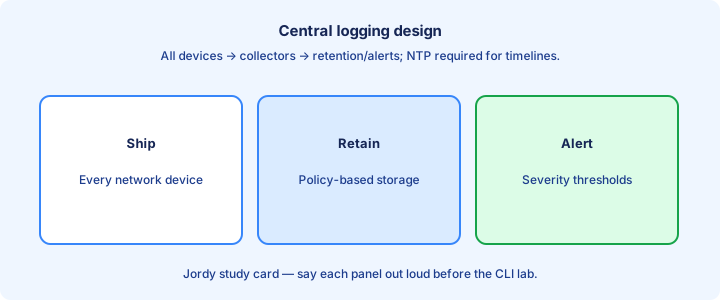
Central logging means every network device points at one collector or a HA pair. Operators search one place for auth failures, link events, and config changes across the estate instead of SSHing box by box during an outage while evidence scrolls off local buffers.
Design for capacity, retention, and access control. Keep enough history for your compliance window—30, 90, or 365 days depending on policy. Separate roles so helpdesk can read switch flaps without editing firewall policies or retention settings on the collector.
Use consistent hostnames and source interfaces so messages are attributable. Duplicate IPs from NAT or misused RFC1918 reuse make two sites look like one noisy router in the SIEM timeline and break correlation rules that key on host identity.
Exam trap: local buffered-only designs fail audits that ask for retained evidence after a device is stolen or wiped.
Security of logs
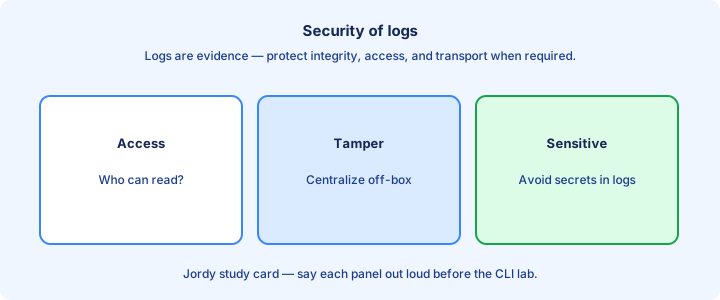
Syslog over UDP is cleartext and spoofable. Protect the path with a management VRF, ACLs permitting only device subnets, and VPN when sites are remote. Harden the collector host. Prefer TCP/TLS syslog when the platform and exam context allow discussing secure transport.
Logs contain usernames, IPs, and sometimes fragments of sensitive operations. Restrict who can read the archive. Do not forward full debug streams to an untrusted SaaS collector without reviewing what leaves the building and how long it is retained.
Integrity matters for incident response: attackers who can delete or flood logs cover their tracks. Separate admin roles, use immutable retention where policy requires it, and alert on gaps when a normally chatty device goes silent.
Exam trap: “syslog is always encrypted” is false for classic UDP 514. Encryption is an add-on, not the default CCNA picture.
Troubleshooting silent devices
Device silent on the collector: check `show logging` for host and trap level, ping/traceroute to the collector, ACL on the path, and correct VRF/source-interface. Confirm the collector listens on the expected port and is not bound only to IPv6 or the wrong NIC. Stale host IPs after NMS moves are common.
Partial silence (only some severities): trap level too tight, or collector filters dropping the facility/host. Generate a known Error-level event with an interface shutdown and watch both sides in the same minute. If buffer shows `%LINEPROTO-5-UPDOWN` but trap is `errors`, severity 5 never leaves.
Time skew makes “silent” look like “old”—messages arrive with timestamps dashboards discard as stale. Fix NTP on devices and on the collector before declaring syslog broken when the buffer clearly shows recent lines with wrong clocks.
Exam trap: console messages proving locally do not prove remote delivery. Always verify the host line and the collector receipt.
Lab syslog
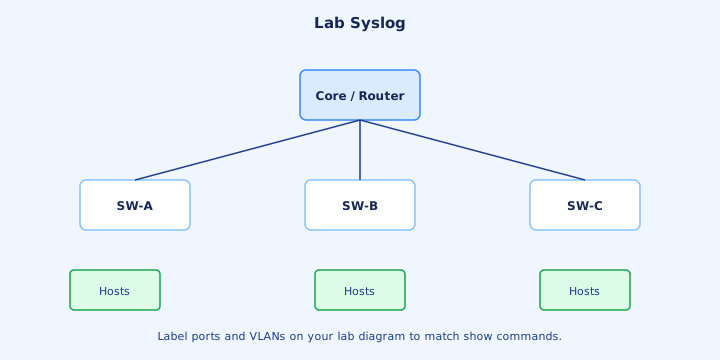
Lab: enable `logging buffered 16384 warnings`, `service timestamps log datetime msec`, `logging host 192.168.100.50`, and `logging trap informational`. Point a PC syslog listener (Kiwi, tftpd32 syslog, or a small Python UDP socket) at that address on UDP 514 and confirm it is listening before you generate events.
Shut/no shut a loopback or access interface; confirm the message in `show logging` and on the PC. Then raise trap to `errors` and repeat—informational interface messages should stop reaching the PC while still hitting the buffer if buffered level allows. That contrast proves filtering works.
Add `logging source-interface Loopback0` and confirm the collector sees the loopback IP as the sender. Document the working stanza in your lab notebook so you can paste it into every future lab router without rediscovering syntax under time pressure.
Exam trap: Windows firewall or a listener bound only to IPv6 can make a correct IOS config look failed. Verify the collector first.
Correlation with NTP
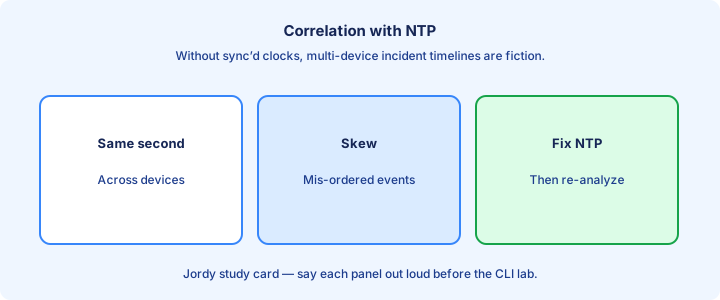
NTP aligns clocks so syslog timestamps from SW1, R1, and the firewall tell one story. Without NTP, “who flapped first” is unreliable across devices and your incident timeline becomes a debate instead of evidence you can hand to change management.
Configure devices as NTP clients to trusted servers with `ntp server <ip>`; verify with `show ntp status` and `show ntp associations` until you see a synced stratum. Only then trust cross-device log timelines during an incident bridge call.
Collectors must also NTP-sync. A perfect device farm feeding a wrong-clock SIEM still mis-orders events and breaks time-window correlation rules. Treat time as infrastructure equal to DNS and AAA, and re-check after power events.
Exam trap: syslog timestamps without NTP are locally consistent at best, globally fiction. Pair logging questions with “clock is wrong” stems carefully.
Exam traps
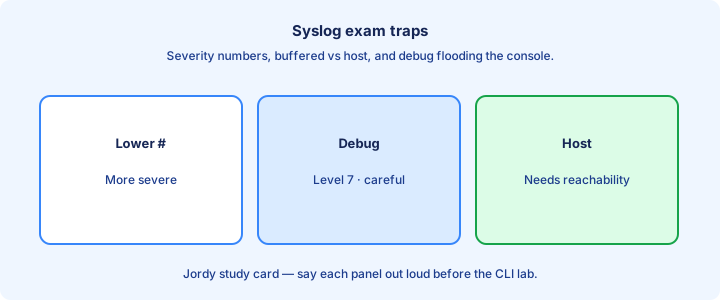
Severity direction: 0 worst, 7 debug. Configuring a level includes that level and more severe. UDP 514 is the classic port—do not confuse it with SNMP 161/162. Buffered logging dies on reload; a remote host is how you keep history.
Buffered ≠ permanent. Host without trap level tuning either floods or starves. Timestamps ≠ NTP—you need both for usable multi-device forensics after a WAN outage. Source-interface mismatches break allowlists even when ping from another interface works.
Mnemonic `%SYS-5-CONFIG_I` style messages encode facility-ish source, severity, and mnemonic—read all three parts on questions that paste log lines and ask what happened or how severe the event was.
Exam trap: “debugging on console in production” is an anti-pattern the exam expects you to reject for stability reasons.
Checklist
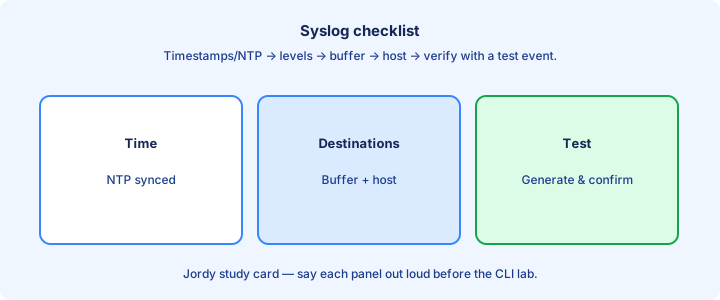
Set timestamps, NTP, buffered logging, logging host, and trap level. Lock down path ACLs so only device management subnets may reach the collector. Verify with `show logging` and a test event that appears on the server, not only locally.
Remove excessive debug. Document collector IP, backup collector, and retention policy. Align source-interface with allowlists so a routing change does not rewrite the perceived client identity and silently drop messages.
Confirm security expectations: cleartext UDP versus TLS where used. Restrict who reads logs and alert on silent devices that stop sending expected heartbeats after previously steady chatter.
Exam trap: checklist complete only after a generated event appears on the server, not merely in the local buffer.
Key ideas
- Severities: 0 emergency … 7 debug (lower number = more severe).
- logging buffered / console / monitor / host.
- Service timestamps and NTP make logs usable.
- Too much debug on console can melt a router’s CPU.
- Central syslog servers aggregate campus devices.
- Facility codes appear more in servers than on CCNA IOS drills.
- show logging to review the buffer.
Self-check
- Is severity 3 more urgent than 6?
- Where do buffered logs live?
- Why pair syslog with NTP?
- Danger of logging console debugging?
- Command to view the log buffer?