Day 31
Device Access: SSH, Local Users & AAA
device-access-aaa
At a glance
Harden management with SSH and local users, then make the device an AAA client. TACACS+ (TCP 49, full-packet encryption) is the usual device-admin protocol. RADIUS (UDP 1812/1813) is the usual network-access protocol. Method lists, exec authorization, and a console list that stays local keep you from locking the box. Maps to CCNA v2.0 objective 4.1.
Deep chapter
Long-form companion reading (original prose).
SSH vs Telnet
SSH encrypts remote management sessions; Telnet sends credentials and keystrokes in cleartext. On any network where sniffing is possible—including switched LANs with SPAN, a compromised host, or a mirrored port—Telnet is unacceptable for production management of routers and switches.
Both often terminate on VTY lines. The difference is transport: `transport input ssh` versus `telnet` or `all`. Exam scenarios that show a packet capture with a visible password are teaching you to reject Telnet and pick SSH on TCP 22 instead of Telnet on TCP 23.
SSH needs a cryptographic key pair on the device, a local or AAA user with a secret, and VTY lines that accept SSH. Telnet “just works” with fewer prerequisites—which is exactly why legacy gear still tempts people into bad habits during a rushed cutover. End migrations with Telnet disabled, and prove it with a failed Telnet attempt.
Exam trap: “Telnet is fine on a trusted LAN” is still weak guidance on 200-301. Prefer SSH everywhere you can type `transport input ssh`.
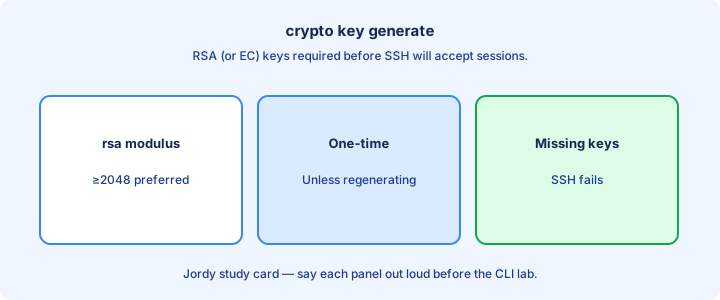
Crypto key generate
Generate the device RSA key pair with `crypto key generate rsa` (or `crypto key generate rsa modulus 2048`). IOS may prompt for modulus size; 2048 is a common modern minimum theme. Set hostname and domain name first so the key labels cleanly as something like `router.example.com` instead of a generic name.
`ip domain-name example.com` and a non-default `hostname` before keygen avoid generic key labels. Without a key, SSH refuses to start even if VTYs look correct and users exist—`show ip ssh` reports SSH disabled until keygen succeeds.
Verify with `show crypto key mypubkey rsa` and `show ip ssh`. Zero key pairs means generate again. After hostname/domain changes, regenerate keys if policy requires matching identities and warn clients about fingerprint changes. Never zeroize the only key on a remote-only box without console ready.
Exam trap: `crypto key generate rsa` is required for SSH on classic IOS. Skipping it is the number-one lab failure after “forgot username.”
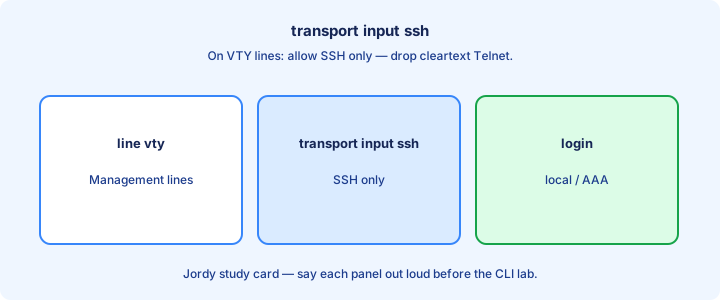
transport input ssh
Under VTY lines: `line vty 0 4` then `transport input ssh`. That drops Telnet and other inputs on those lines. `transport input ssh telnet` keeps both—only use when a migration forces it, document the exception, and schedule Telnet removal. Audit with `show run | section line vty`.
`transport input none` locks the VTYs for remote access entirely—useful on devices that should be console-only. `transport input all` is the opposite extreme and invites cleartext protocols back onto the management plane after you thought hardening was finished.
Combine with `login local` or AAA so SSH has someone to authenticate. Transport alone without users yields login failures that look like “SSH is broken” when the daemon is fine and the user database is empty. Add `exec-timeout` so idle sessions release VTY slots.
Exam trap: setting SSH globally without fixing VTY `transport input` may still leave Telnet open. Harden the lines explicitly.
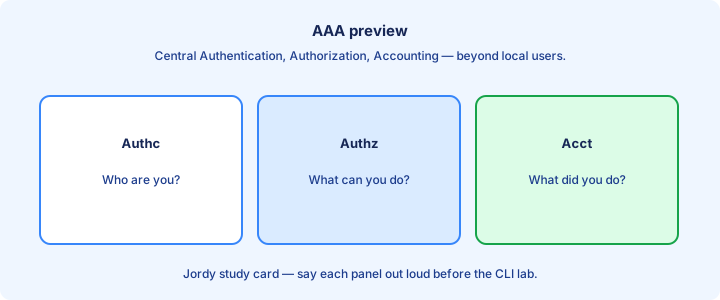
AAA preview
AAA (Authentication, Authorization, Accounting) centralizes who can log in, what they may do, and what was logged. Local usernames work for small labs; production leans on RADIUS or TACACS+ servers so one disable action removes access everywhere instead of editing every device.
`aaa new-model` enables the AAA framework. Then authentication methods for login can list `group tacacs+` or `group radius` with a `local` fallback. CCNA depth: know why AAA exists and that SSH can use it—not every TACACS attribute or per-command authorization detail.
Fallback to local saves you when the AAA server is unreachable—if you configured fallback. Without it, a WAN outage to the AAA server locks out remote admins and forces a truck roll to the console. Test fallback in a change window by blocking the AAA path briefly.
Exam trap: AAA is broader than SSH passwords. It also covers authorization of commands (TACACS+) and accounting of sessions.
TACACS+ and RADIUS as the device sees them
Objective 4.1 makes the IOS device an AAA client for management, with local usernames as the database you already built. TACACS+ uses TCP port 49. It encrypts the full packet body, and it separates authentication, authorization, and accounting, which is why it is the usual choice for device administration and per-command authorization. RADIUS uses UDP 1812 for authentication and UDP 1813 for accounting. It encrypts the password field and carries authorization attributes in the same Access-Accept. RADIUS is the usual choice for network access such as 802.1X and remote-access VPN, and it can also authenticate device logins.
On IOS XE the server is a named object. `tacacs server ACS` with `address ipv4 192.0.2.10` and `key` holds the TACACS peer. `radius server ISE` with `address ipv4 192.0.2.20 auth-port 1812 acct-port 1813` and `key` holds the RADIUS peer. `aaa group server tacacs+ NETADMIN` and `server name ACS` put the peer in a group the method list can call. The older `tacacs-server host` form still appears in labs. Either way the router needs IP reachability to that server and an open path for TCP 49 or UDP 1812/1813.
Exam trap: picking the protocol from the port and from what is encrypted. A stem that says TCP 49 and full-packet encryption is TACACS+. A stem that says UDP 1812 and password-only encryption is RADIUS. Local `username … secret` remains the fallback database, and it is still required on the device if the method list names `local`.
Method lists: authentication, then the shell
`aaa new-model` turns the framework on. `aaa authentication login default group NETADMIN local` tells VTY and other logins that use the default list to try the TACACS group, then the local user database. Order matters. `local` listed first succeeds against the local user and never calls the server. The group has to be the one you defined; a typo is a list that cannot authenticate anyone.
Authentication only proves the password. `aaa authorization exec default group NETADMIN local if-authenticated` is what grants the shell and the privilege level. Without exec authorization, a user can pass the password check and still land with no useful privilege, or get no shell, depending on platform defaults. Accounting is the third leg: `aaa accounting exec default start-stop group NETADMIN` records the session. Command accounting is the TACACS strength you describe, even when the lab only configures login.
Apply the list where it belongs. VTY lines already use the default list under `aaa new-model` once the transport is SSH. Keep `transport input ssh`. Test with a second session before you close the one you are typing in. Exam trap: a method list of `group NETADMIN local` does not mean “try the next method whenever login fails.” A reject from a reachable server stops the list. Local is used when the server does not answer.
Console, fallback, and the lockout
The console is how you recover when the network path to TACACS is the thing that broke. Give it a named list that does not depend on that path: `aaa authentication login CONSOLE local`, then `line con 0` and `login authentication CONSOLE`. Remote VTY lines can use `group NETADMIN local`. A WAN outage then locks SSH and still lets someone with the local username on the console port. If console uses the same default list as VTY, and that list has no local method, a dead AAA server means a truck roll.
Fallback has a precise meaning. Server unreachable, often after the request times out: the list continues, and `local` can succeed. Server reachable and the account is rejected: the list stops, and the local password is not tried. That surprises people who typed the local password “because TACACS is down” when TACACS was up and the account was wrong. `none` on a method list authenticates without credentials if earlier methods error. Leave it off production lists.
Verify with `show aaa servers` or the platform’s TACACS/RADIUS server show, watch a test login, and confirm the local user still exists before you rely on fallback. Exam trap: building the server and the group, then forgetting `aaa authentication login`, leaves SSH on the local behavior you had before. And removing the local username after you point login at TACACS, with no second session tested, is how a lab router becomes unreachable the moment the server key is wrong.
Local users
Create admins with `username admin privilege 15 secret <password>`. Prefer `secret` (hashed) over `password` (weaker storage themes). Privilege 15 is full admin; lower privileges suit read-only operators when role design matters for helpdesk staff who should not enter config mode.
VTY lines need `login local` (without AAA) to use that database. With AAA, method lists may reference local as a backup. No username at all means SSH has nothing to accept even when keys and transport are perfect—confirm with `show run | include username` before blaming the SSH process.
Rotate and unique passwords per device or use AAA. Shared “cisco/cisco” on every lab box trains muscle memory you must unlearn for production exams and jobs—and it shows up as a wrong answer when stems ask for secure practice.
Exam trap: `enable secret` is not a substitute for a username when SSH requires user login. You still need `username ... secret` plus line login config.
VTY lines
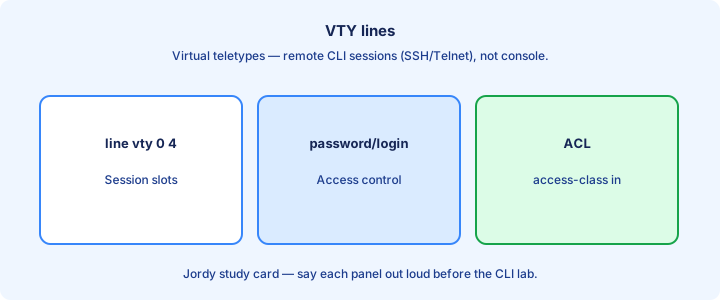
VTY lines are virtual terminals for remote sessions—commonly `line vty 0 4` (five sessions) or wider ranges on platforms that allow more. Configure transport, login, timeouts, and ACLs here; console (`line con 0`) is a separate path you should also authenticate. Exhausted VTY slots refuse new SSH even with good credentials.
`access-class <acl> in` restricts which source IPs may open VTY sessions. Pair with management subnets only. `exec-timeout 5 0` drops idle sessions so abandoned SSH windows do not linger on a jump host overnight and consume the last free line.
`show users` and `who` reveal who is connected. Clear leftover sessions when a laptop went to sleep on an old VPN IP still holding a VTY. Watch failed-login syslog for brute force against the management plane.
Exam trap: ACL on the management interface is not the same as `access-class` on VTYs—both may be needed for defense in depth, but questions often focus on `access-class`.
show ip ssh
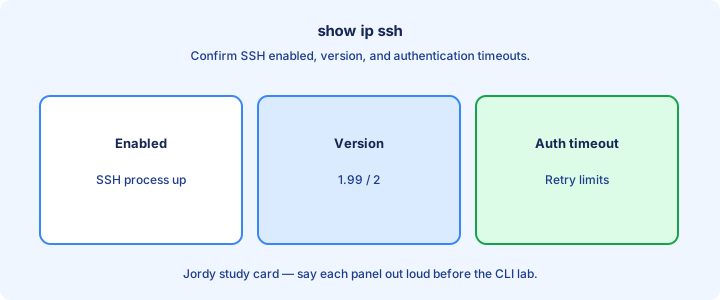
`show ip ssh` reports SSH enablement, protocol version, authentication timeout, and retries. `SSH Enabled - version 2` themes are what you want after hardening; version 1.99 means both v1 and v2 are still offered until you lock to v2 with `ip ssh version 2`.
If SSH shows disabled, regenerate keys, check that you are not in a mode that blocked SSH, and confirm software supports it. `show ip ssh` plus `show run | section line vty` together explain most lab failures in under a minute when combined with a quick username check.
`show ssh` lists active SSH sessions. Use it during troubleshooting to see whether a client connected but authentication failed versus never reaching the box. Timeouts often mean ACL or routing; connection refused can mean SSH disabled or filtered.
Exam trap: `show ip ssh` does not list local usernames. Empty user database is a different `show run` / `show users` problem.
Hardening checklist
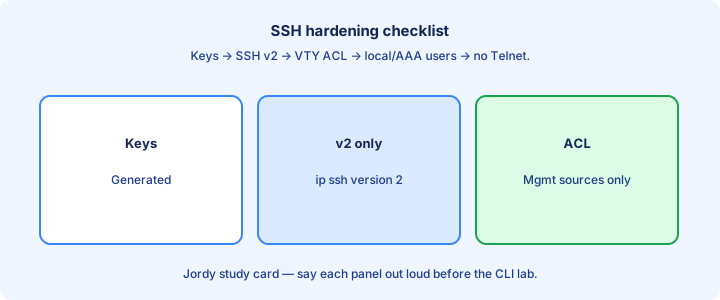
Hostname + domain-name → RSA keys → username secret → `line vty` with `login local` (or AAA) → `transport input ssh` → optional `access-class` → `ip ssh version 2` → verify `show ip ssh` and a real client login. Run that order; skipping keys or users breaks the chain.
Disable HTTP/HTTPS device managers if unused, or harden them separately. Set `service password-encryption` as a weak obfuscation layer for some fields—still prefer secrets and AAA for anything that matters. Re-read the full VTY section after edits for leftover `transport input all`.
Banner `login` for legal notice. Keep console authenticated too so physical access is not a free shell. Document break-glass local accounts in the password vault and test console login after AAA changes so recovery remains possible.
Exam trap: hardening SSH while leaving `transport input all` undoes the work. Finish the VTY line.
Version 2 only
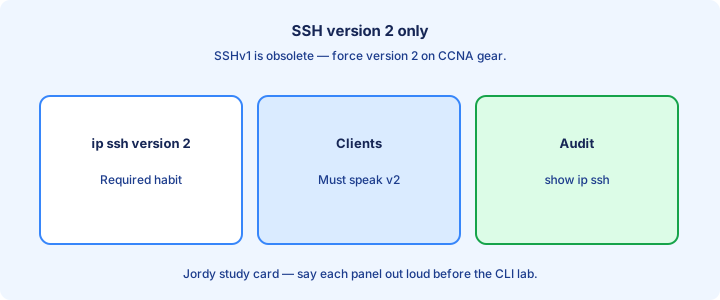
`ip ssh version 2` forces SSHv2 and rejects v1. SSHv1 has known weaknesses; exams expect v2-only themes for secure management on routers and multilayer switches. Pair it with 2048-bit (or stronger) RSA keys so the crypto baseline matches the policy story.
Verify with `show ip ssh` that version 1 is not offered. Old clients that only speak v1 must be upgraded—do not re-enable v1 on production gear just to close a ticket faster. Jump hosts should speak v2 to every device in inventory.
Some platforms default to v2 already; still set it explicitly in lab configs so the running-config documents intent for anyone reading later during an audit or handoff. Re-check after key regeneration that v2 remains enforced.
Exam trap: “SSH is encrypted, so version does not matter” is wrong. Prefer v2-only.
Troubleshooting login
Cannot connect: check ping/VRF path, ACL/`access-class`, SSH enabled via `show ip ssh`, and TCP 22. Connection refused versus timeout splits “daemon/listen” from “path/filter”—timeouts often mean ACL or routing; refused can mean SSH disabled. Confirm you target the management IP.
Connects but auth fails: username/secret mismatch, wrong AAA method, or privilege issues. Try local login after confirming the user exists in `show run`. Watch for Caps Lock and `login` versus `login local` mistakes. AAA rejects often explain “console works, SSH fails” when only VTYs use RADIUS.
Telnet still works after “hardening”: `transport input` still allows telnet. Missing crypto keys yield SSH disabled while Telnet may still pass—test both from the same PC. Also confirm you did not harden only `line vty 0 4` while wider VTY ranges remain open with looser transport.
Exam trap: using `password` on the VTY with `login` (line password) instead of `login local` ignores your username database.
Lab SSH
Lab sequence: set hostname and domain, `crypto key generate rsa modulus 2048`, `username admin privilege 15 secret LabPass1`, `line vty 0 4` with `login local` and `transport input ssh`, then `ip ssh version 2`. Save with `copy run start` only after verification succeeds.
From a PC: `ssh -l admin <router-ip>`. Confirm `show ip ssh` and `show ssh`. Attempt Telnet to the same IP and verify it fails—proof that transport hardening stuck. Optionally capture briefly to show SSH is not cleartext passwords on the wire.
Add ACL 10 permitting only the PC subnet and `access-class 10 in` on VTYs. Prove a second IP is blocked. Save the config and note the host key fingerprint in your lab journal for later comparison after regenerations.
Exam trap: generating keys with modulus 512 may be rejected or frowned on; use 2048 in modern labs.
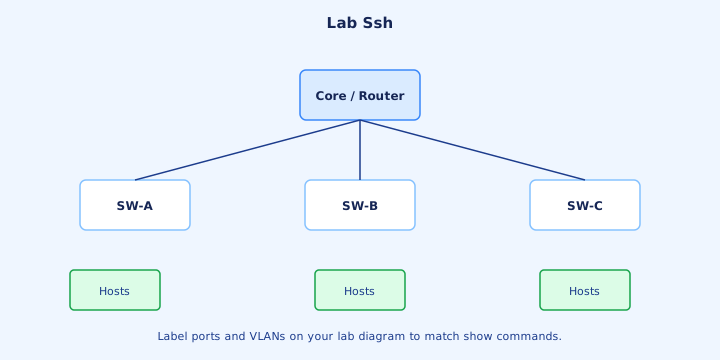
Key management glance
Device host keys prove the router’s identity to clients; users verify fingerprints on first connect. Zeroize and regenerate after compromise with `crypto key zeroize rsa`, knowing clients will warn on fingerprint change—treat that warning as a security event, not noise to click through.
User authentication on CCNA labs is usually passwords. Public-key user auth exists on some platforms but is deeper than core 200-301 muscle memory—know passwords plus AAA first. Host keys and user keys are different objects; do not confuse them in exam stems.
Back up running-config and understand that keys may need regeneration on replacement hardware. A restored text config without keys leaves SSH down until keygen, which is painful if you only have remote access and no console plan for the RMA unit.
Exam trap: zeroizing RSA keys immediately disables SSH until you generate new ones. Do not zeroize as casual cleanup on a remote-only device.
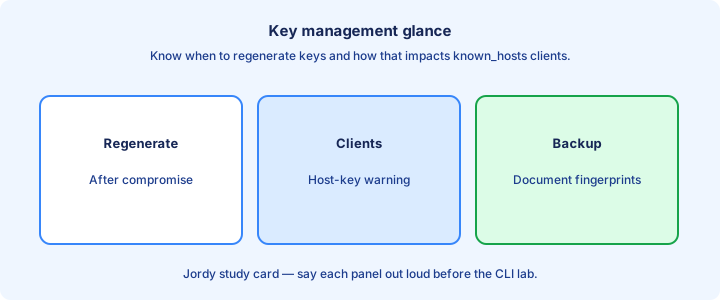
Exam traps
SSH needs keys + user + VTY transport. Missing any one fails. Telnet is cleartext; SSH encrypts. TCP 22 versus Telnet 23. Order of operations matters on labs: domain-name before keygen before the first client test from your PC.
`login local` versus line `password` / `login`. `ip ssh version 2` for v2-only. `access-class` direction is in for incoming clients—outbound direction thinking is a common mix-up on multiple-choice stems.
Privilege 15 username still may need enable if policy separates them—know your line’s `privilege level` settings when stems mention limited access or “user can connect but cannot configure.” Distinguish `enable secret` from the SSH username secret.
Exam trap: domain-name is easy to skip; without it, keygen or SSH setup questions often expect `ip domain-name` first.
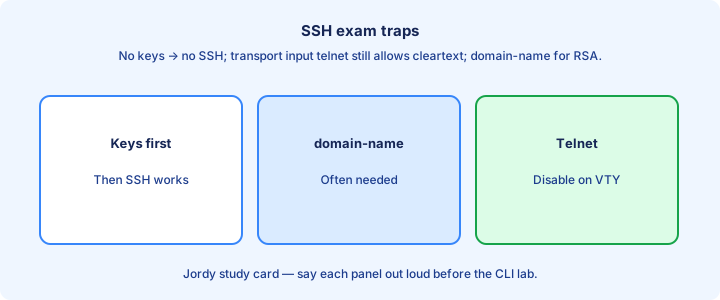
Ops notes
Keep a console plan for when SSH breaks—out-of-band modem, serial server, or smart hands on site. Change passwords with AAA hygiene; avoid simultaneous lockout of every local account while you cut over to a new TACACS key across the campus.
Monitor failed login syslog messages for brute force. Rate-limit or shut VTYs toward the Internet edge; management belongs on VPN or jump hosts, not on a public interface with `transport input ssh` exposed to the world without an ACL.
Document fingerprints for critical devices so engineers recognize unexpected changes after upgrades or attacks. Pair that inventory with who holds break-glass credentials and how to reach console when SSH and AAA both fail.
Exam trap: ops reality still maps to config truth—if production relies on Telnet “temporarily,” the exam still marks SSH as the correct target state.
Key ideas
- Telnet is cleartext. SSH with ip ssh version 2, a 2048-bit key, and transport input ssh is the management path.
- TACACS+ uses TCP 49 and encrypts the whole body, which fits device administration and command authorization. RADIUS uses UDP 1812/1813 and encrypts the password field, which fits network access.
- aaa authentication login default group TACACS local tries the server, then local users only if the server does not answer. A reject from a live server stops the list.
- Exec authorization grants the shell. Give the console its own list that uses local so a dead AAA server does not require a truck roll.
- username … secret privilege 15 is the local database. enable secret does not replace it for SSH login. Test a second session before you disconnect.
Self-check
- Which protocol and port do you permit for TACACS+, and what portion of a RADIUS packet is encrypted?
- The TACACS server is up and rejects the password. Will the local method still be tried?
- Why does line con 0 get a different login authentication list than the VTY lines?
- Which command set creates the SSH key material, and how do you stop Telnet on the VTY?
- What does show ip ssh prove, and what does a missing username break even when the key exists?